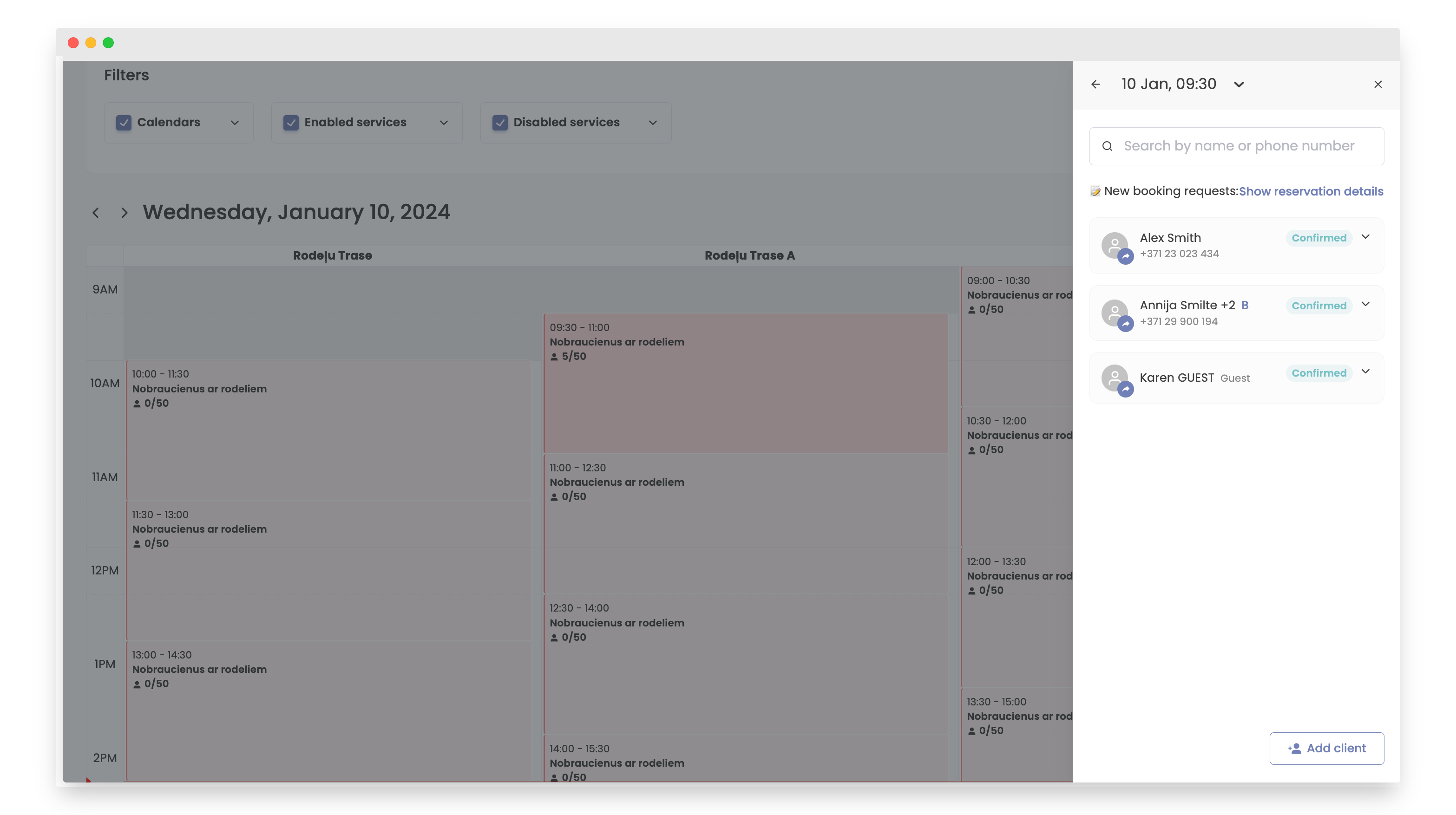
How to view a reservation
Reservations on Bookla are important because these slots allow your clients to book appointments. To view reservations, you will need to know either the time or the client for whom you want to see the reservation.
If you know for which client you want to see the reservation, first variant is best for you.
How to do it:
- Open the Bookla Portal.
- Navigate to the 'Clients' section.
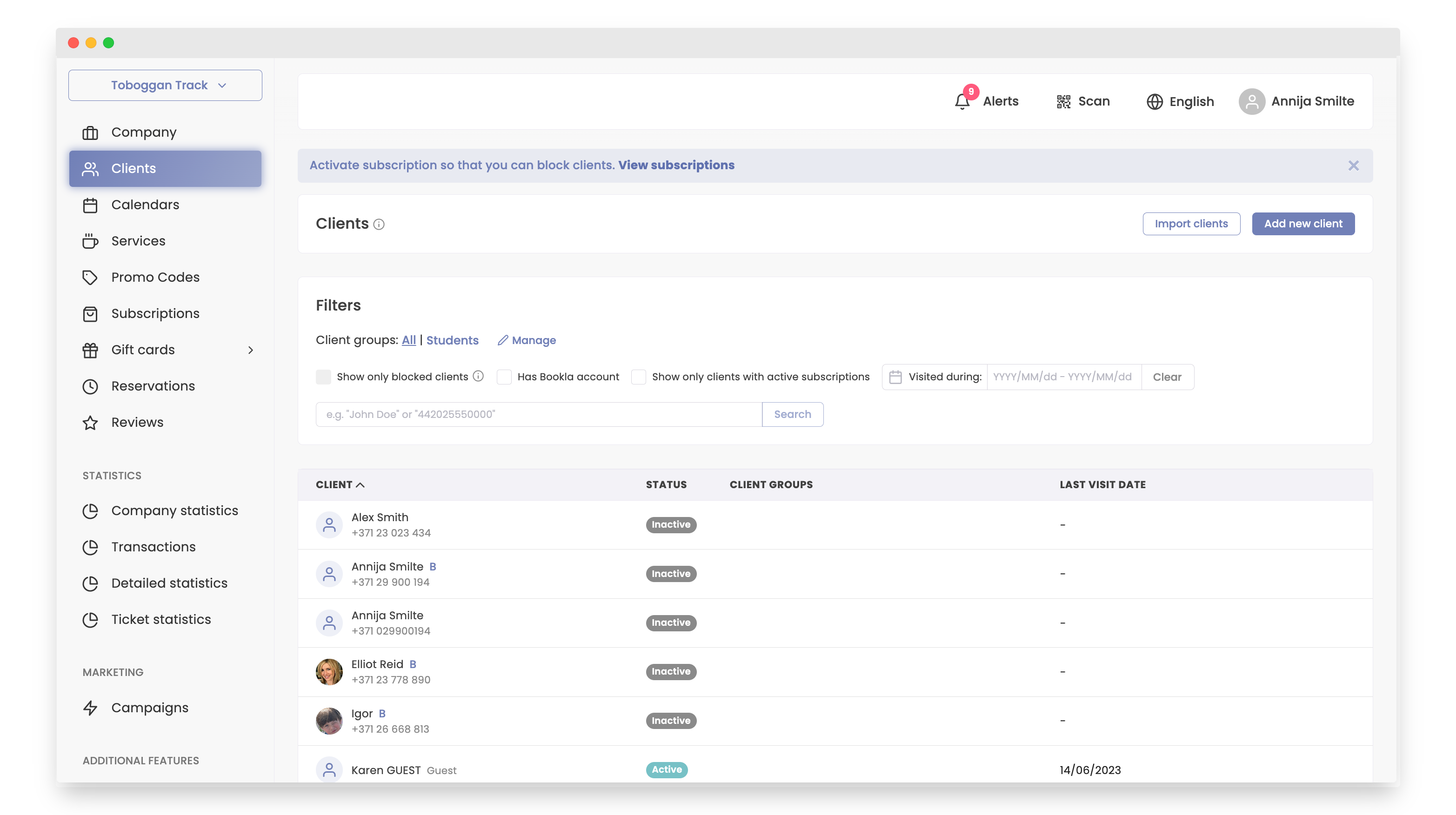
- Click on the desired client.
- Here, you can view all the client's reservations.
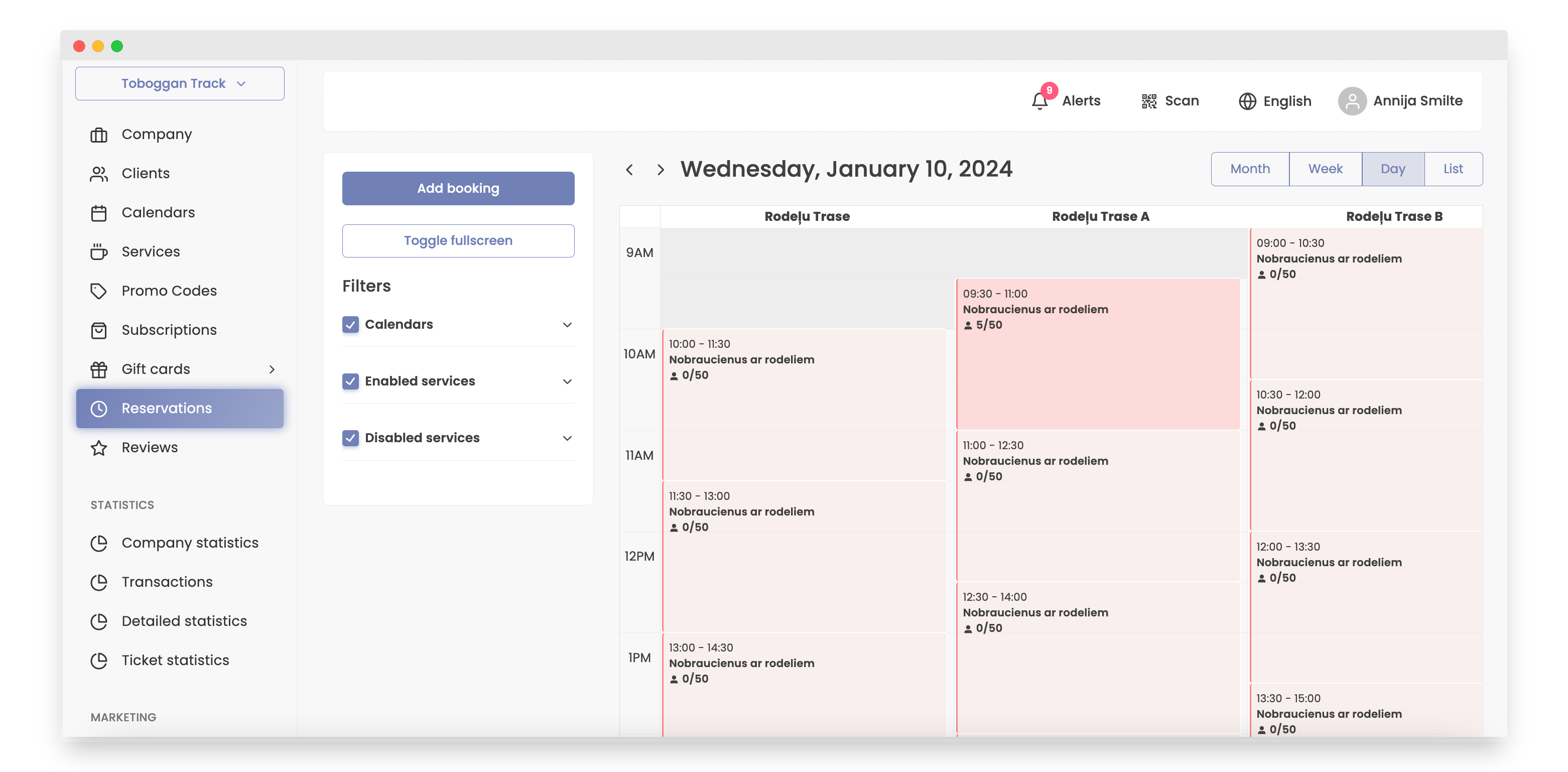
The second method is available in the 'Reservations' section and is ideal for viewing clients in specific time slots.
How to do it:
-
Open the Bookla Portal.
-
Go to the 'Reservations' section.
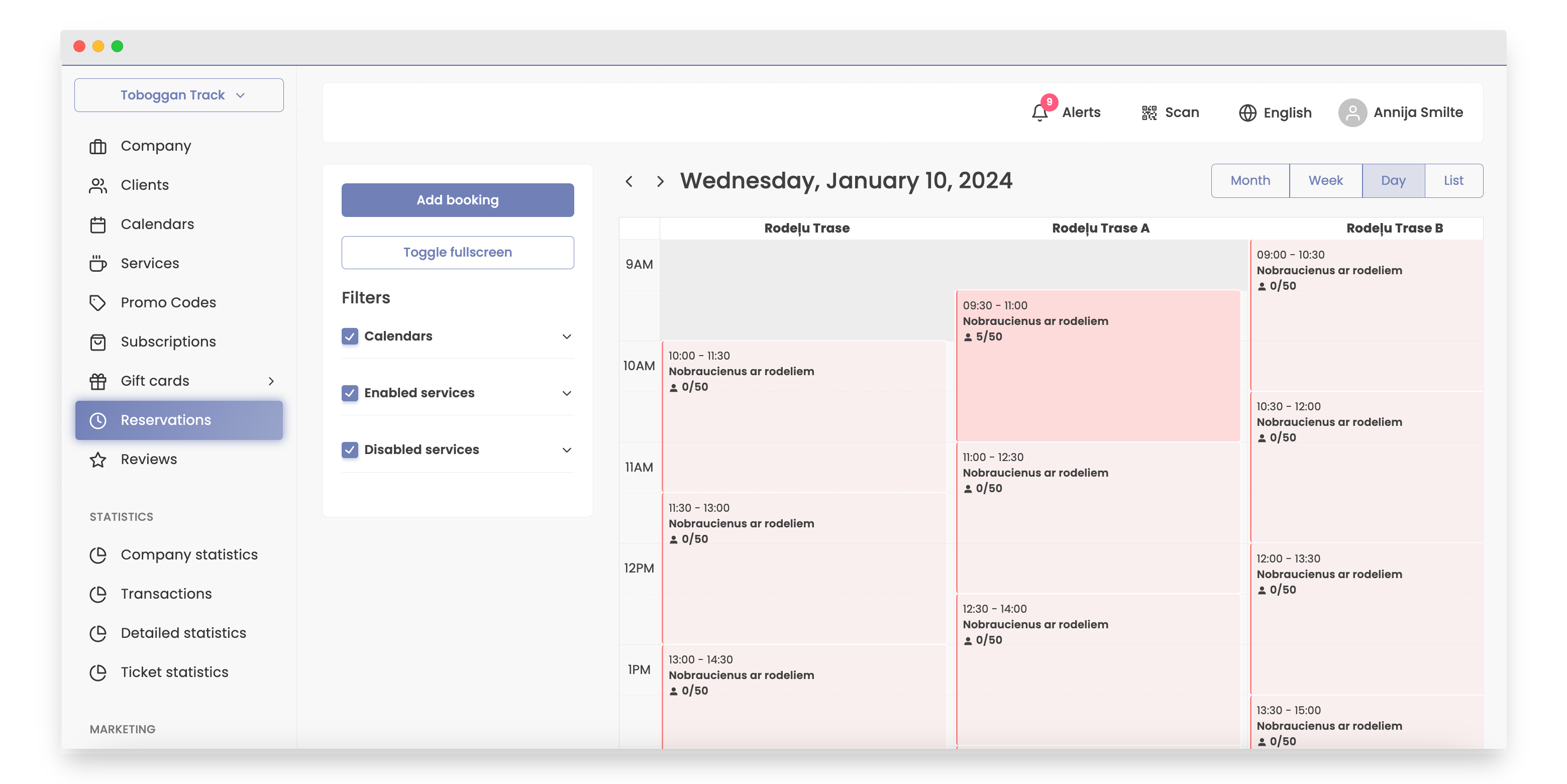
-
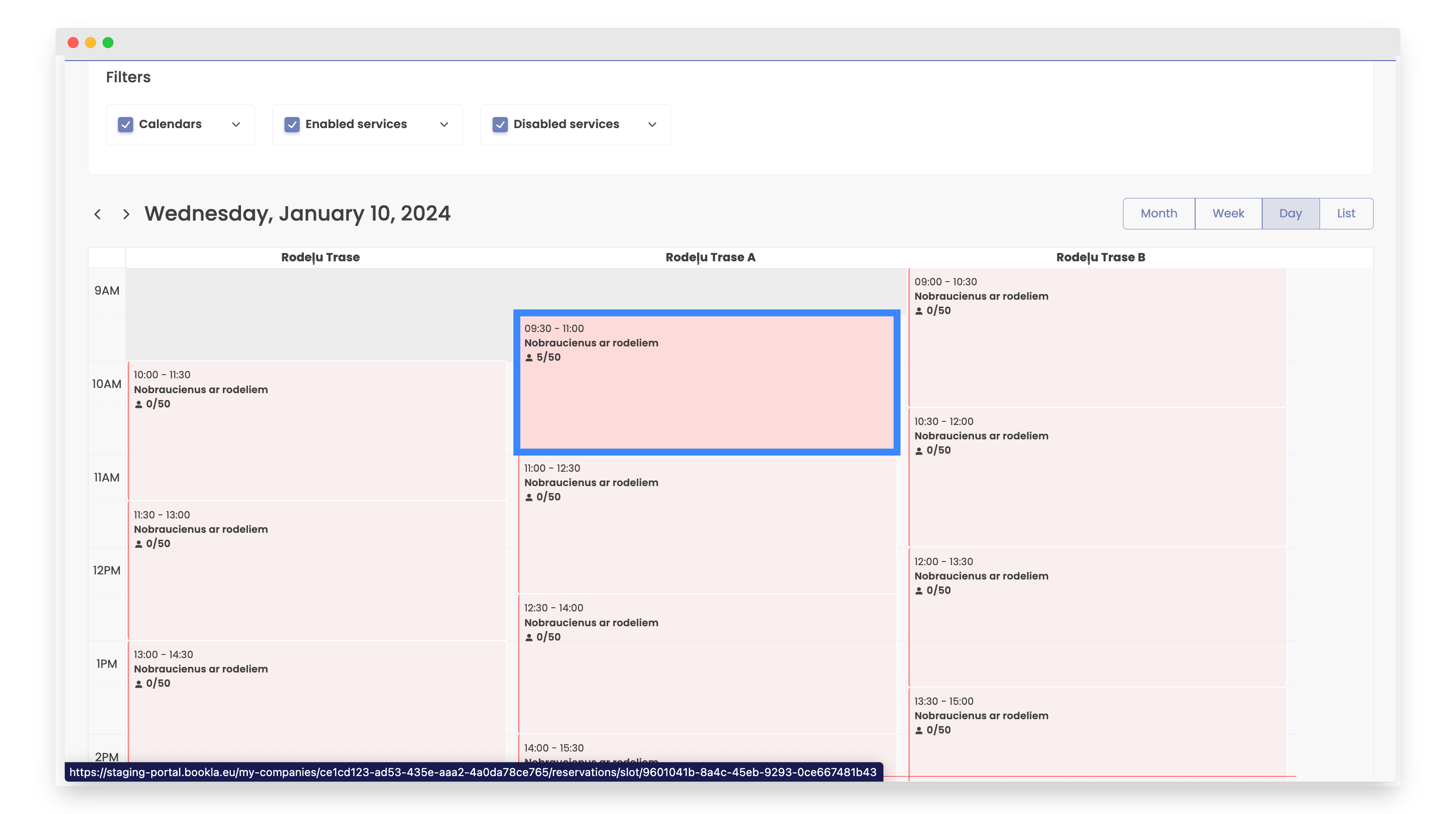
Click on the preferred time slot.
-
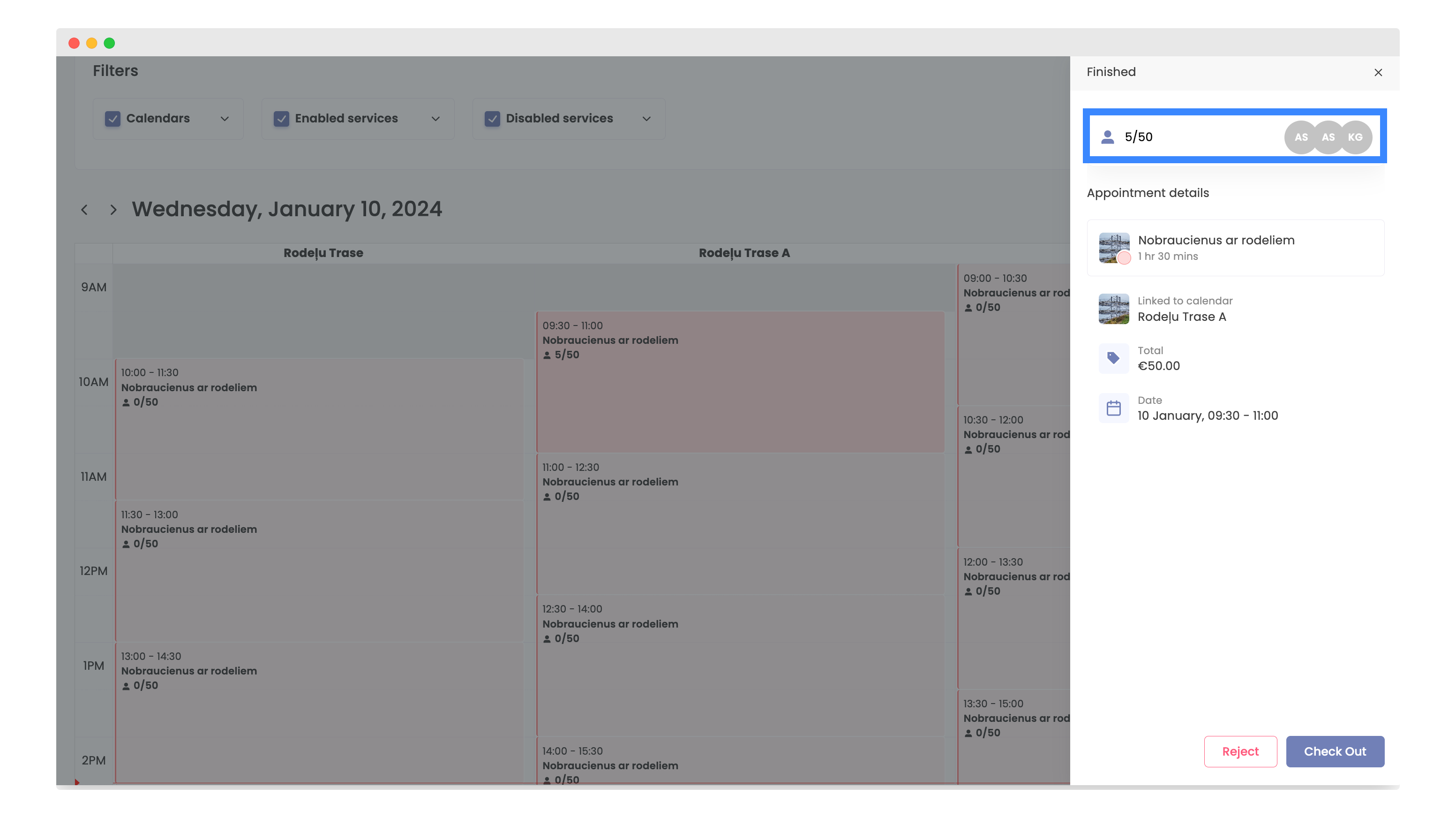
Select amount of clients.
-
You will see all the clients with reservations during this time.