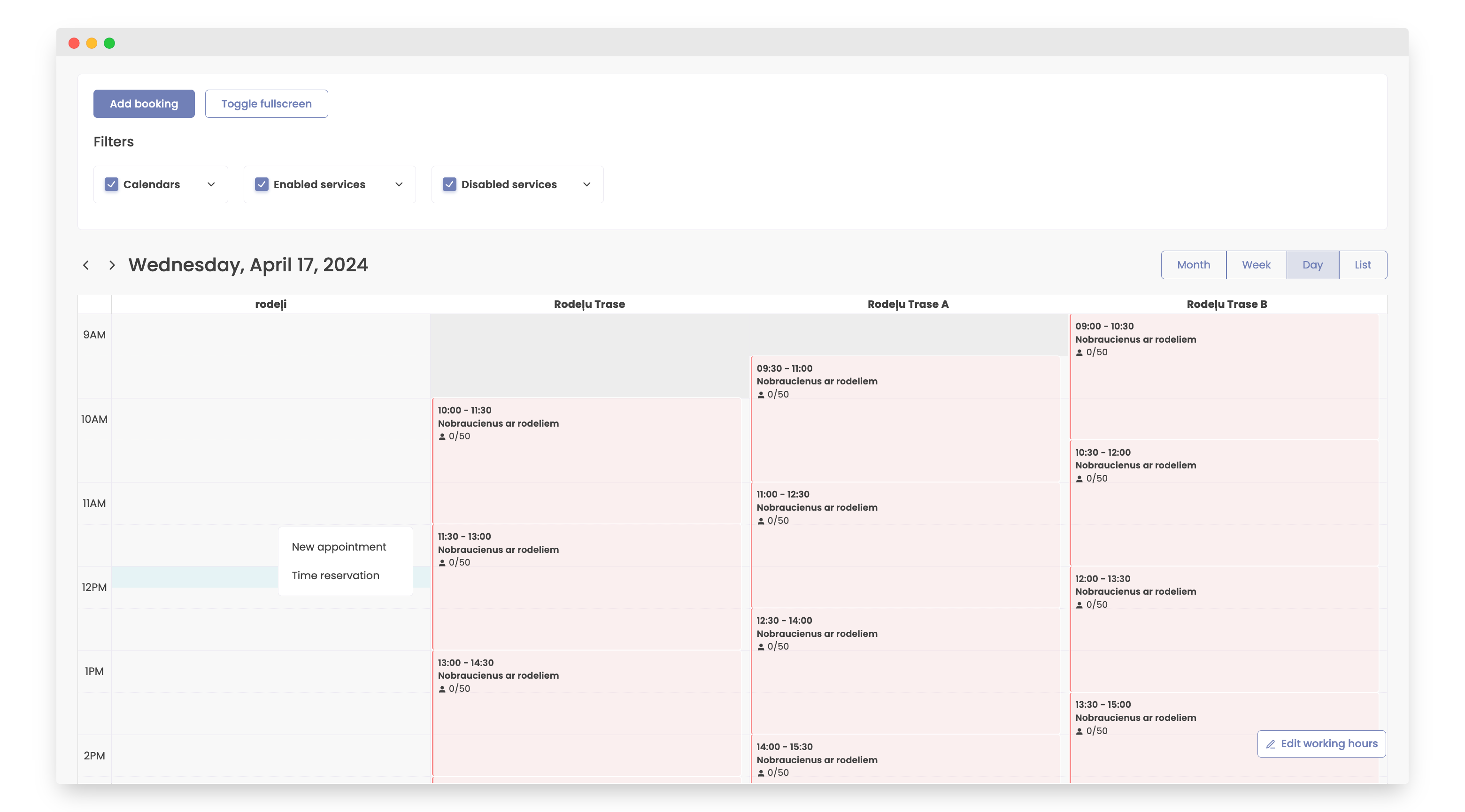
How to Add Lunch Time or Break
- Open the Bookla Portal.
- Navigate to the "Reservations" section.
- Click on the time slot where you need to add a lunch break.
- Click the "Time Reservation" button.
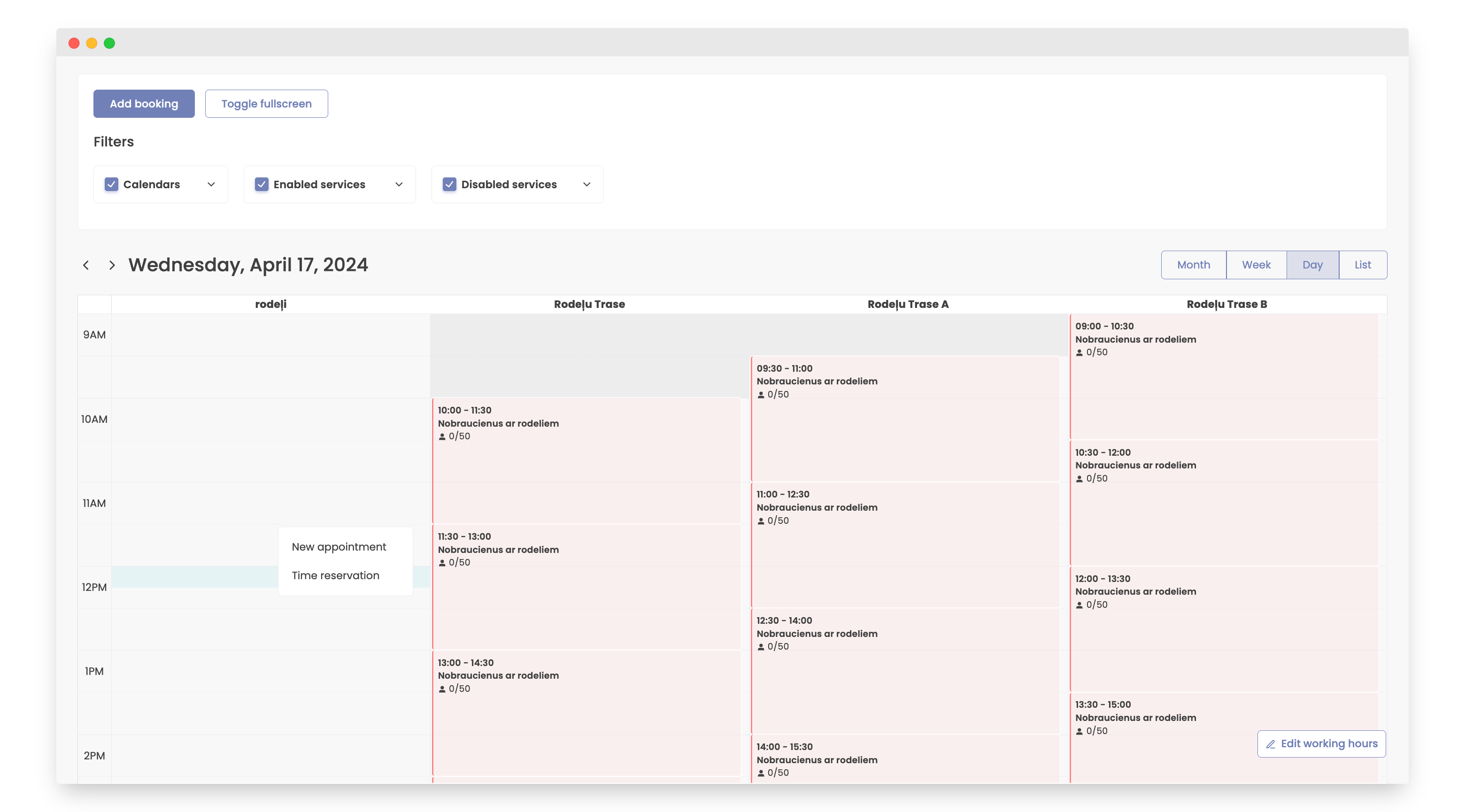
- Provide the following information:
- Duration
- Date
- Time
- Select if the break needs to be repeated
- Reason for the break
- Click the "Save" button.
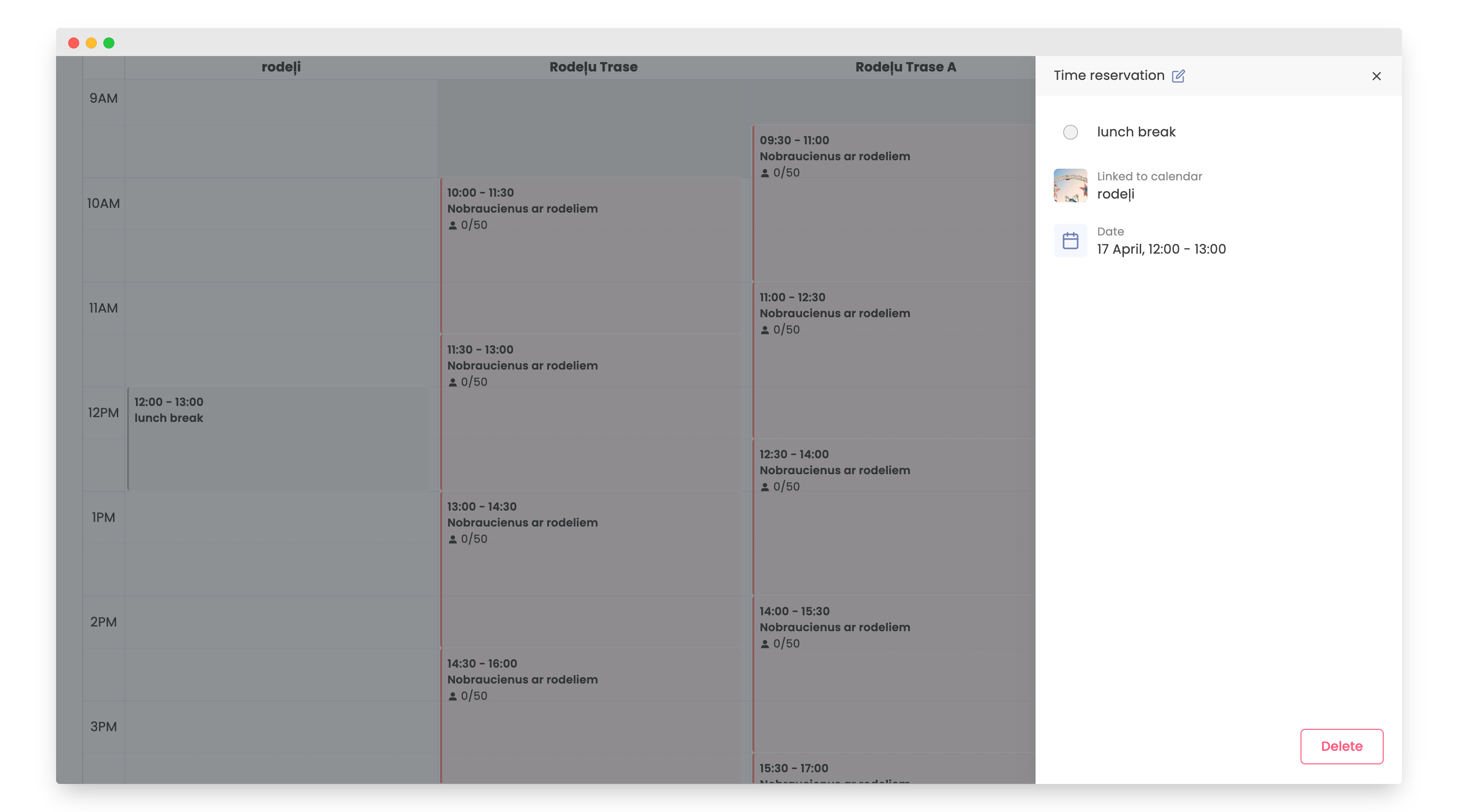
- The break is now added.