How to Manually Change Service Price
In Bookla, you can change the service price in two ways. In this instruction, we will look into both methods: manually in Reservations and in Services.
First, we will look into how to do it in "Services."
How to Do It:
- Open the Bookla Portal.
- Go to the Services section.
- Click on the section Settings.
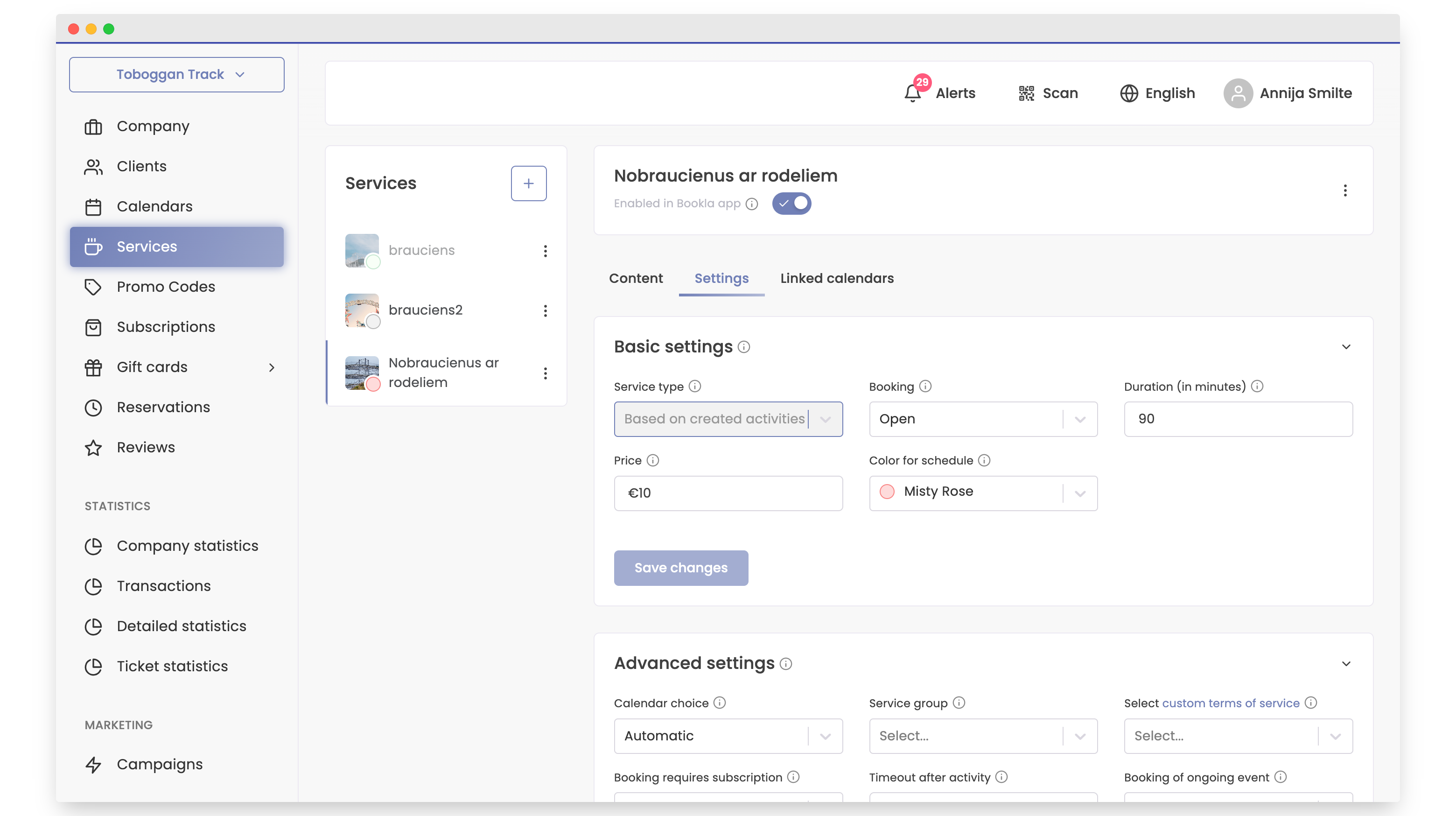
- Under Basic Settings, change the price.
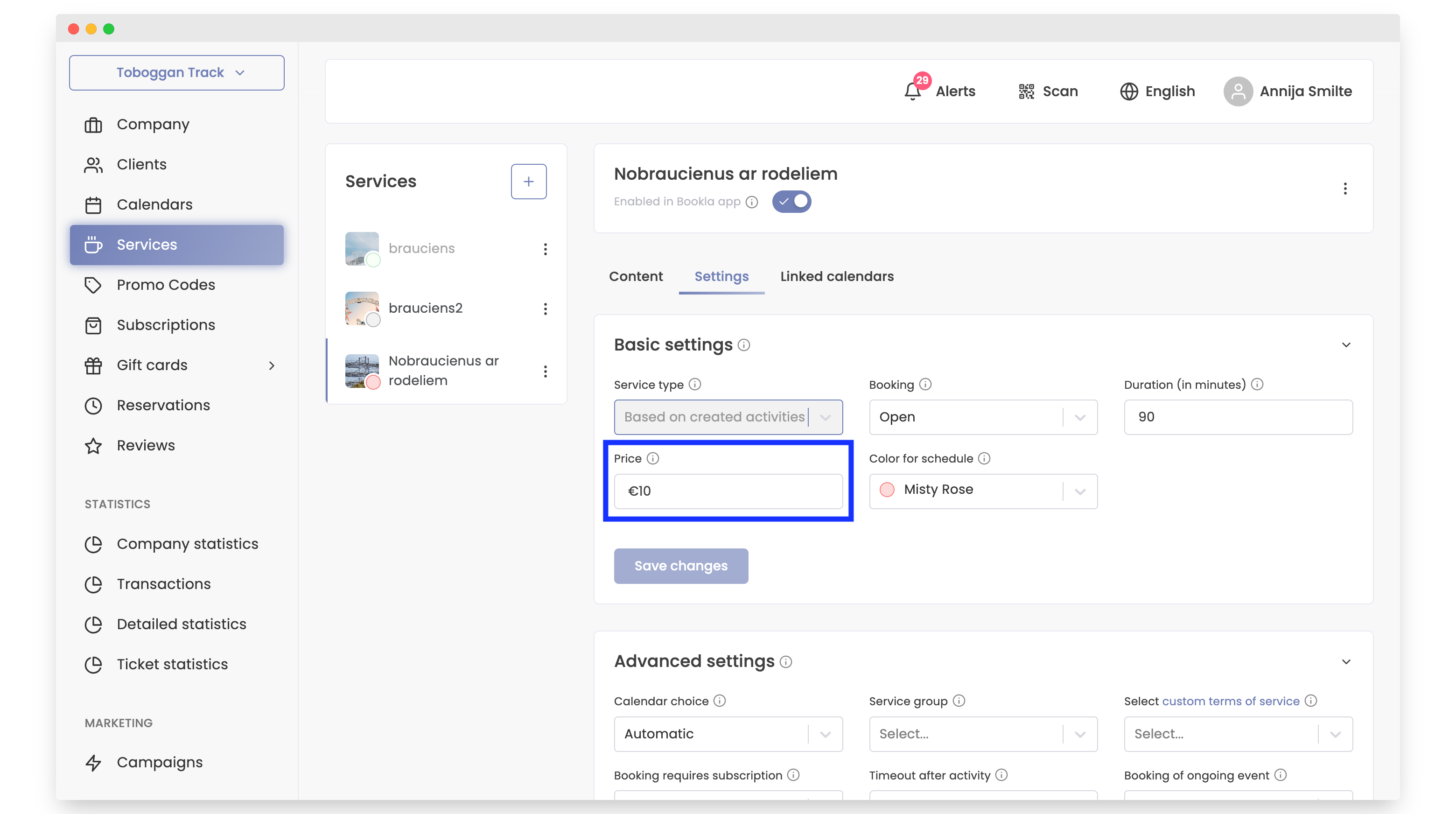
- Scroll down to the Tickets section.
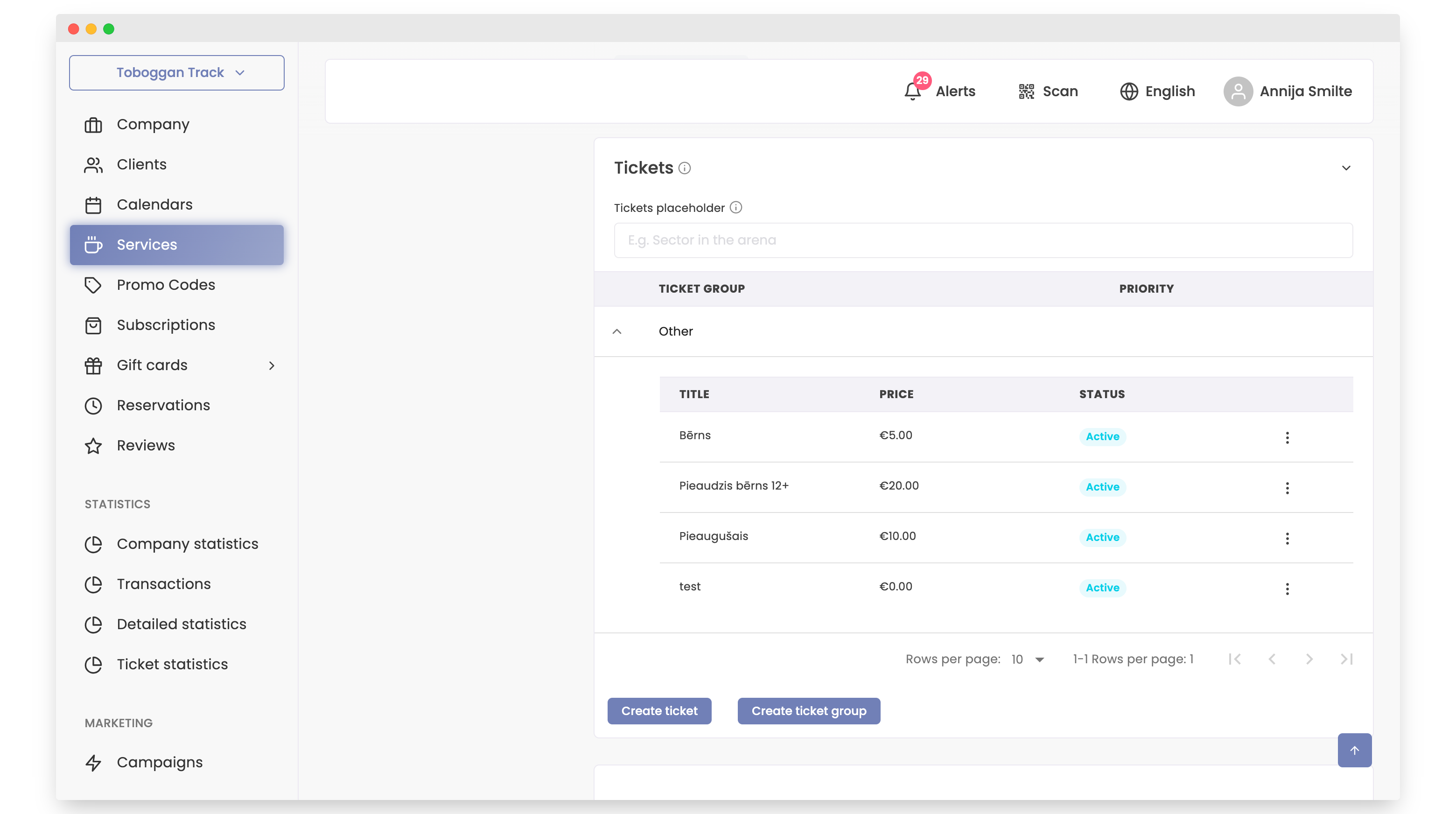
- Click on the ticket for which you want to change the price.
- Change the price and check the box Update price in already created events.
- Click Save.
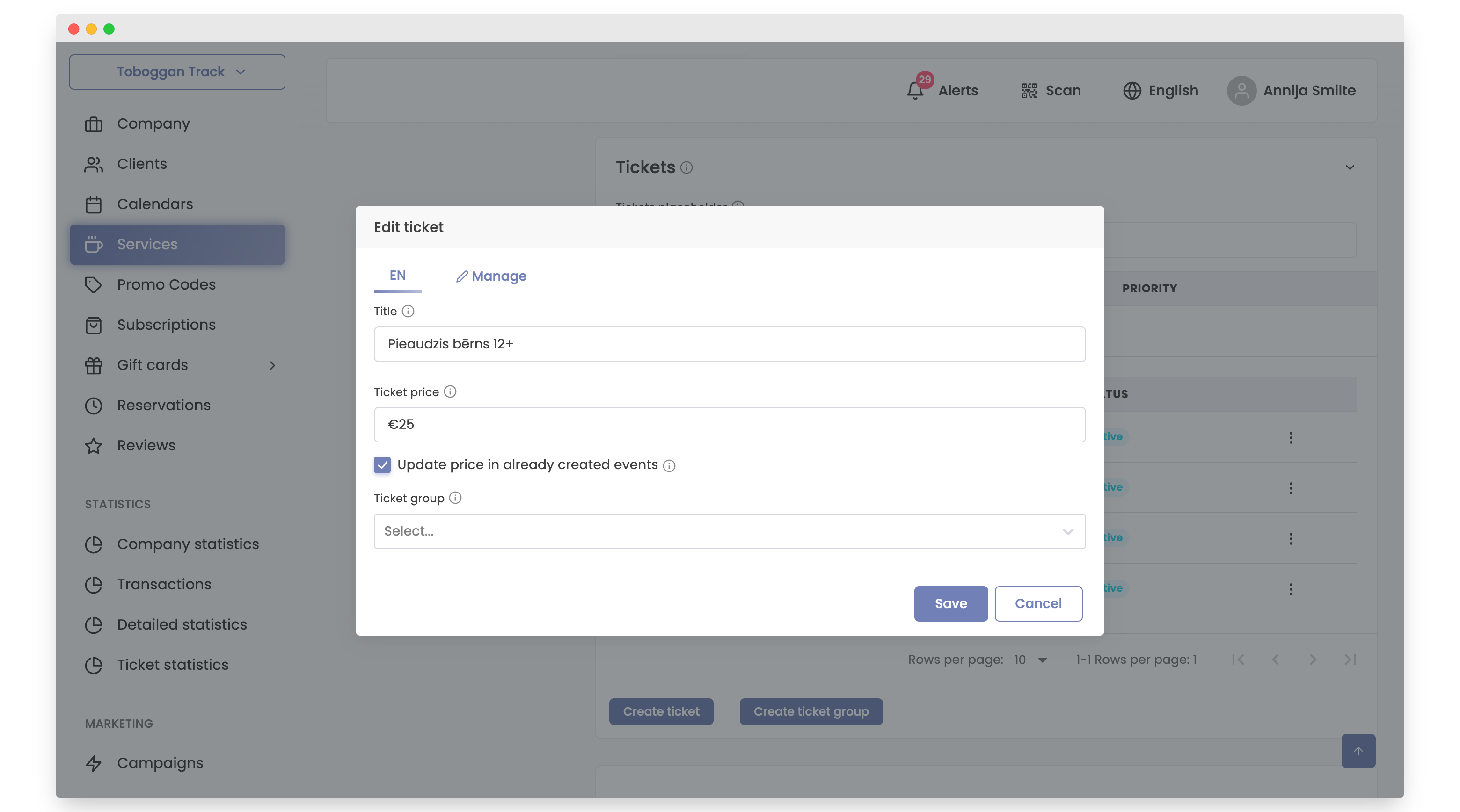
After completing these steps, the new prices will be active for this service starting from now.
Important - You need to check "Update price in already created events." Only this way will prices change for your created reservations.
The second method is changing prices in "Reservations."
How to Do It:
- Open the Bookla Portal.
- Go to the Reservations section.
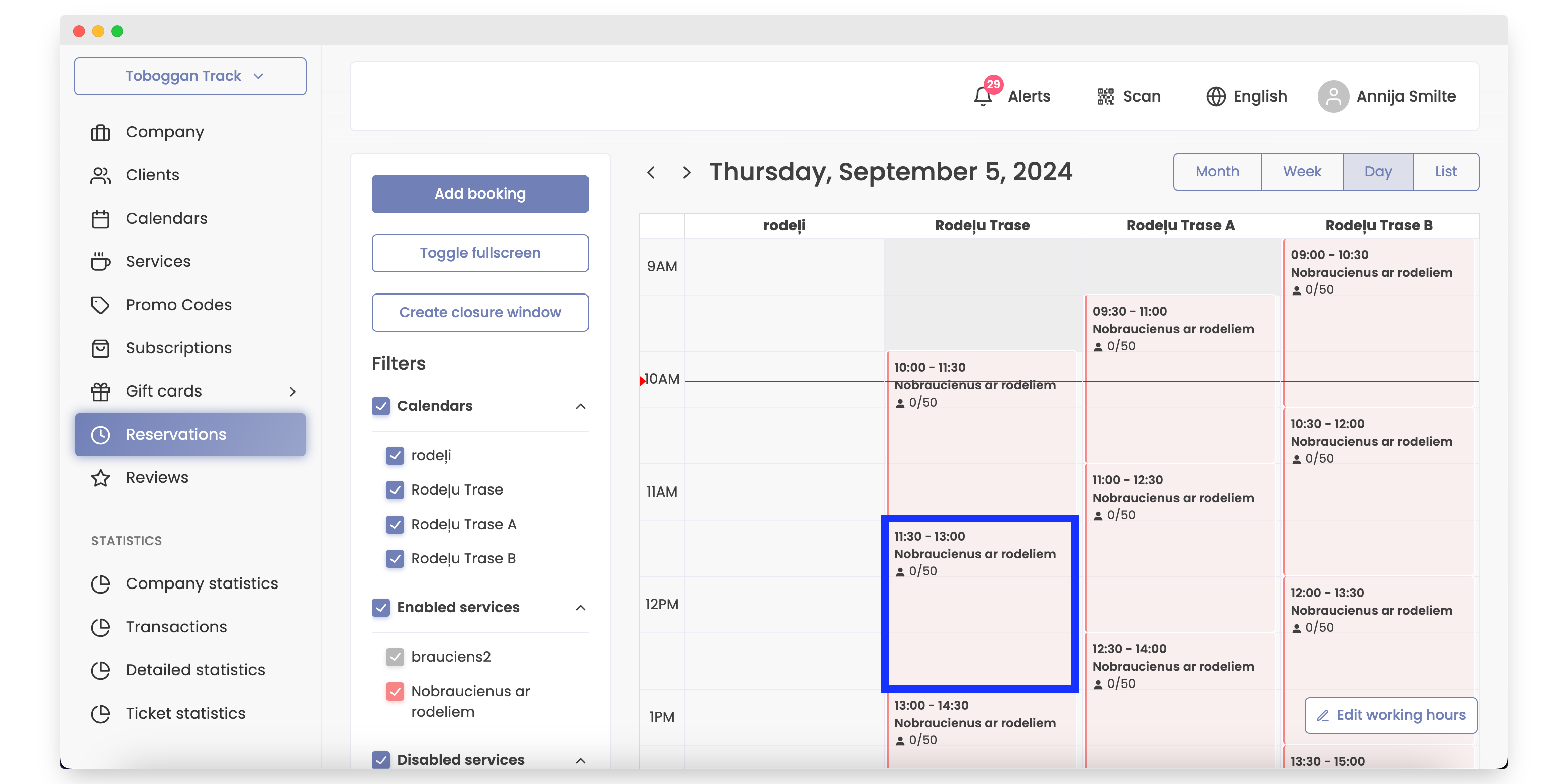
- Choose a time slot and press the edit button.
- Change the price and click Save this activity. If you have recurring activities, press Save all upcoming activities.
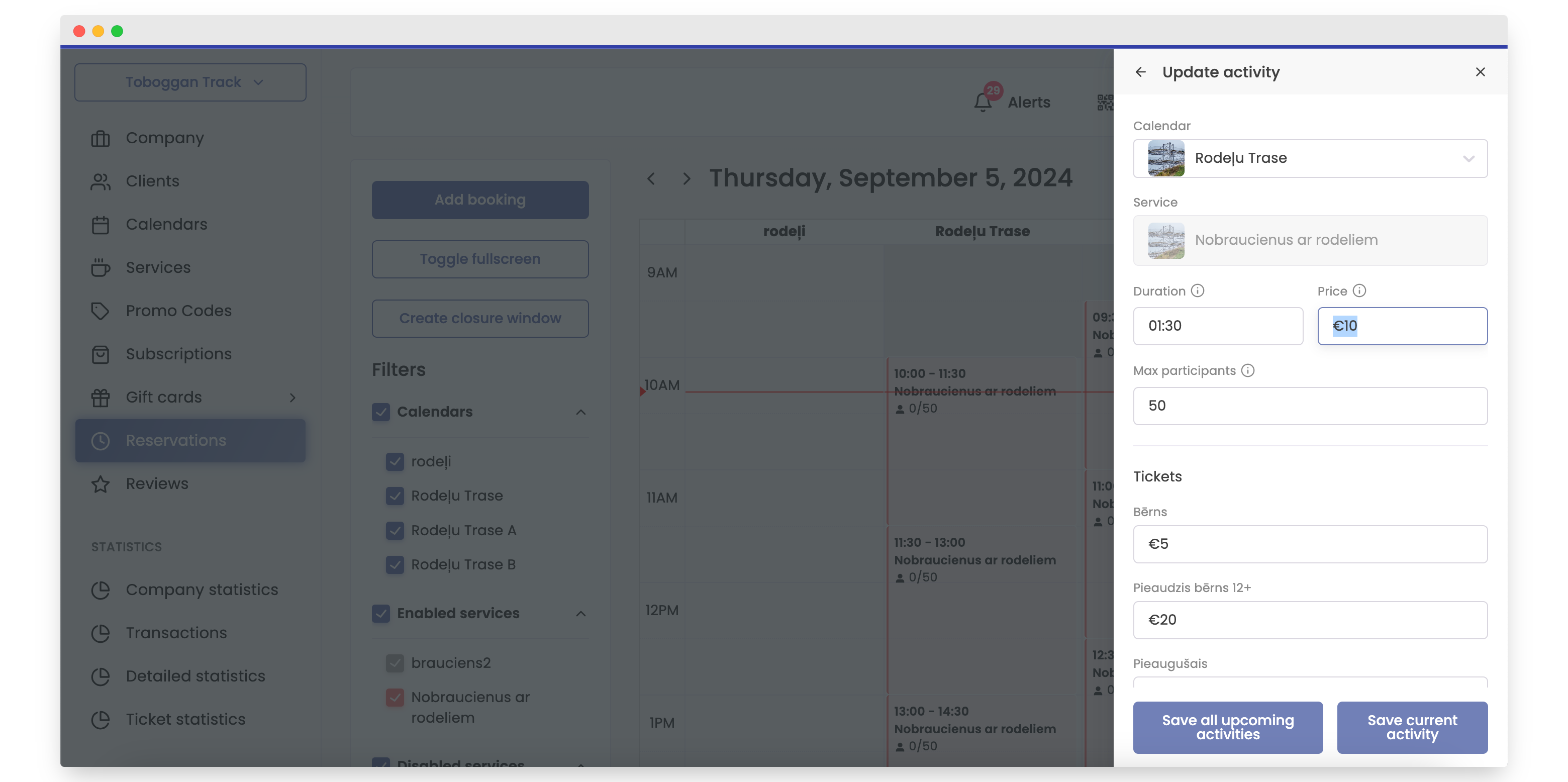
That's it; the price for the selected activity has been updated.
Note: If you have recurring activities, press the Save all upcoming activities button to apply the changes to all recurring activities simultaneously, including other days. For example, if you have created reservations from 8:00 to 9:00, from 9:00 to 10:00, etc., and they are recurring activities, the price only needs to be changed once per activity.
If, for example, you change the price for the activity from 8:00 to 9:00 and press Save in all recurring activities, the price will be updated for all days where this time slot (8:00 to 9:00) is a recurring activity.
Note - The price must be changed separately for each time period.