How to Edit Number of Tickets for Client's Reservation
In the Bookla Platform, you can edit the number of tickets for your client's reservation if needed.
There are two ways to do it.
The first one is from the "Clients" side if you know the exact client but not the exact time.
How to Do It
- Open Bookla Portal.
- Go to the "Clients" section.
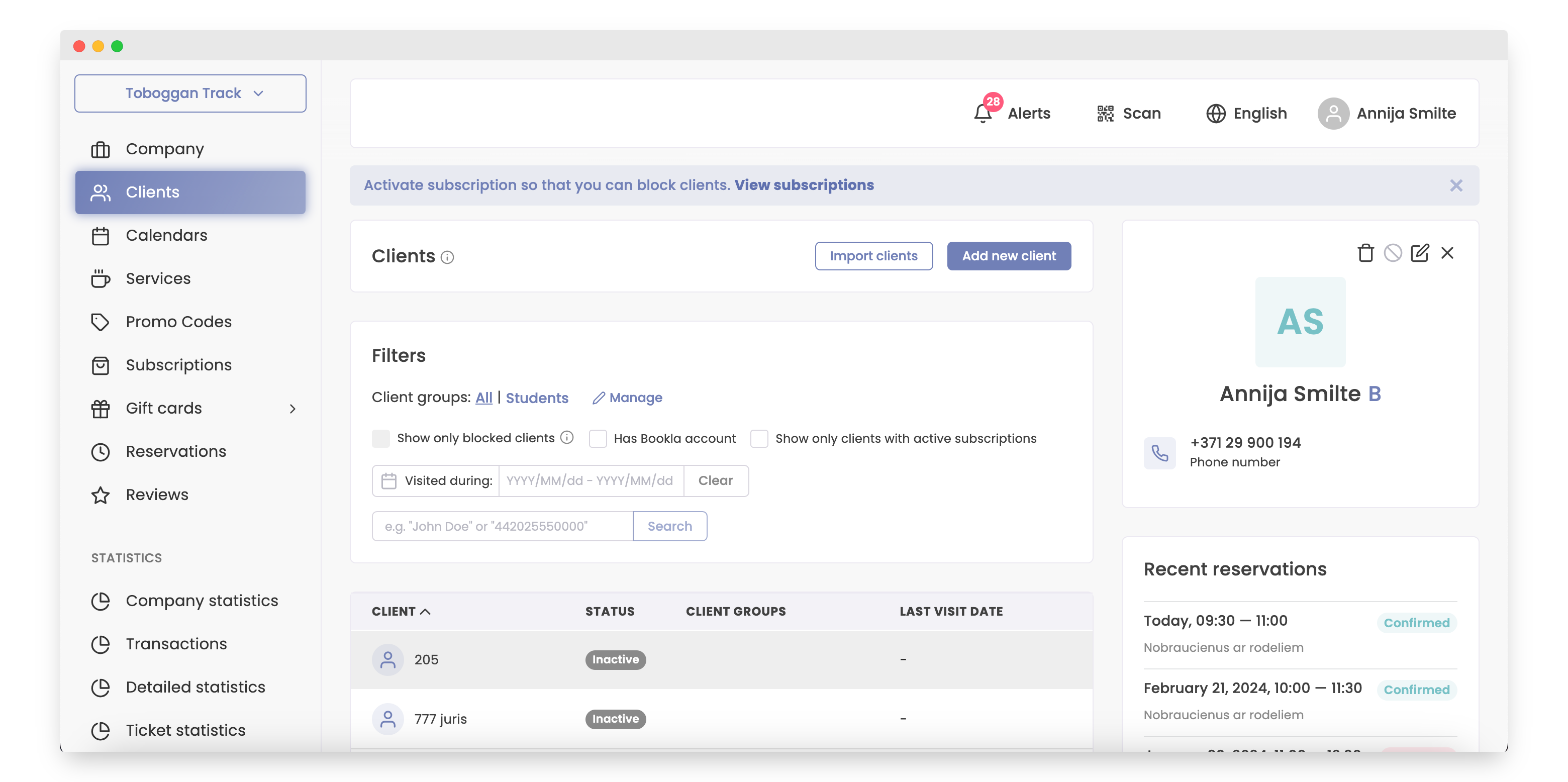
- Click on the client for whom you want to edit the number of tickets.
- Click on the reservation.
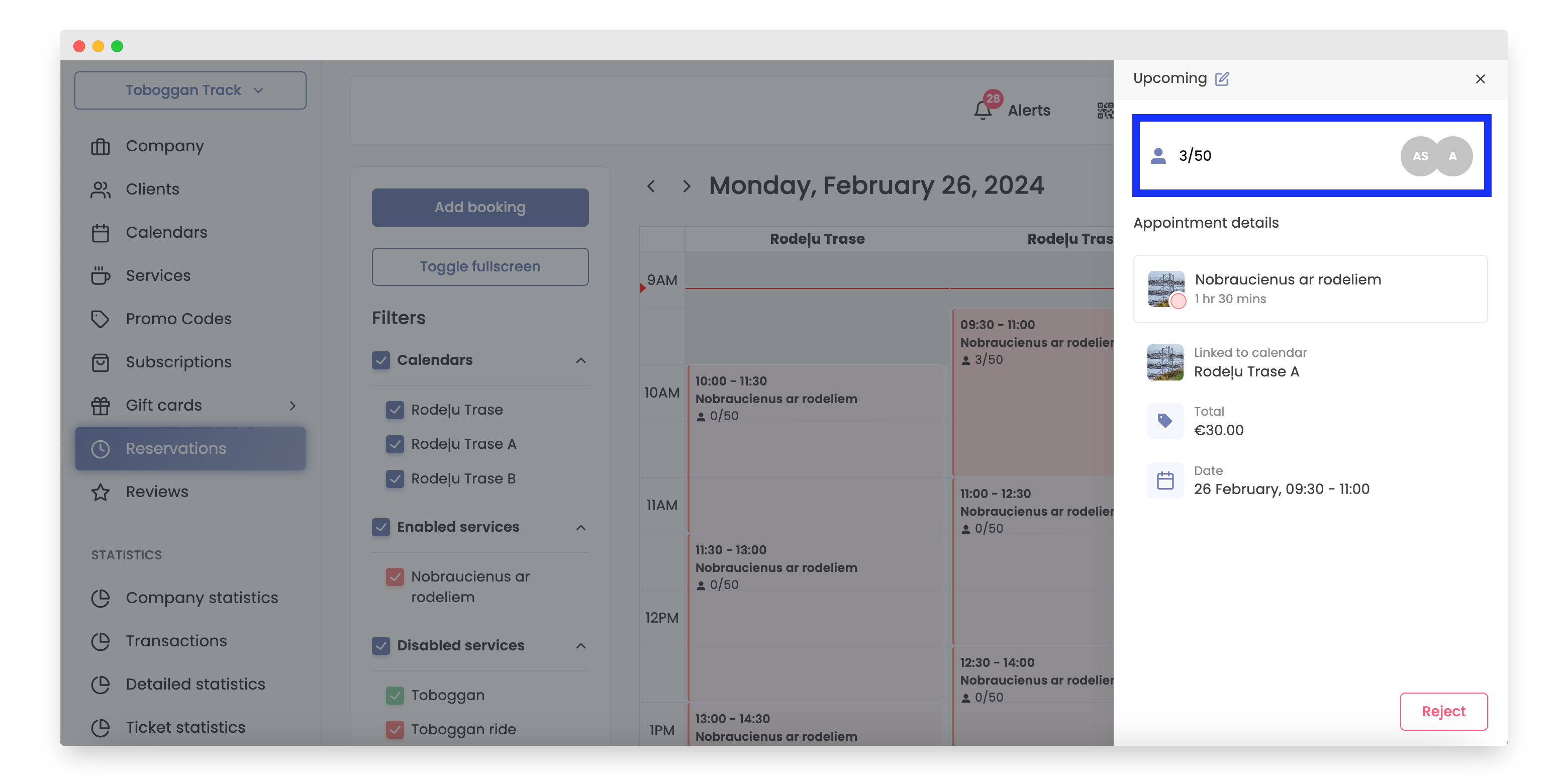
- Click on the client amount button.
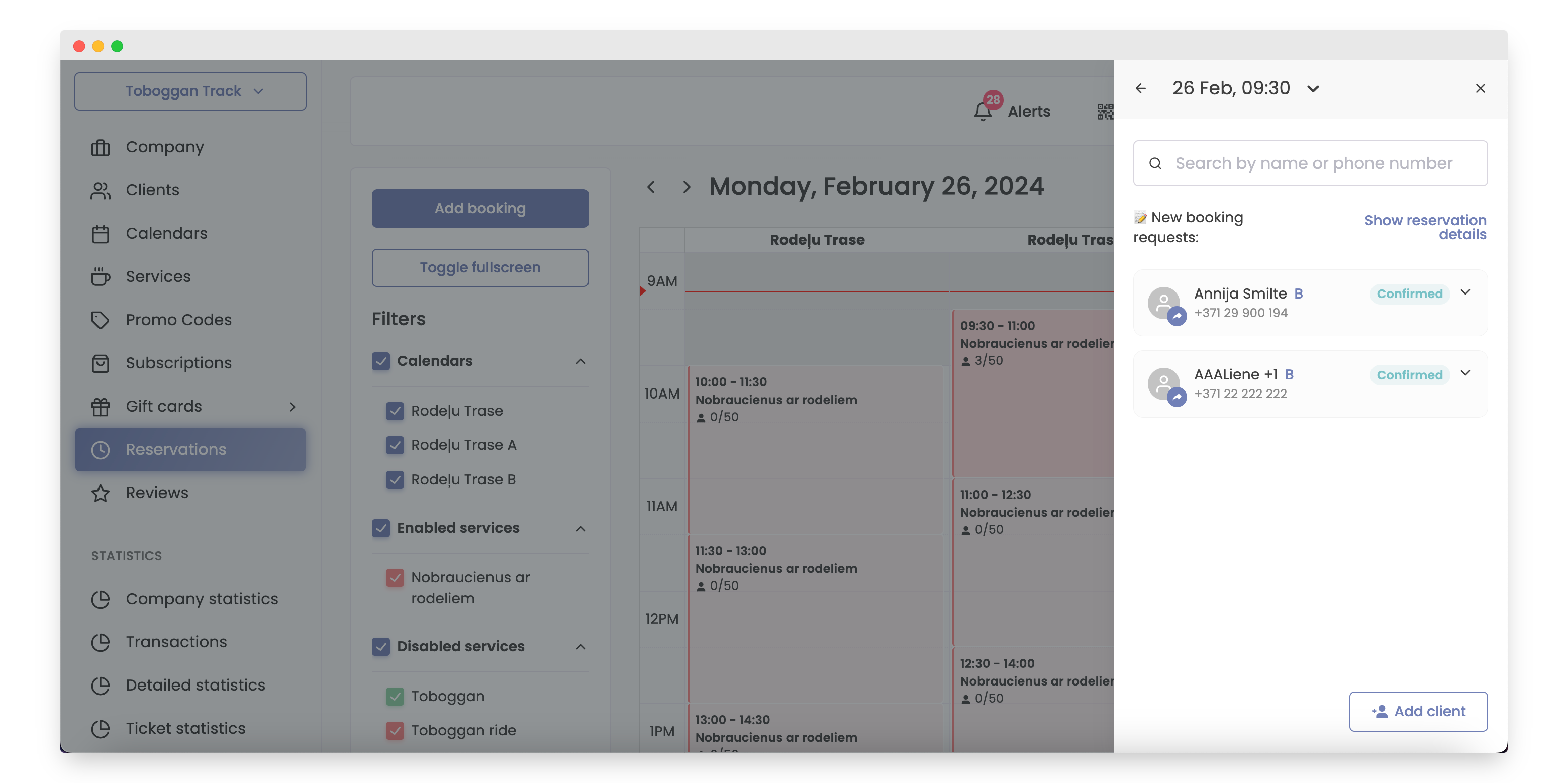
- Select the client.
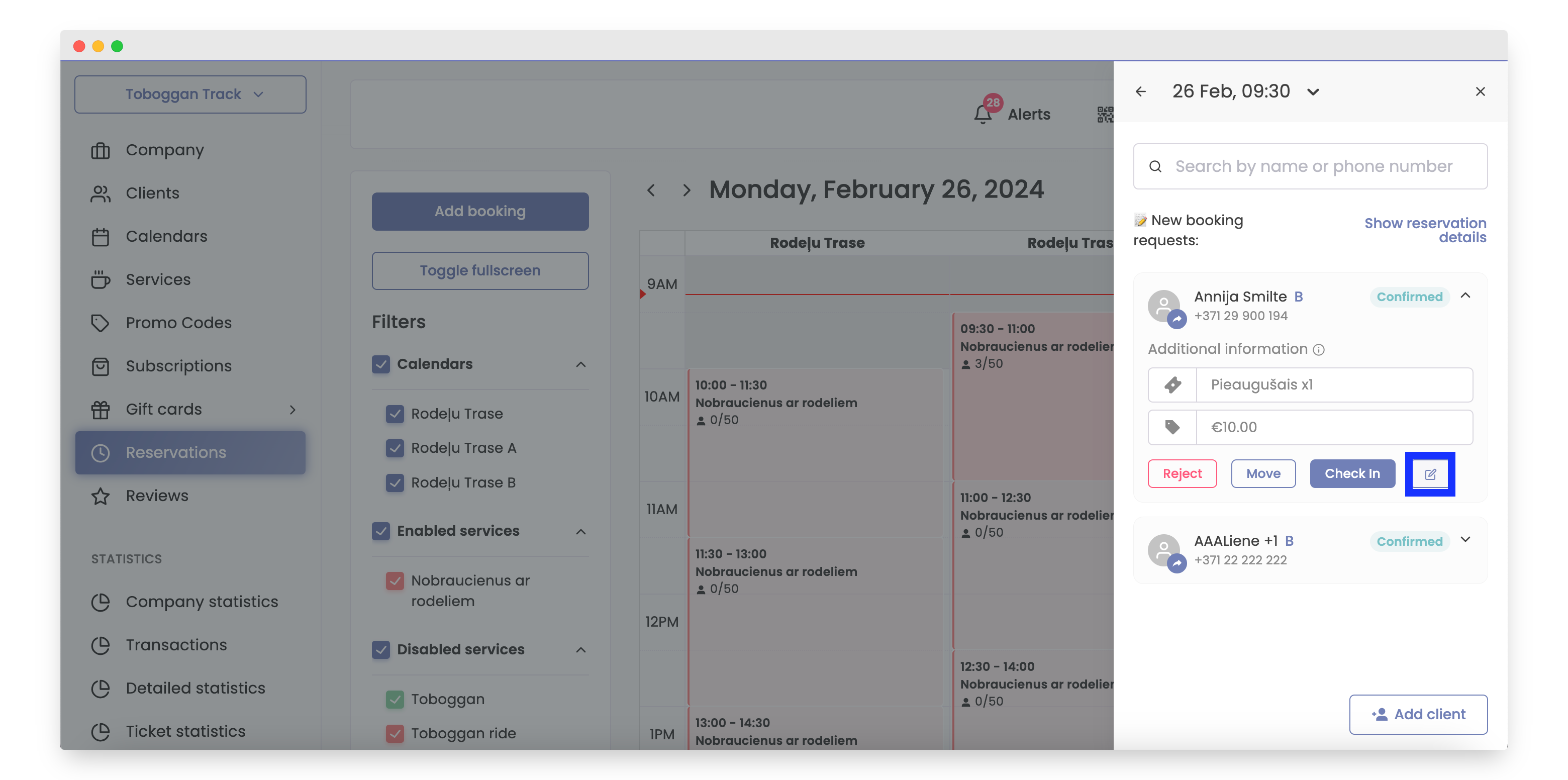
- Click on the edit button.
- Edit the client's ticket amount and click the Save button.
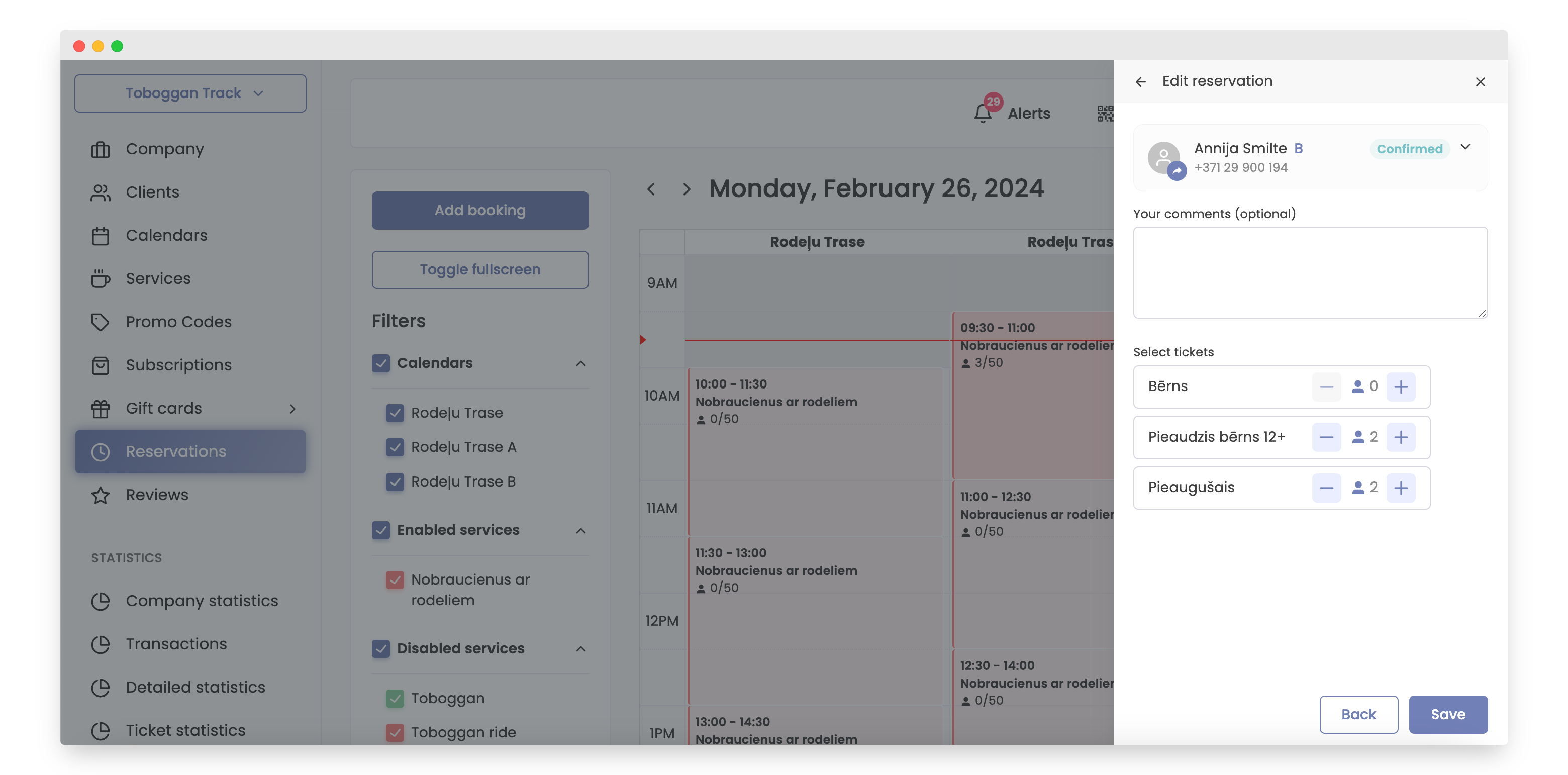
That's it,the number of tickets has been edited.
The second option is the best if you know the exact time when you need to edit tickets.
How to Do It
- Open Bookla Portal.
- Go to the "Reservations" section.
- Click on the reservation slot where the client for whom you want to edit the number of tickets is located.
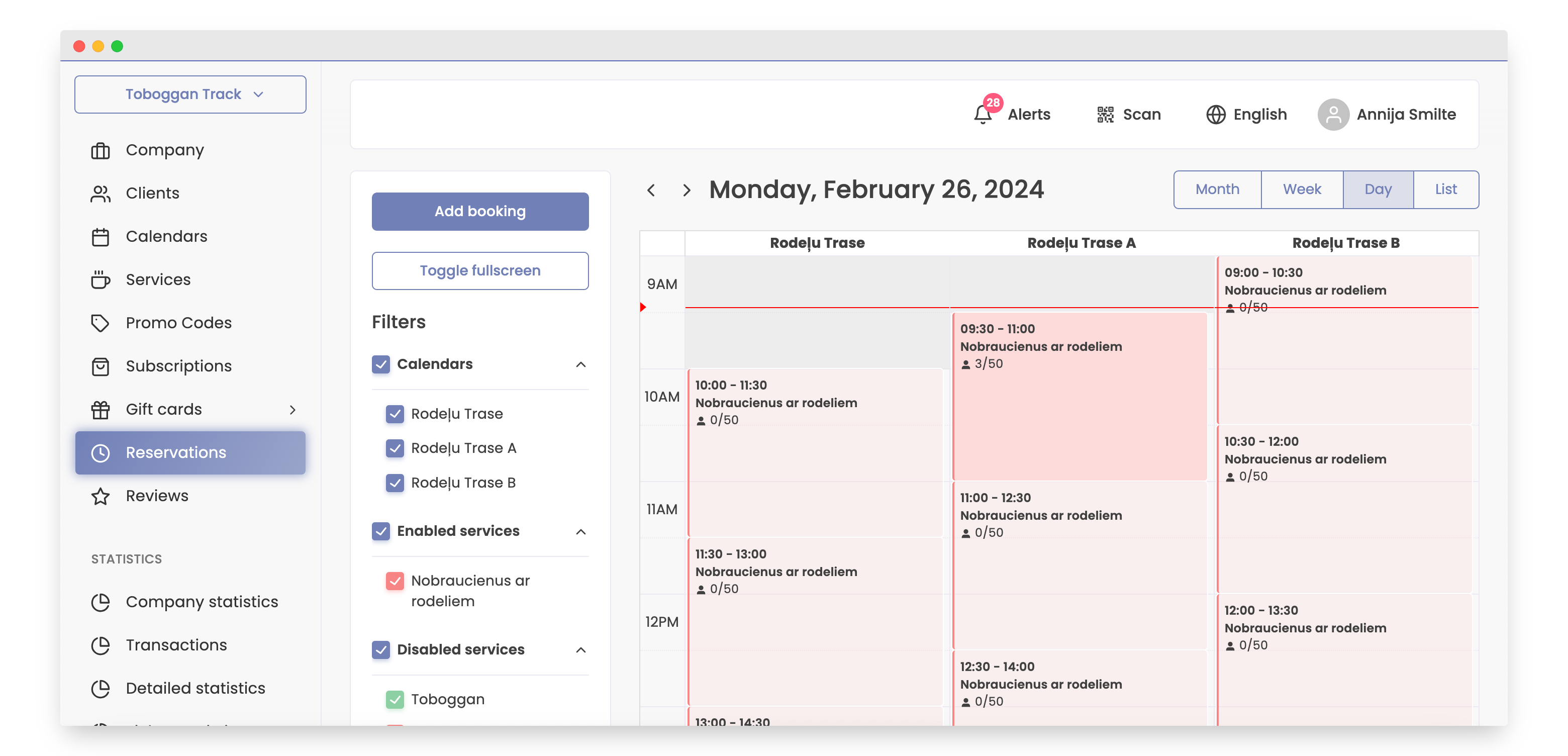
- Click on the client amount button.
- Select the client.
- Click on the edit button.
- Edit the client's ticket amount and click the Save button.
That's it, the number of tickets has been edited.