Check-in client
Reservations on Bookla are important because these slots allow your clients to book appointments. Check-in is the process of registering the arrival or presence of a client or guest. To check-in, you will need to verify the time and the client/clients you want to check in.
There are two ways to check-in a client. The first option is by going to section "Clients".
How to do it:
-
Open Bookla Portal
-
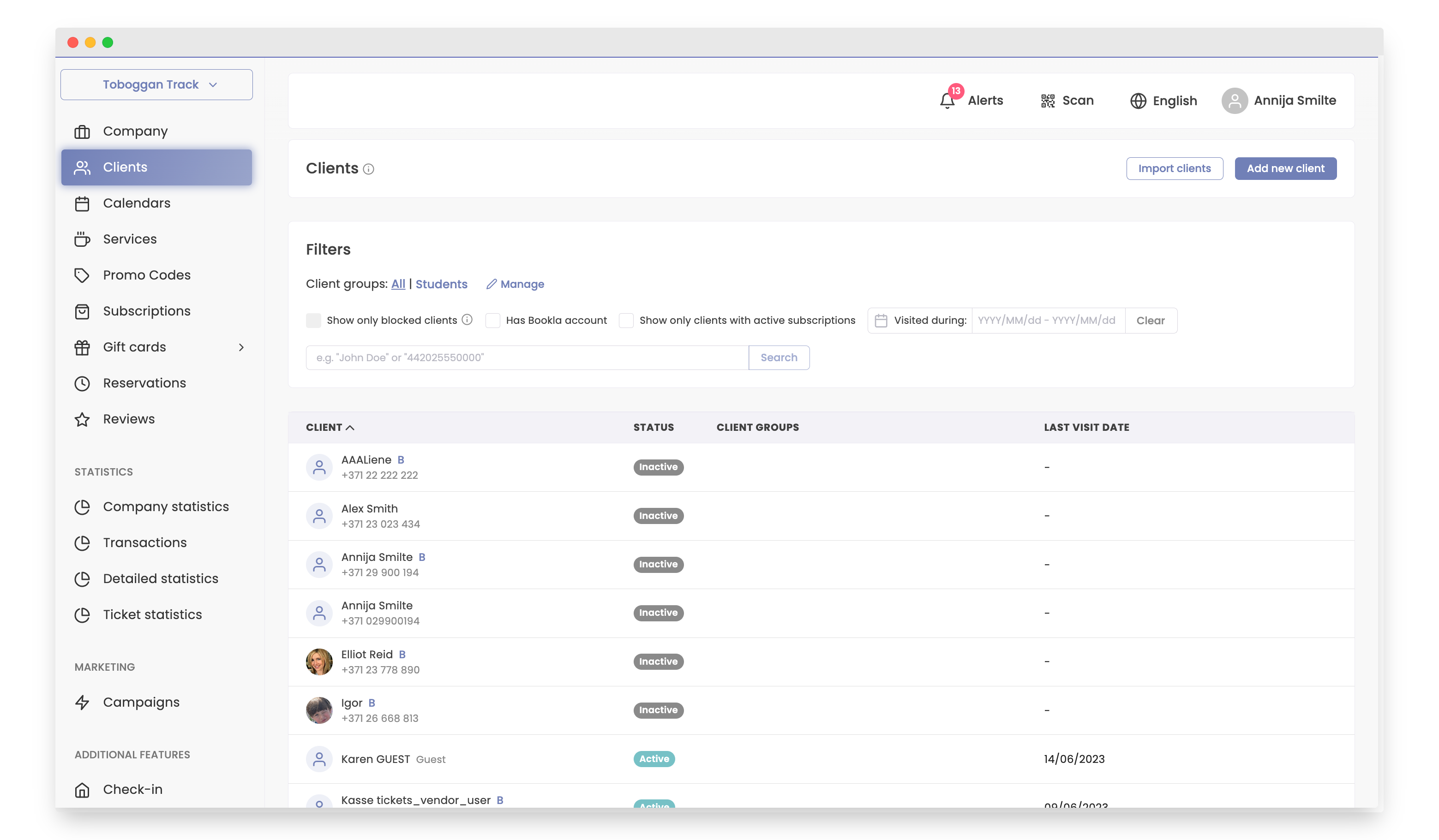
Go to the "Clients" section.
-
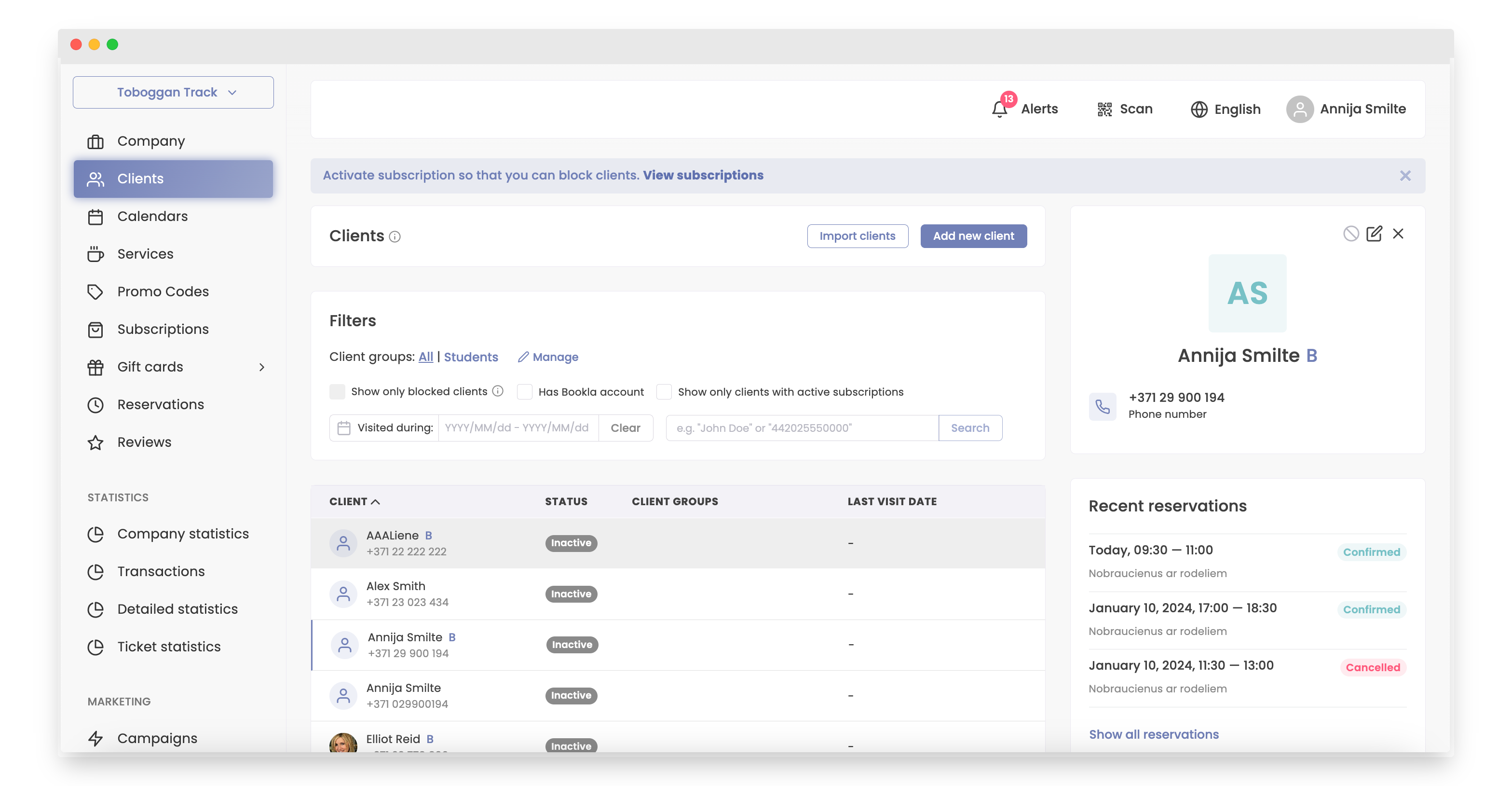
Click on the client.
-
Select the reservation you need to reschedule.
-
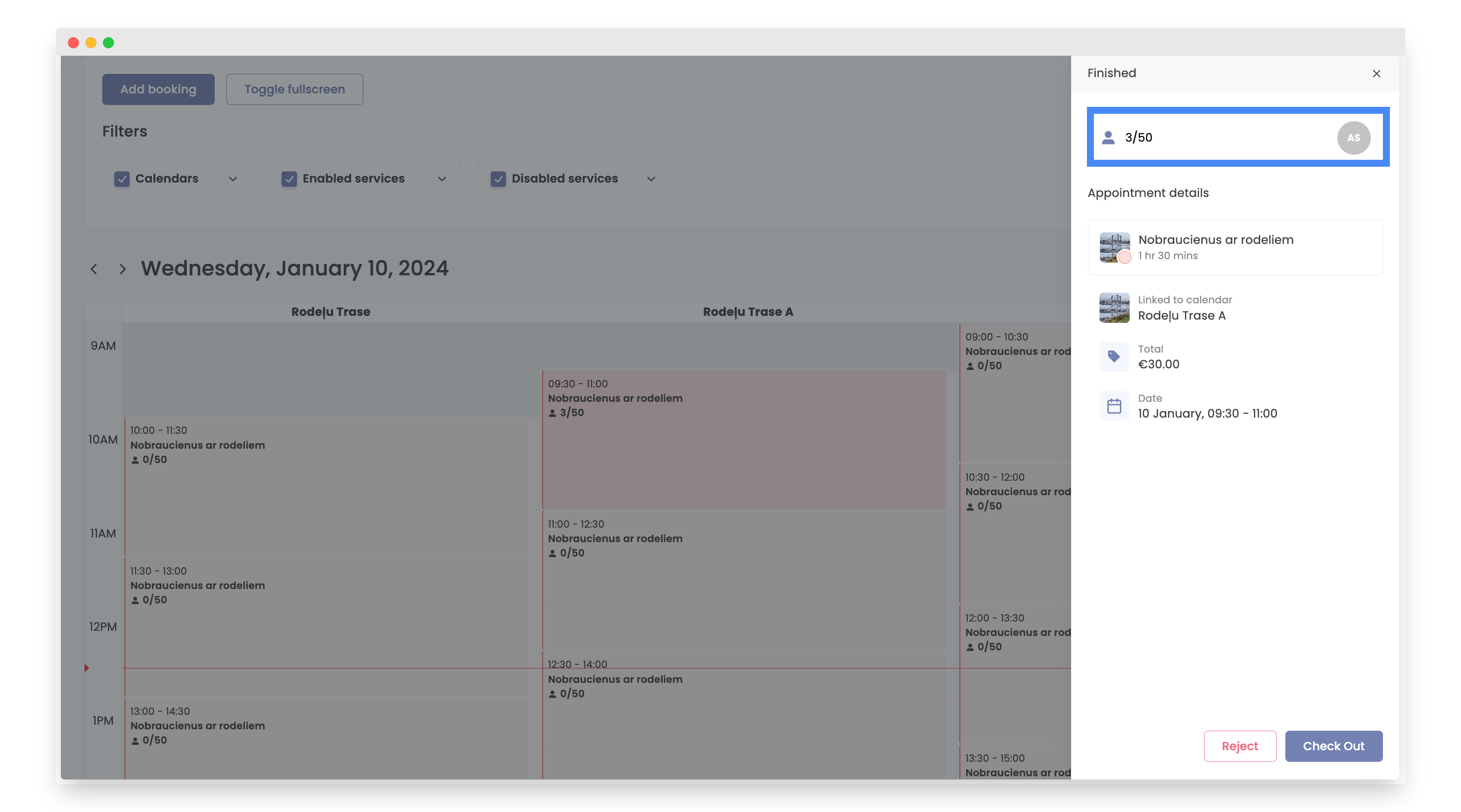
Click on amount of customers.
-
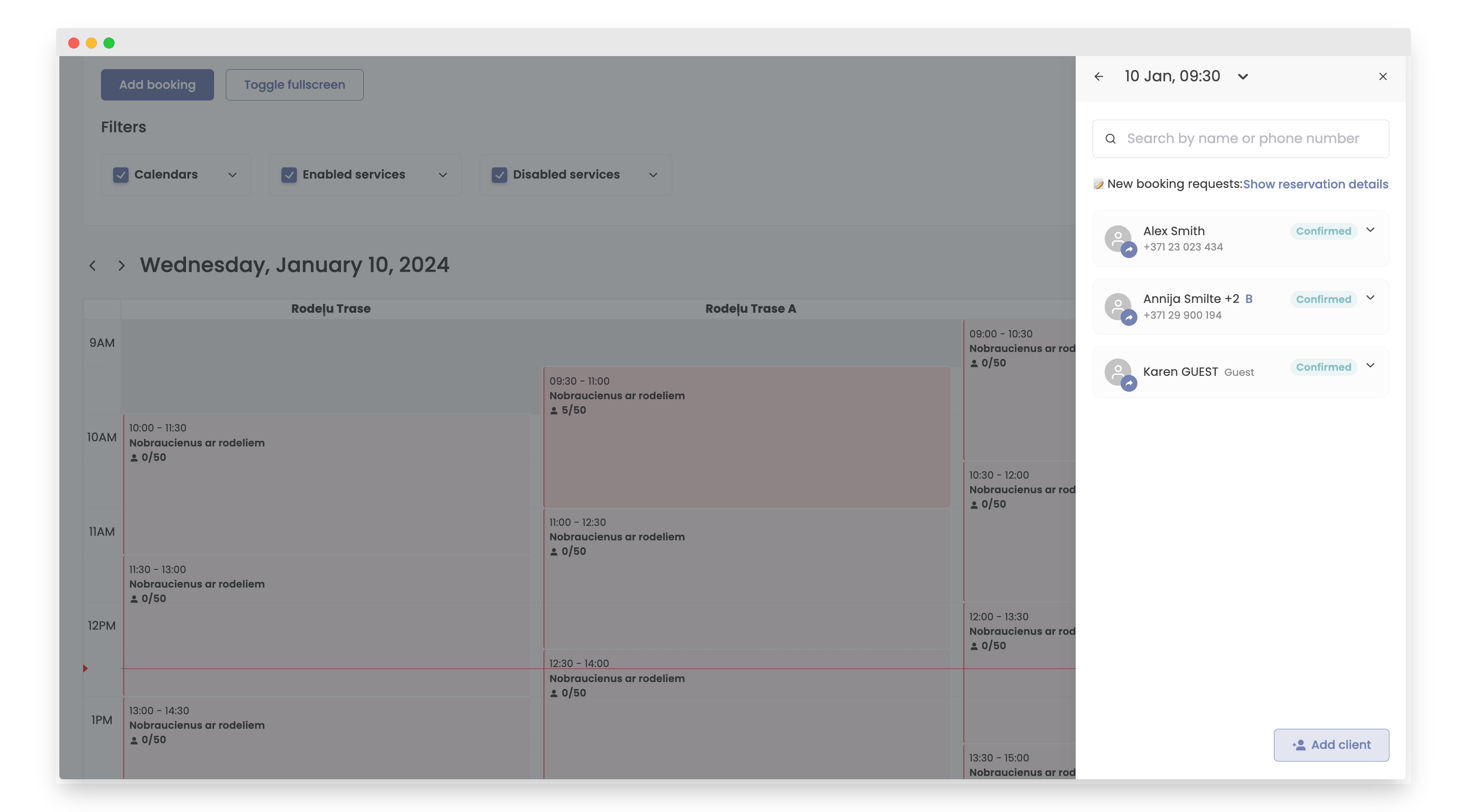
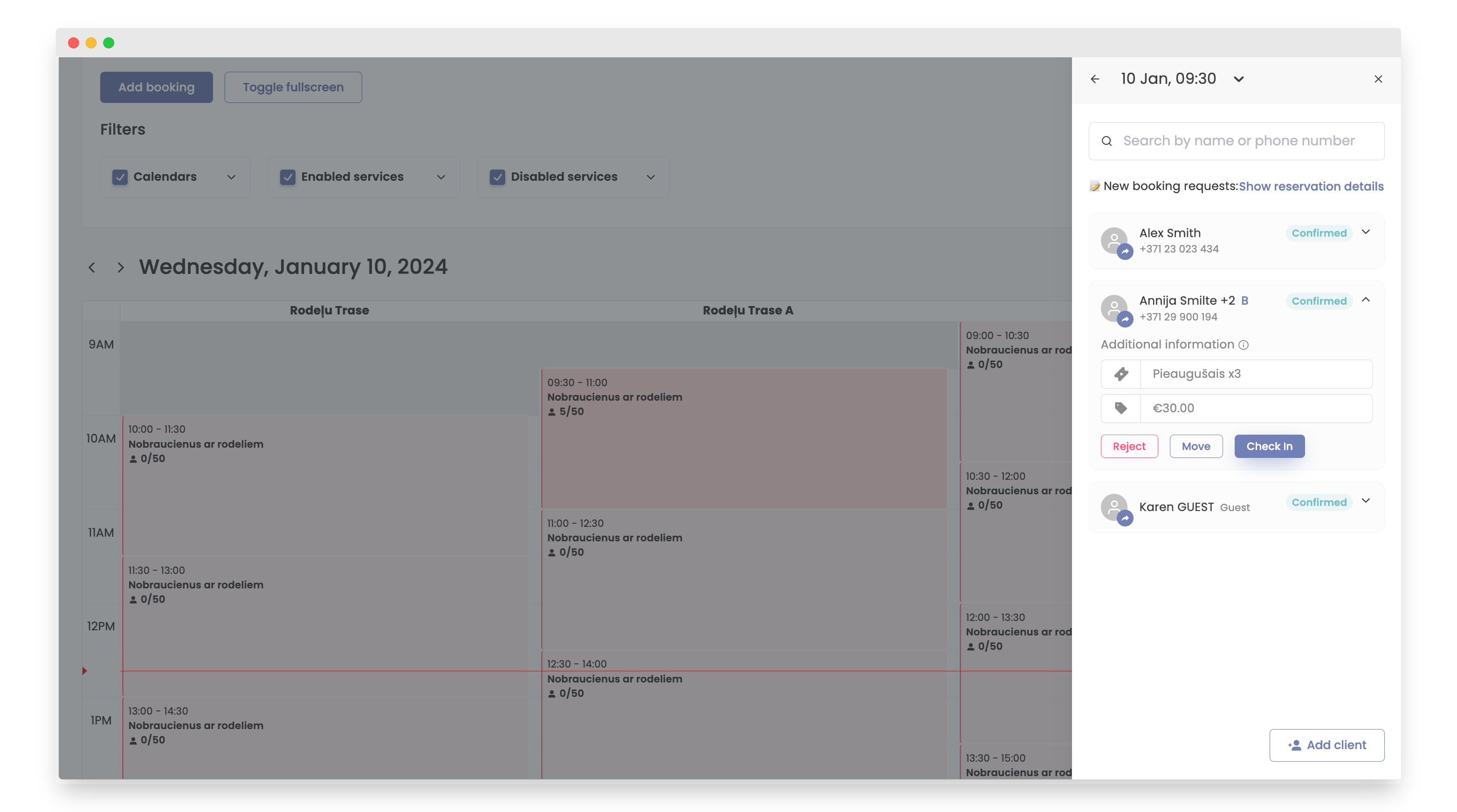
Click on the client you want to check-in.
-
Click the "Check in" button.
-
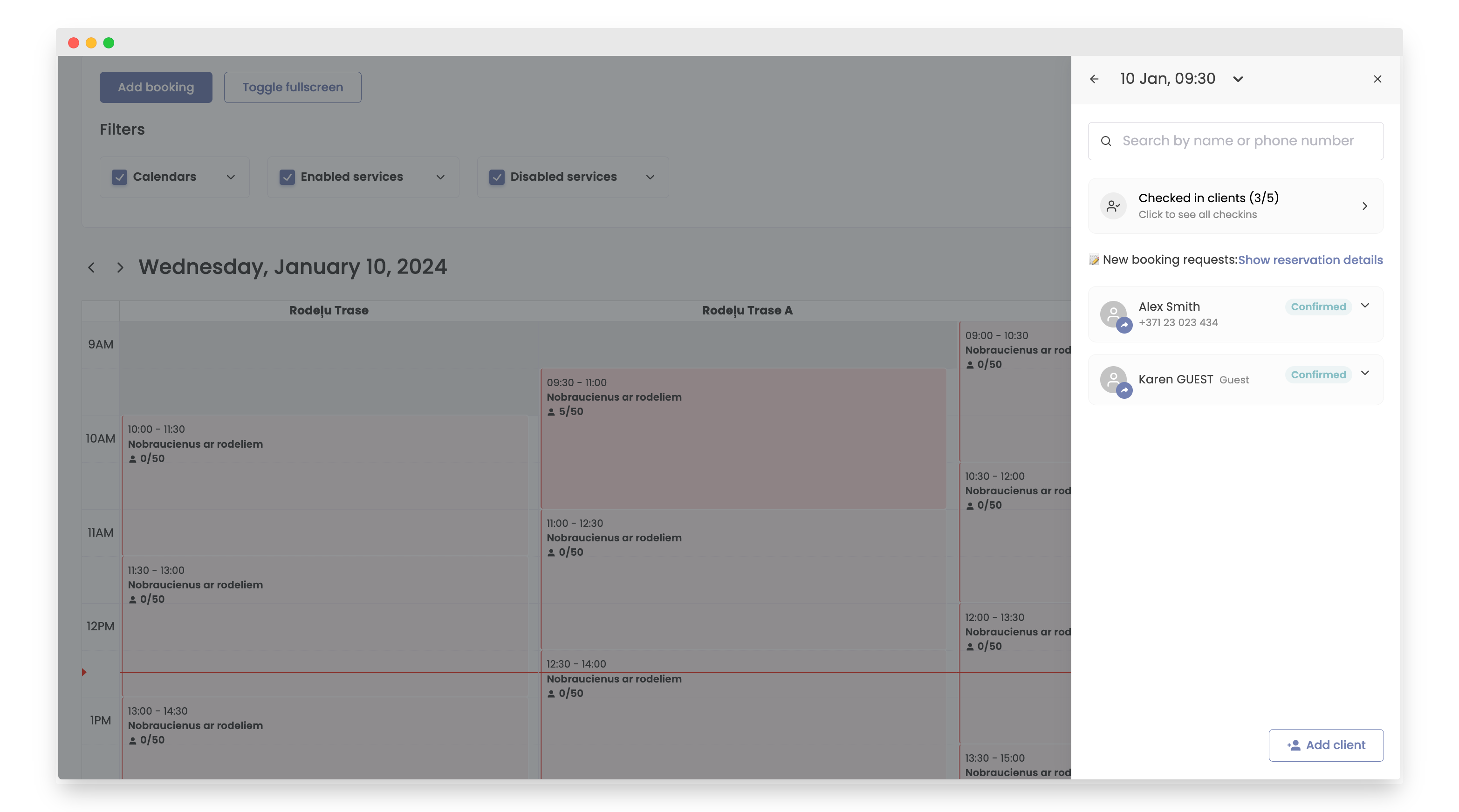
To view checked-in clients, click on "Checked-in Clients".
-
You can now view all clients who have been checked in.
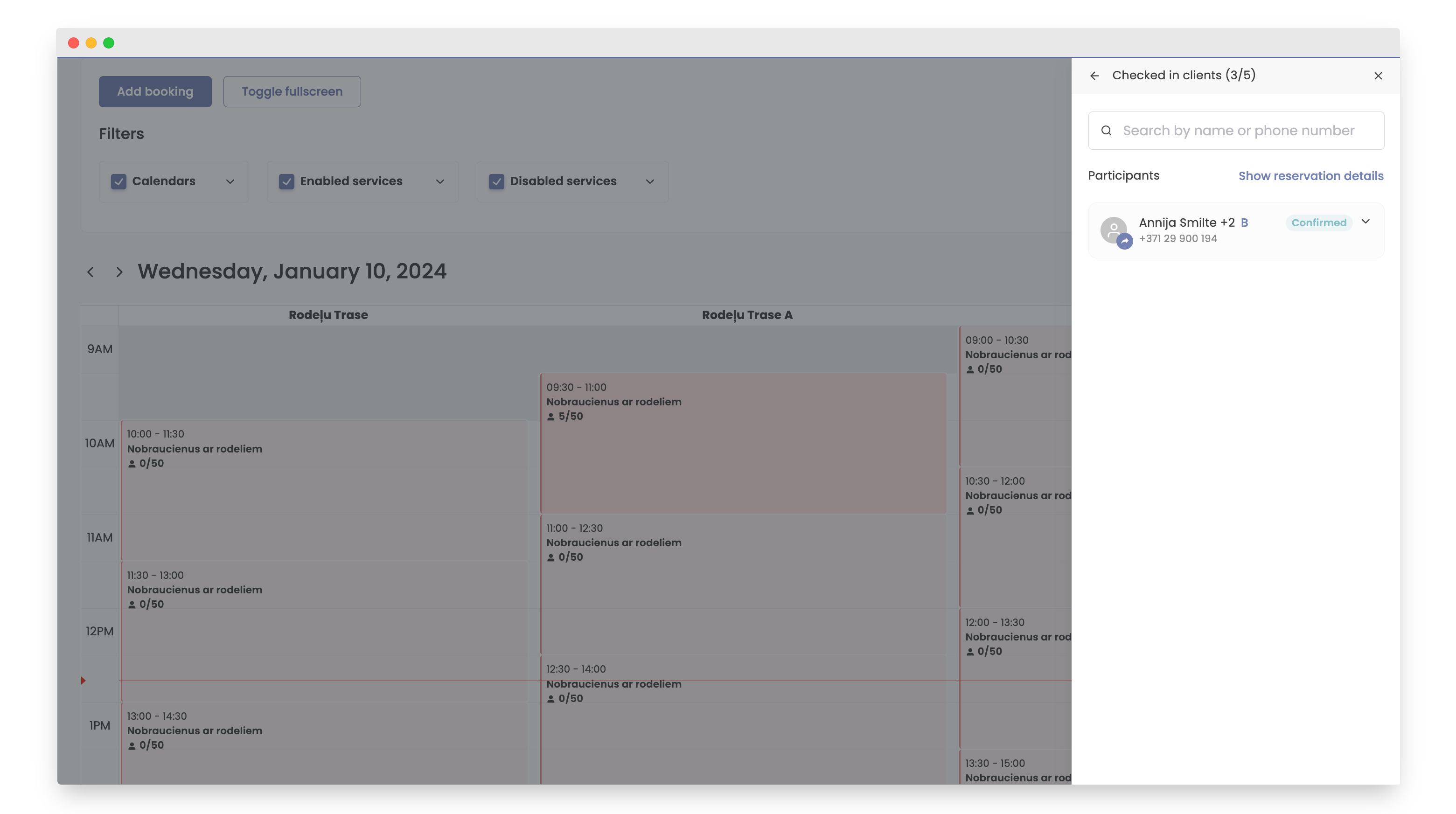
That's it the client is successfully checked-in.
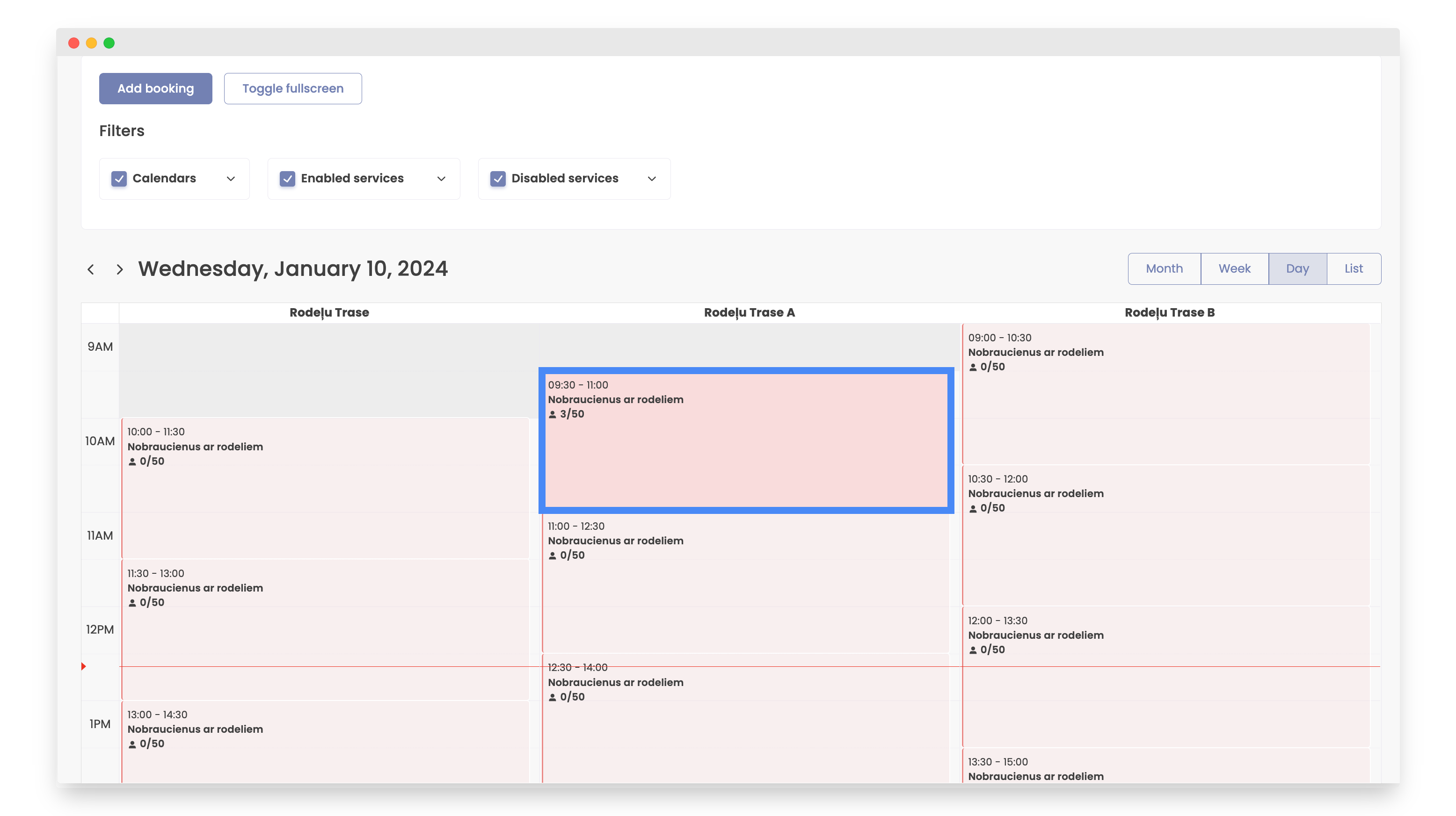
The second way to check-in a client is in section "Reservations".
How to do it:
-
Open Bookla Portal
-
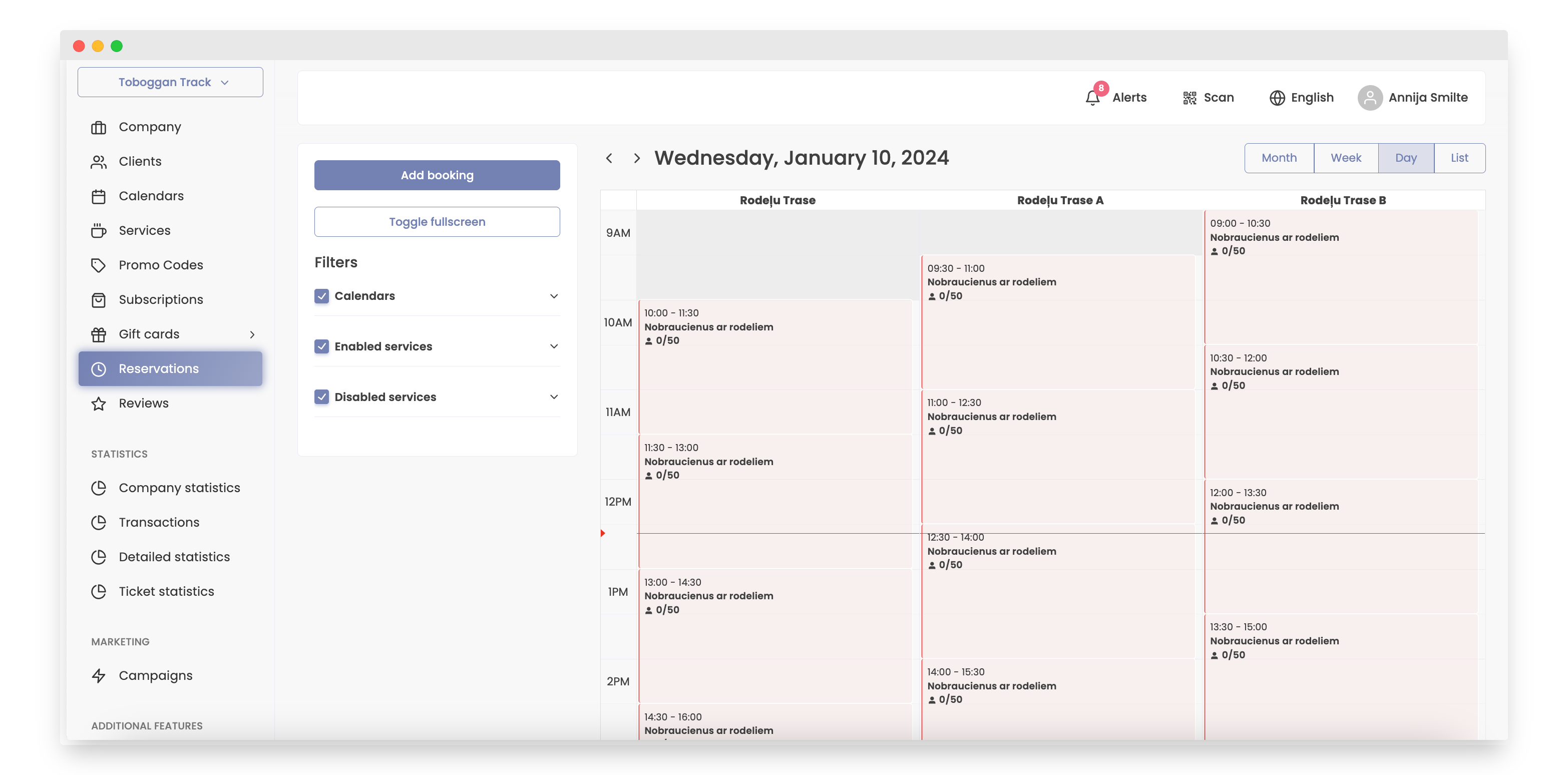
Go to the "Reservations" section.
-
Select the desired time slot where you'll check in the client.
-
Click on amount of customers.
-
Click on the client you want to check-in.
-
Click the "Check in" button.
-
To view checked-in clients, click on "Checked-in Clients".
-
You can now view all clients who have been checked in.
That's it the client is successfully checked-in.