How to Purchase a Subscription
Buying subscriptions can save money, offer convenient access to services, and provide regular updates and personalized experiences, making them a smart choice for many. To purchase a subscription, you'll need to identify the specific company and the type of subscription you wish to buy.
How to do it:
-
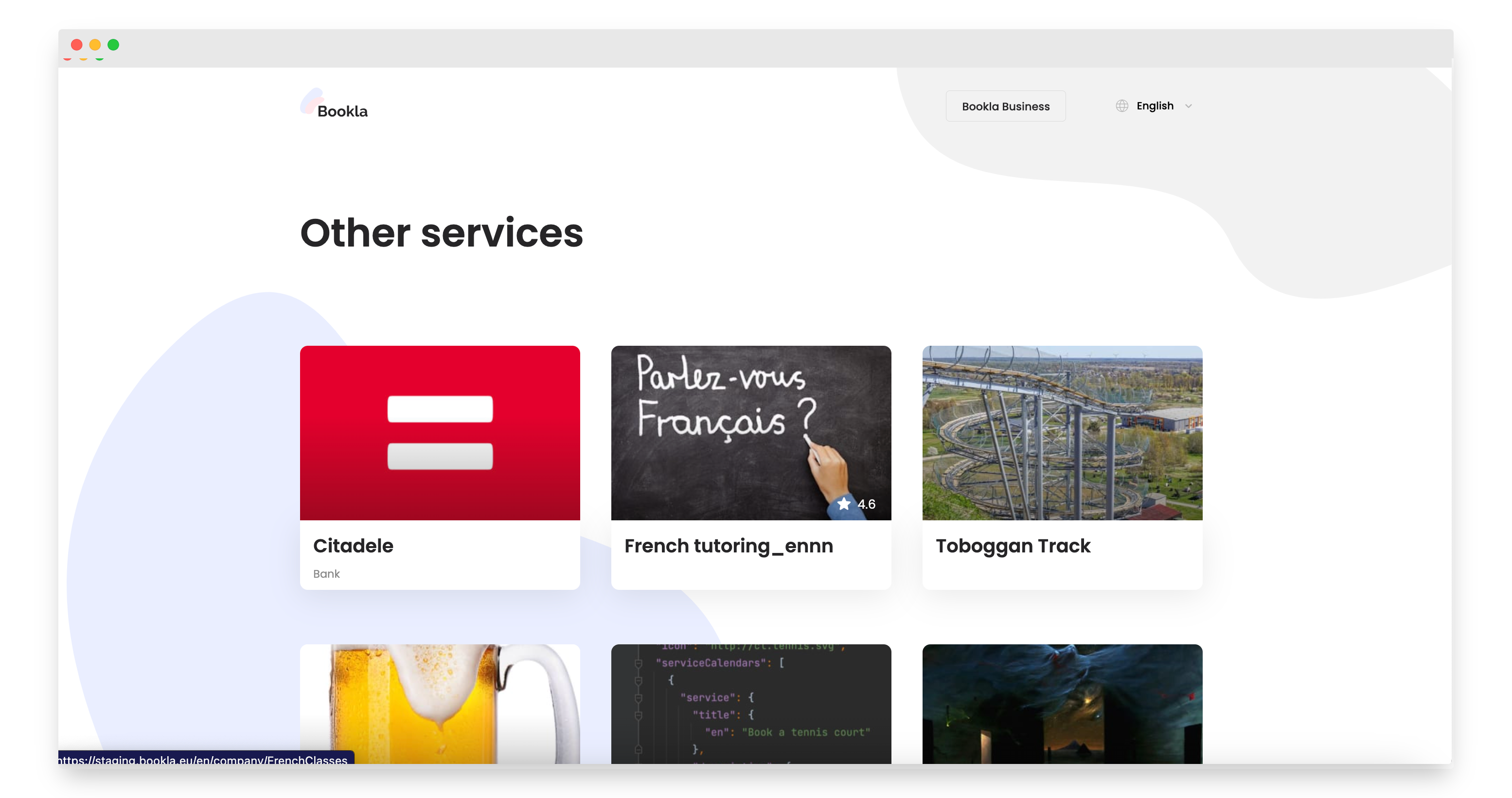
Select the company where you want to purchase a subscription.
-
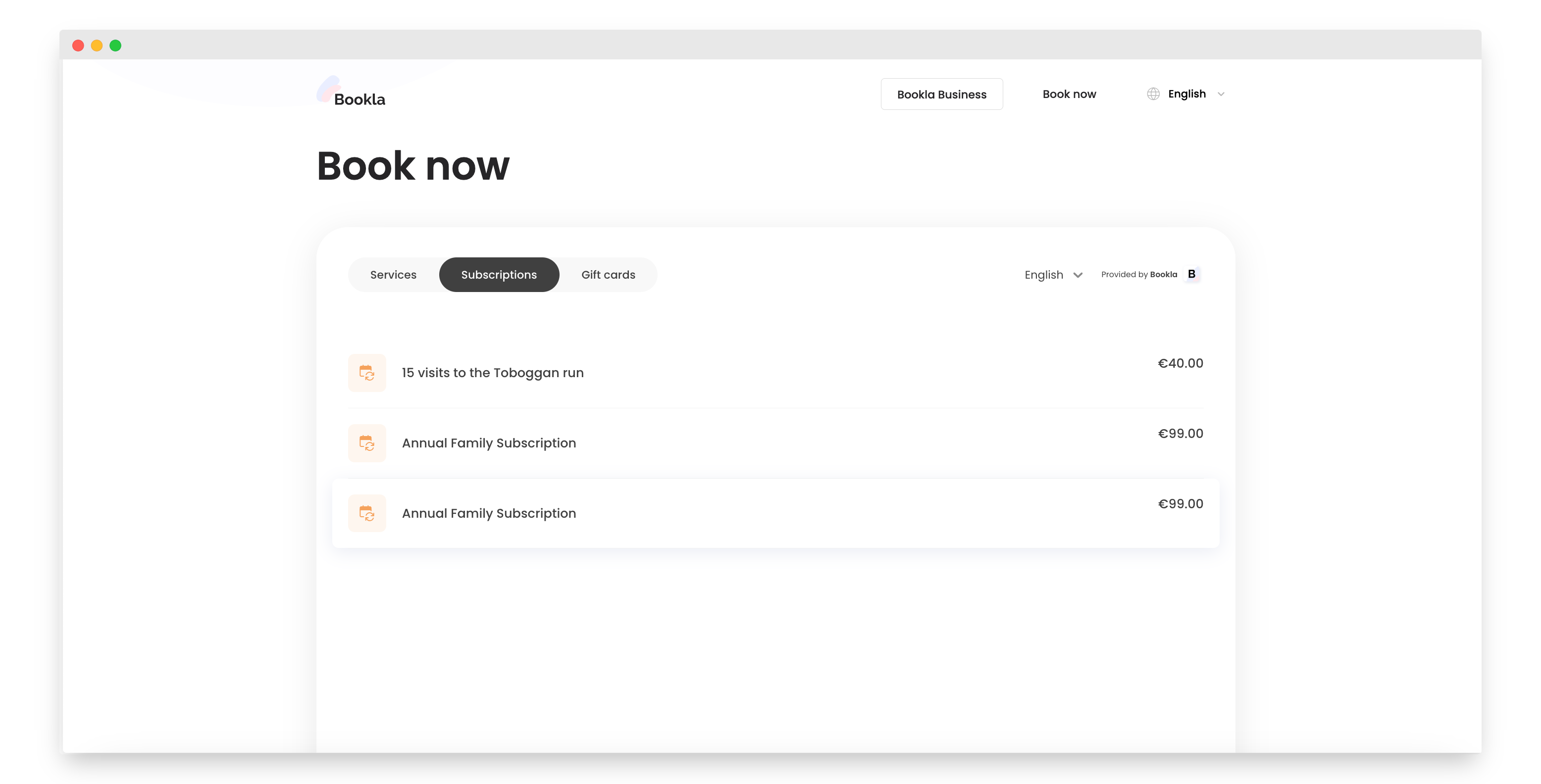
Click on the section 'Subscriptions'.
-
Choose the subscription you want to purchase.
-
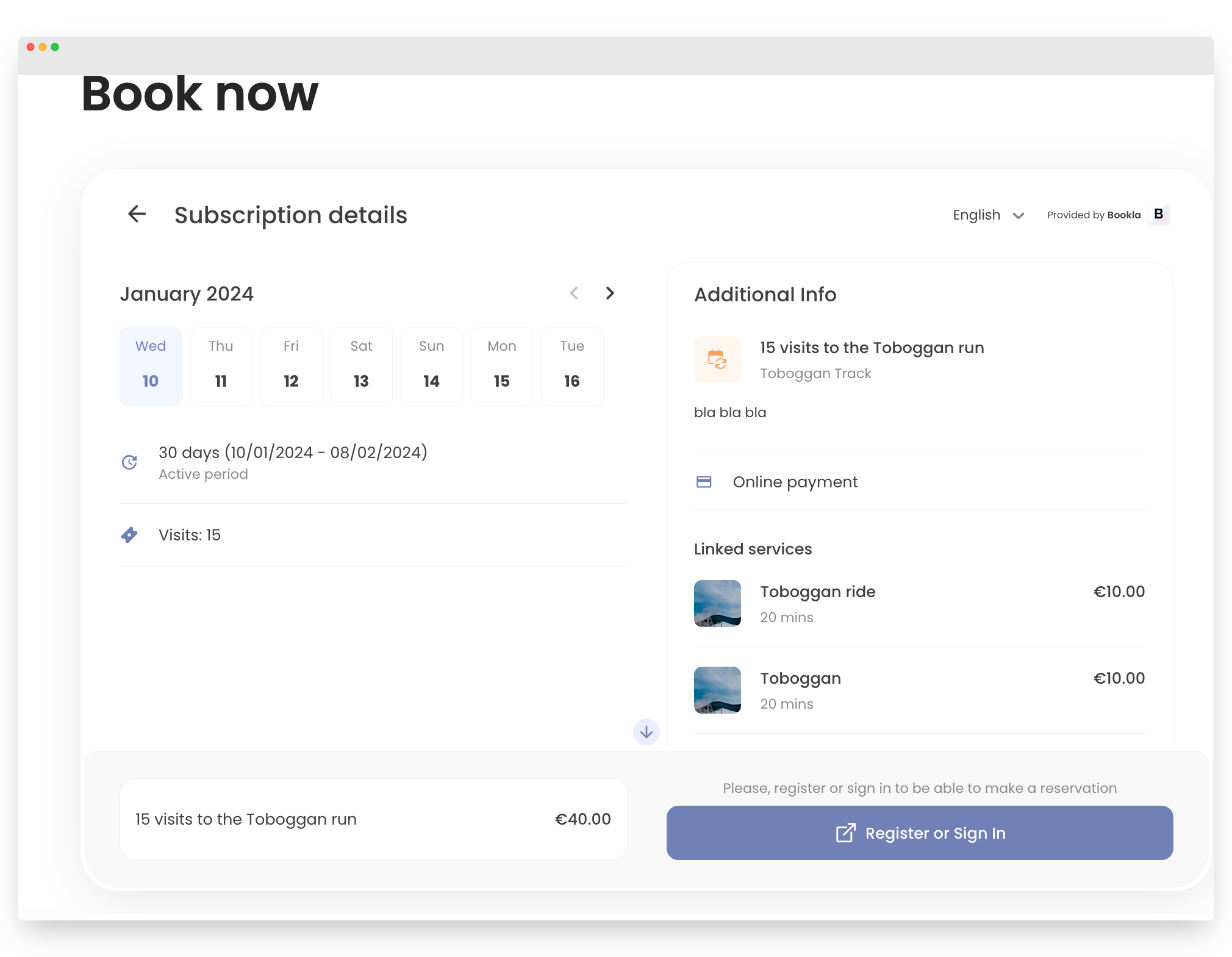
Click 'Register or Sign in'.
-
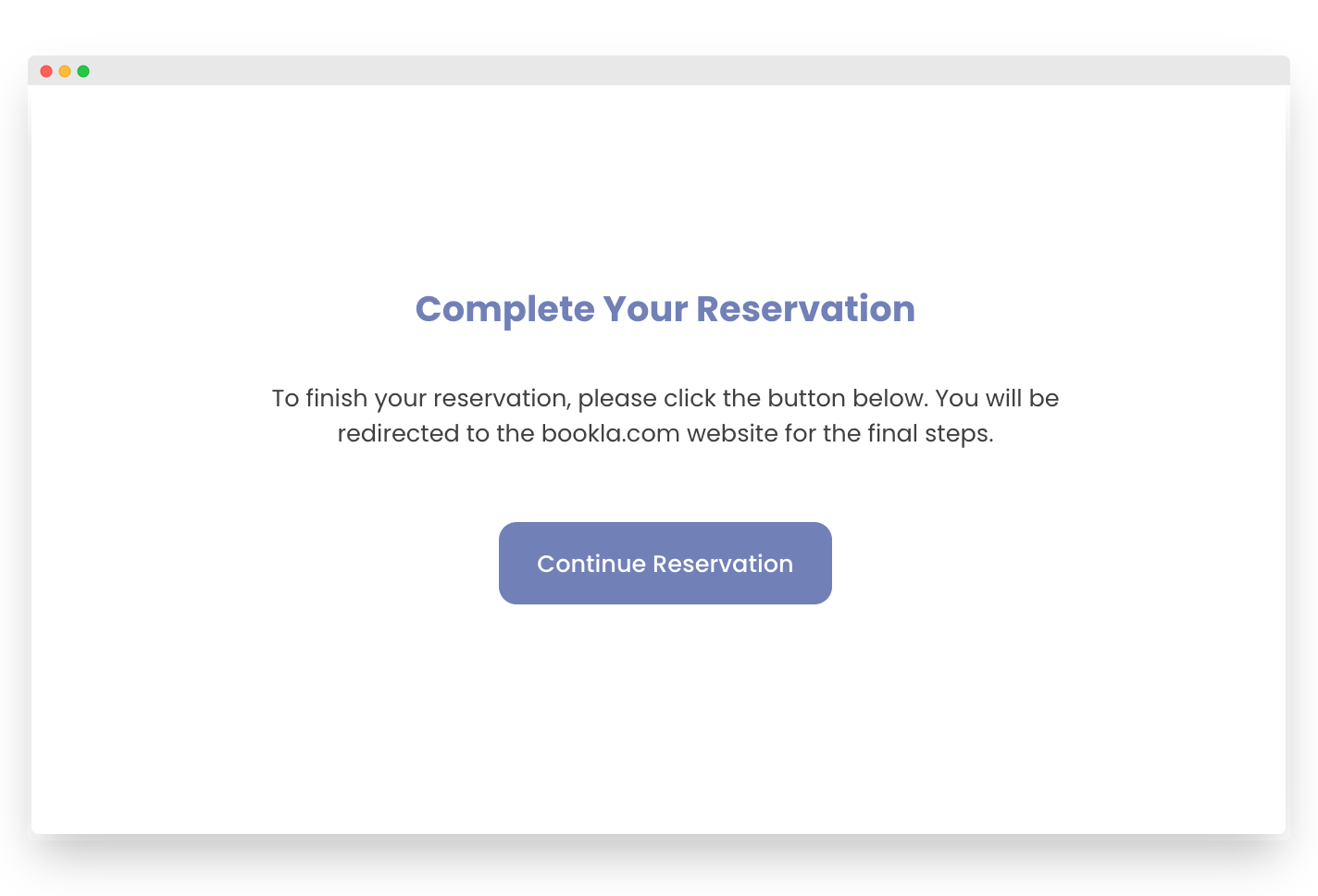
Proceed by clicking 'Continue Reservation'.
-
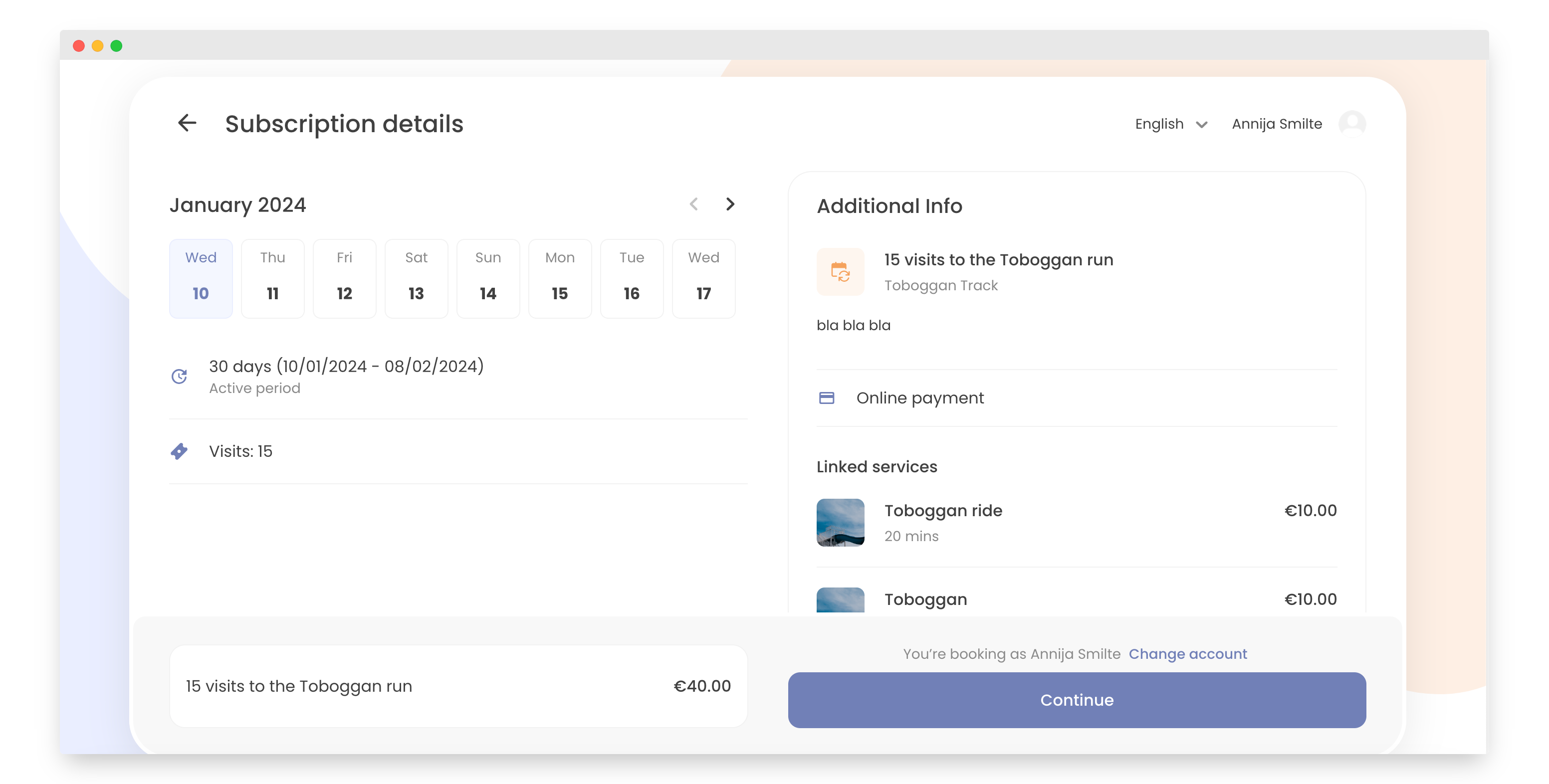
Click 'Continue'.
-
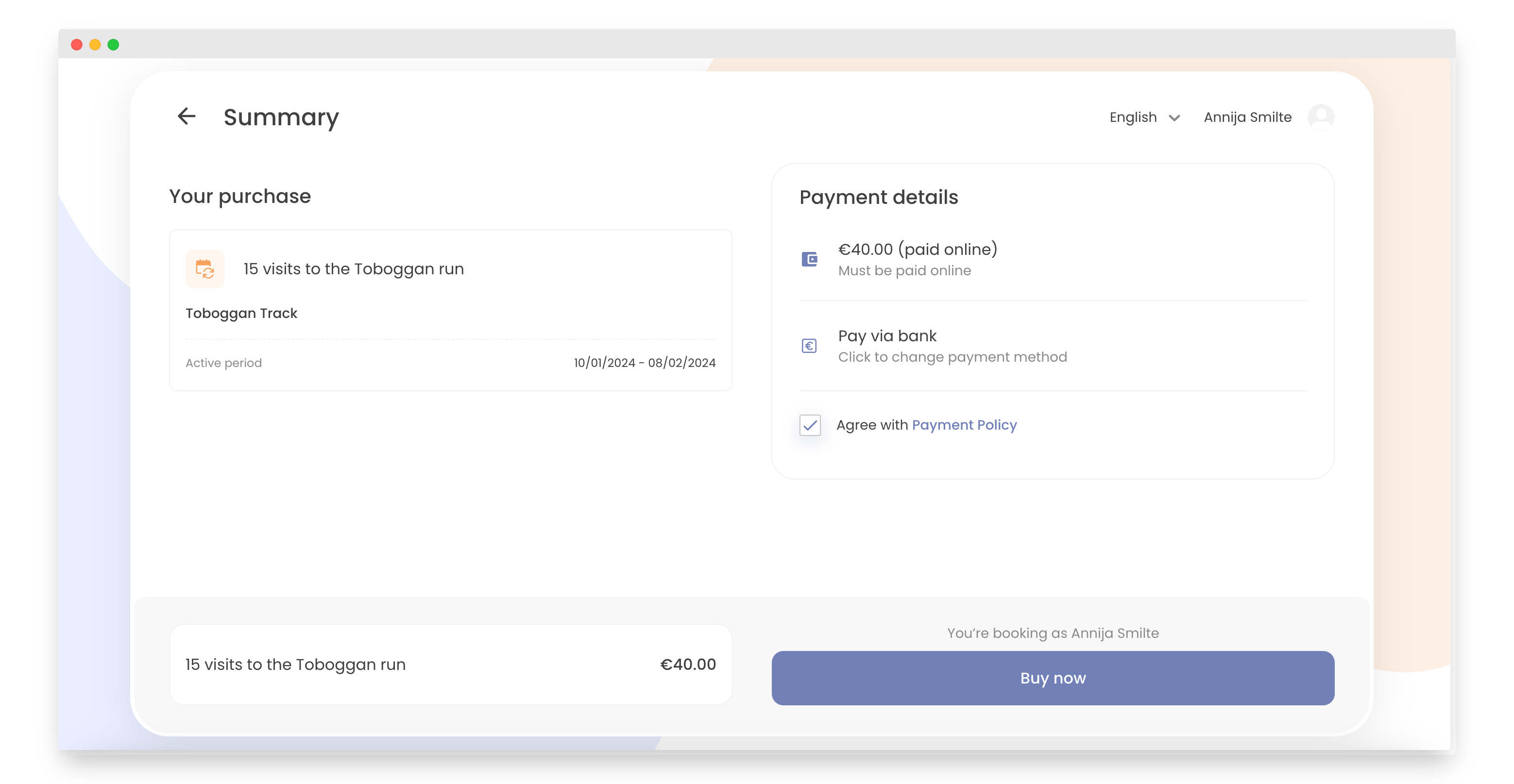
Review and agree to the Payment Policy.
-
Click the 'Buy now' button.
-
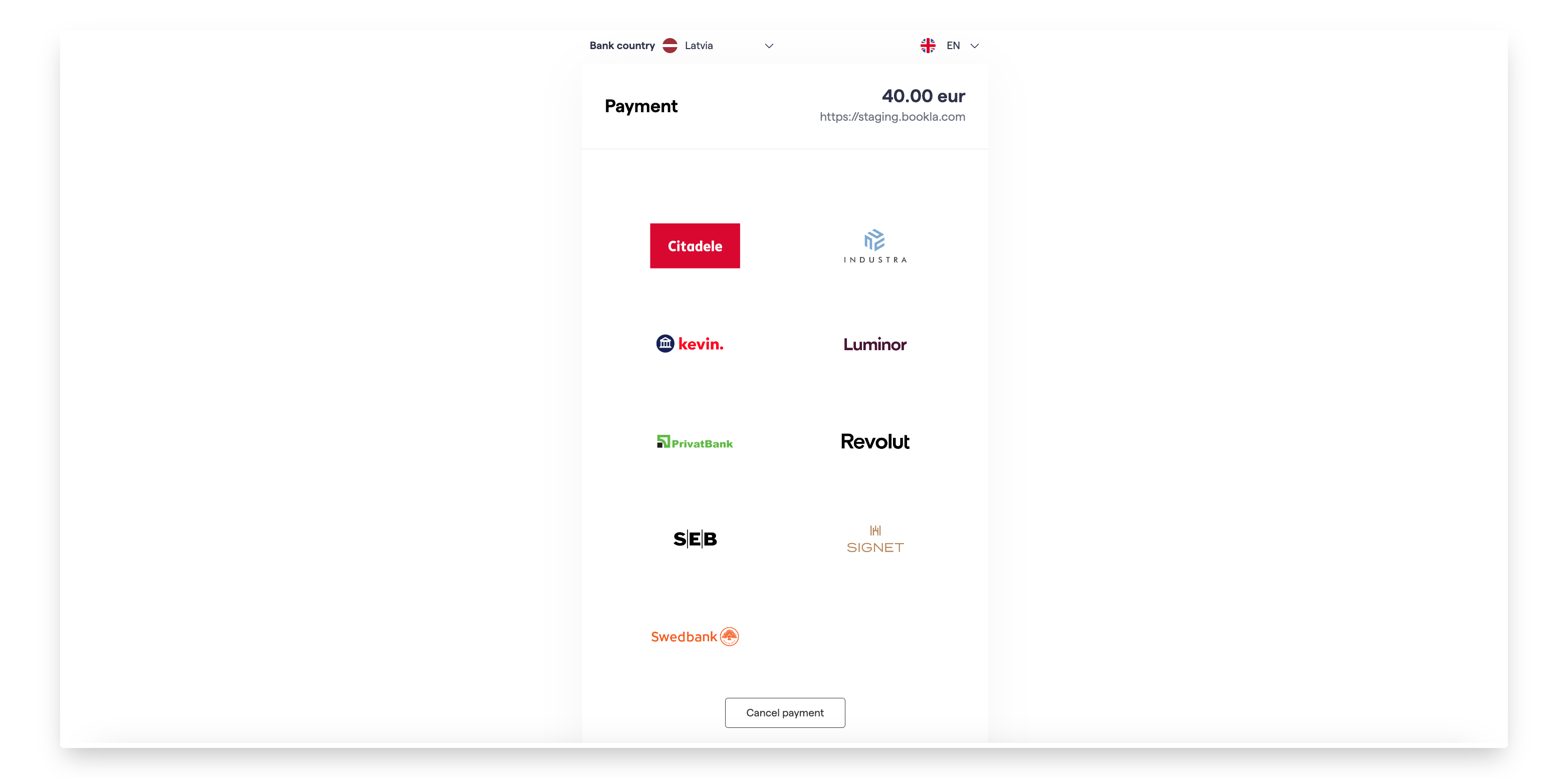
Select your preferred payment option.
-
That's it! You have successfully purchased the subscription.