How to Use a Subscription
In this tutorial, you will learn how to use your subscription.
How to Do It:
-
If you have an active subscription, you will see it on your Bookla profile.
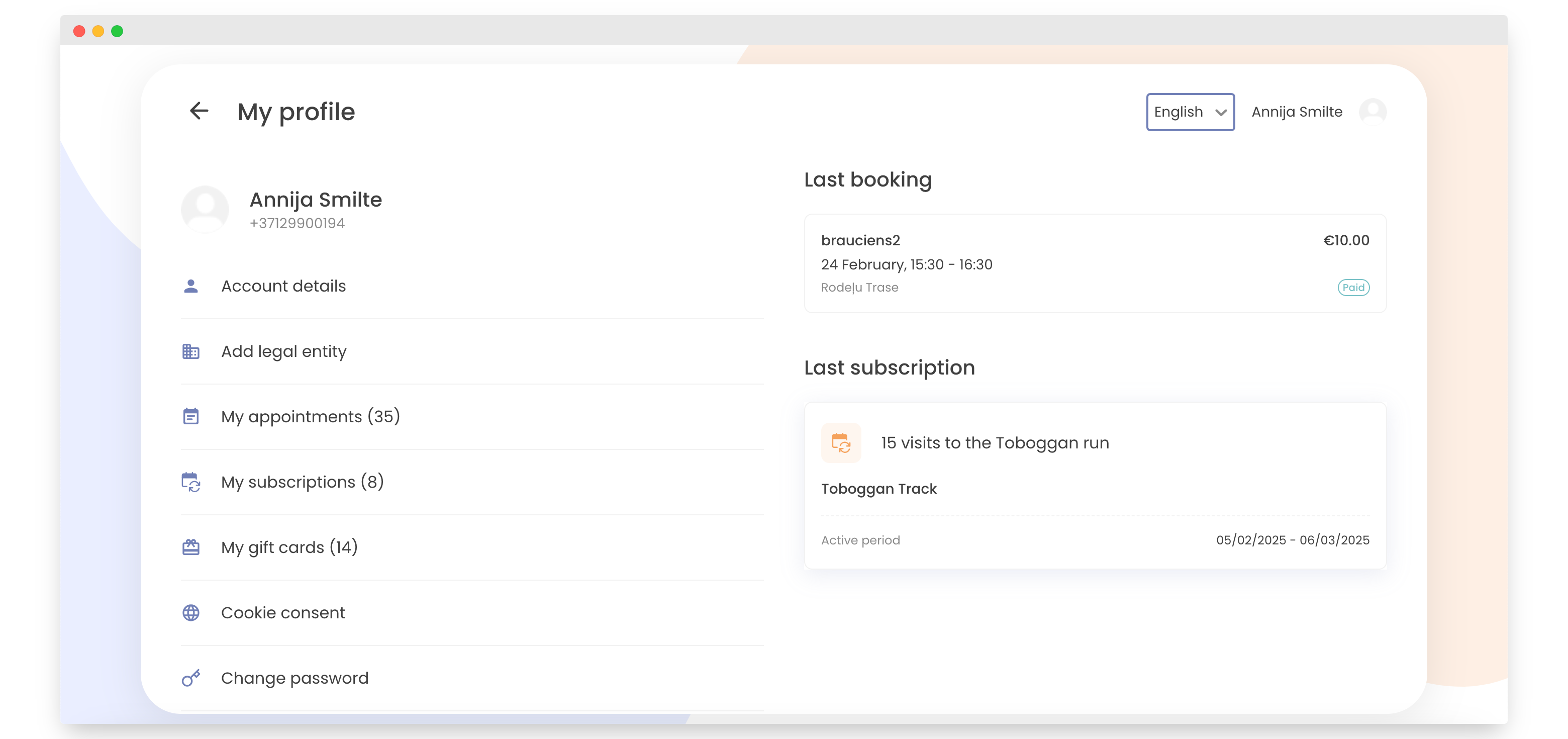
-
To use your subscription, go to the company's Bookla page for which you have an active subscription. Click "Book Now".
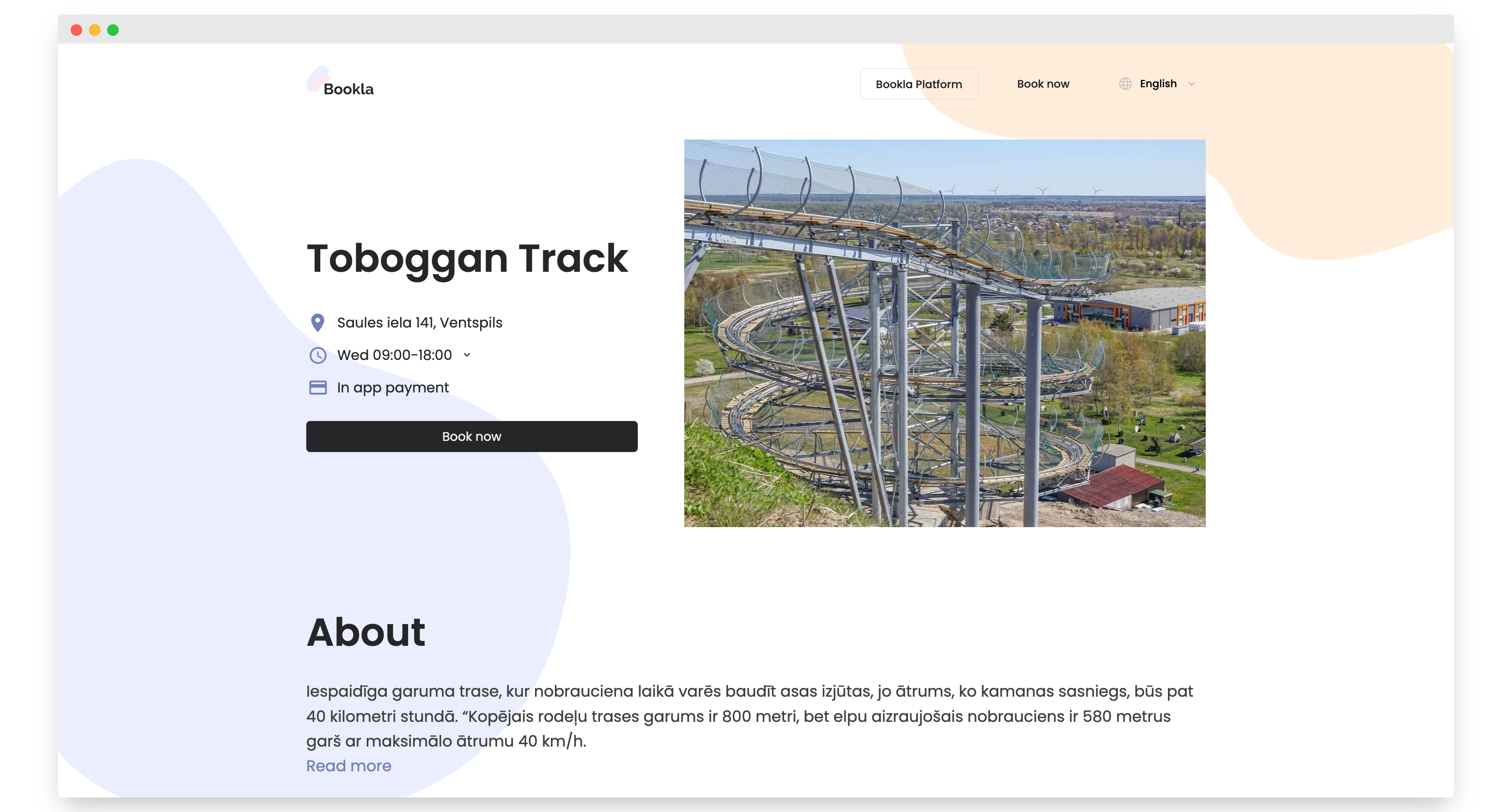
-
Click on the service that the subscription applies to.
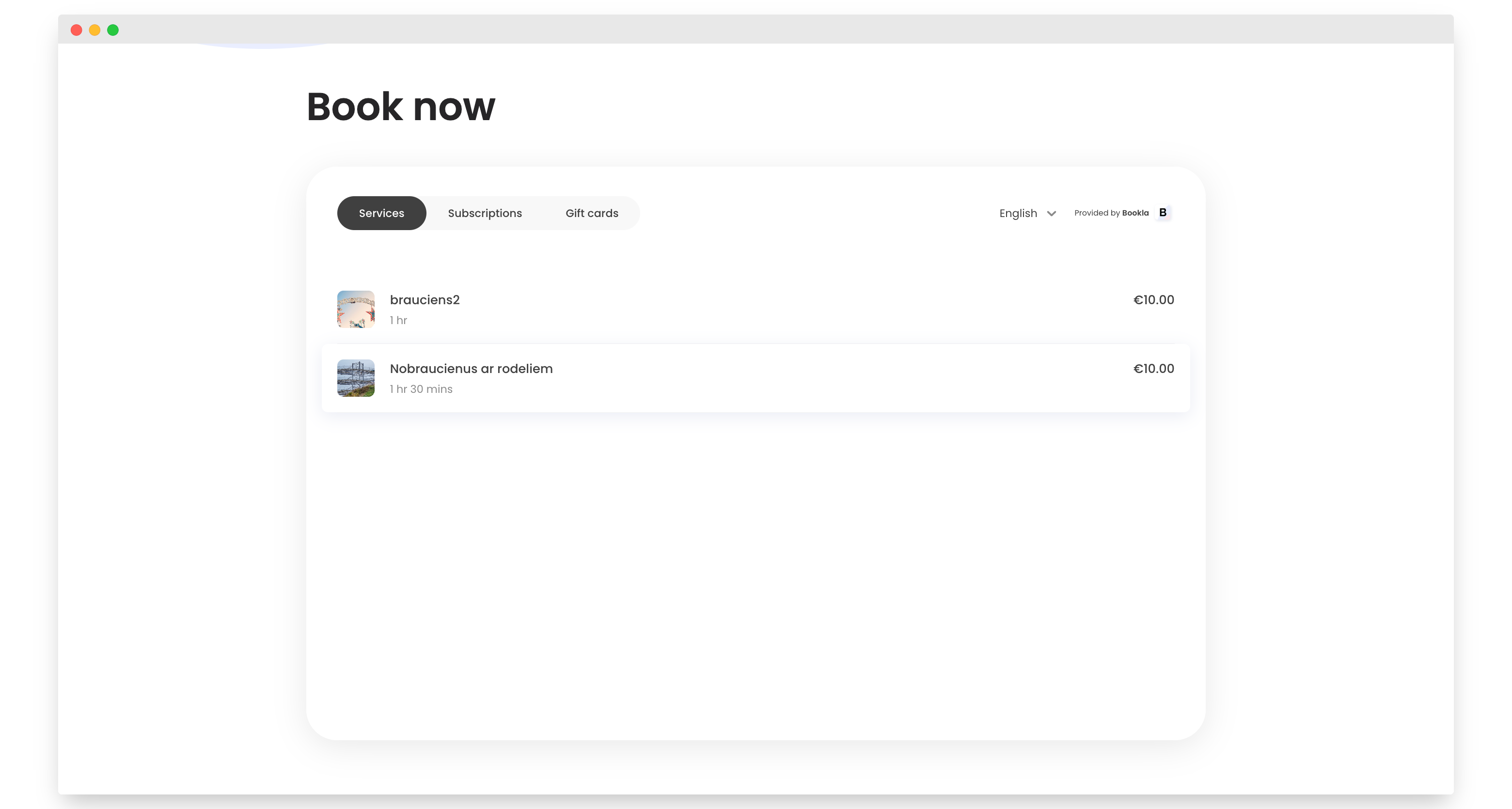
-
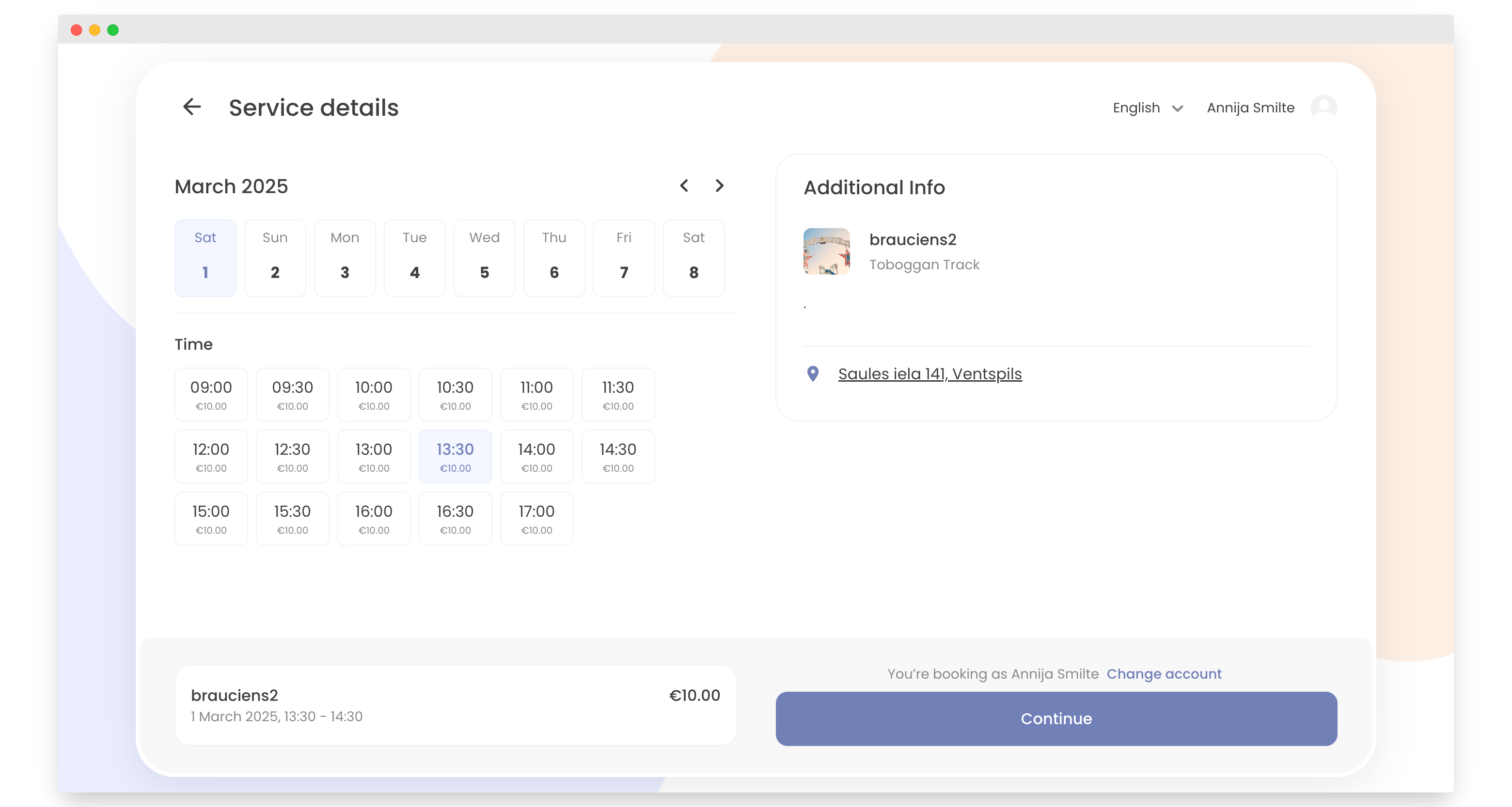
Select the day and time you want to make a reservation and click the "Register or Sign In" button.
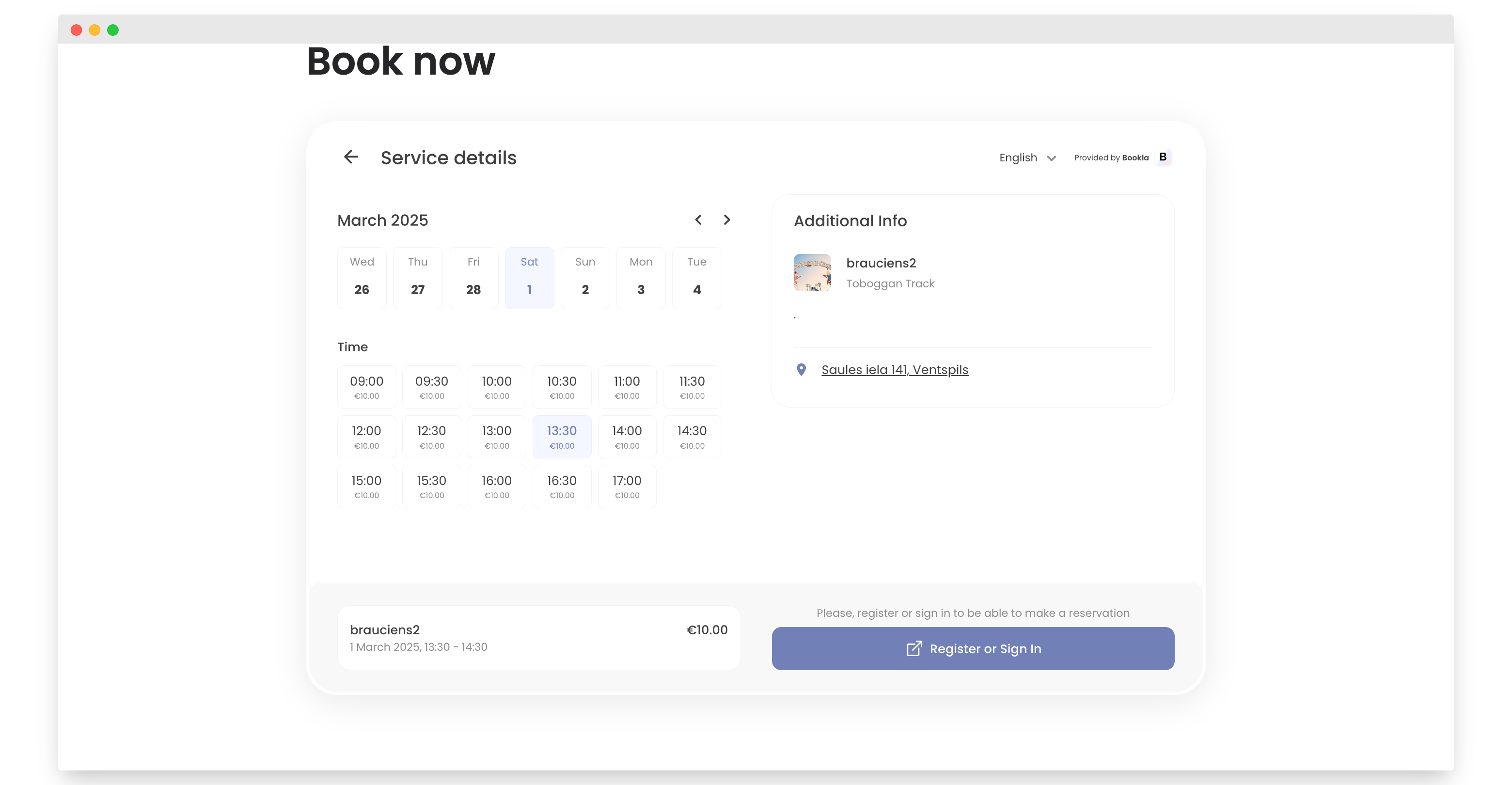
-
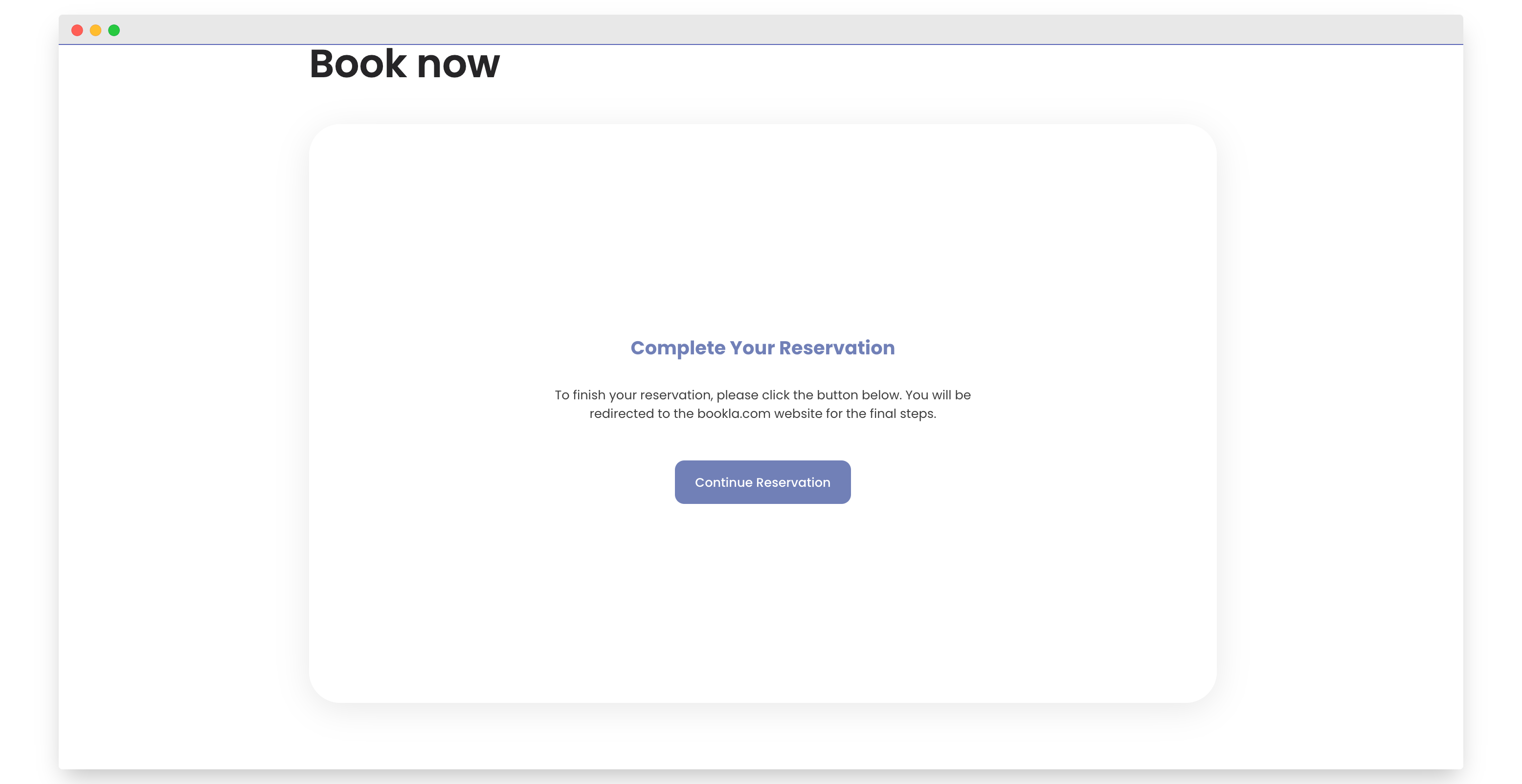
Click "Continue Reservation".
-
Click "Continue".
-
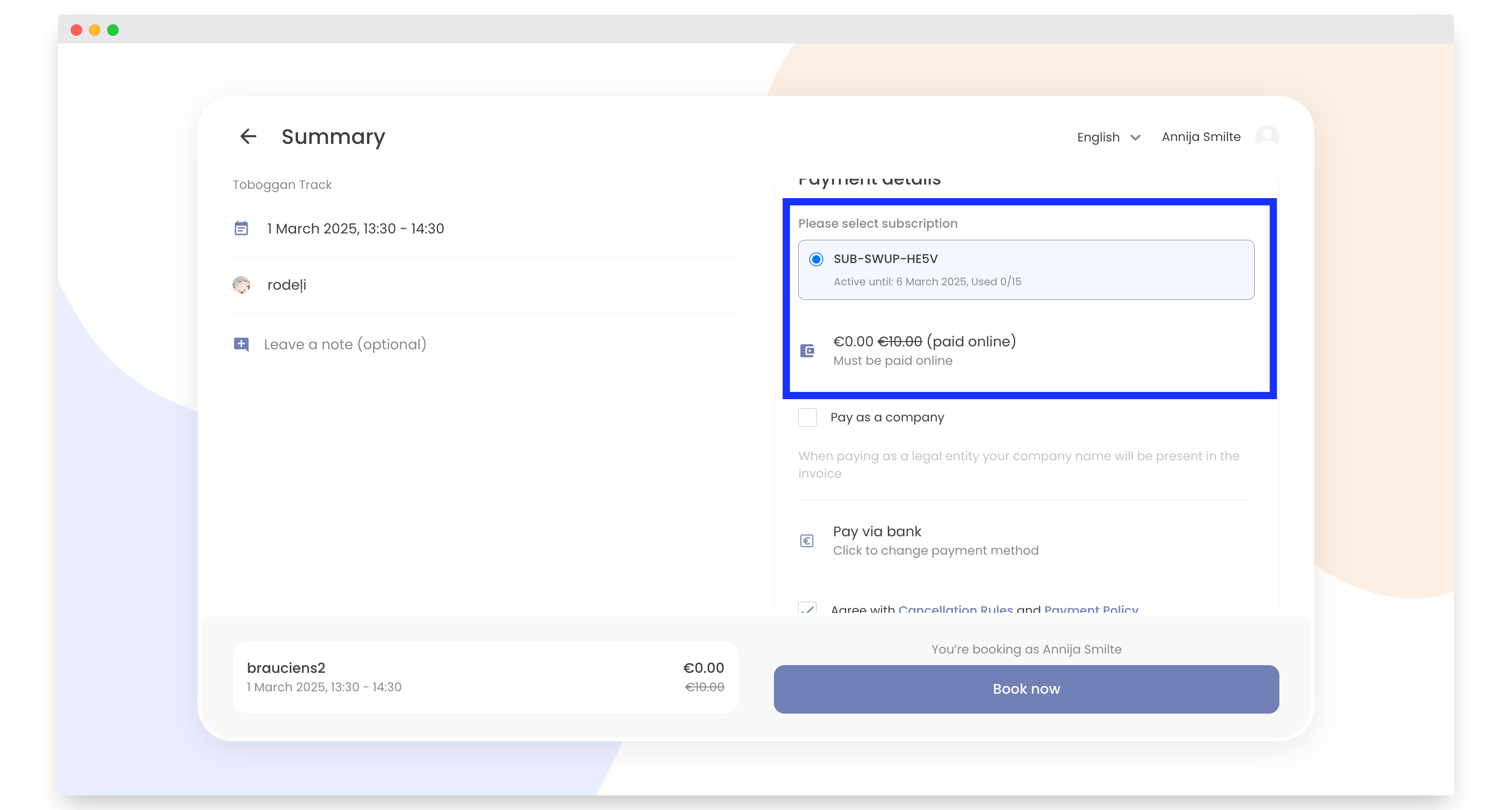
As you can see, the subscription is added automatically. Agree to the cancellation rules and payment policy, then click "Book Now".
-
Done! By following these steps, you have successfully made a reservation with your subscription.
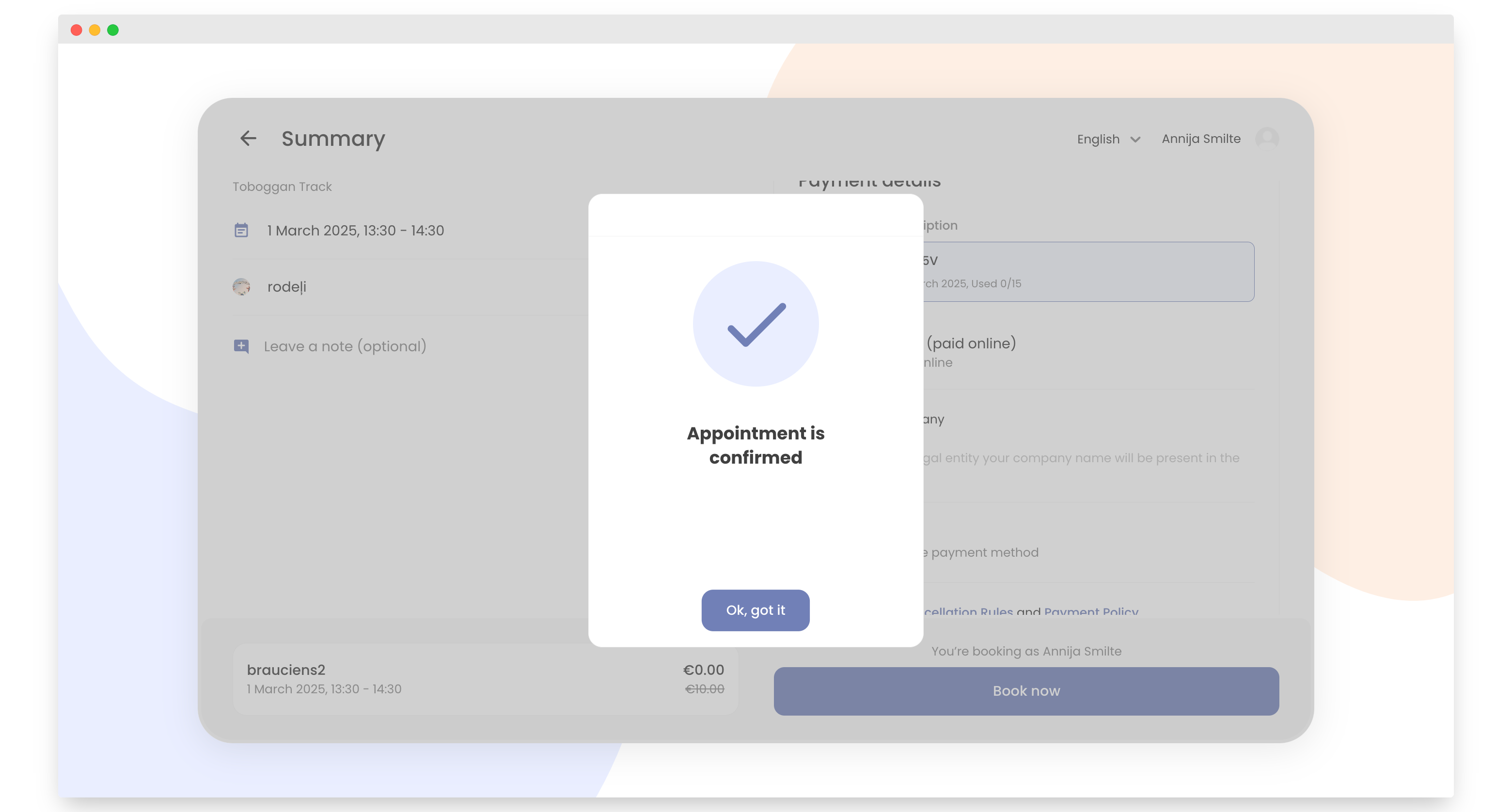
Note - The QR code is your ticket/tickets. You can view your tickets in the Bookla application and in your email.