How to Check Receipts
If you want to see receipts, this tutorial will show you how to find them in the Bookla application.
How to Do It
-
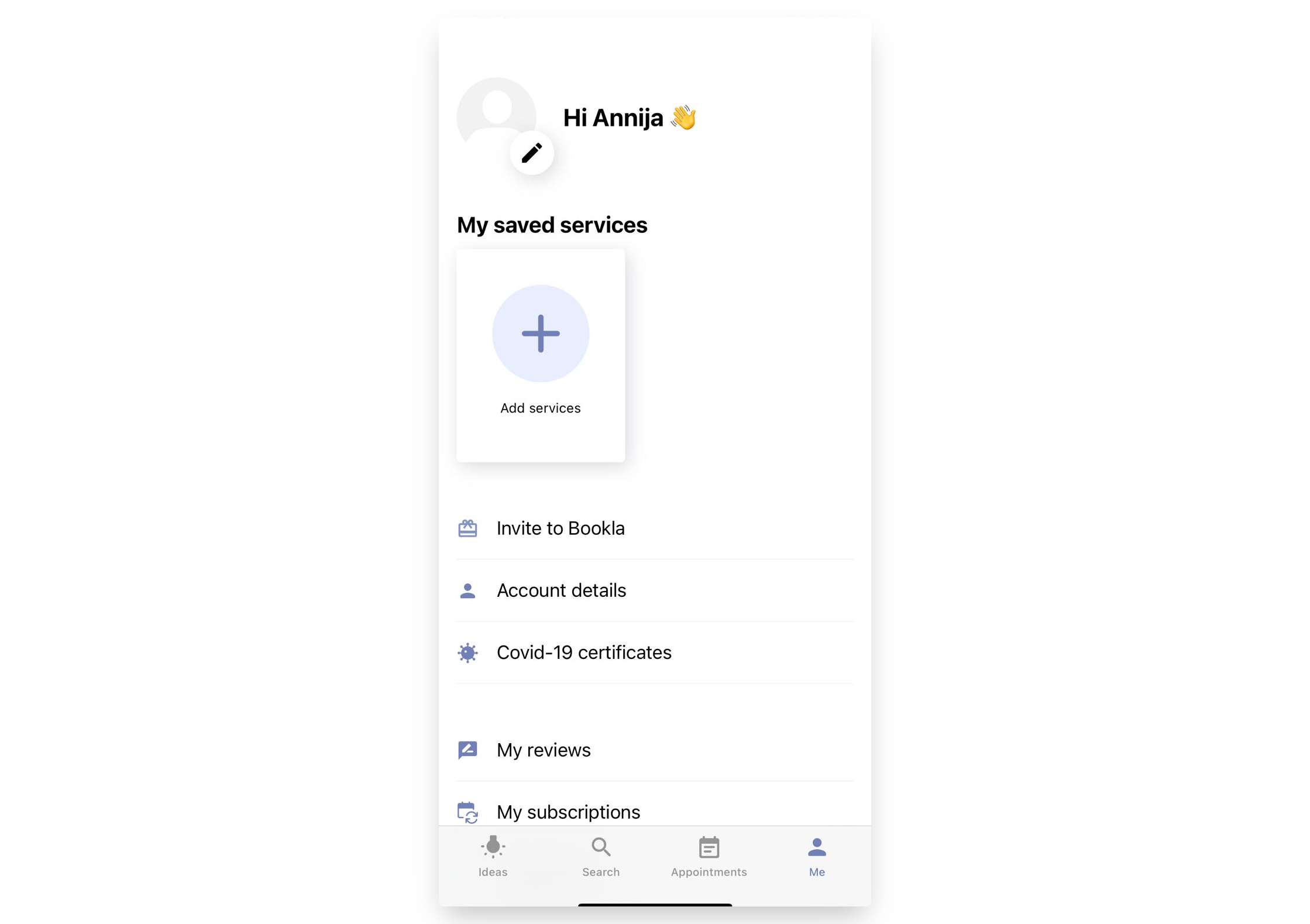
Open your Bookla application and go to your profile.
-
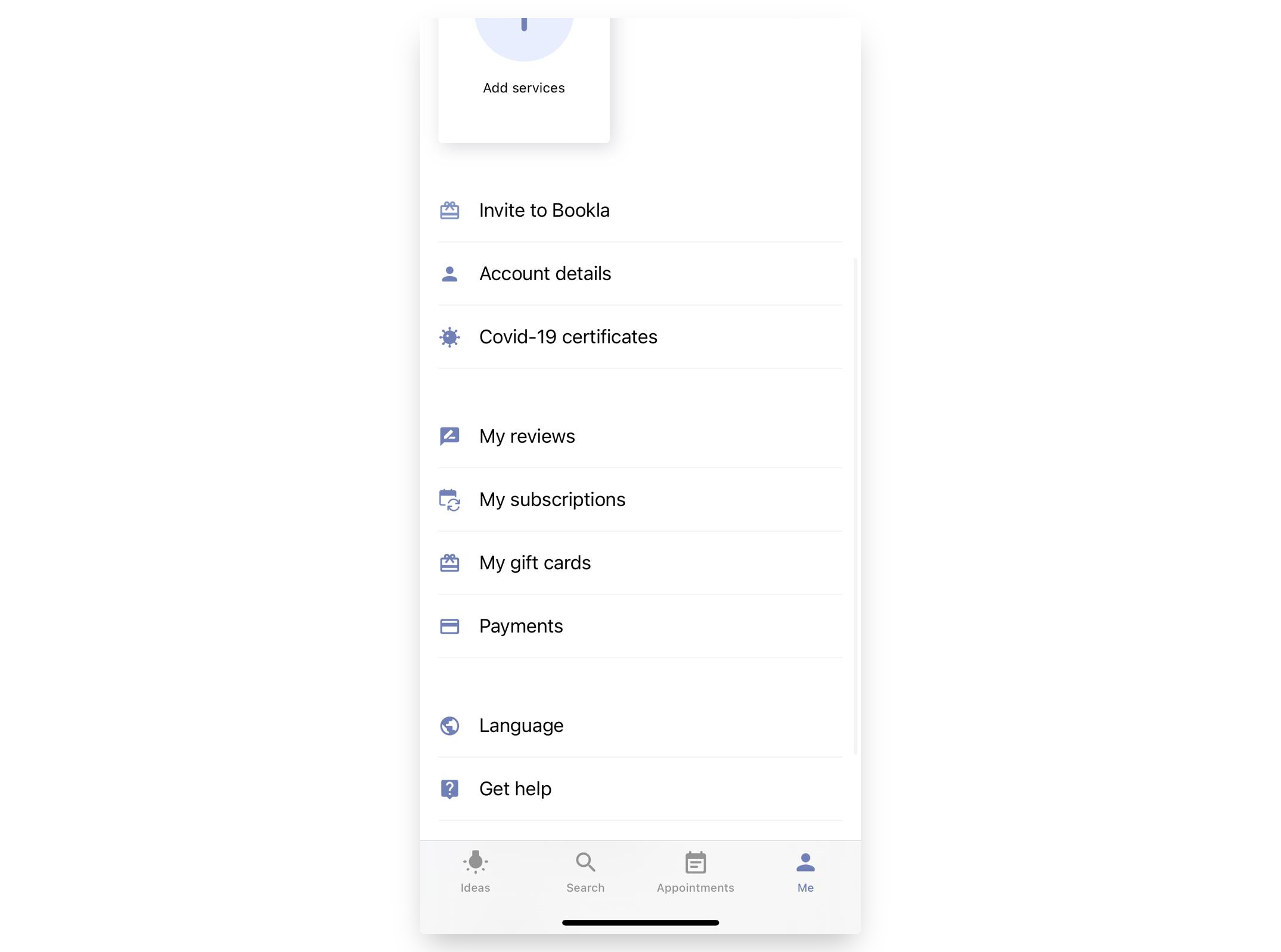
Scroll down and press "Payments".
-
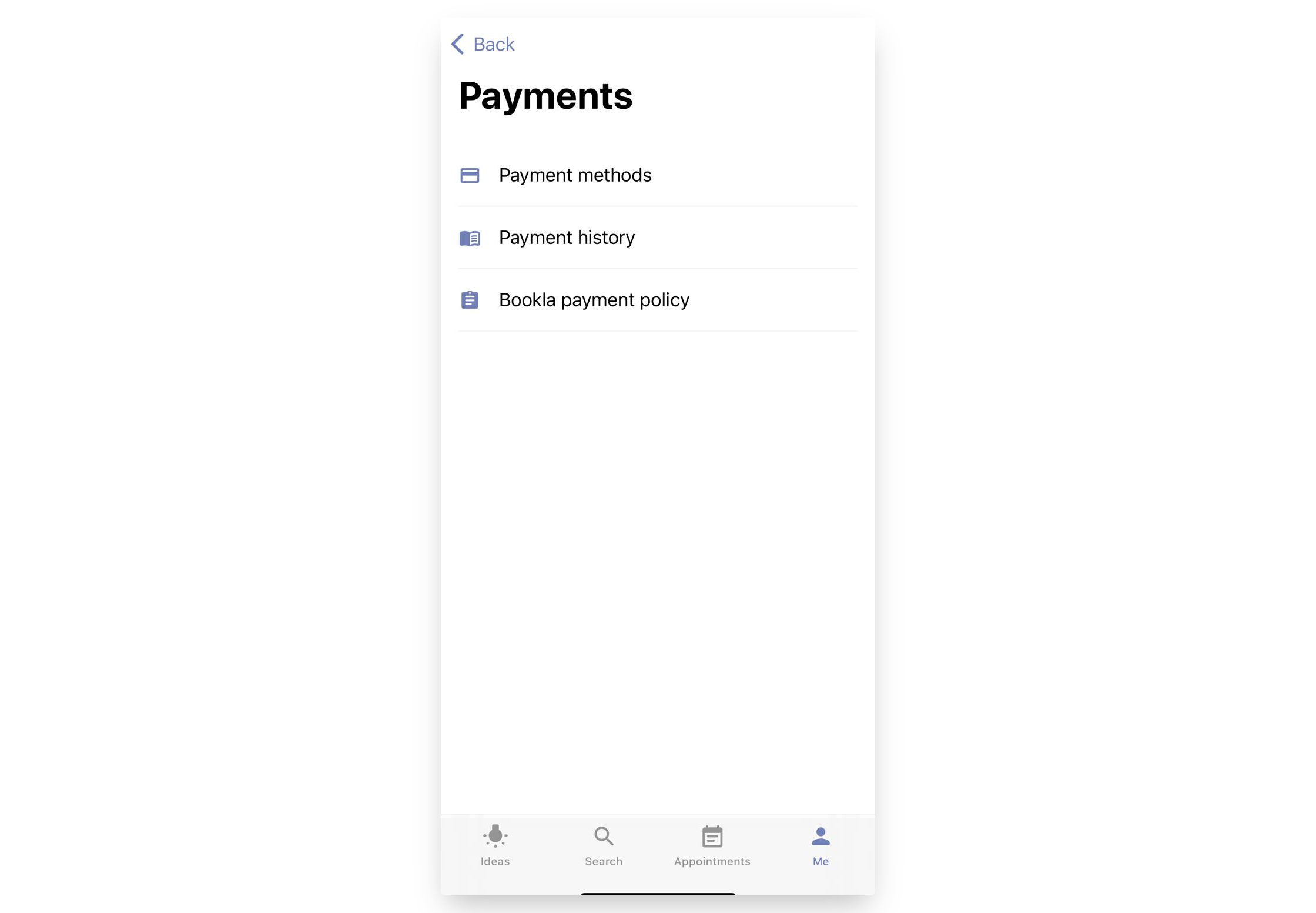
Press "Payment History".
-
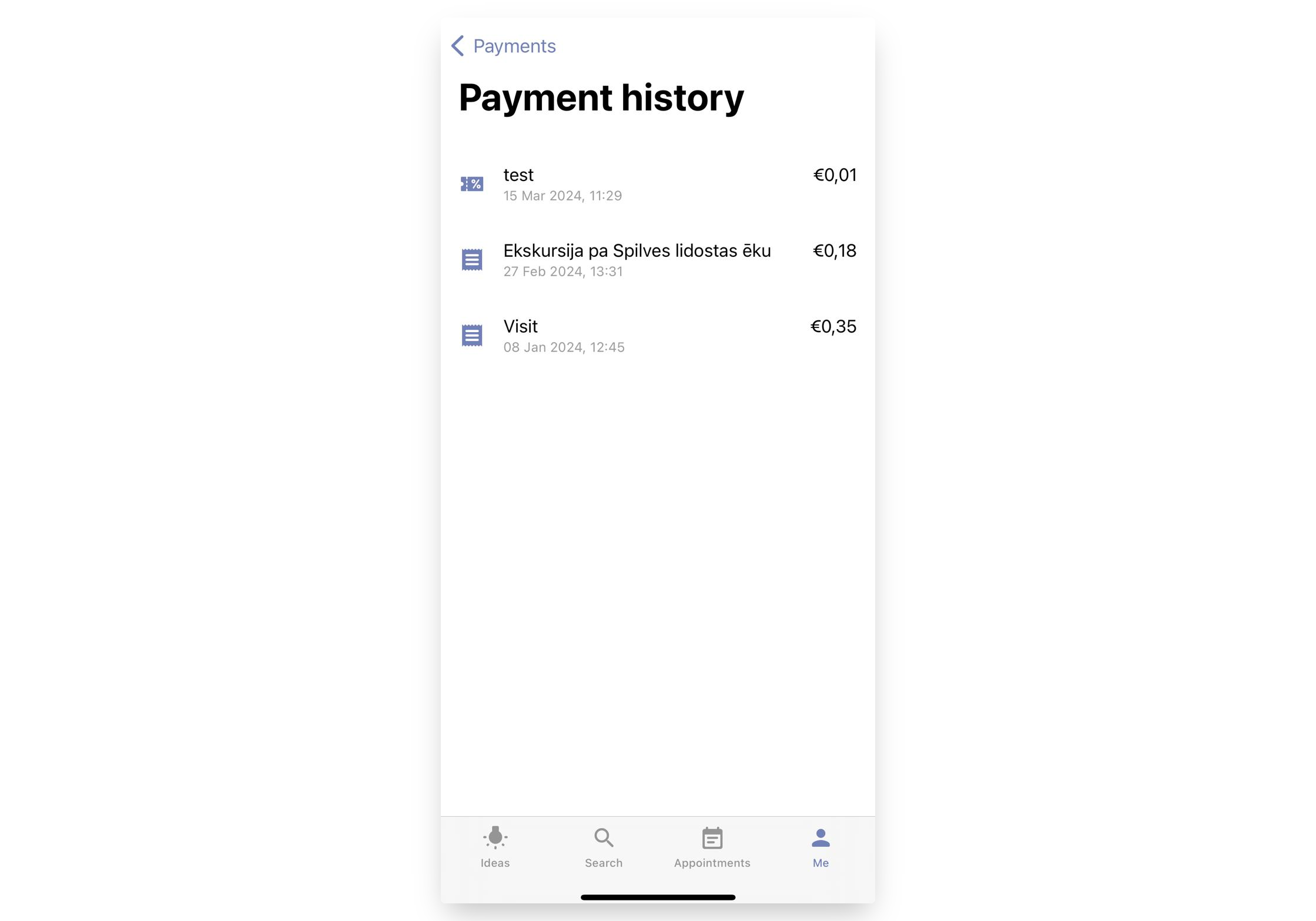
Here you can see all the receipts. You can click on each one.
-
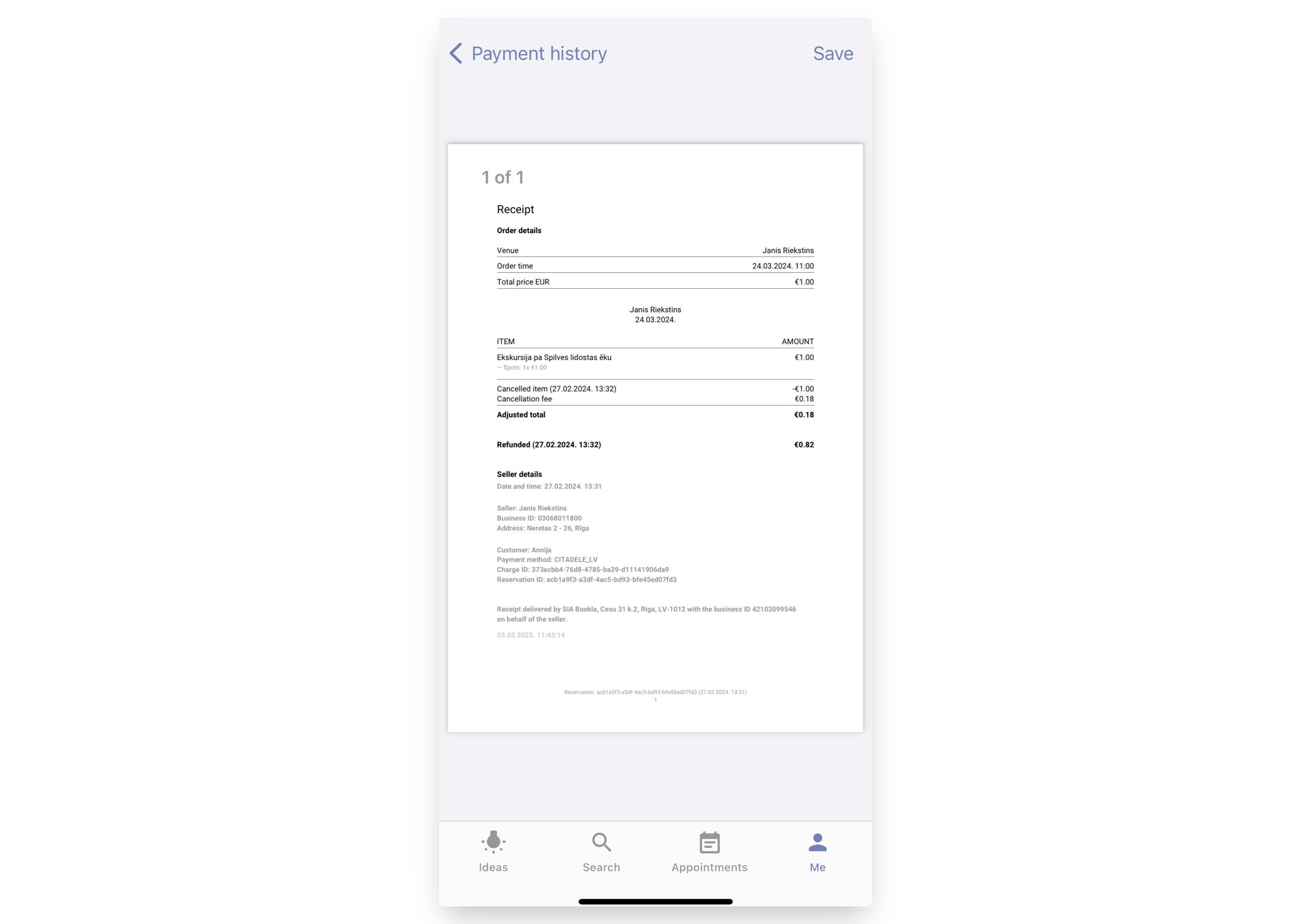
When pressing on a receipt, you will see its details and can save it.
That's it!