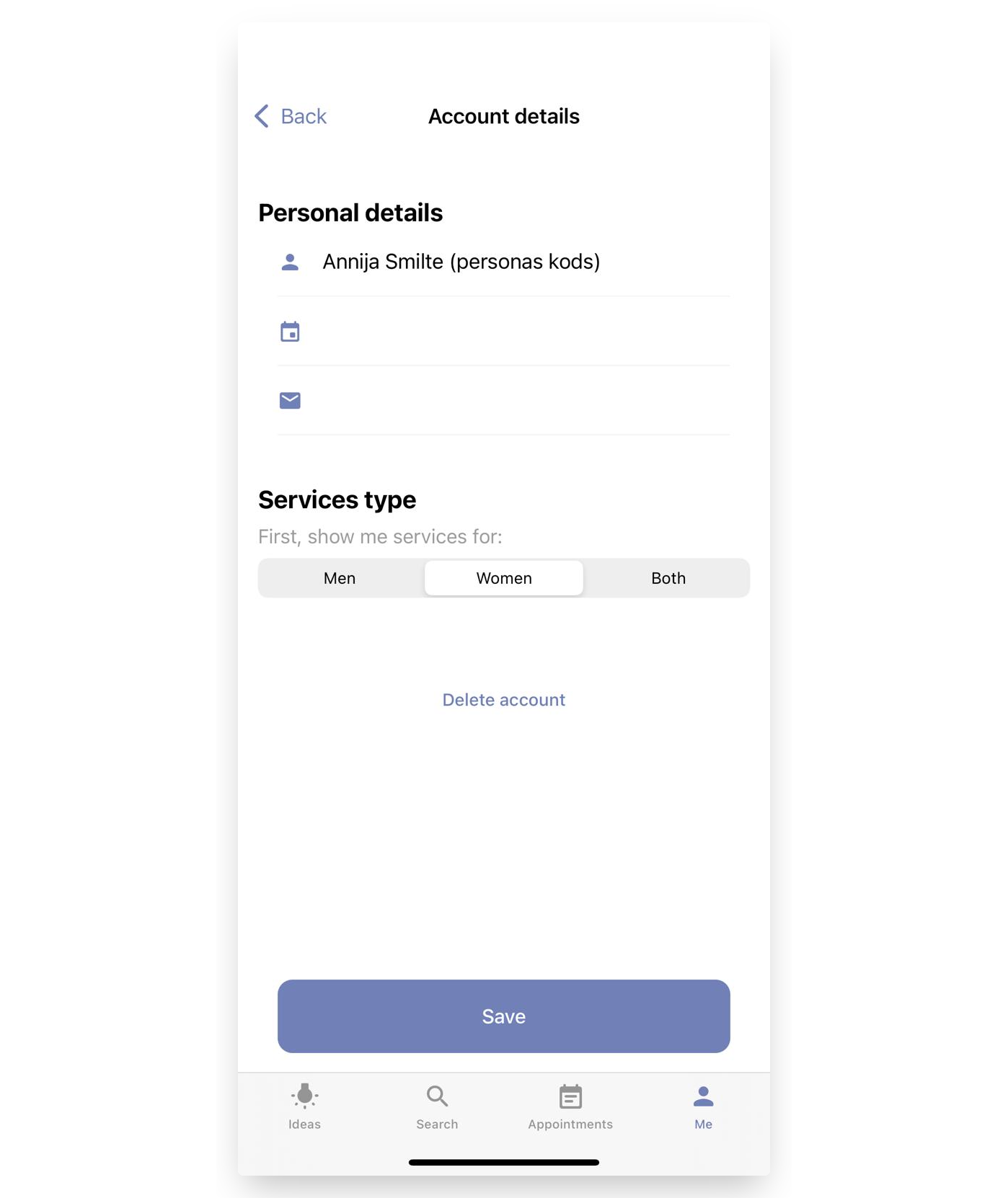
How to Add Additional Information to Your Profile on iPhone
If you need to add additional information about yourself that is required for your invoices, this tutorial will guide you on how to do it.
Important - The information added after your last name will be visible only to you; nobody else will see it.
How to Add Additional Information on iPhone
-
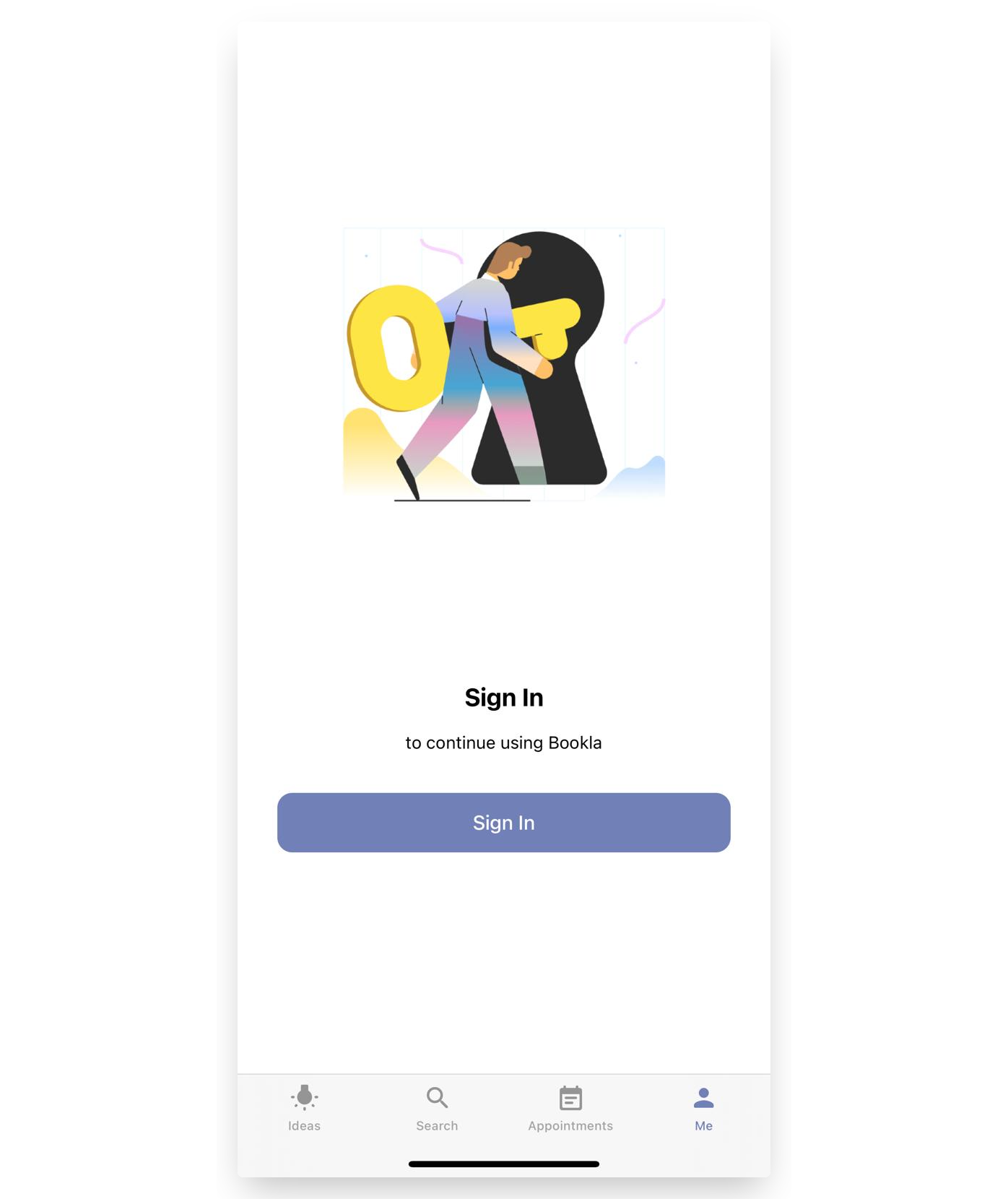
If you already have the Bookla application, open it and click "Sign in".
-
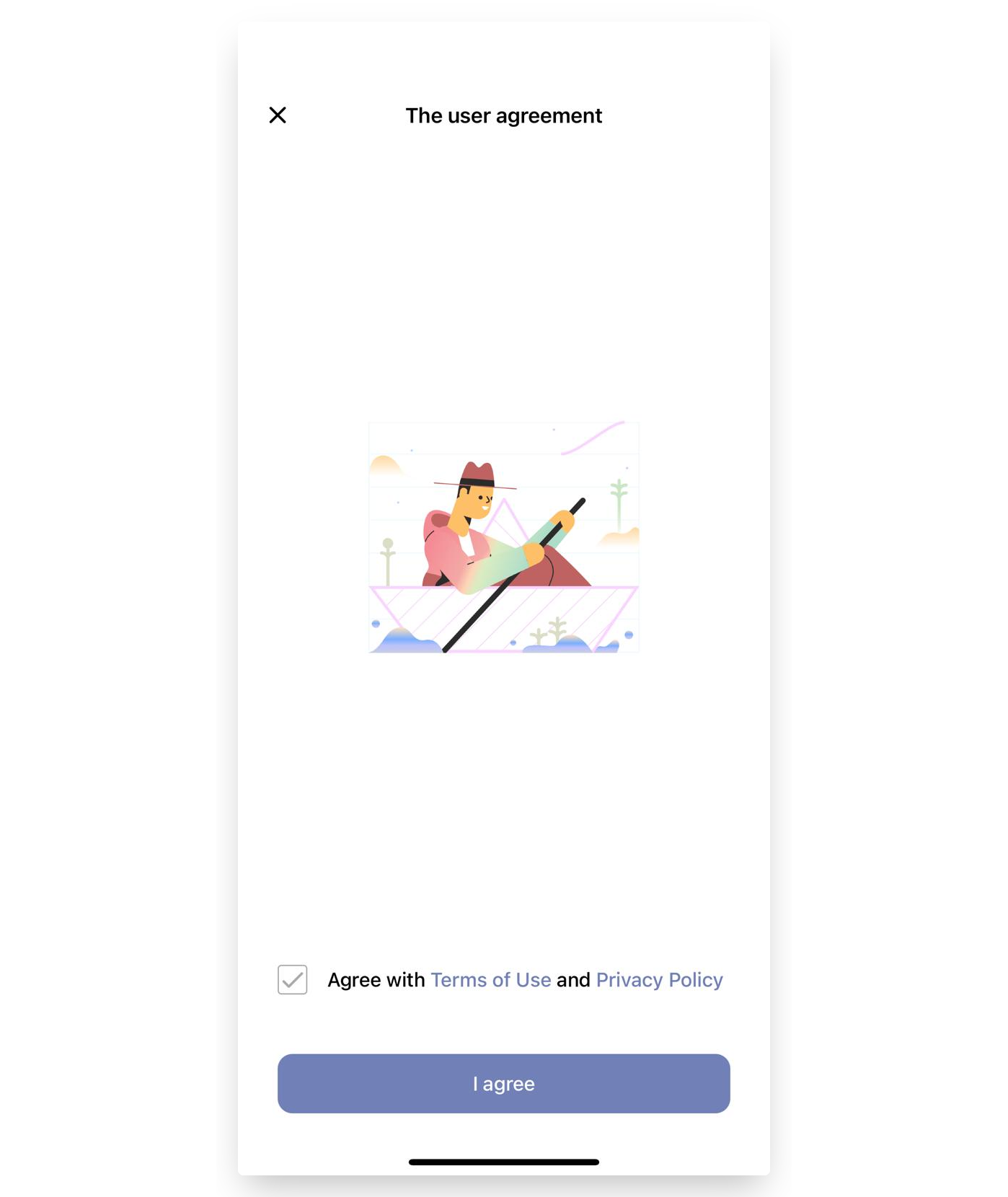
Check the box "Agree with Terms of Use and Privacy Policy" and press "I agree".
-
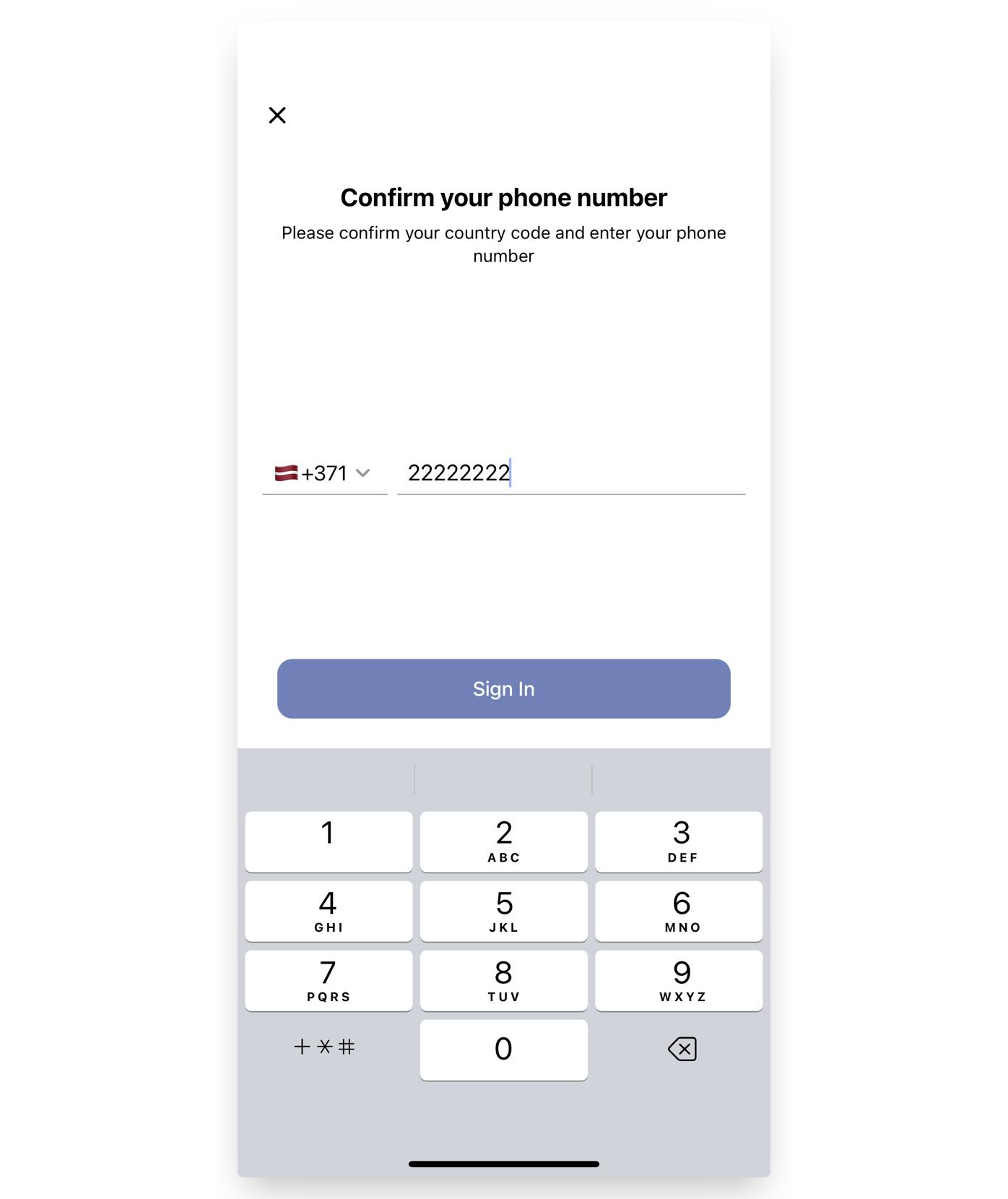
Enter your phone number and click "Sign in".
-
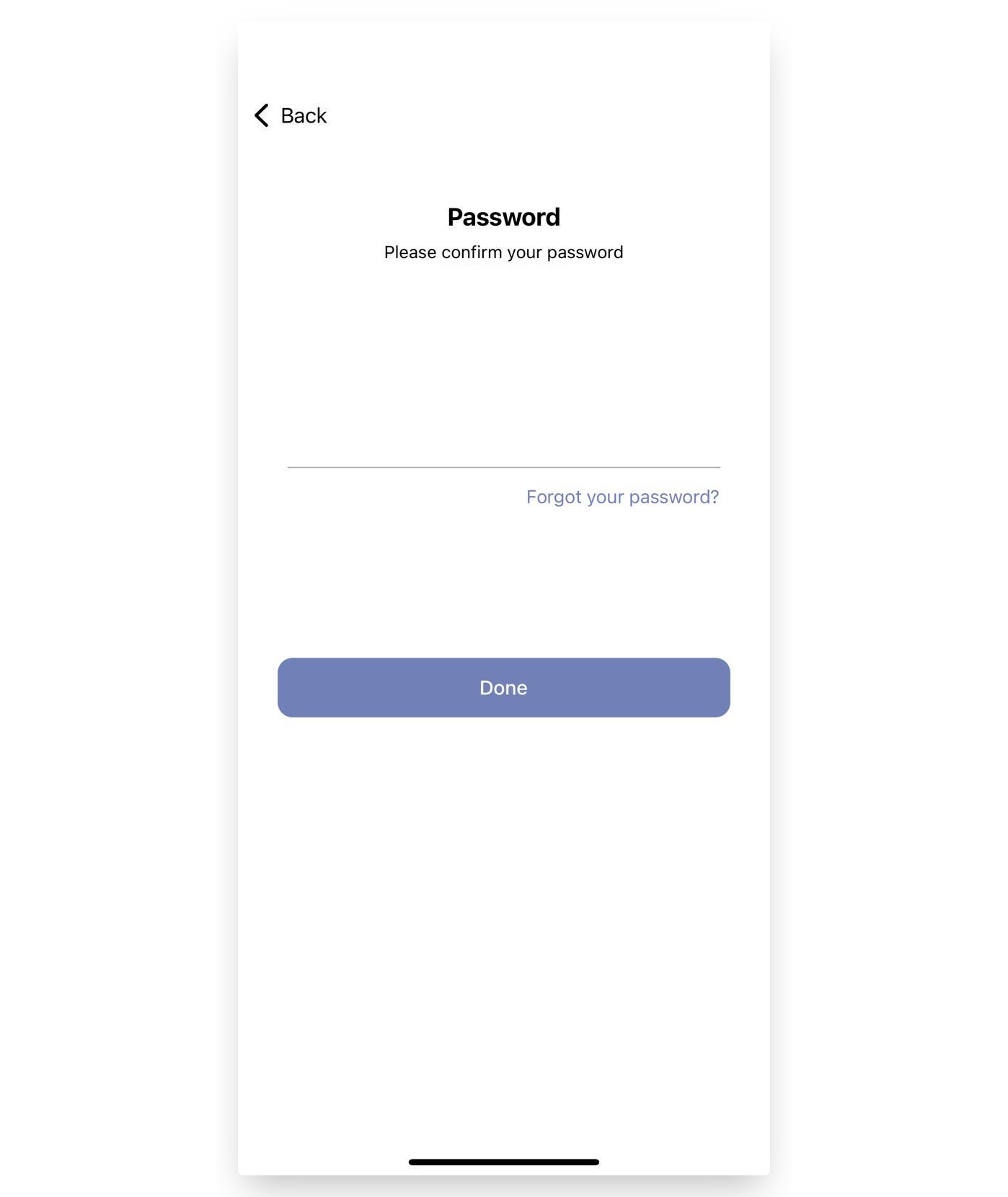
Enter your password and click "Done".
-
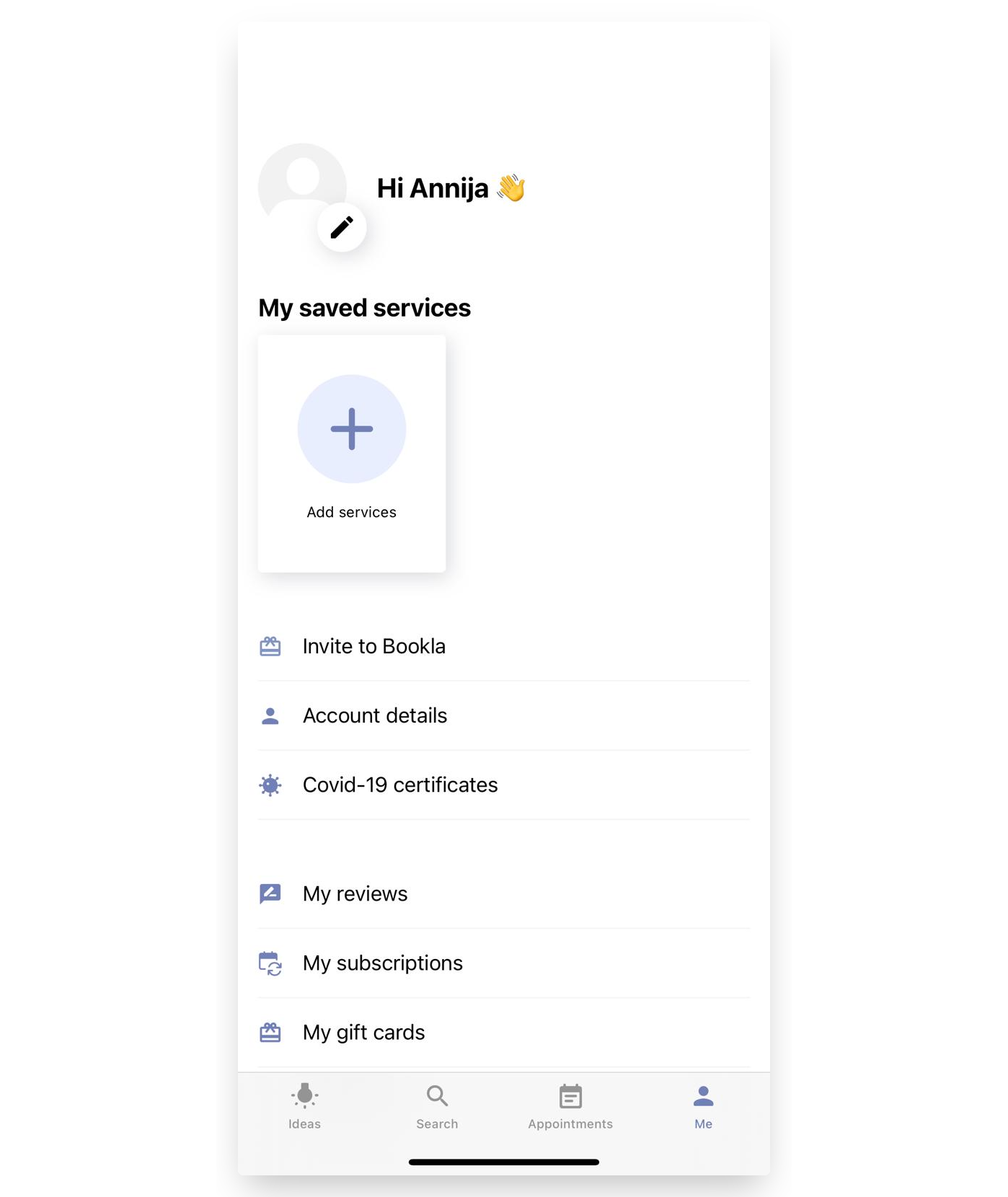
Now that you are logged into your account, click on "Account details".
-
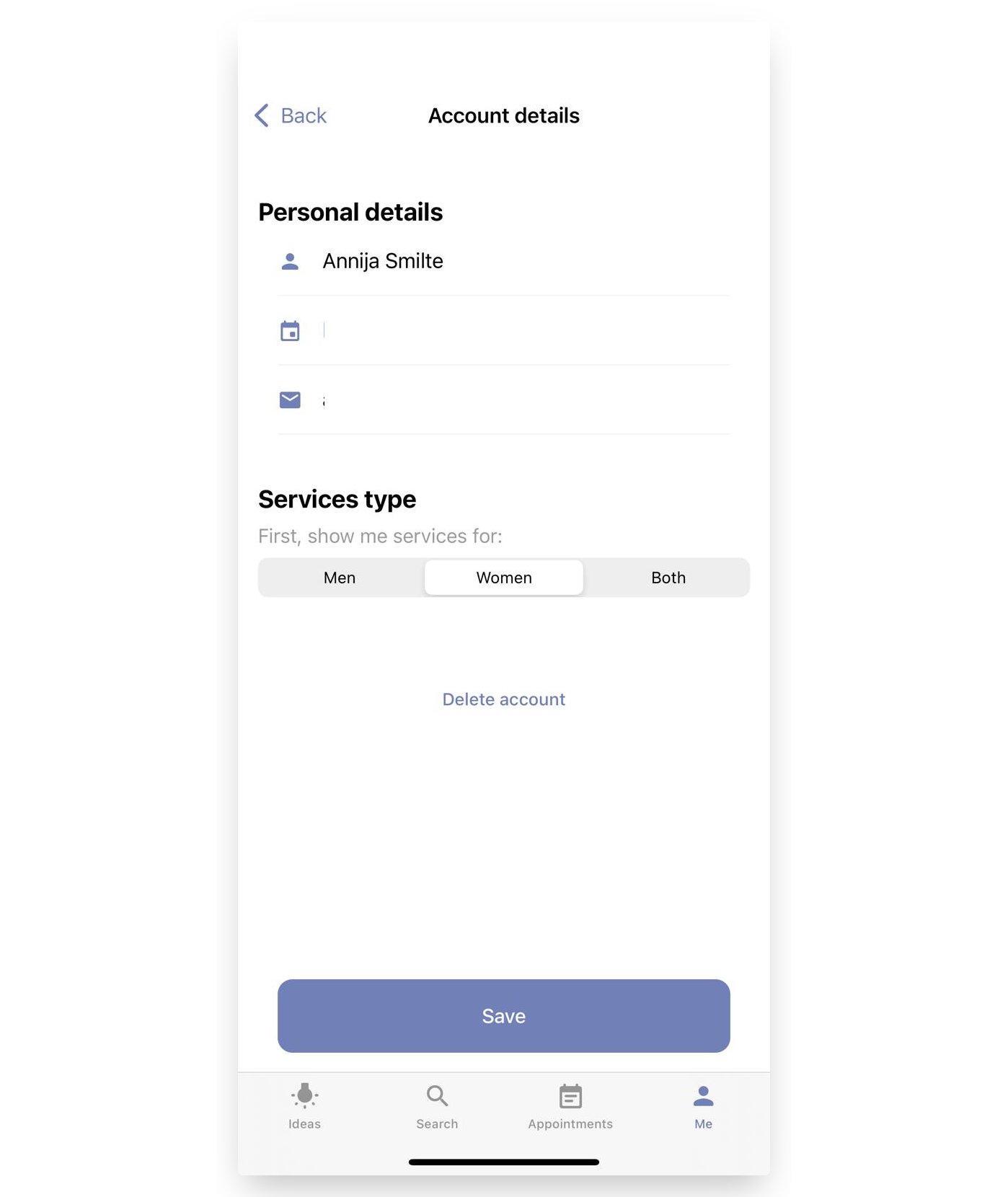
Here you can see your personal details. To add information, such as a personal code or other details needed for your invoices, click on your name.
-
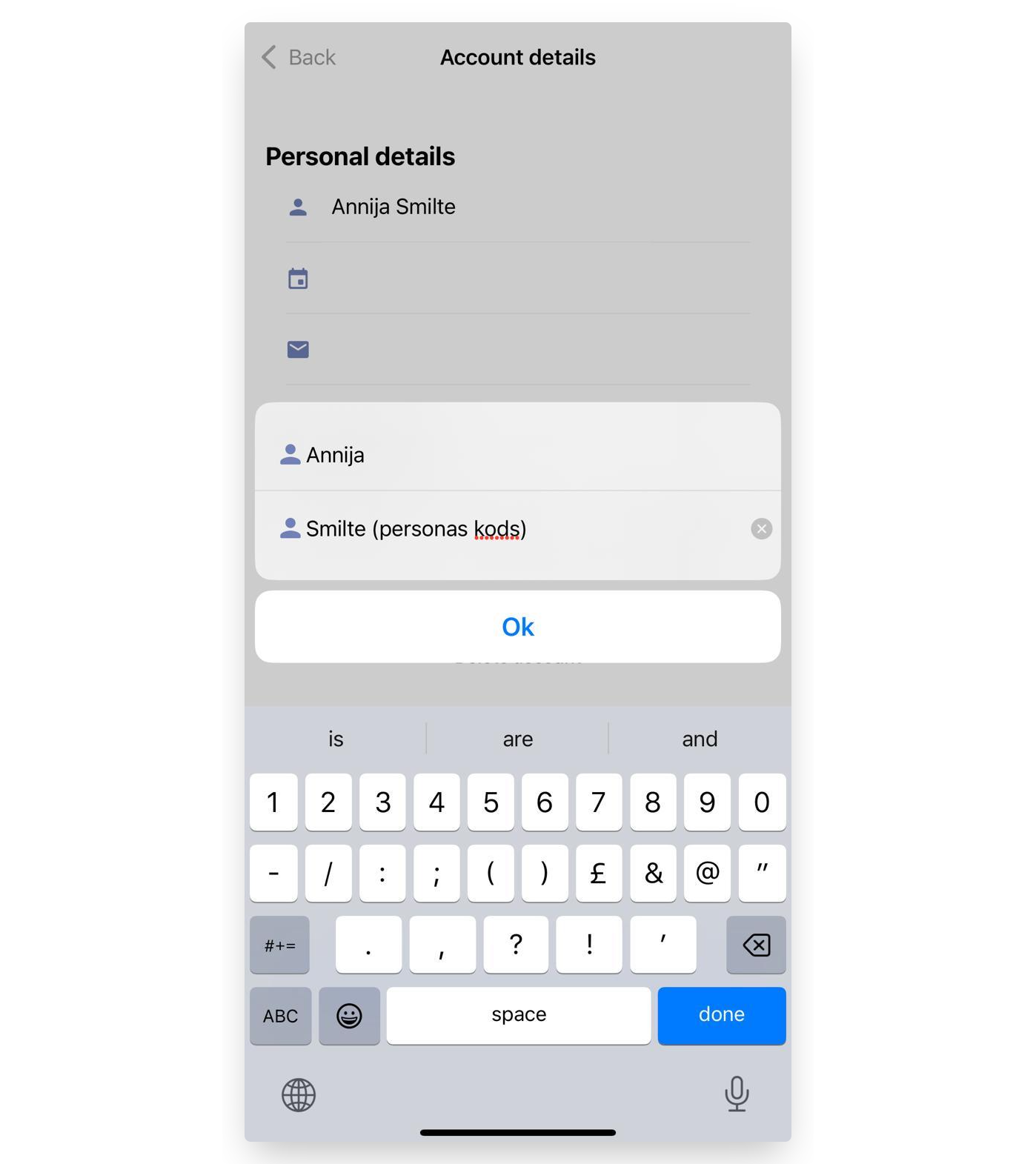
Add the necessary information after your last name and click "OK".
-
That's it! Your information is saved, and it will appear on your invoices.