How to Make a Reservation as a Guest
Guest checkout is a simple way to book a service if you don't want to create an account in Bookla.
Important - You can book a service as a guest only in an internet browser (Google Chrome, Safari, Brave, etc.) and NOT in the application.
How to Book a Service as a Guest
-
Go to Bookla.
-
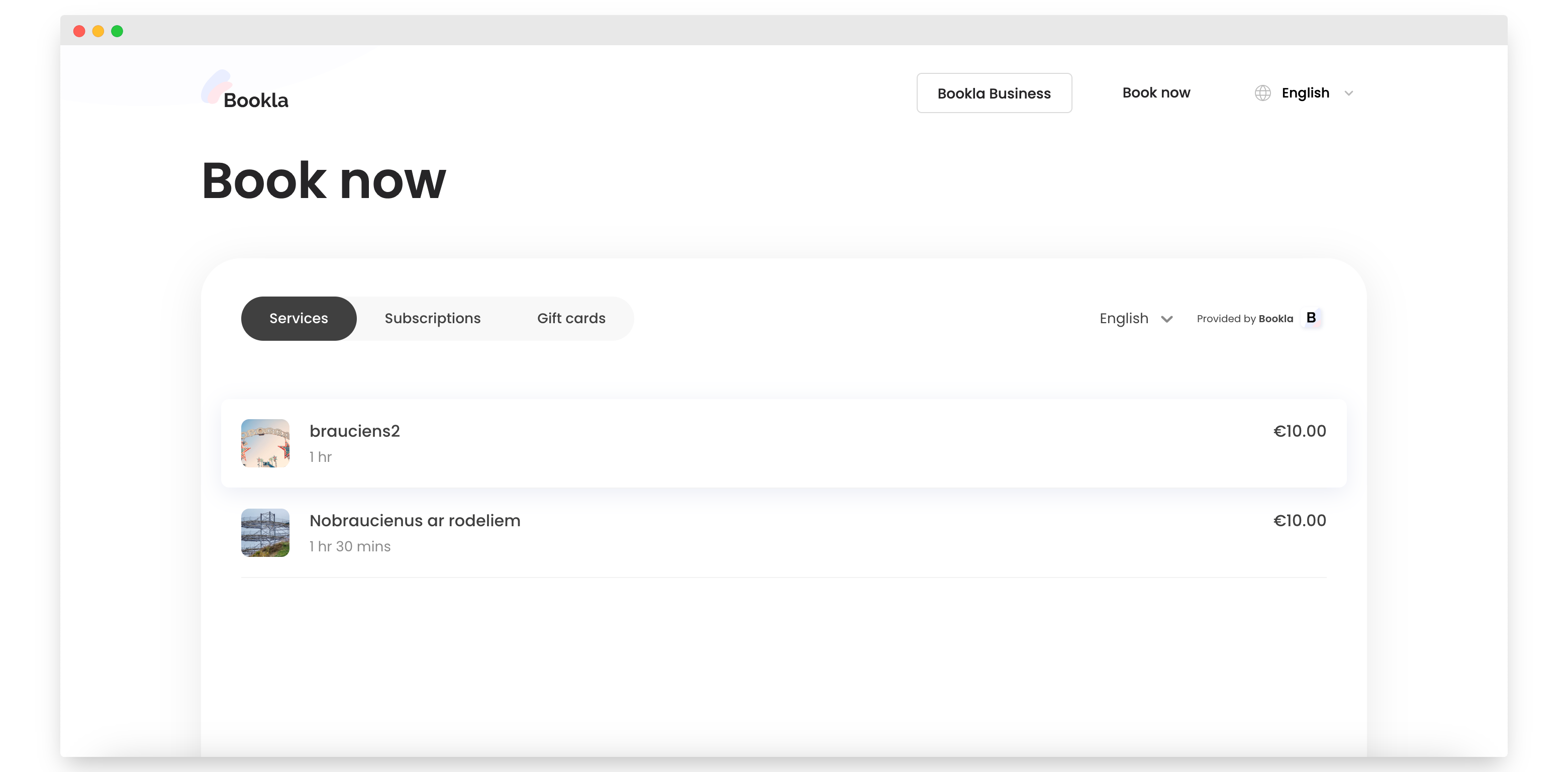
Select the company and service that allows guest checkout.
-
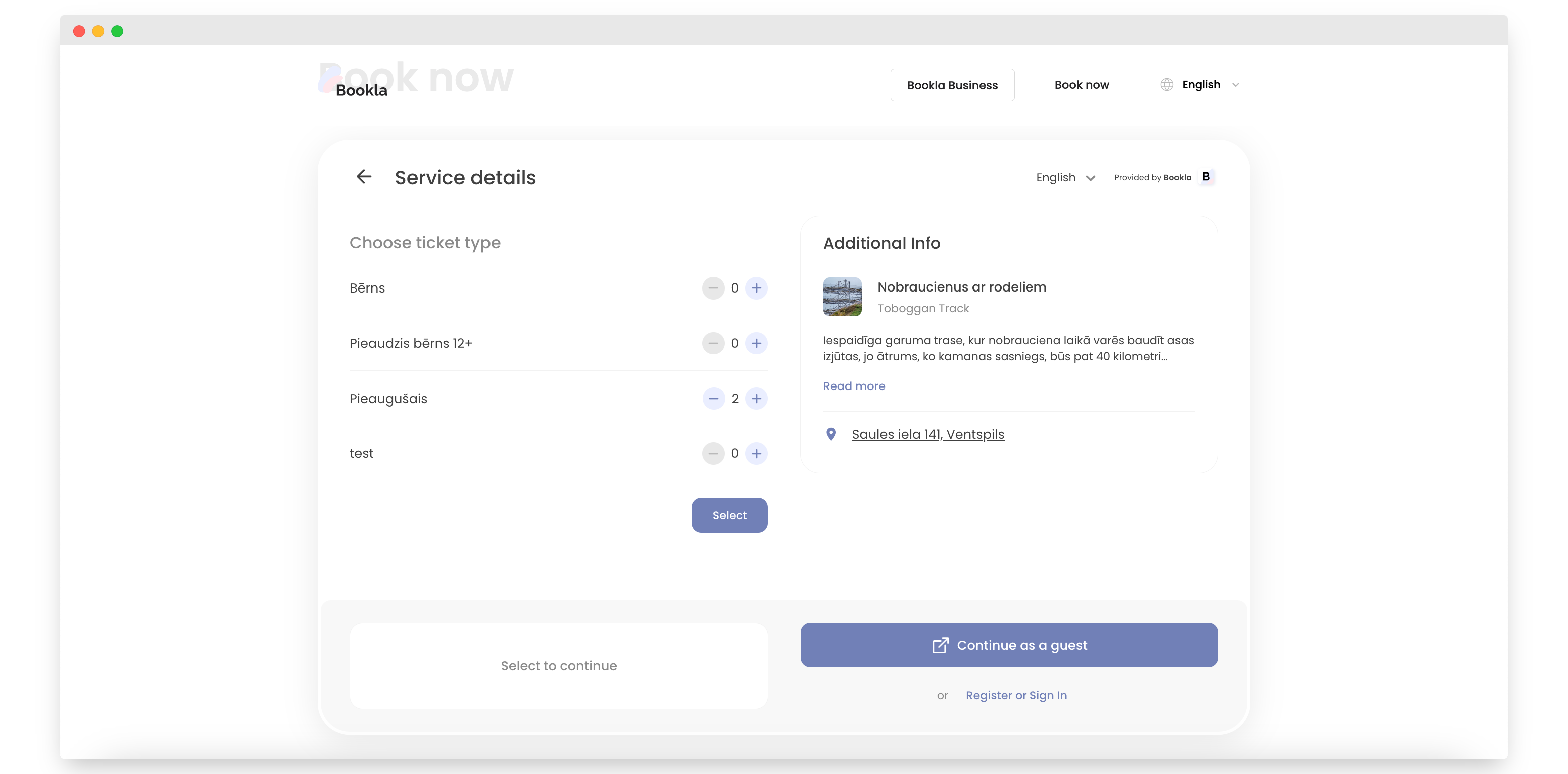
Select tickets and click the "Select" button.
-
Click "Continue as a guest."
-
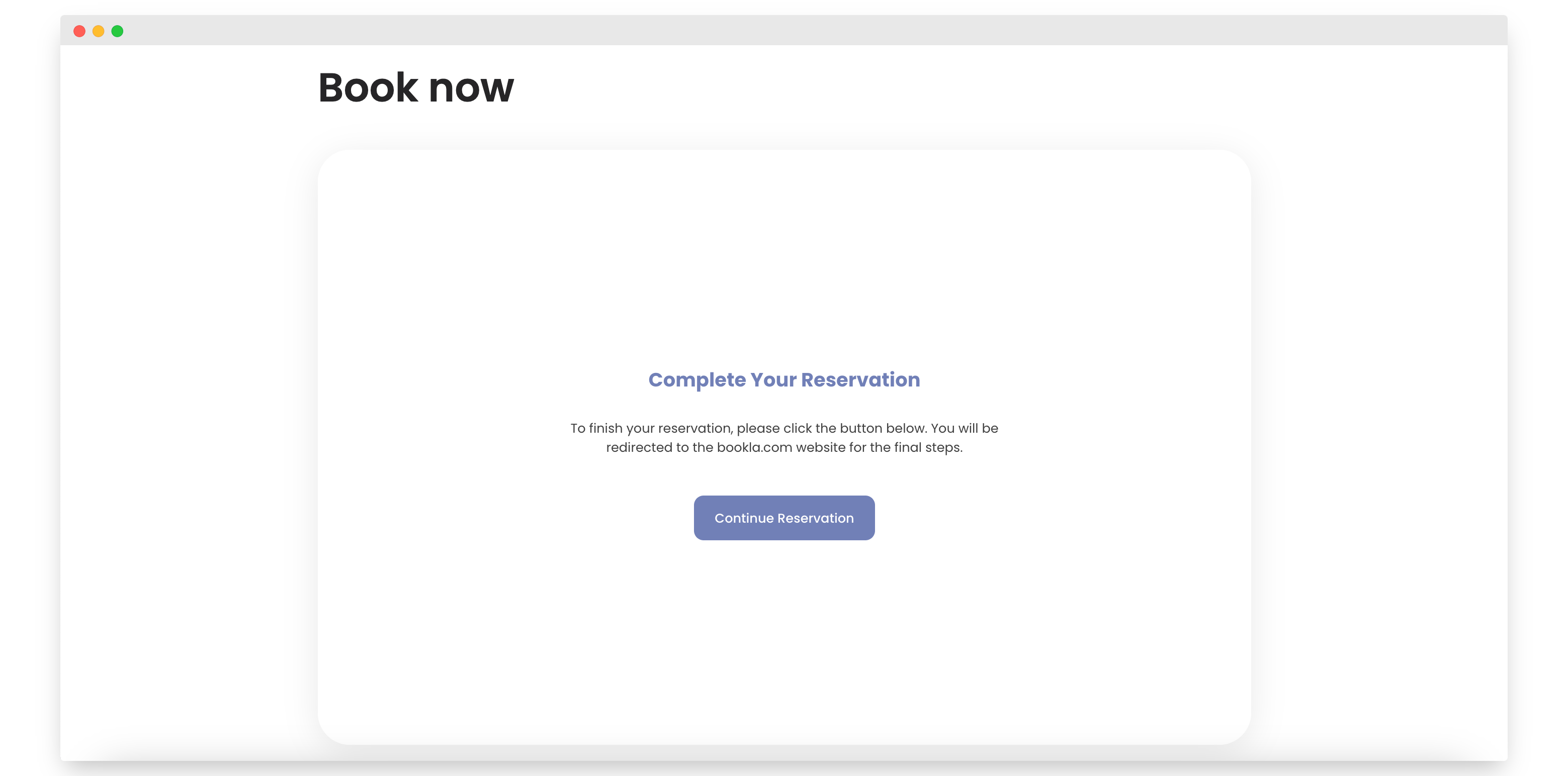
Click "Continue reservation."
-
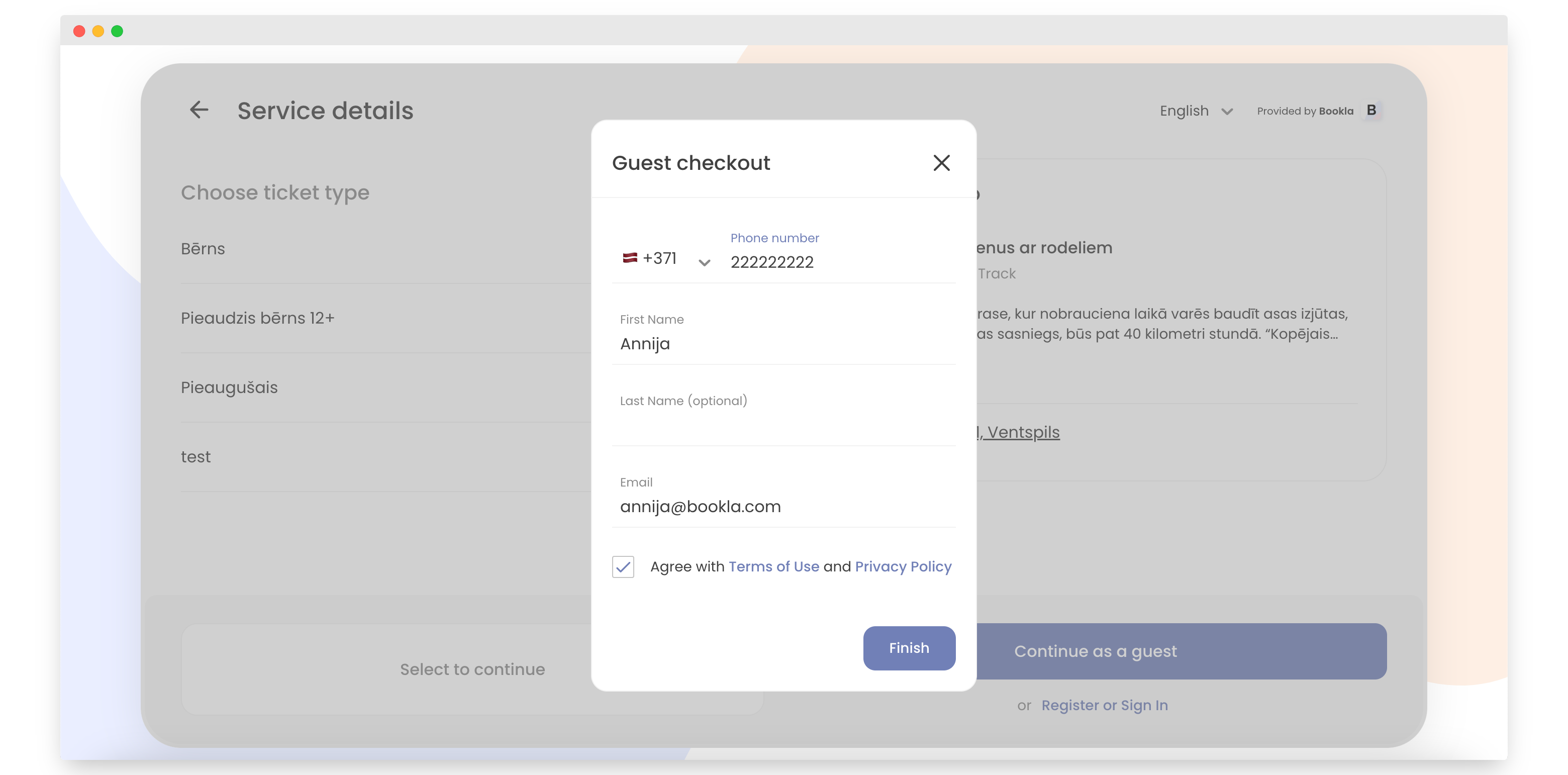
Enter your information: phone number, name, and email.
-
Check "Agree with the Terms of Use and Privacy Policy."
-
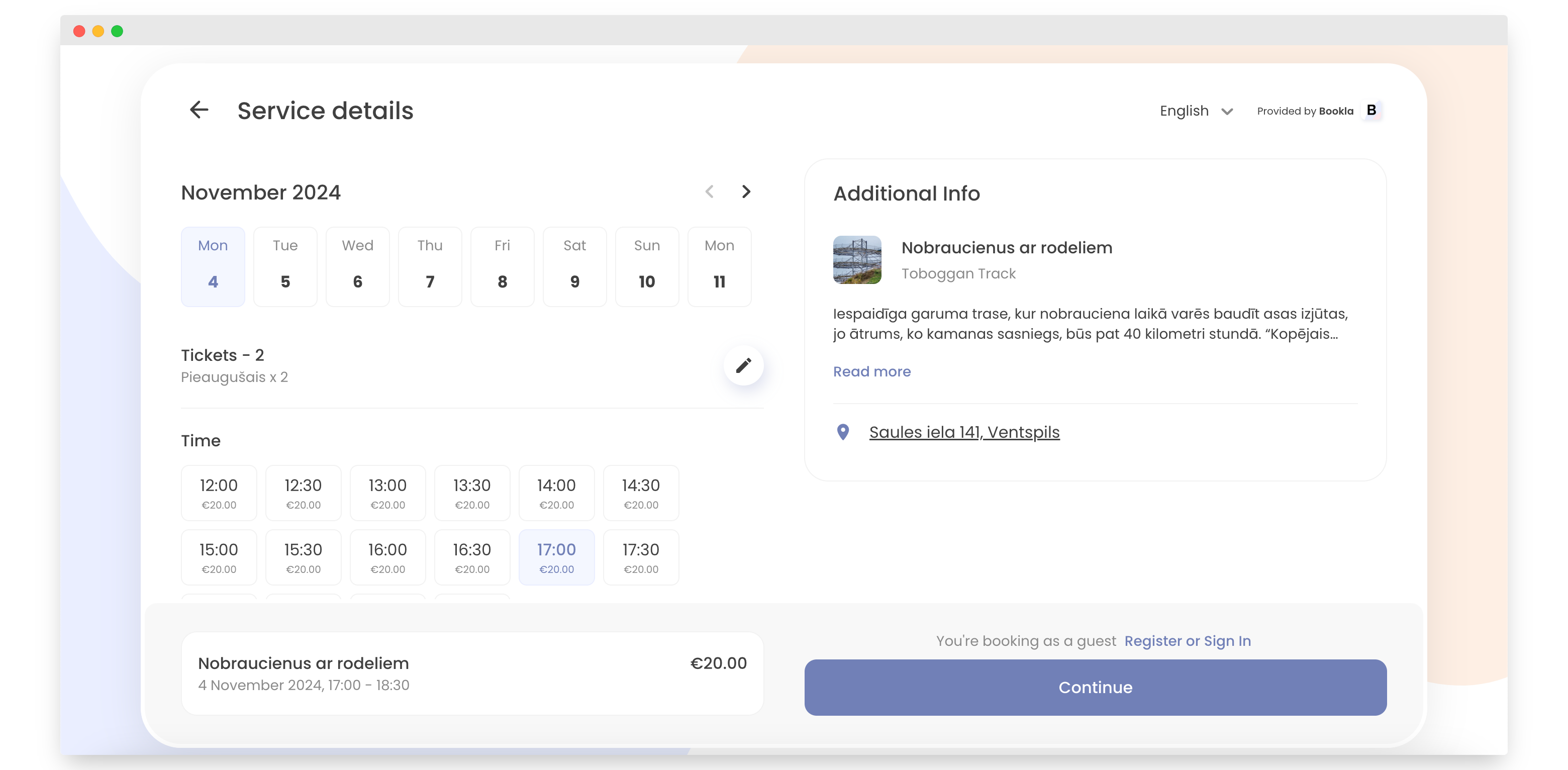
Select a time for the reservation and click "Continue."
-
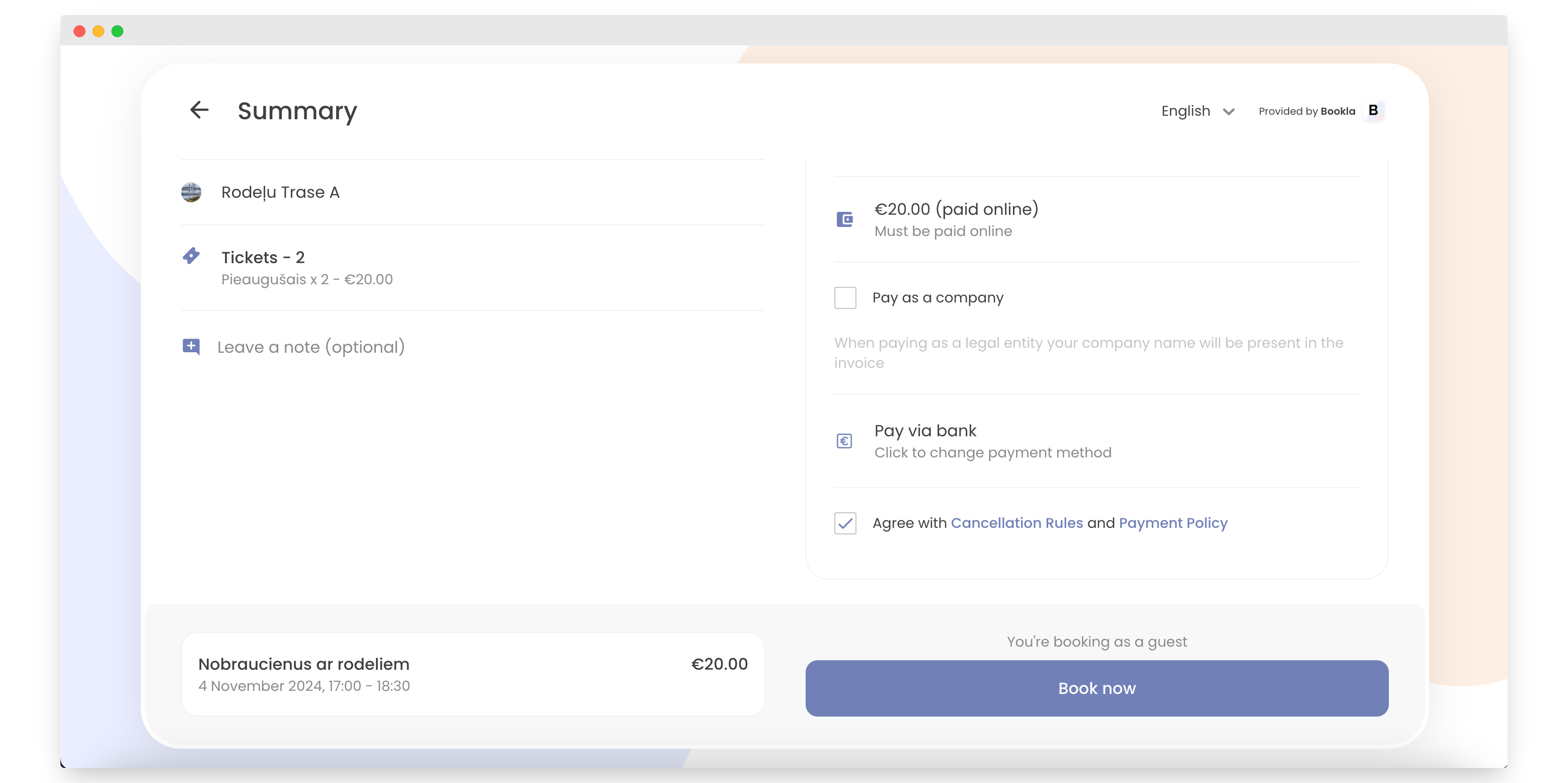
Check "Agree with Cancellation Rules and Payment Policy."
-
Click "Book now."
-
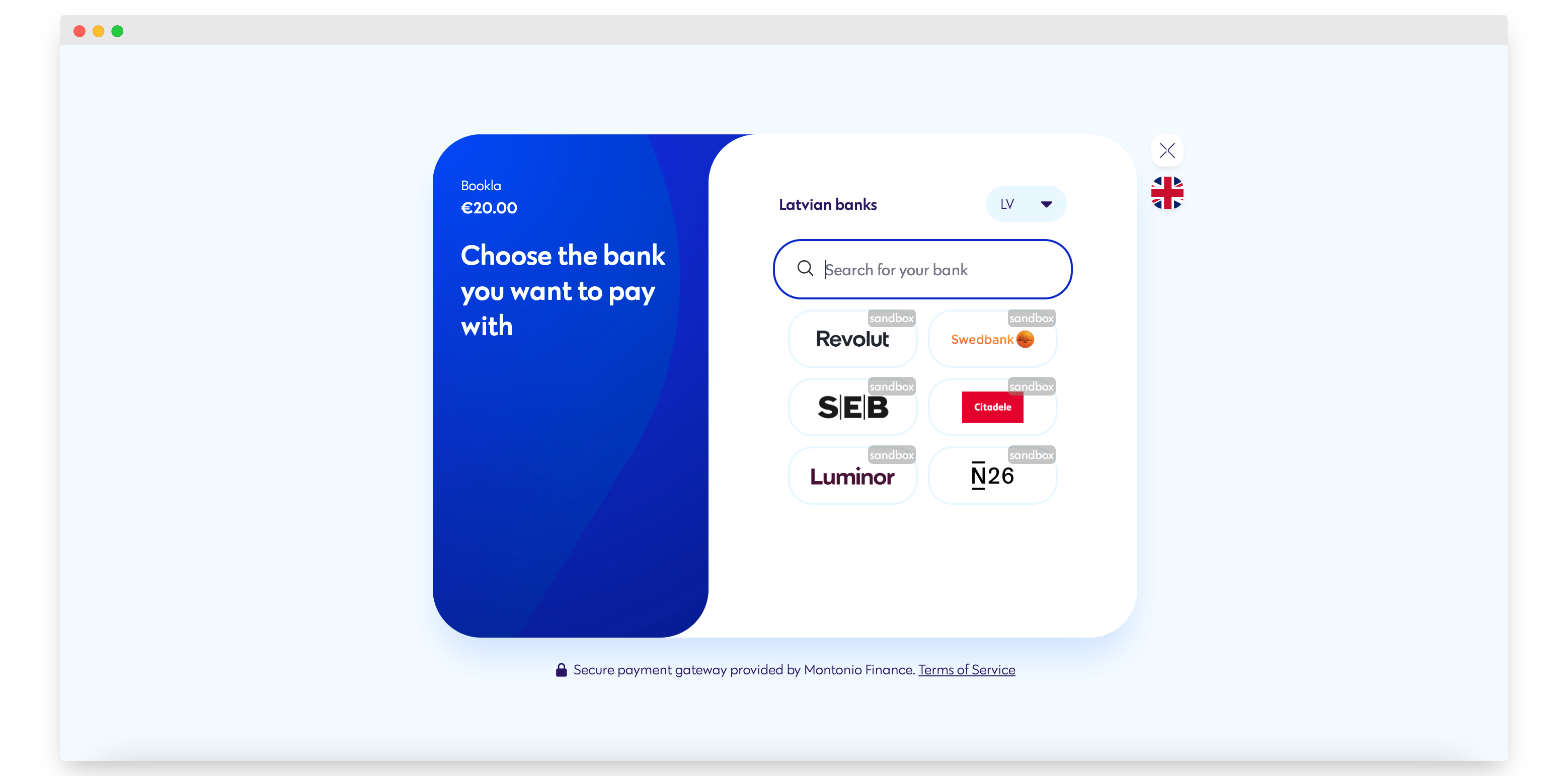
Choose the bank with which you want to make the reservation.
-
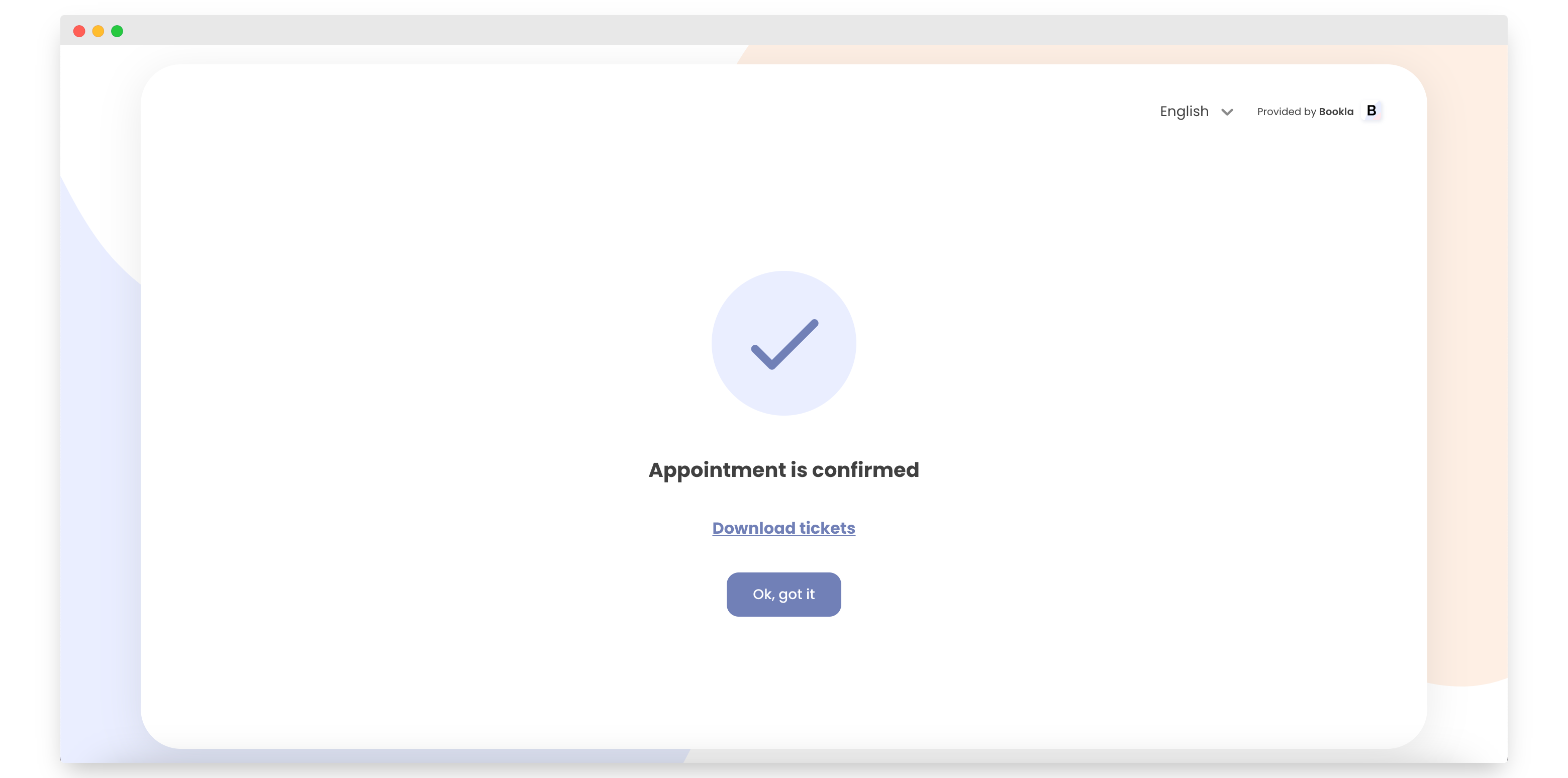
Your appointment is confirmed. You can download your tickets here by clicking the "Download tickets" link. Your tickets will also be sent to your email.
That's it! That's how to book a service as a guest.