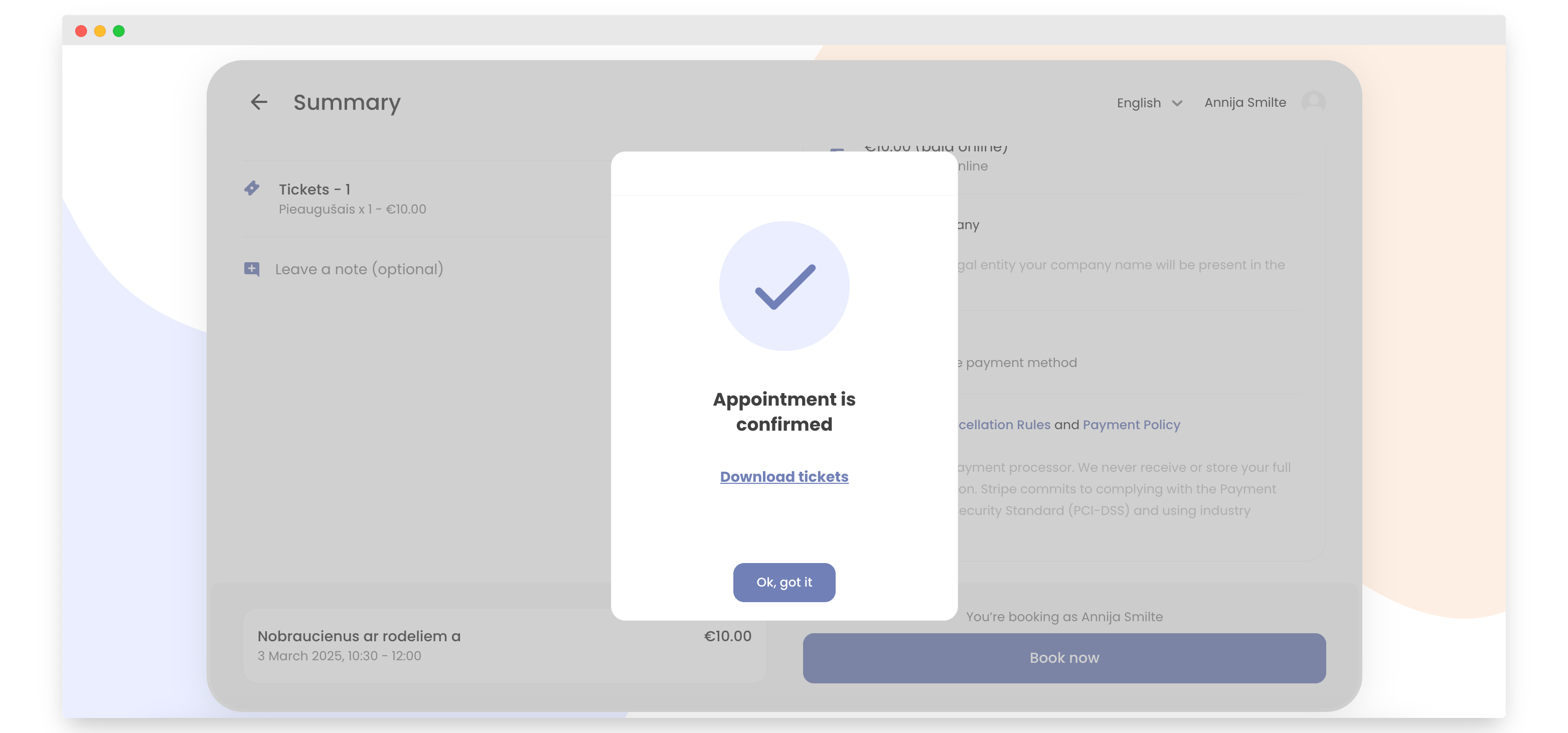
How to Change Payment Method
Changing the payment method is really easy in Bookla, and in this tutorial, you will see how to do it.
important
This works only for companies that support two payment methods.
How to Change Payment Method
-
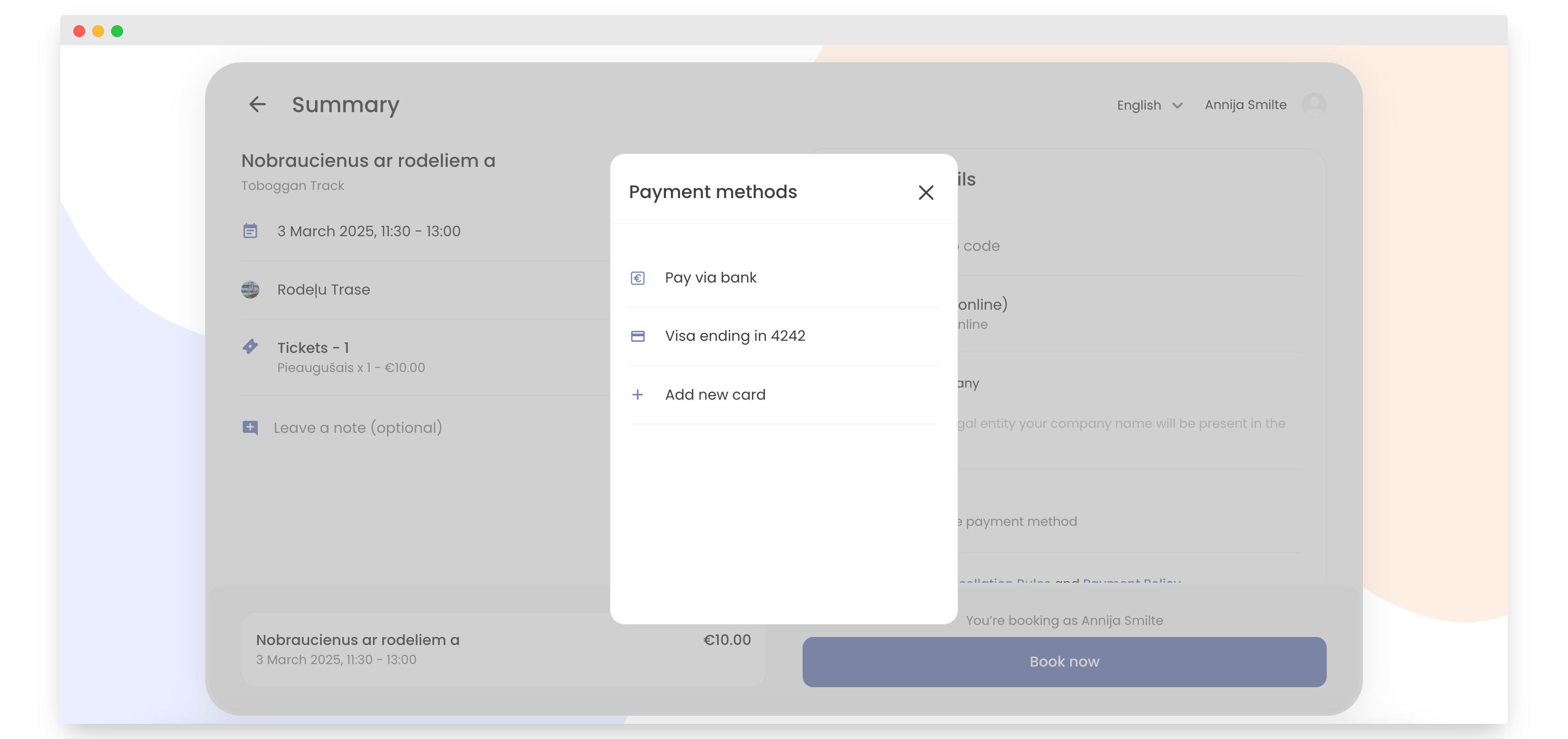
When you are at checkout, click "Click to change payment method".
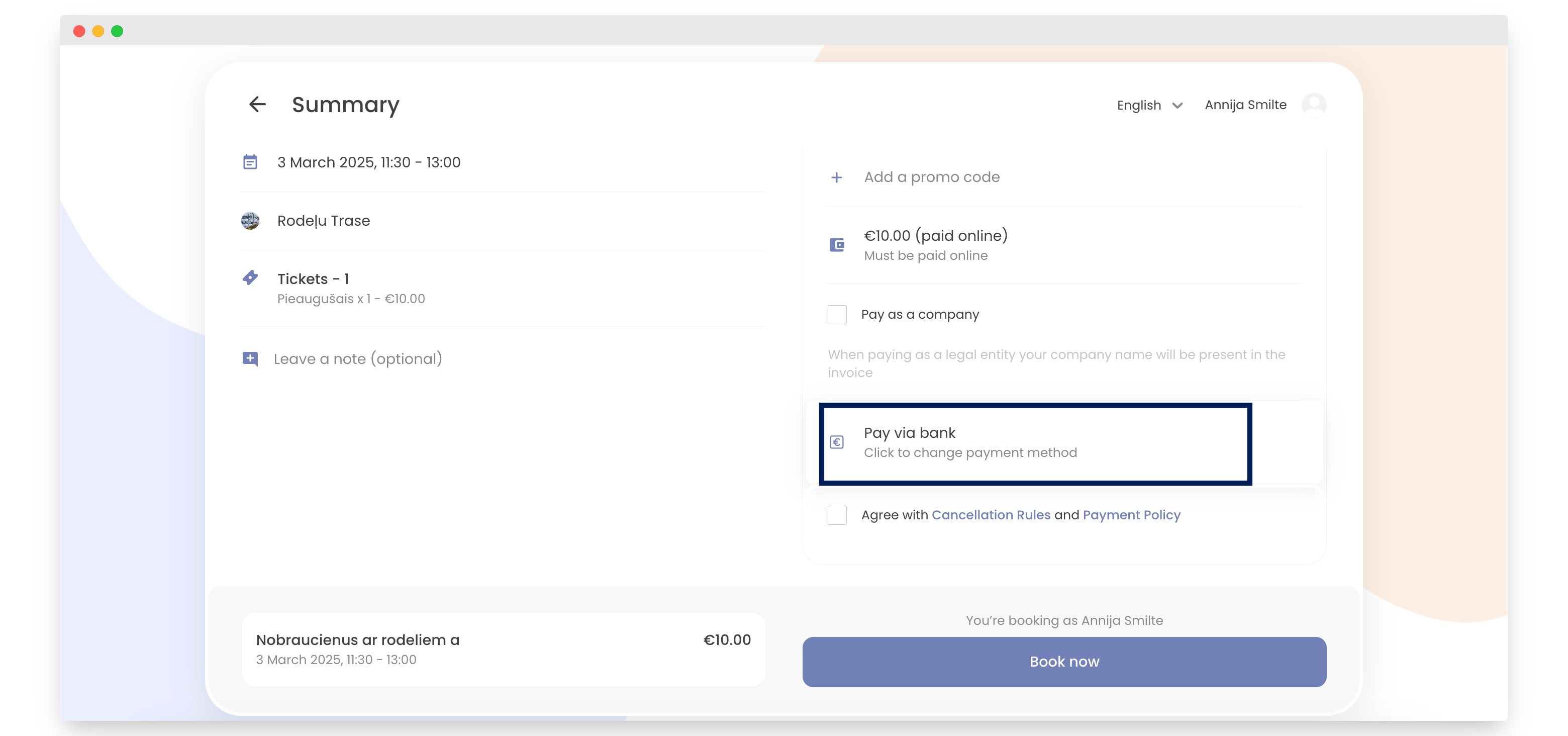
-
If you haven't added a card yet, click "Add New Card". If you already have a card added, skip to step 4.
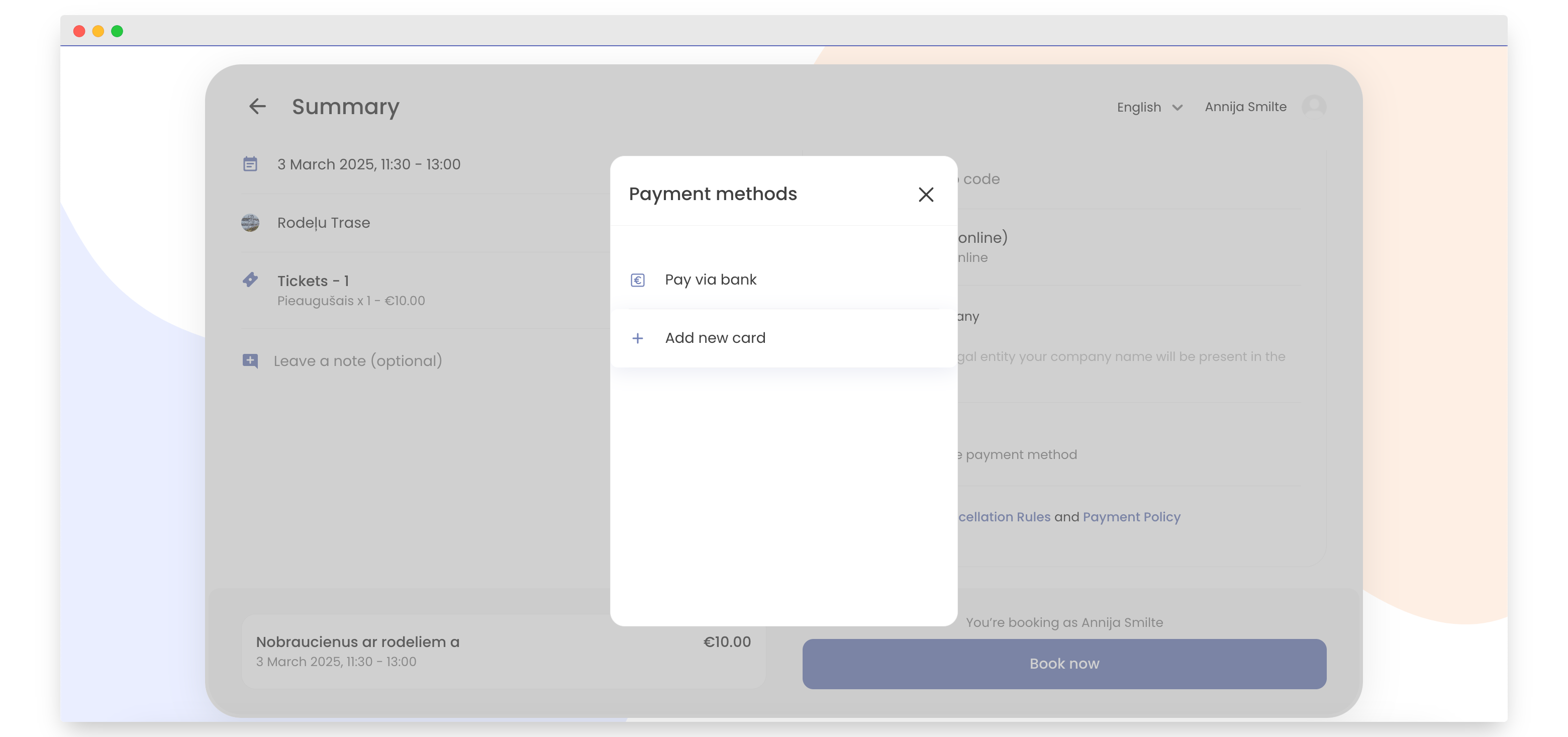
-
Add your card information and click "Save".
If you want, check "Save card for future payments".
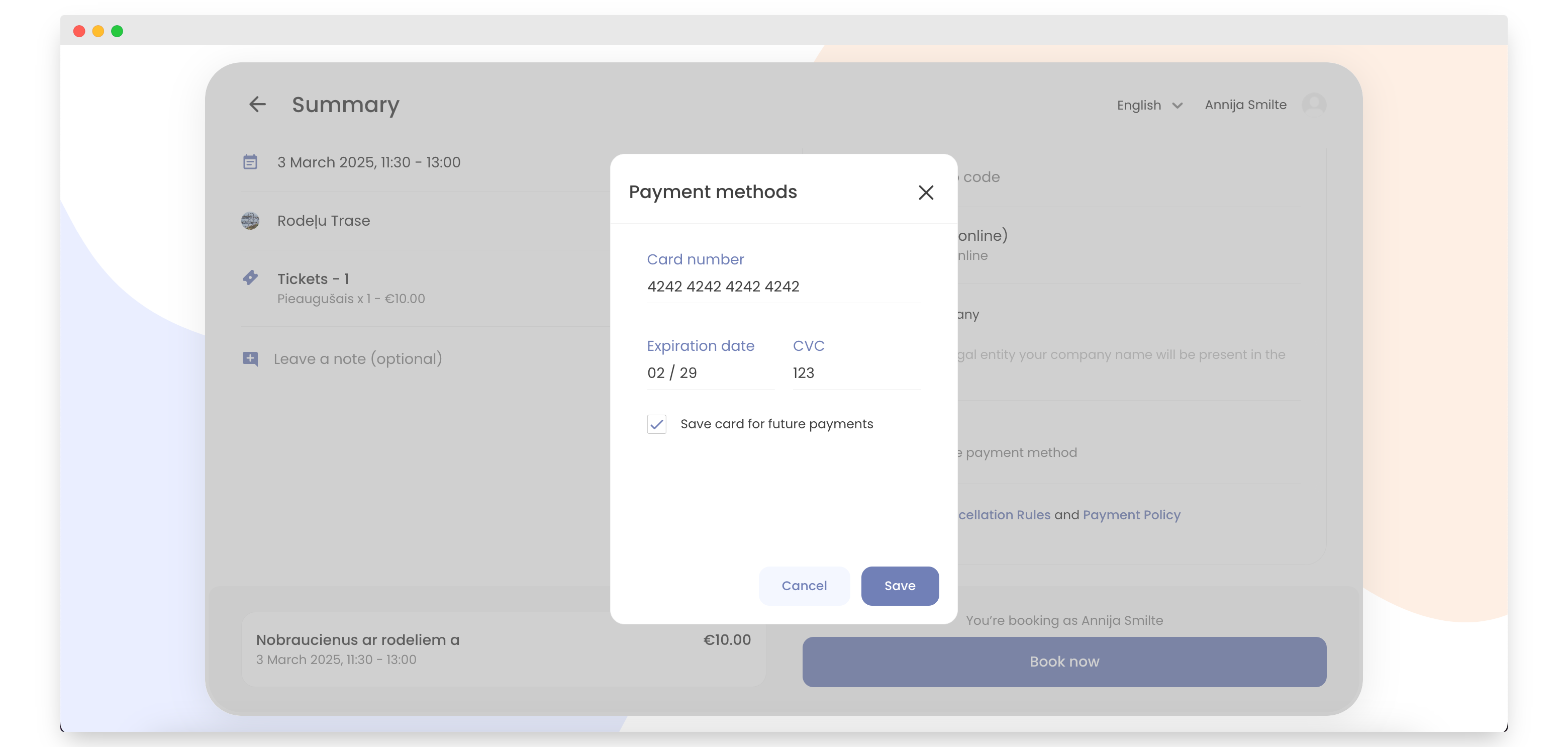
-
Choose the card.
-
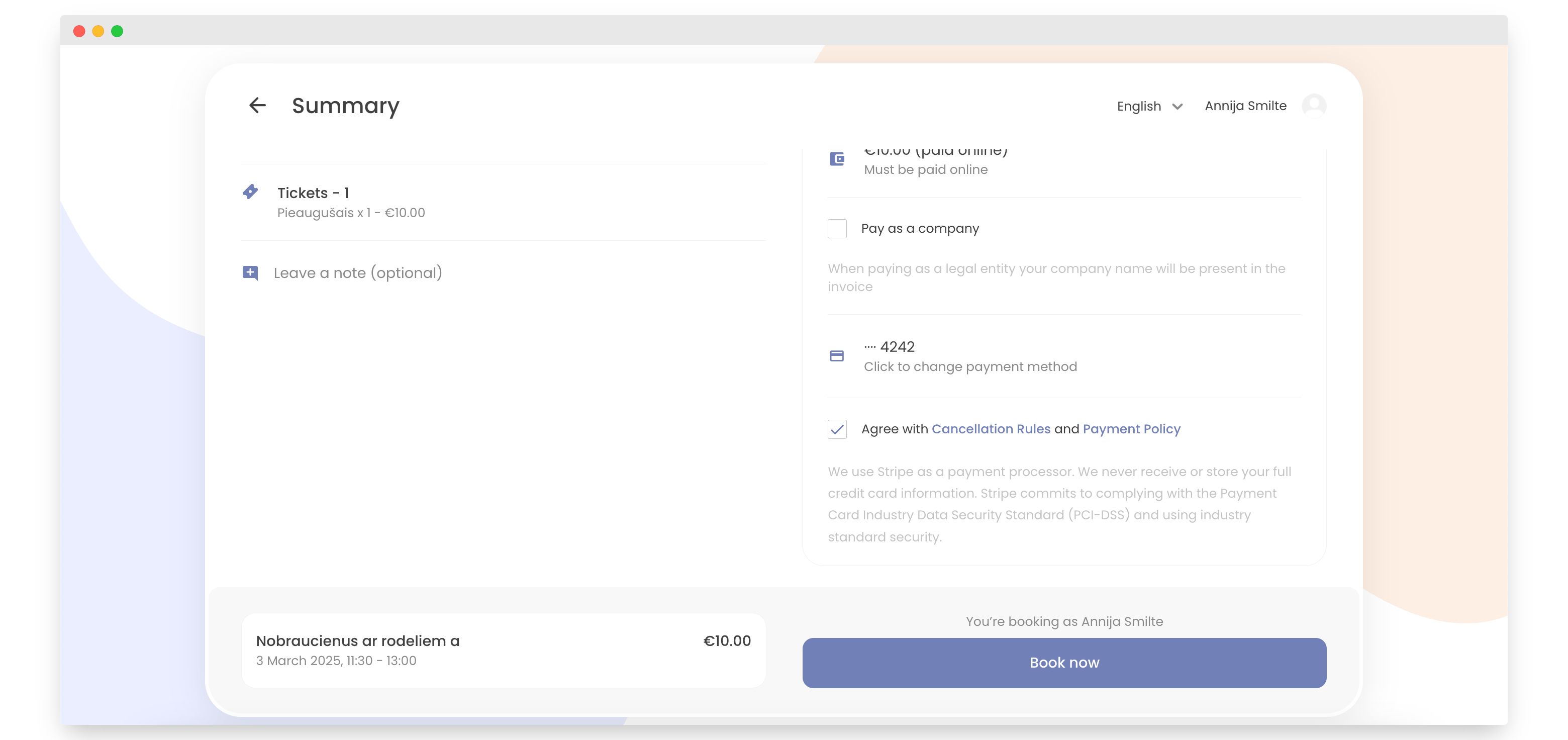
Click "Book Now".
-
That's it! You have paid with another payment method.