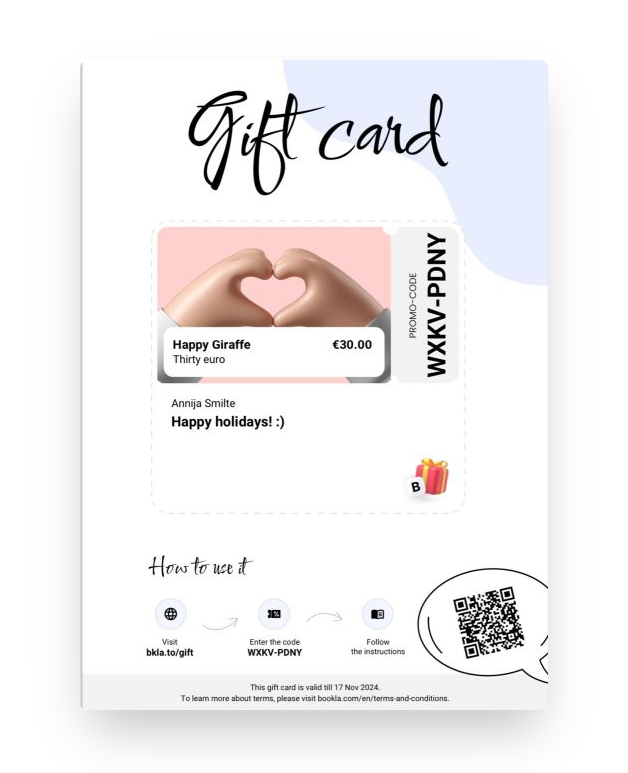
Purchasing Gift Cards
Gift cards have become a wonderful gifting option for occasions like birthdays or Christmas because they allow the recipient to choose the service that best suits their interests and preferences. To purchase a gift card, you will need to select a company that offers gift cards, choose from one of the existing designs, and add a personalized message for the recipient.
How to Purchase a Gift Card:
- Visit Open Bookla or the Bookla application, select a company that offers gift cards, and go to the "Gift Cards" section.
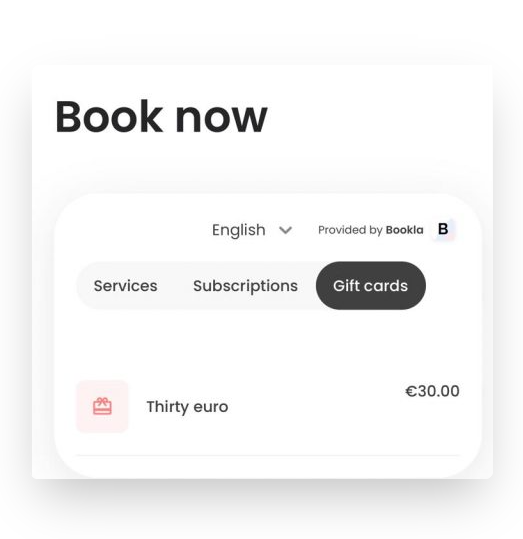
- Choose the gift card you want to give.
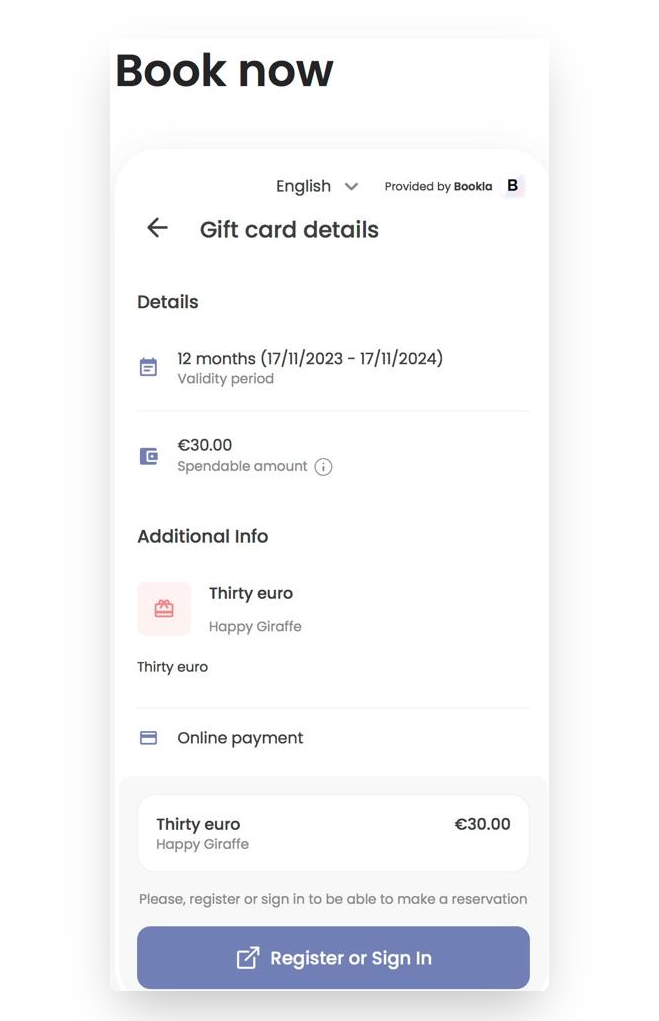
- Click on "Register or Log in".
- Click on "Continue".
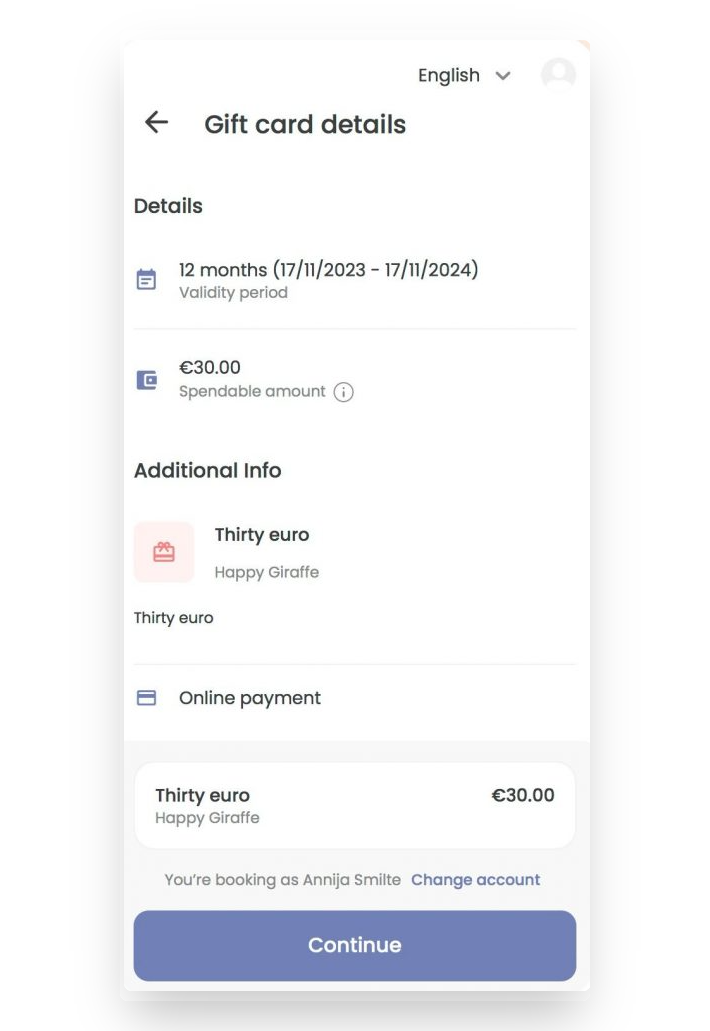
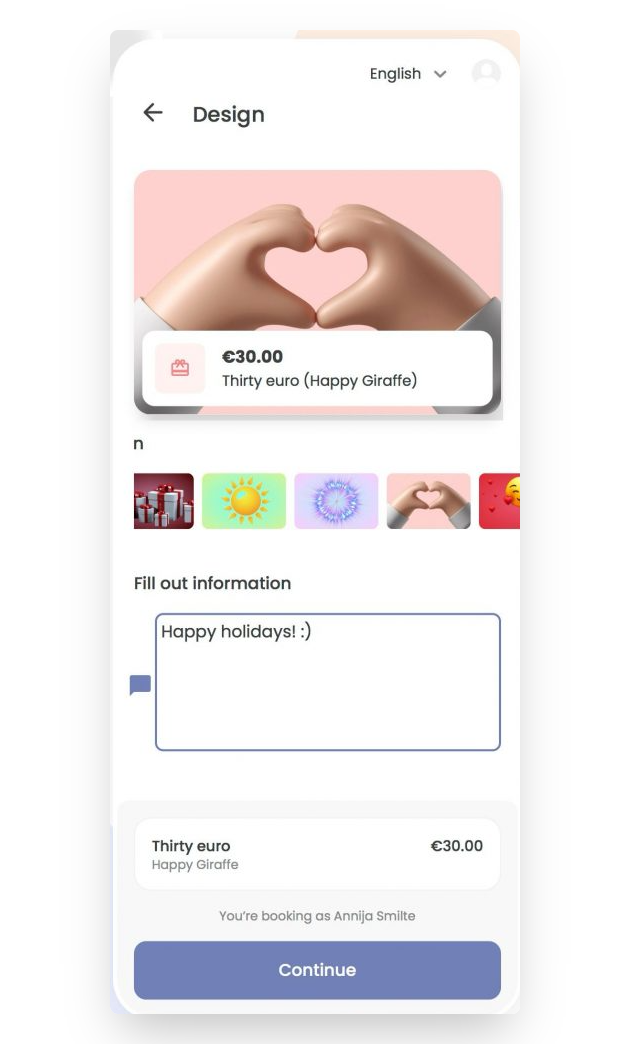
- Select the gift card design and enter a message for the gift card recipient.
- Agree to the payment policy and click "Buy now".
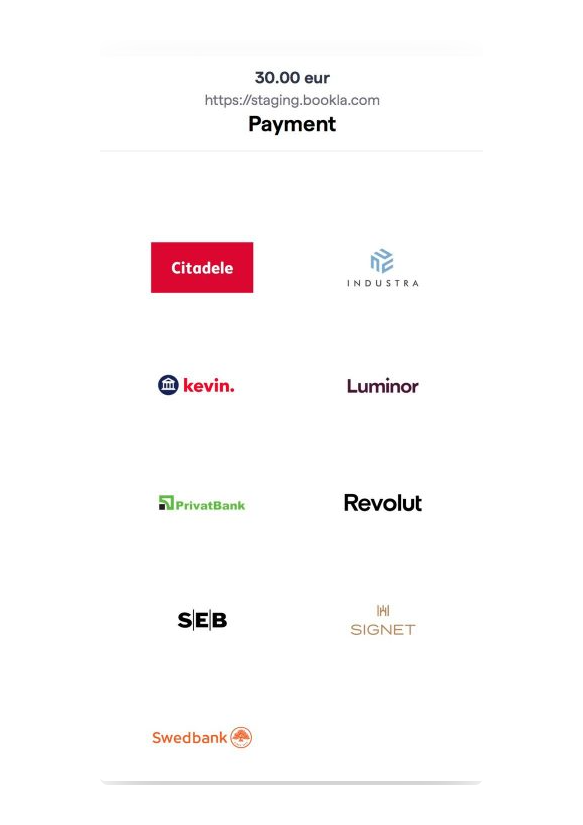
- Choose a bank for payment and complete the purchase.
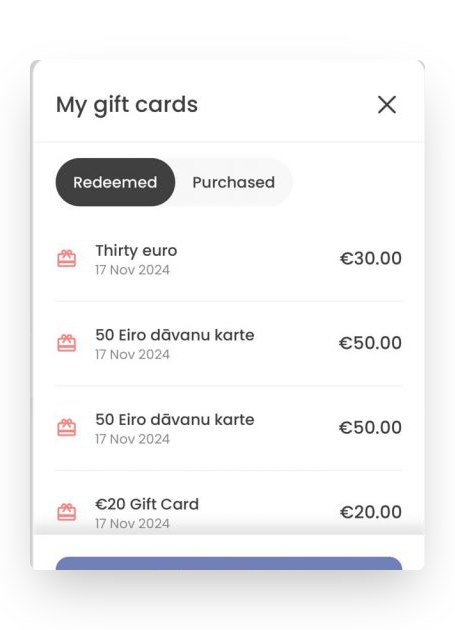
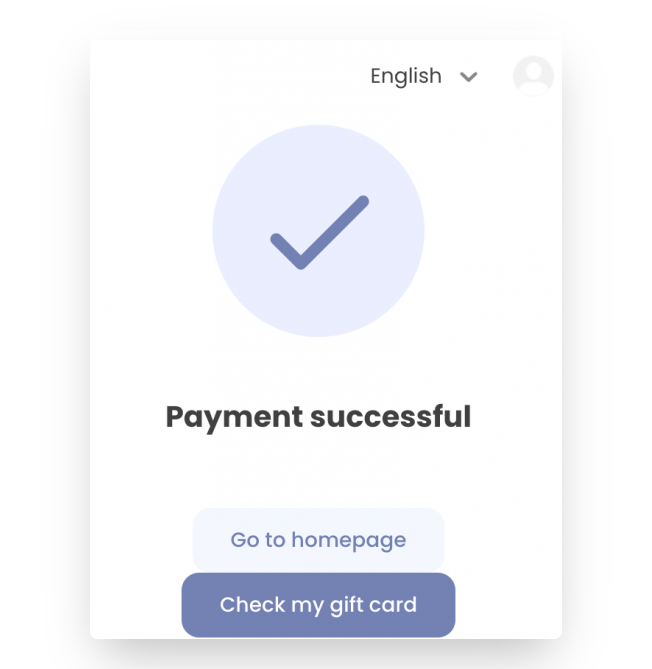
- Click on the "Check My Gift Card" button.
- Click on the "Download Gift Card in PDF format" button; you will also receive the gift card in your email.
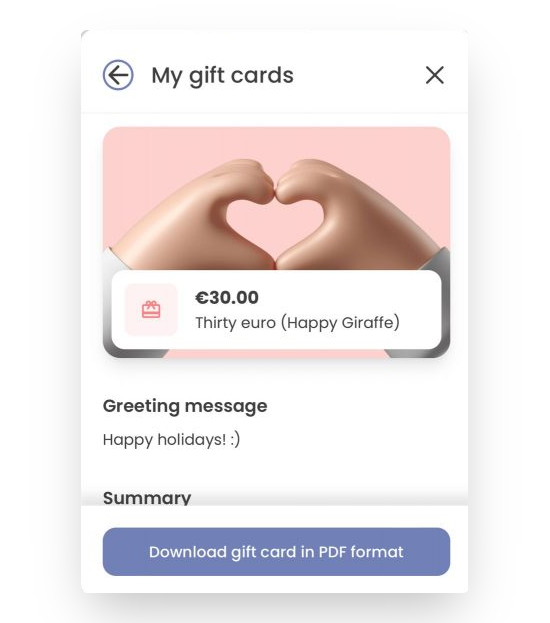
This PDF can be printed or sent digitally to the recipient.