How to Make an Appointment
In this guide, you will learn how to make an appointment from the user side.
How to Do It:
-
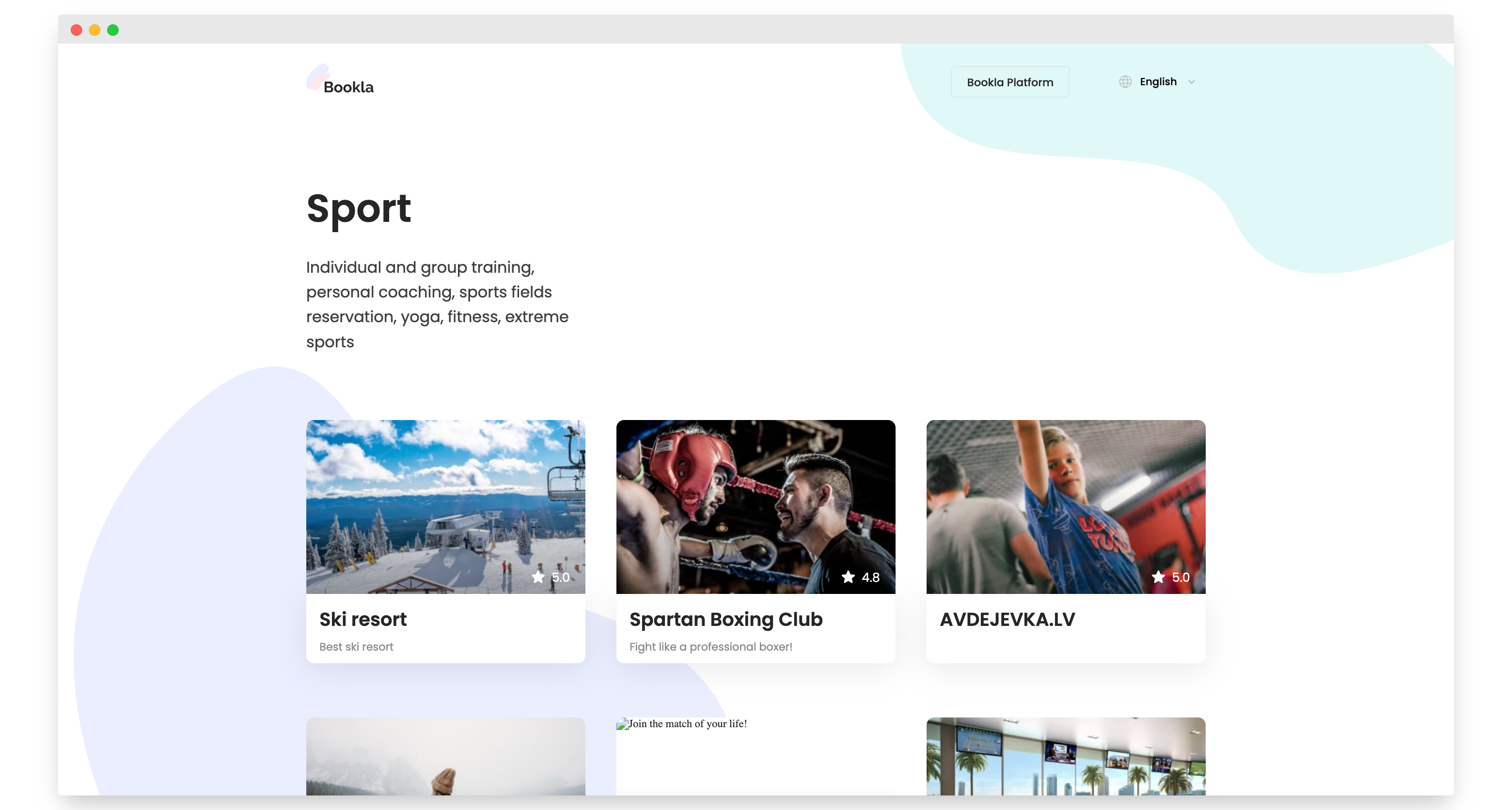
Choose the company for which you want to make an appointment.
-
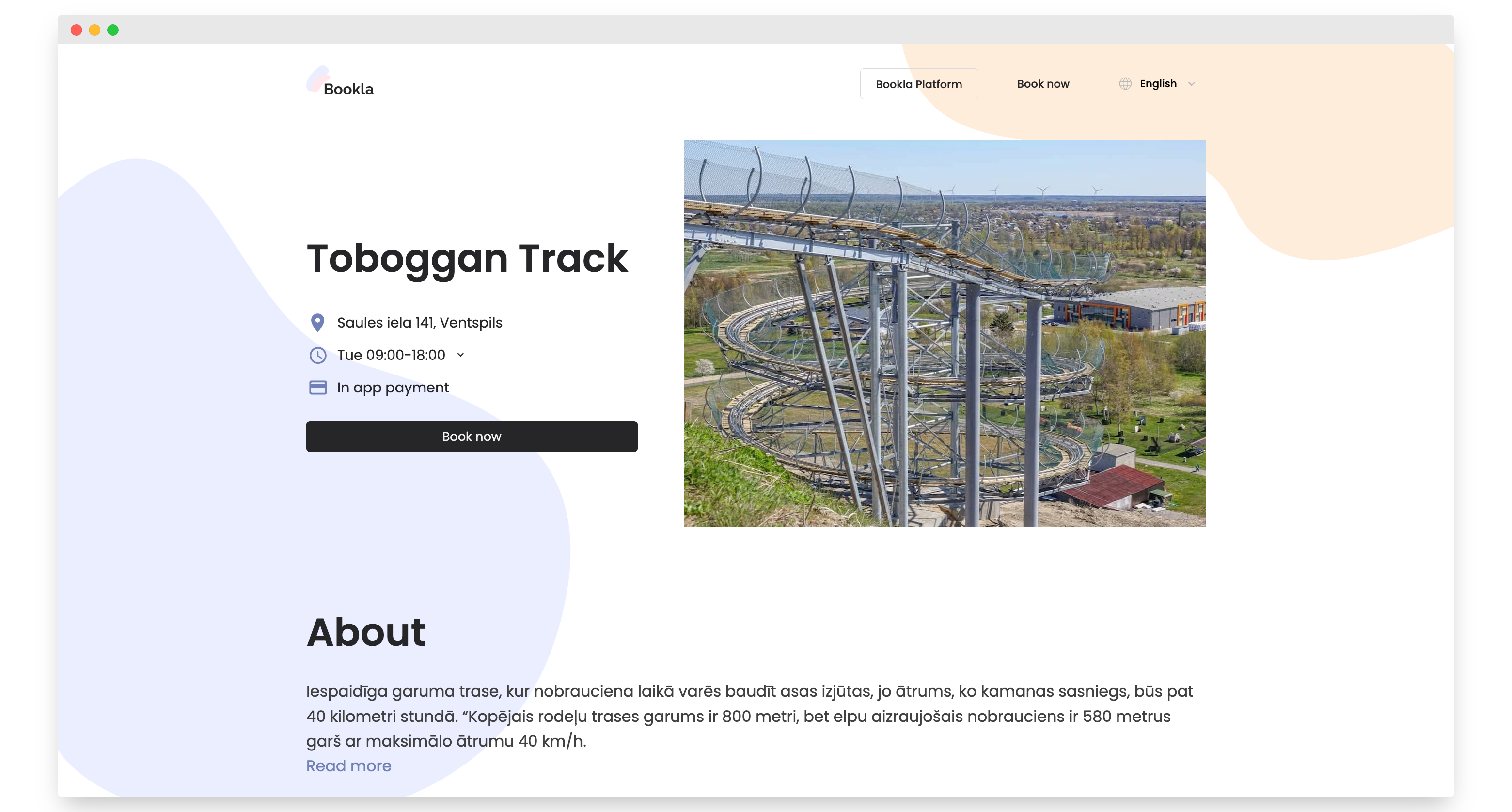
Click the "Book Now" button.
-
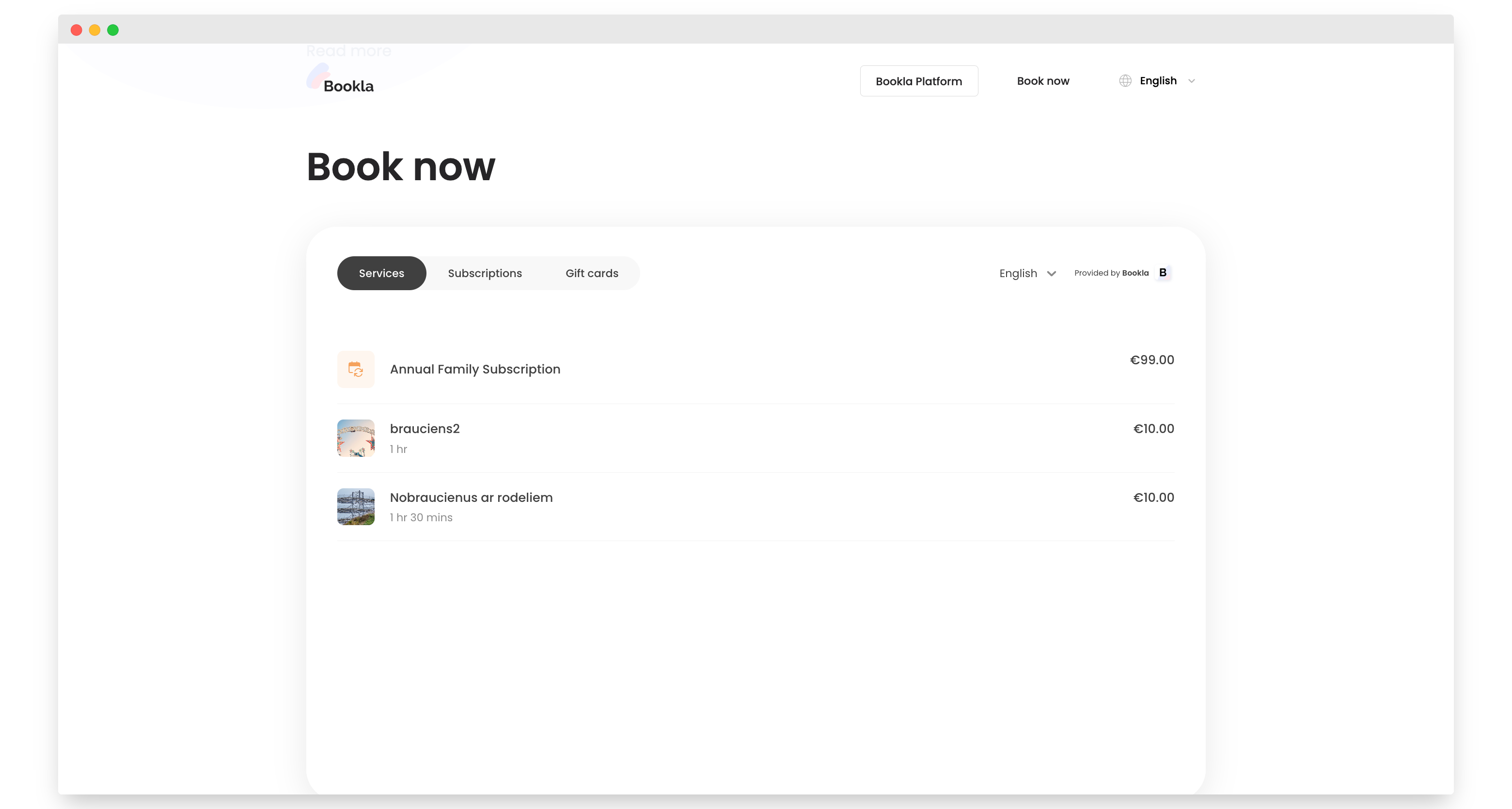
Click on the service for which you want to make an appointment.
-
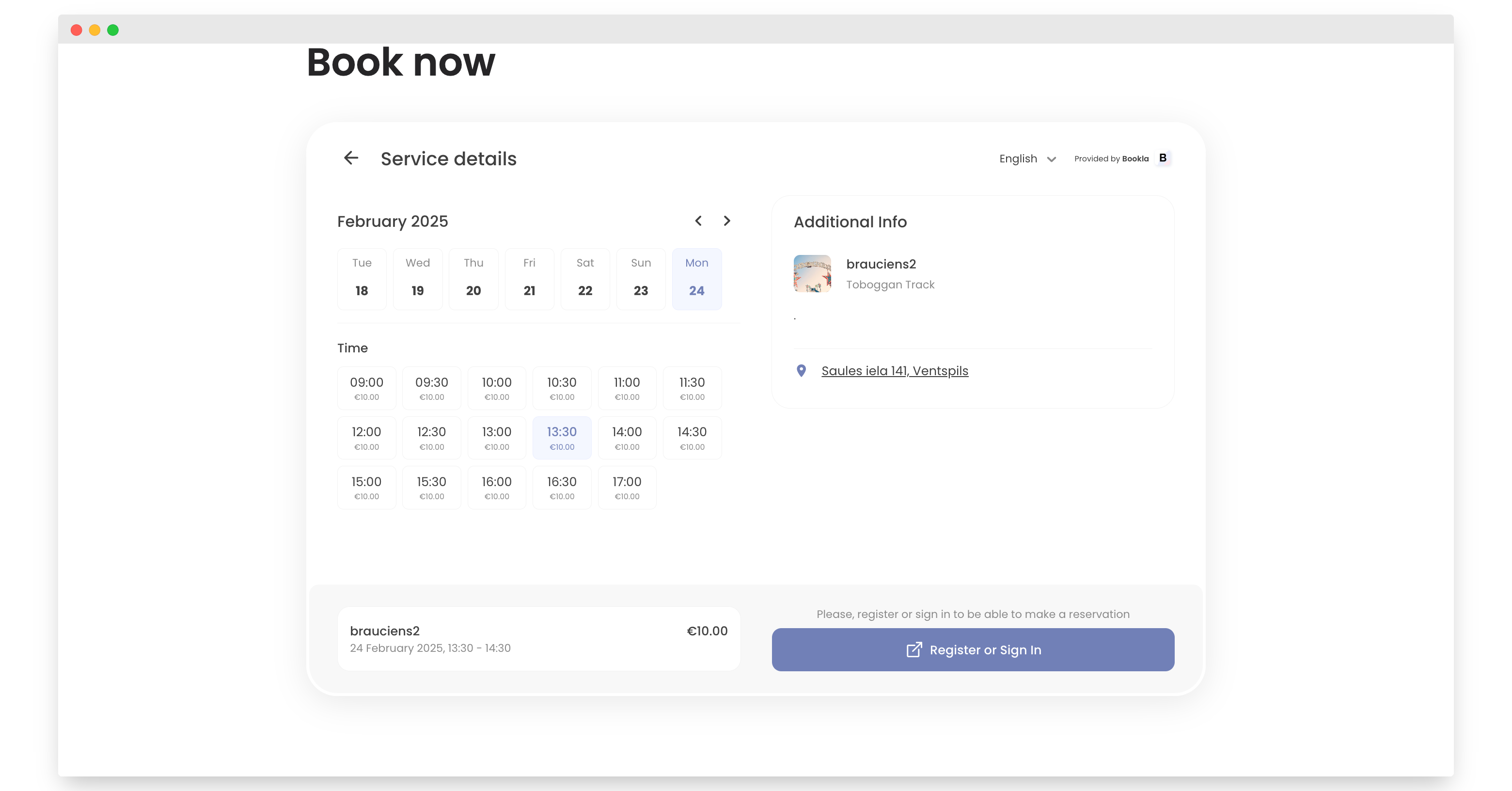
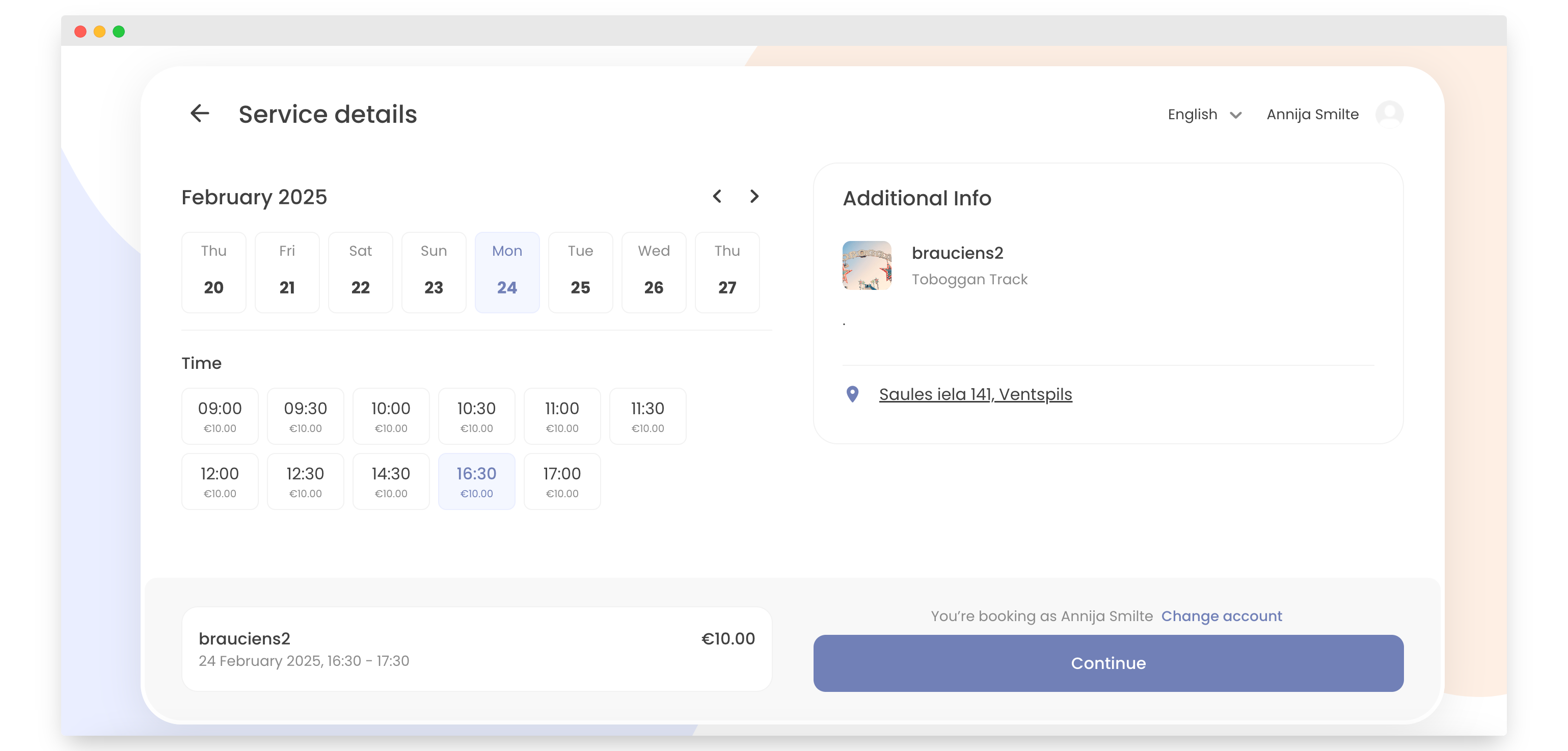
Select the day and time you want to reserve, then click "Register or Sign In".
-
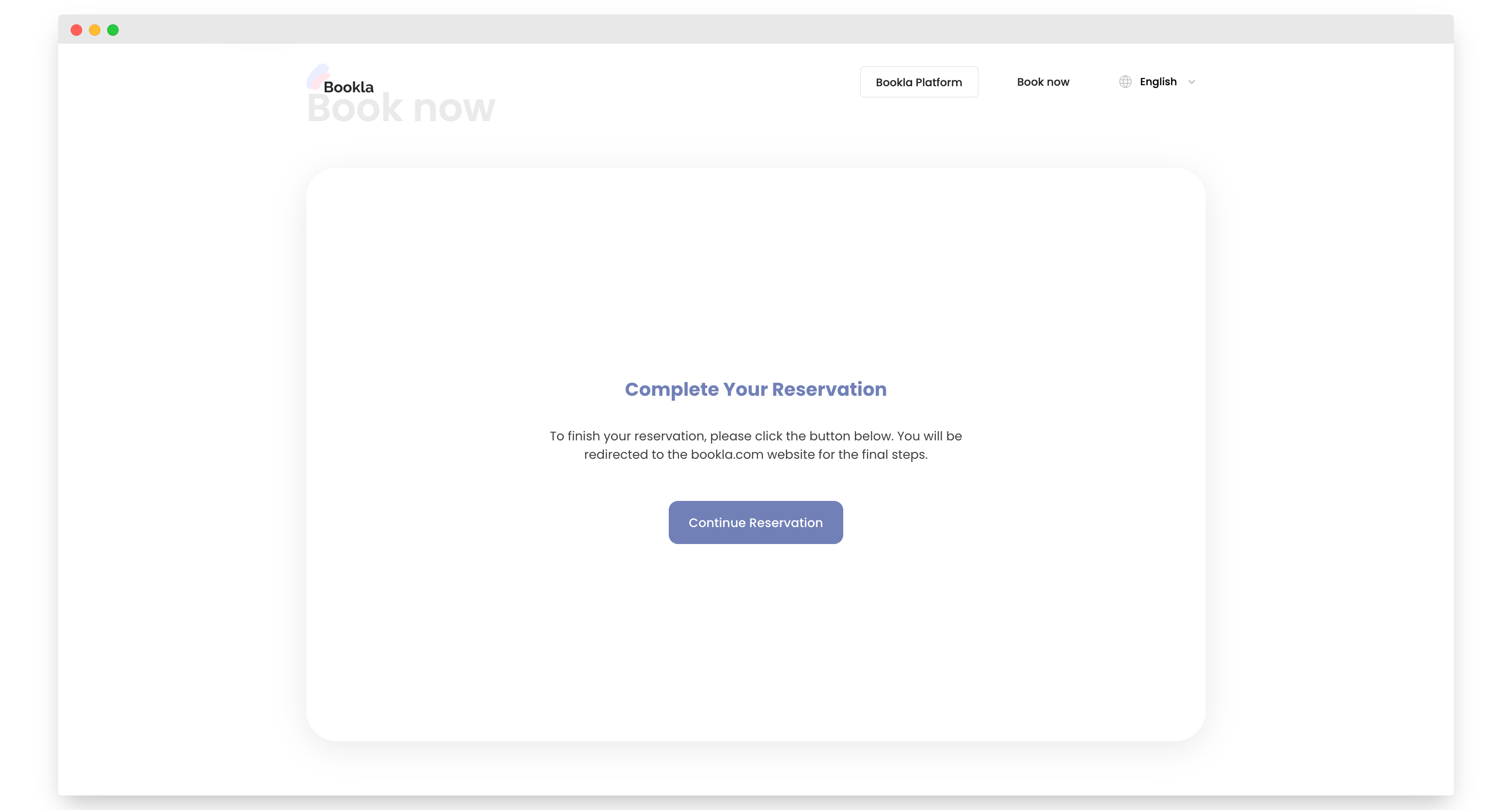
Click "Continue Reservation".
-
Click "Continue".
-
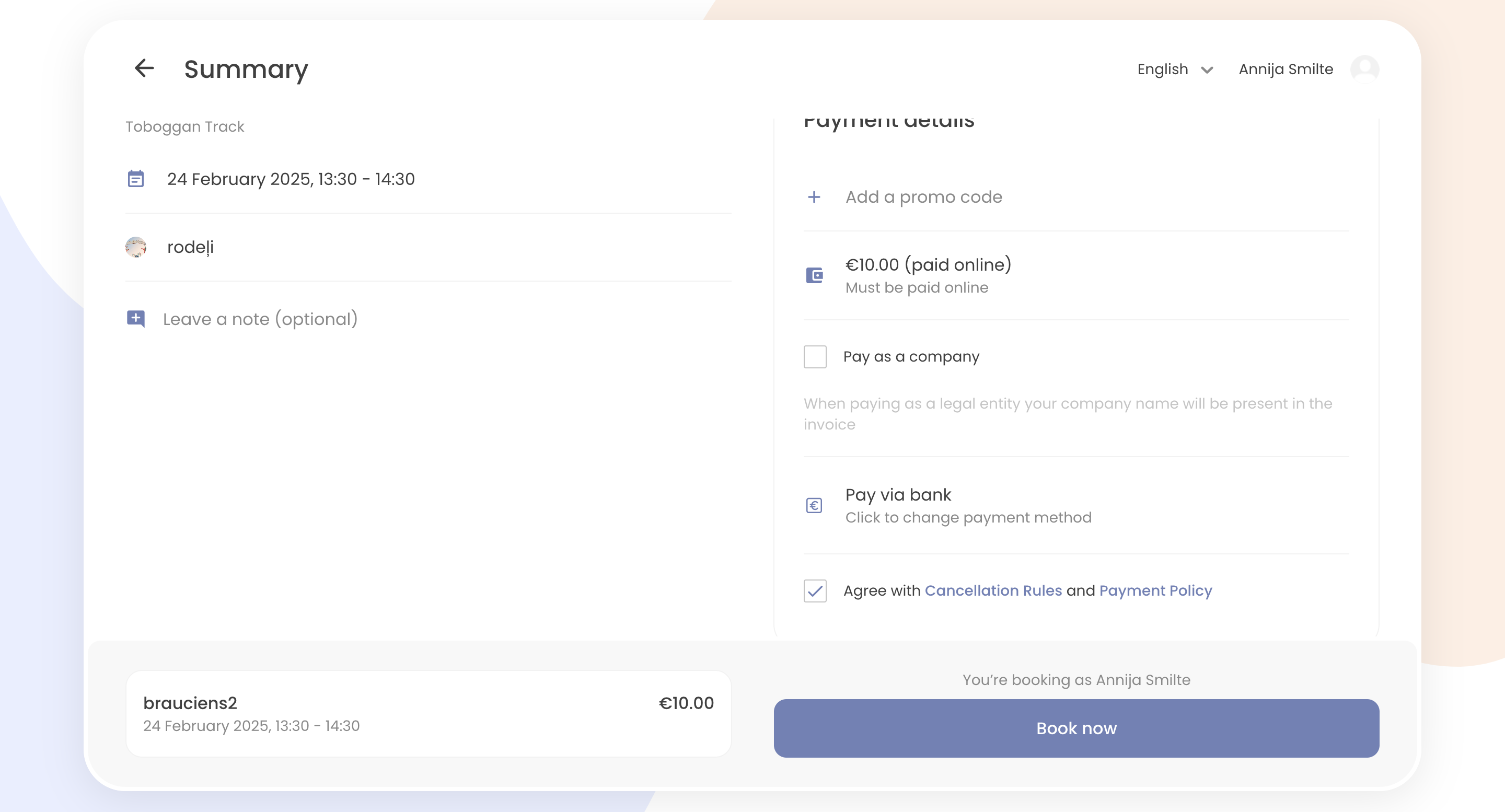
Agree to the cancellation rules and payment policy, then click "Book Now".
-
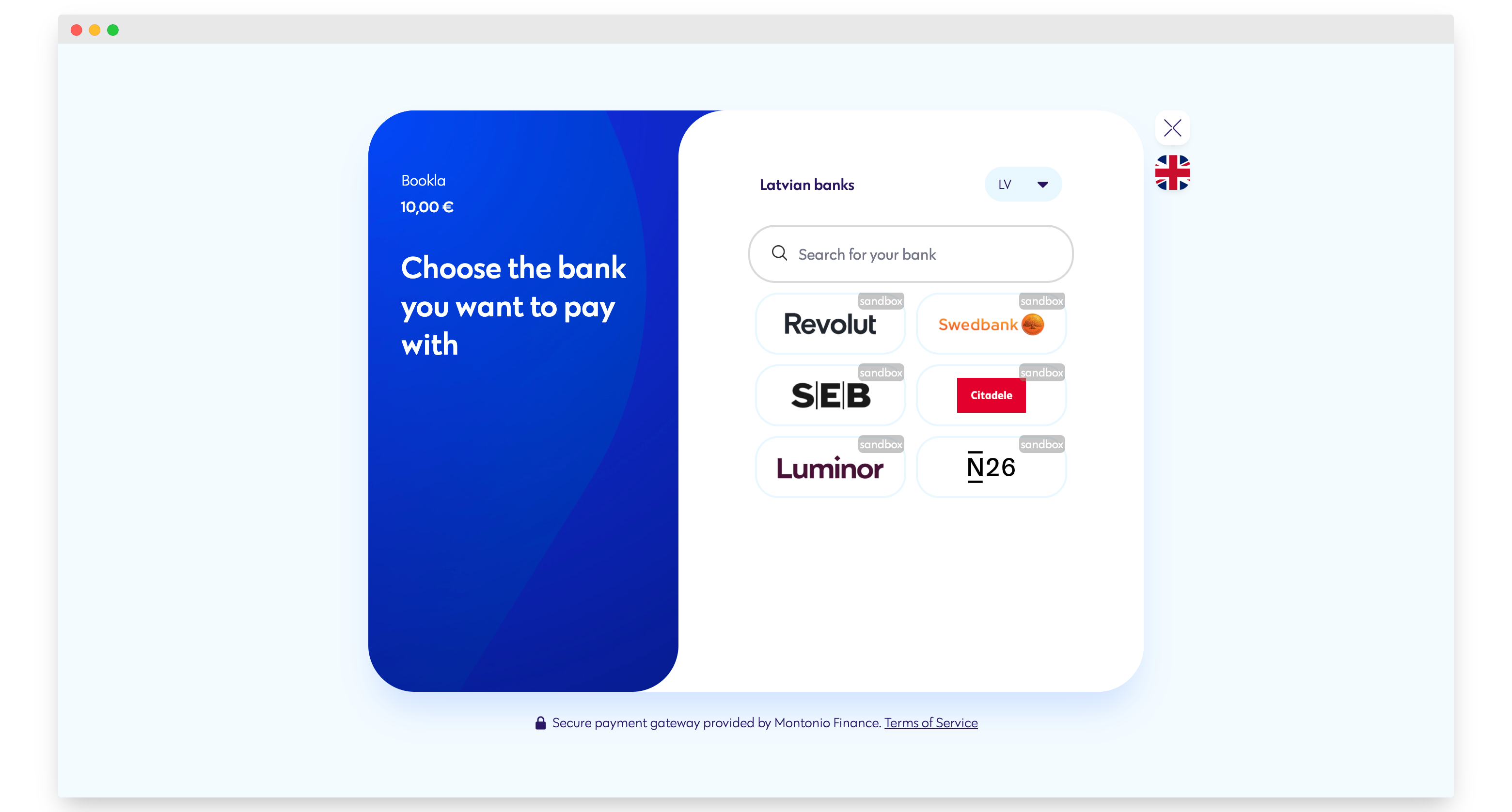
Choose the bank you want to pay with.
-
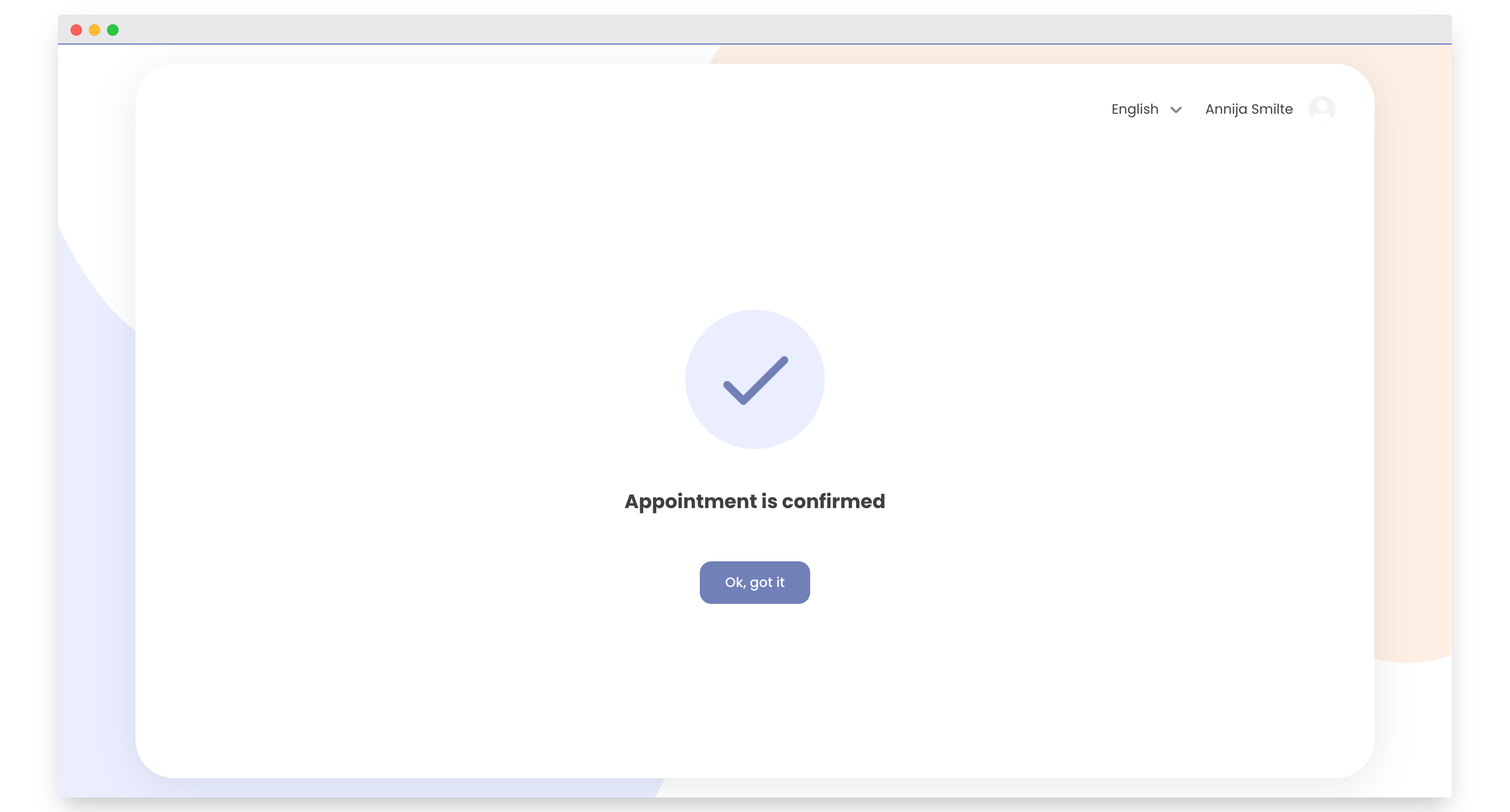
Your reservation is successful! You can see your tickets in the Bookla application (if purchased as a registered user, not as a guest) and in your email.
Note - The QR code is your ticket/tickets. There will be only one QR code, even if you made a reservation for multiple people.