How to create subscriptions
Subscriptions are a helpful tool for businesses and organizers to provide consistent services or activities to their customers. To set them up, you'll start by naming the subscription. Then, add essential details like pricing, VAT (if needed), and specifics such as subscription type, participant limits, discounts, and duration of the subscription activity.
How to create subscriptions in Bookla:
- Open Bookla Portal
- Go to the "Subscriptions" section.
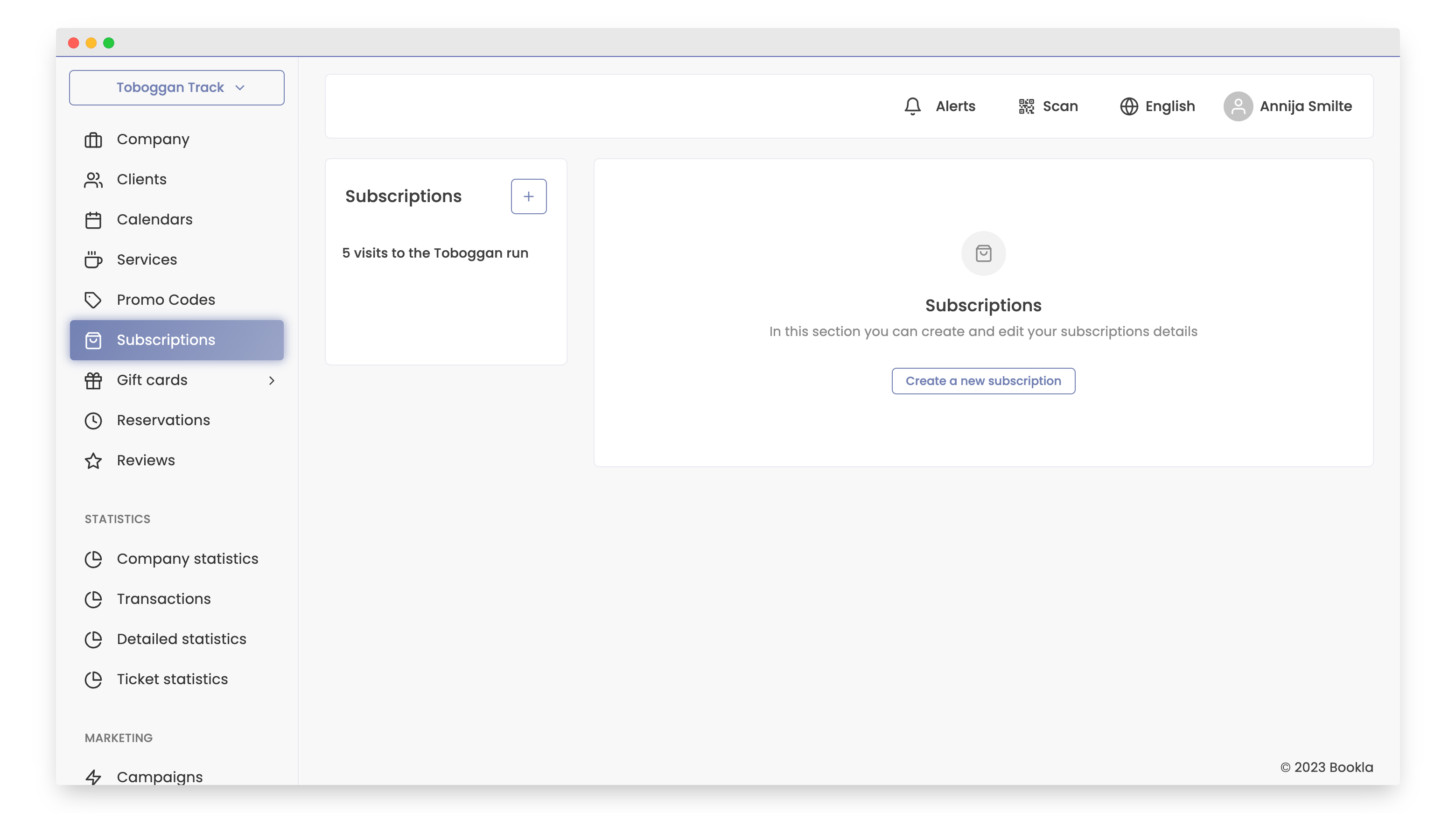
- Click on the button "+" or "Create new service."
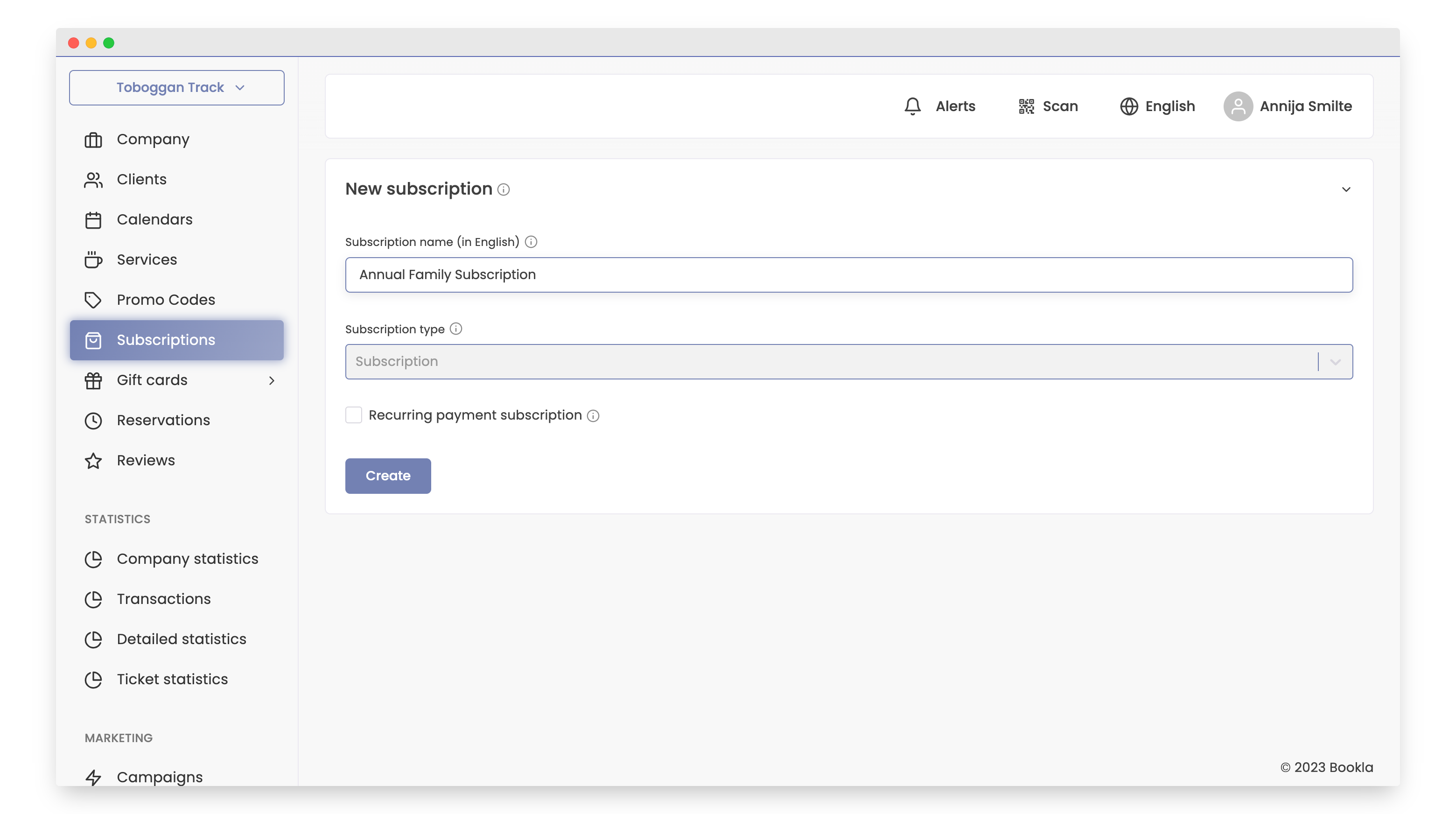
- Enter the subscription name in English, translations can be done later. Also, if your subscription is monthly, you can mark it as recurring and choose the period. Click "Create".
- Input subscription settings information, including price and VAT (if applicable).
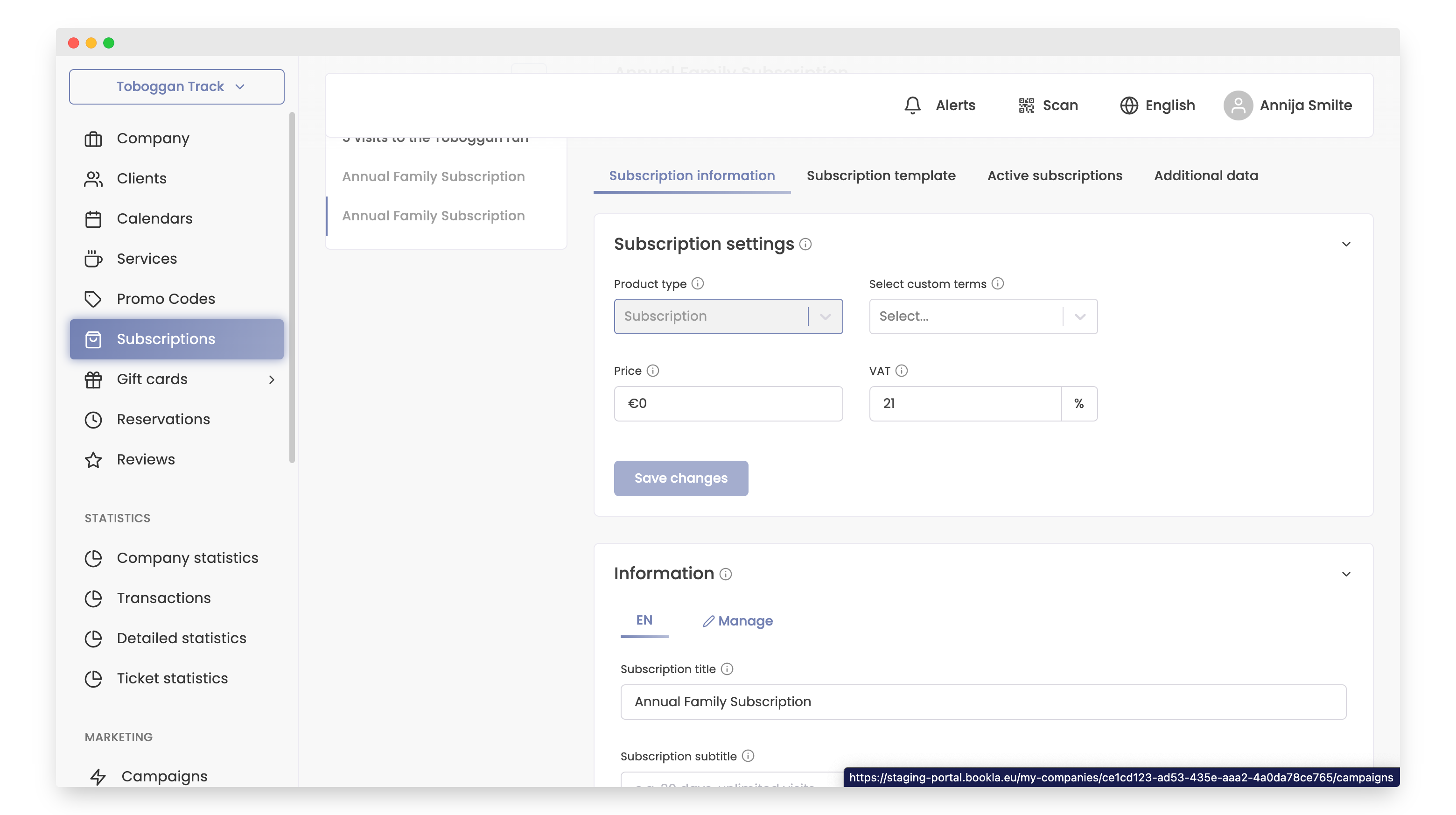
- In information write description and click button "Save changes".
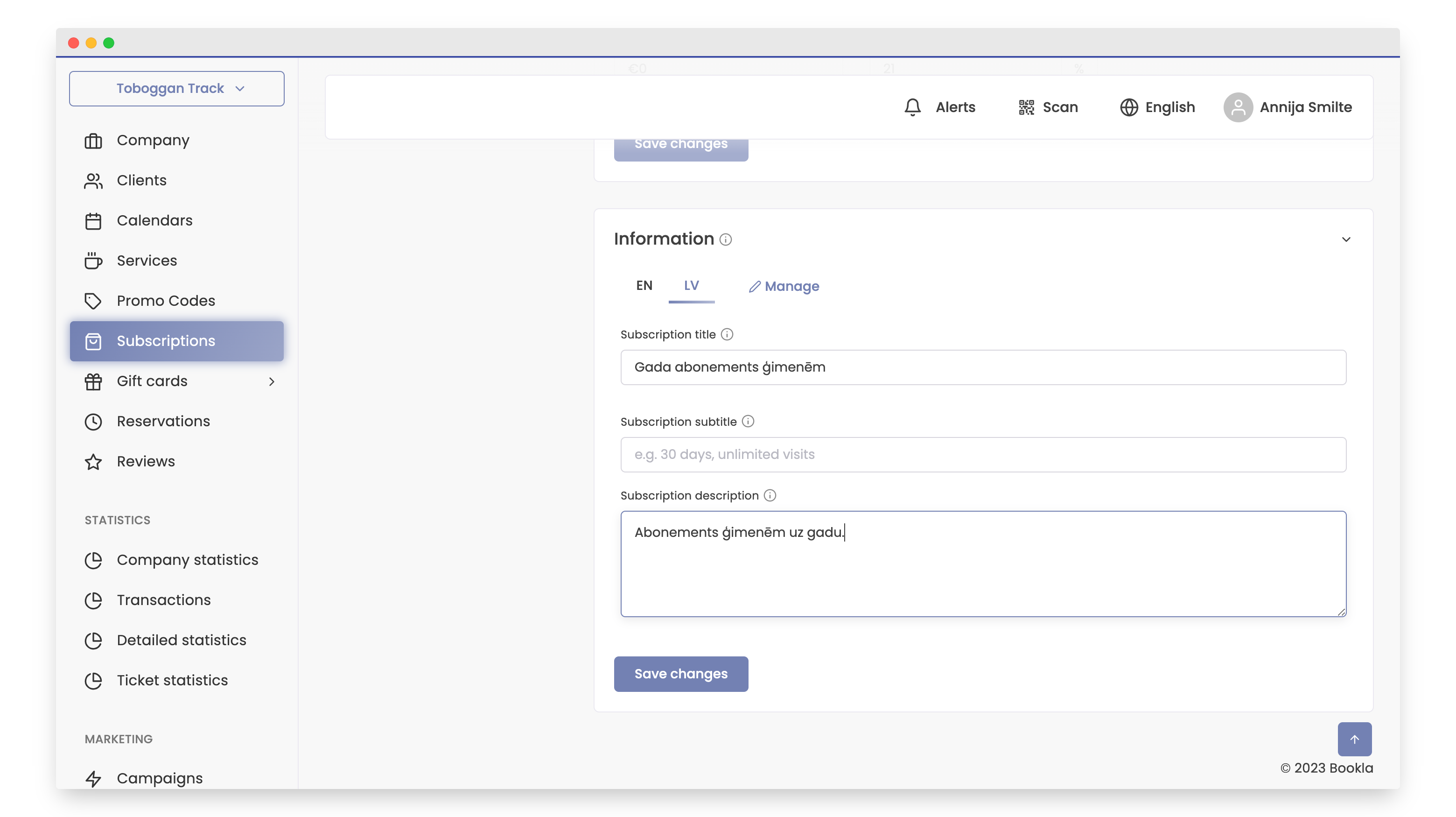
- To add translations to the subscription:
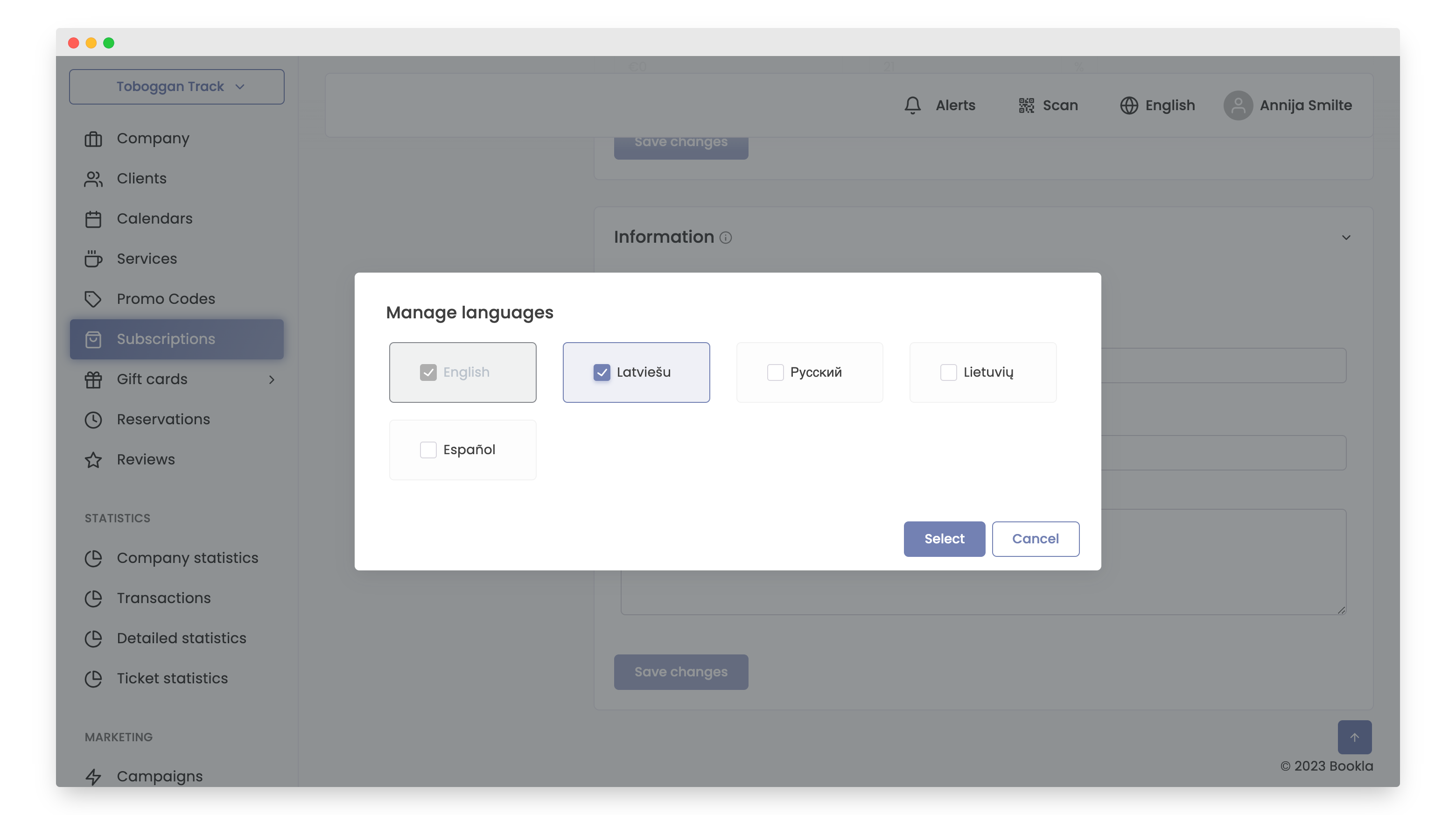
- Click button "Manage".
- Choose the language for translation.
- Enter the translation name, and if desired, provide a subtitle and description for the subscription.
-
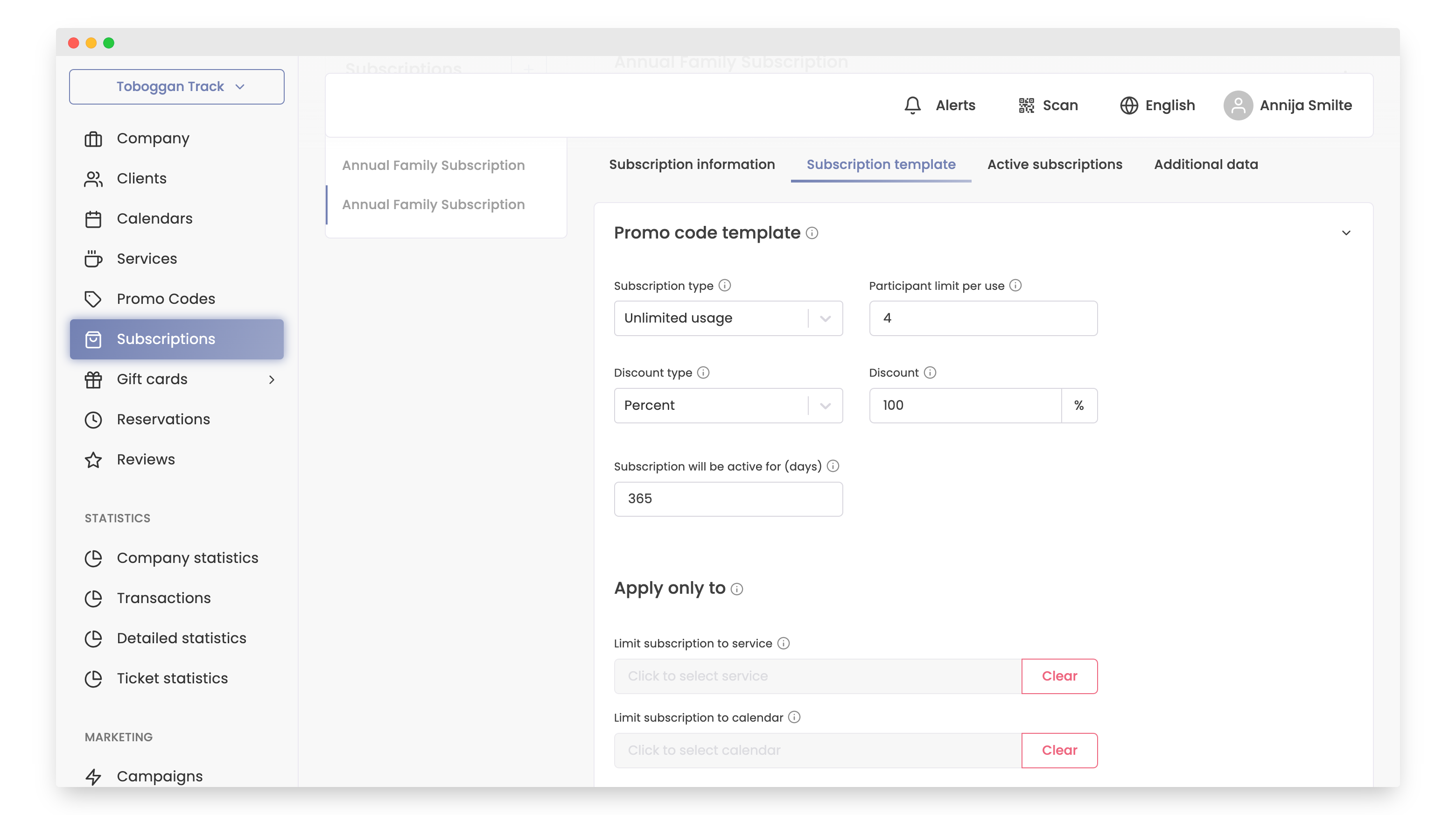
Go to the "Subscription Template" section.
-
Enter the details for your subscription, including subscription type, participant limit per use, discount type, discount, subscription activity duration (in days).
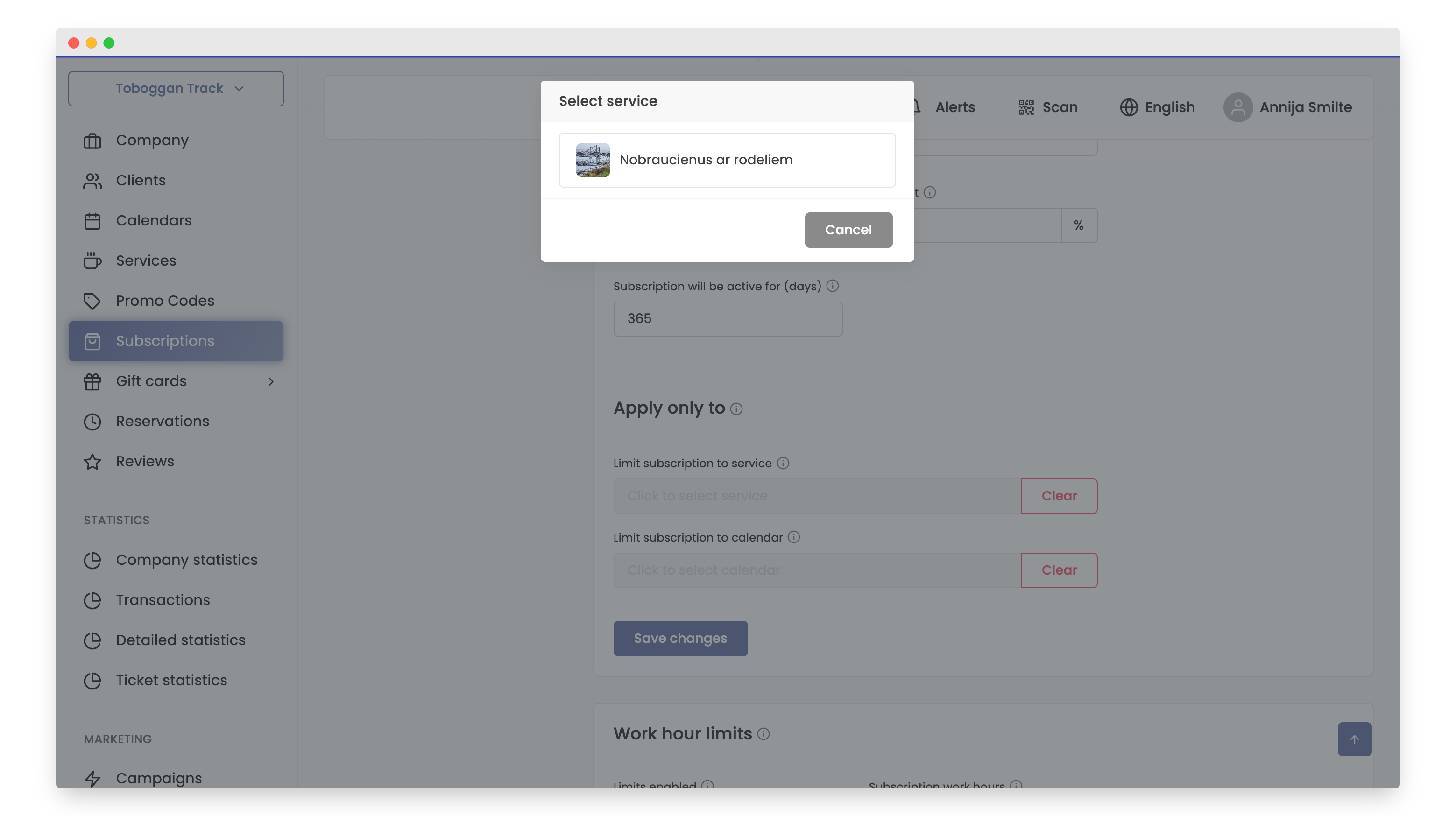
- Optionally, attach the subscription to a specific product or calendar.
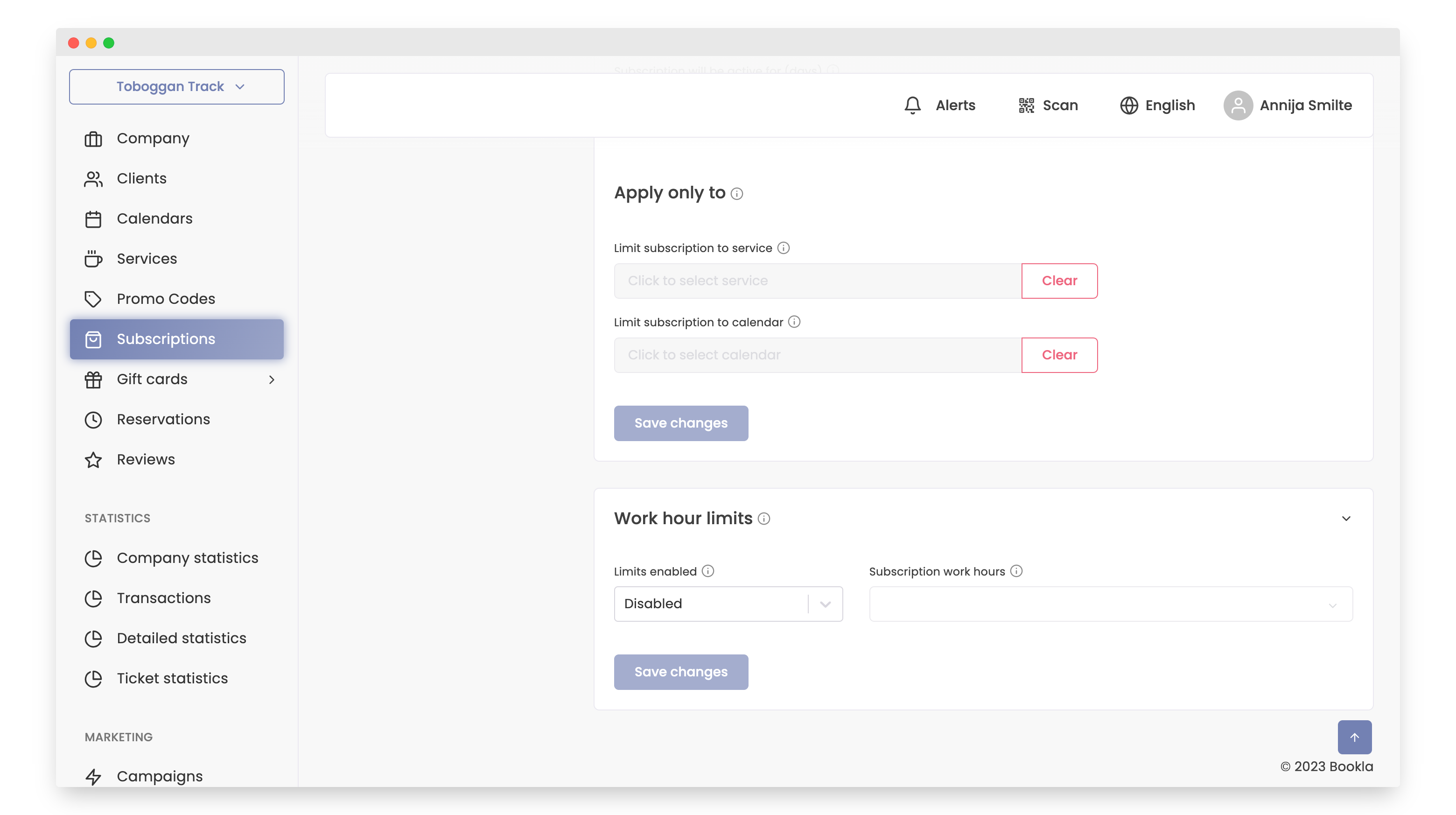
- If necessary, add operational time restrictions.
- Activate the subscription by clicking the button.
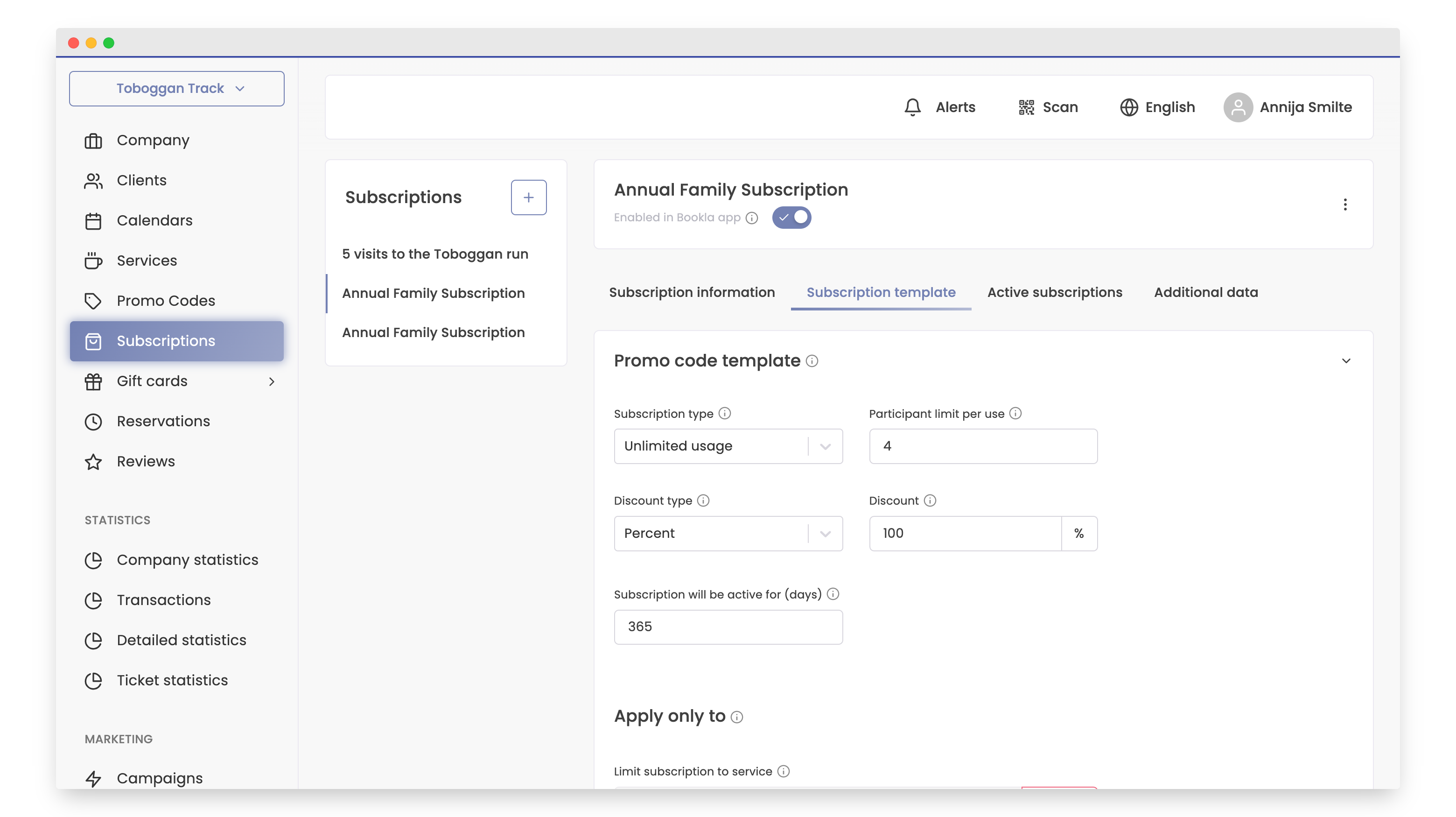
That's it! Your subscription has been successfully created.
If you want to learn how to add a subscription for a customer, Click here.