How to create a company
Bookla Portal is a toolbox for handling company info, services, analytics, and marketing tools. To sign up and sell your services to clients, you'll need to onboard on Bookla. To do that, just have your company name, address, number of employees, and turnover
Create a company on Bookla:
- Open Bookla Portal
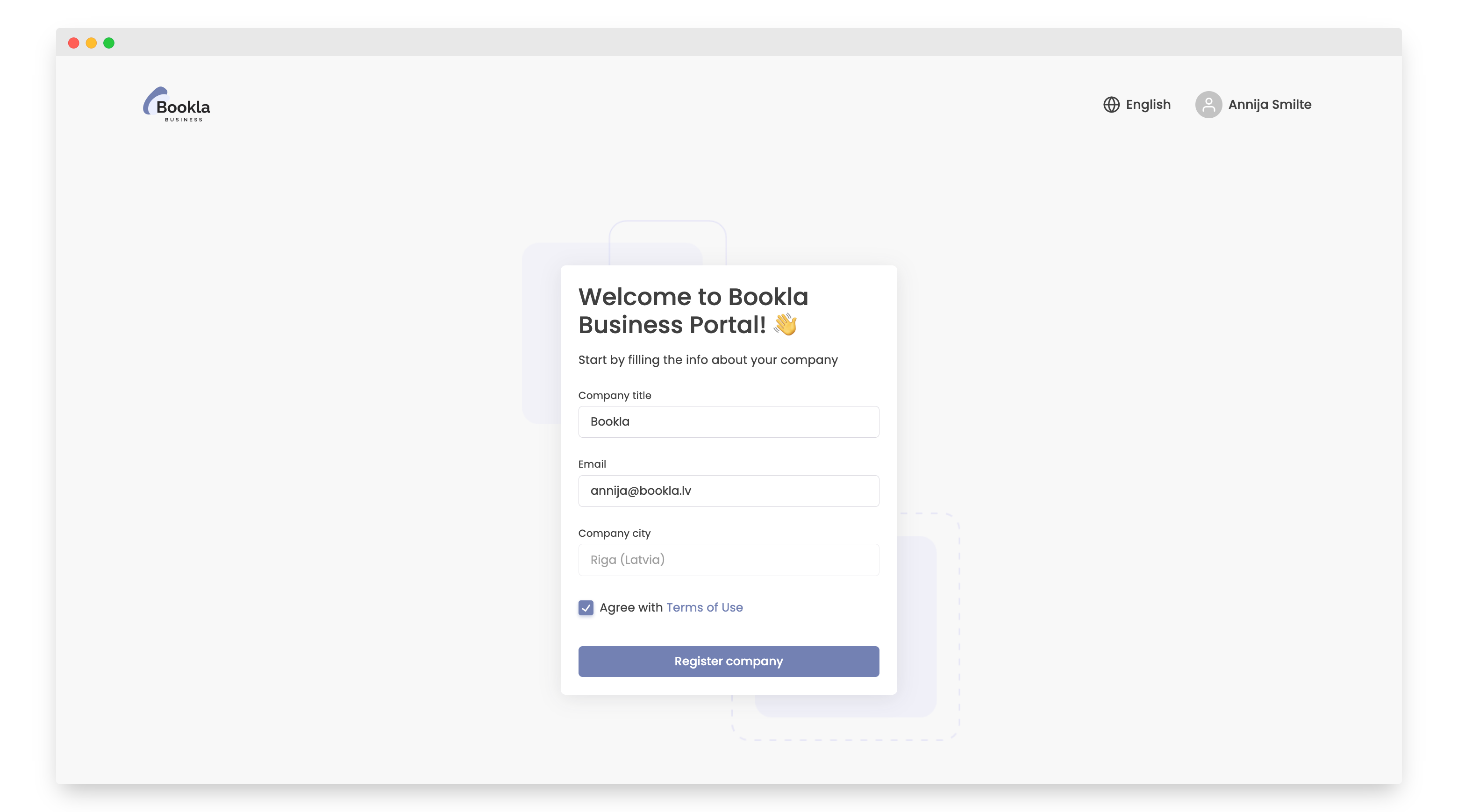
- Enter the company name, email, location, and agree to the Terms of Use.
- Click the "Register Company" button.
-
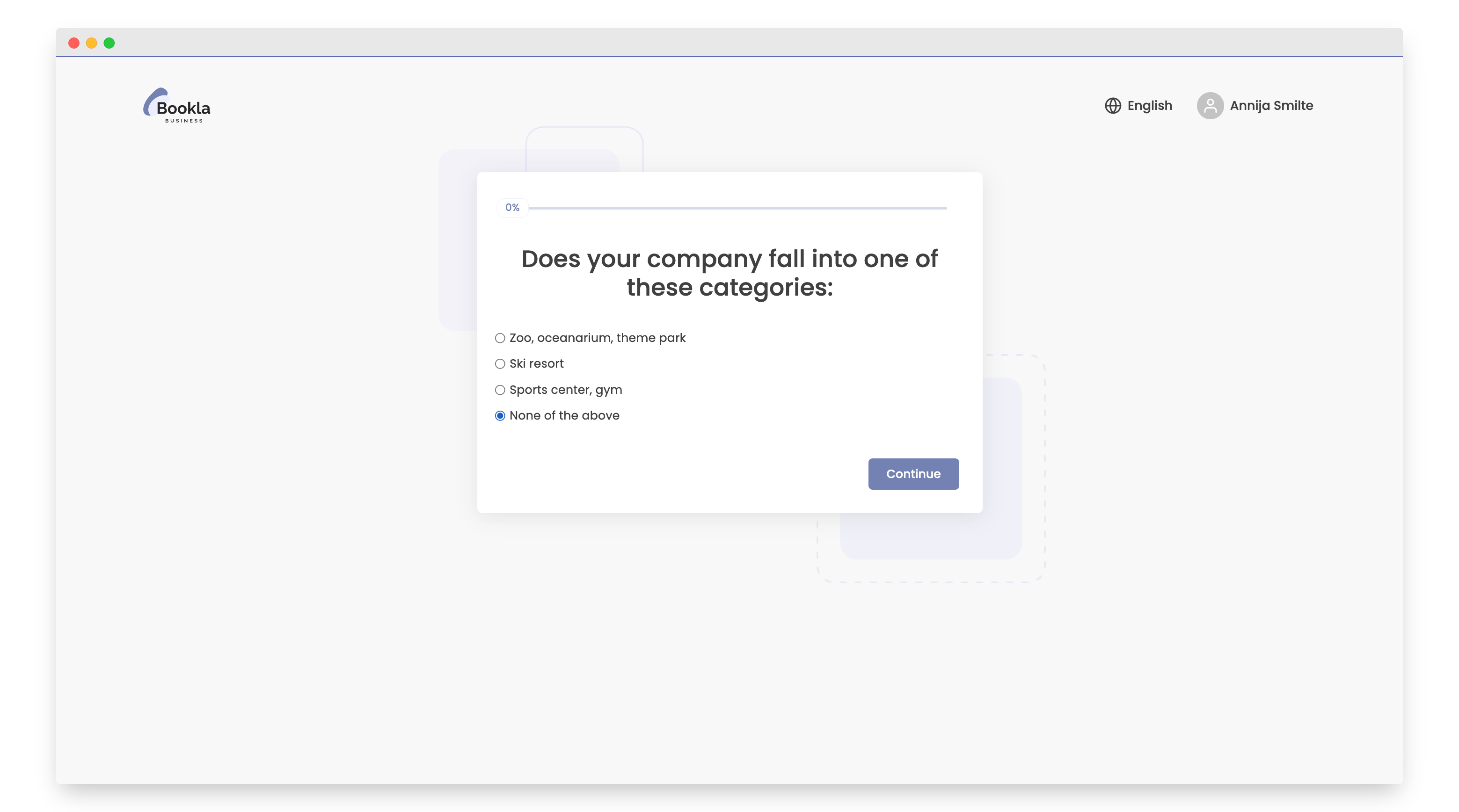
Choose whether your company falls under any of the categories. If no match is found, select "None of the above", click "Continue".
-
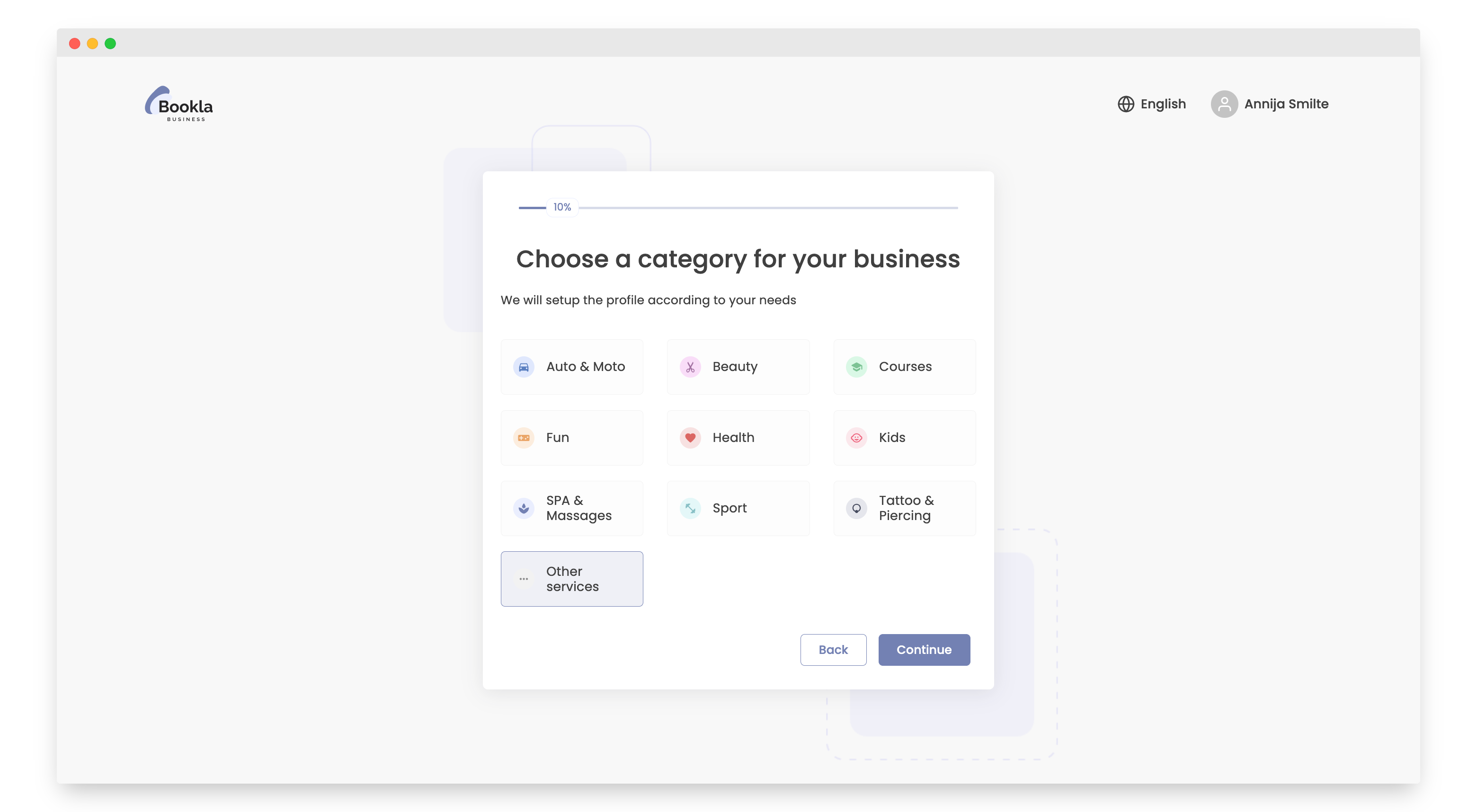
Choose whether your business falls under any of the categories. If no match is found, select "other service", click "Continue".
-
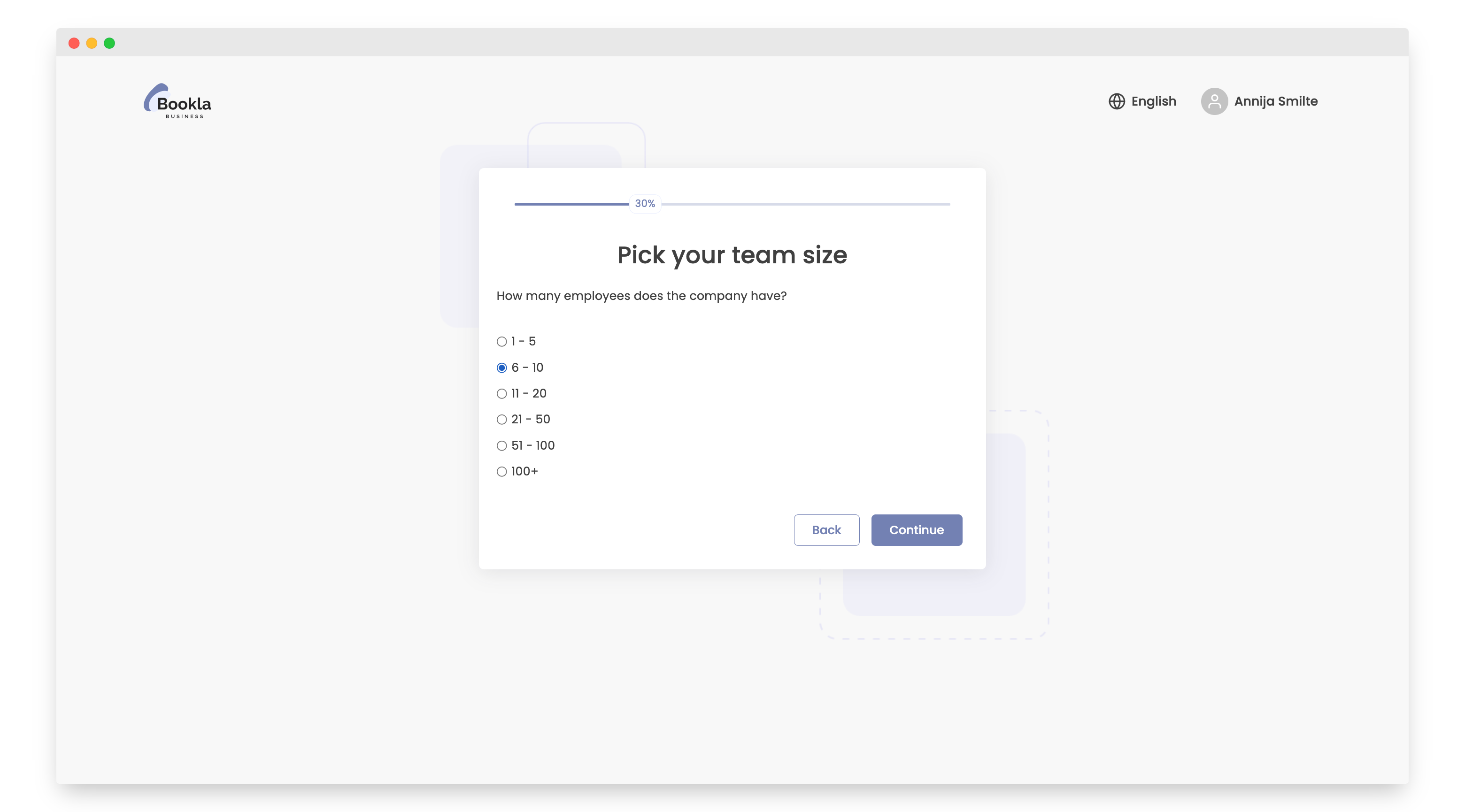
Specify the number of employees working in your company, click "Continue".
-
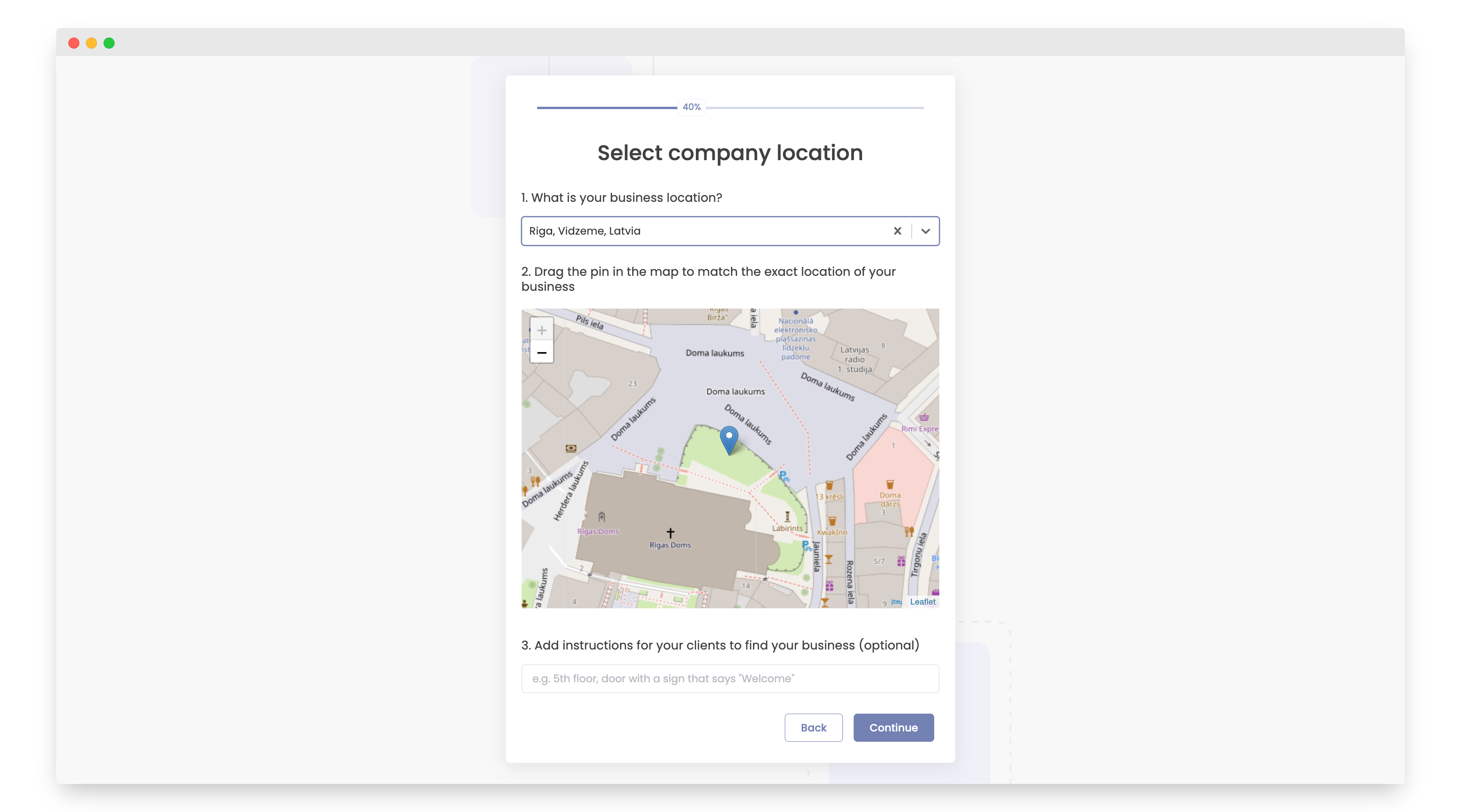
Provide the company address, click "Continue".
-
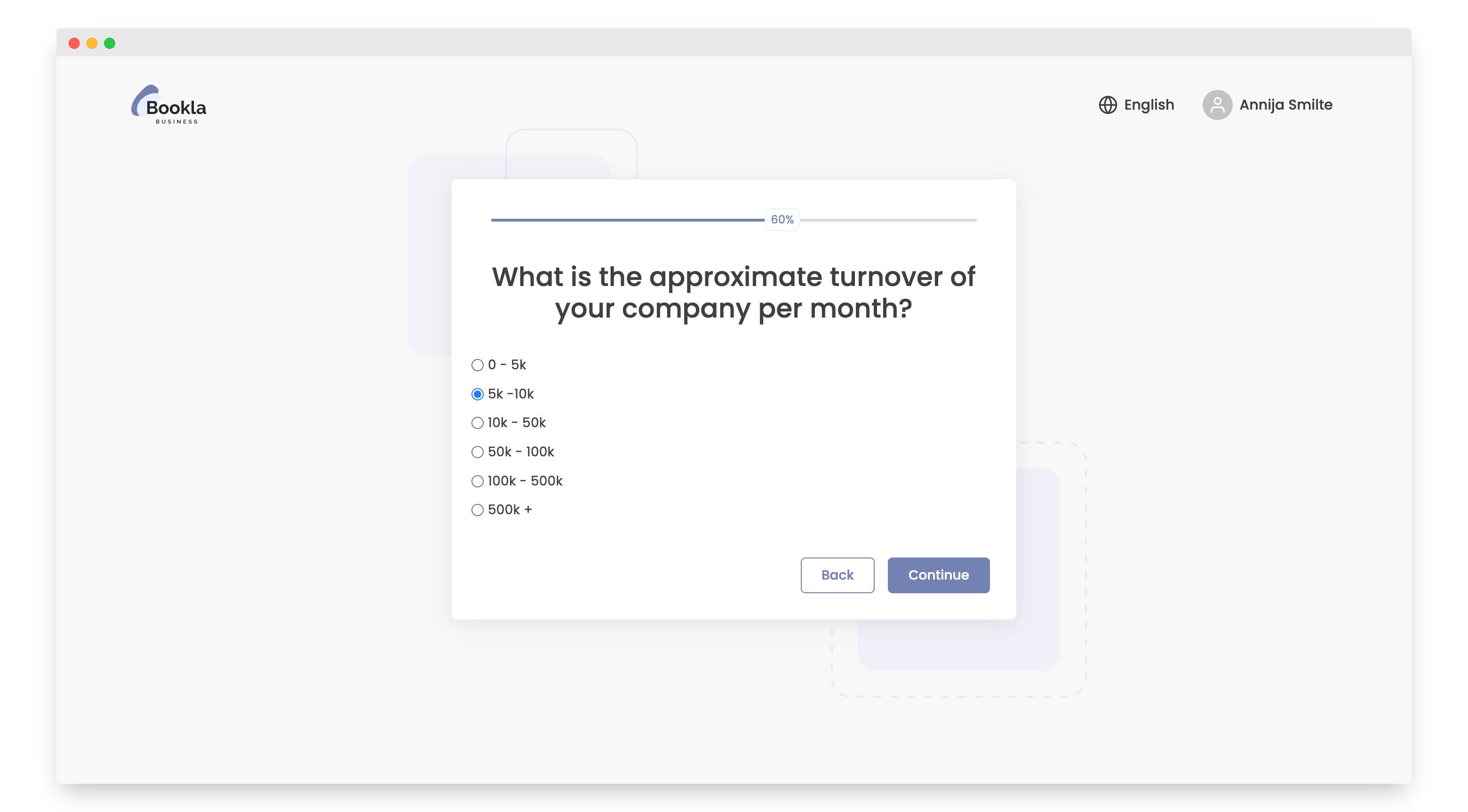
Specify your monthly turnover, click "Continue".
-
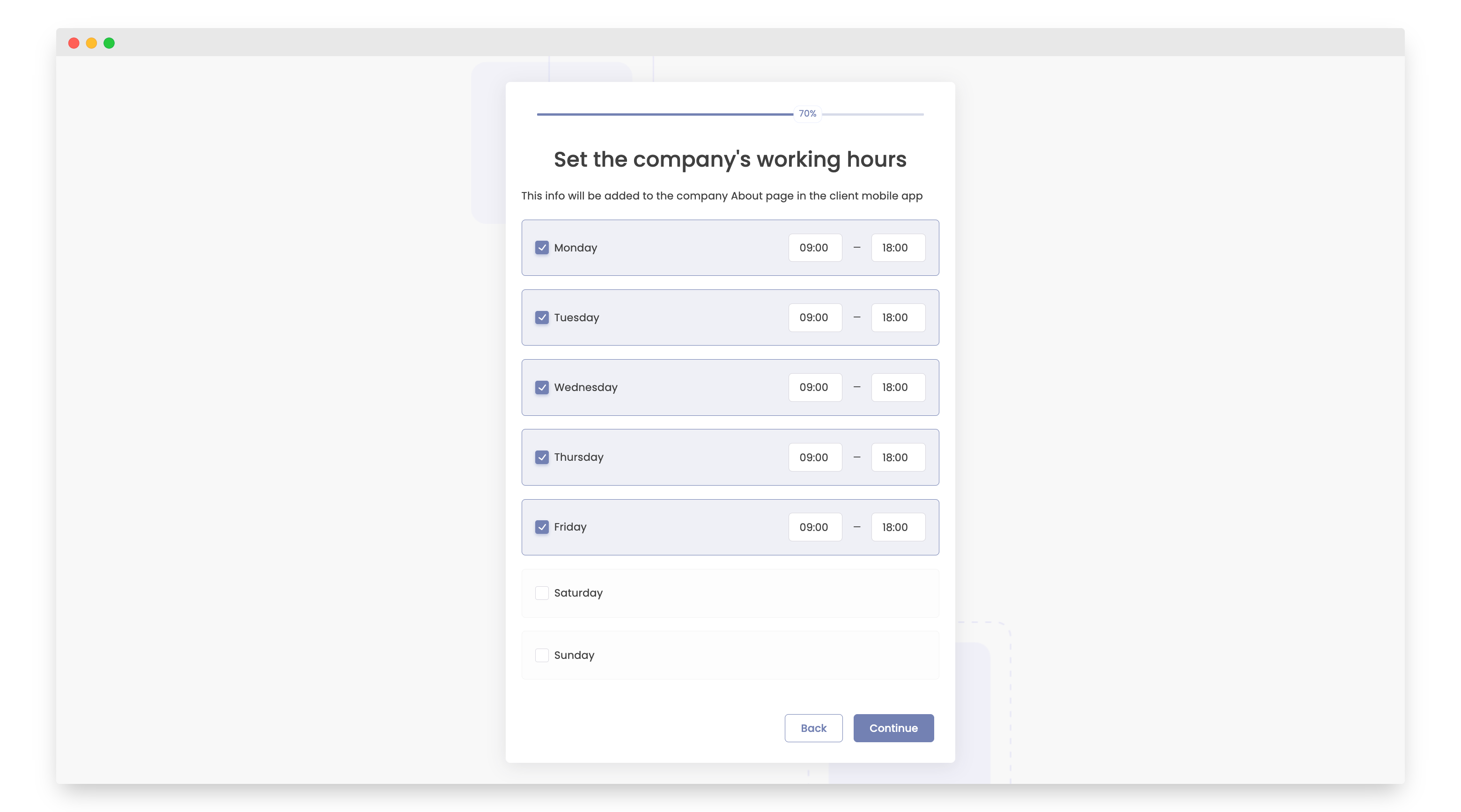
Mark the days of your working days, and specify approximate working hours, click "Continue".
-
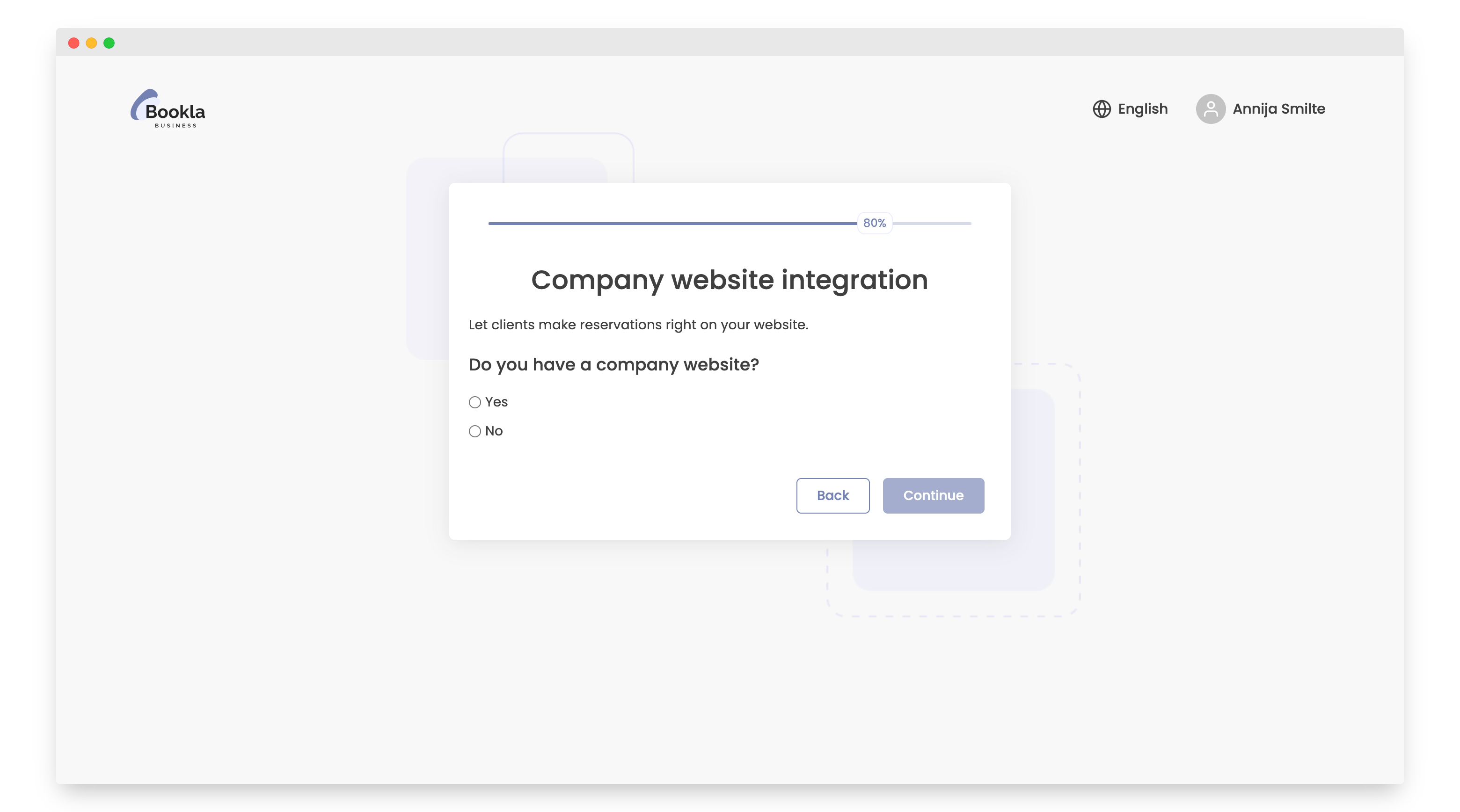
Choose whether your company has a website. If so, you can integrate the Bookla web widget into your site, click "Continue".
-
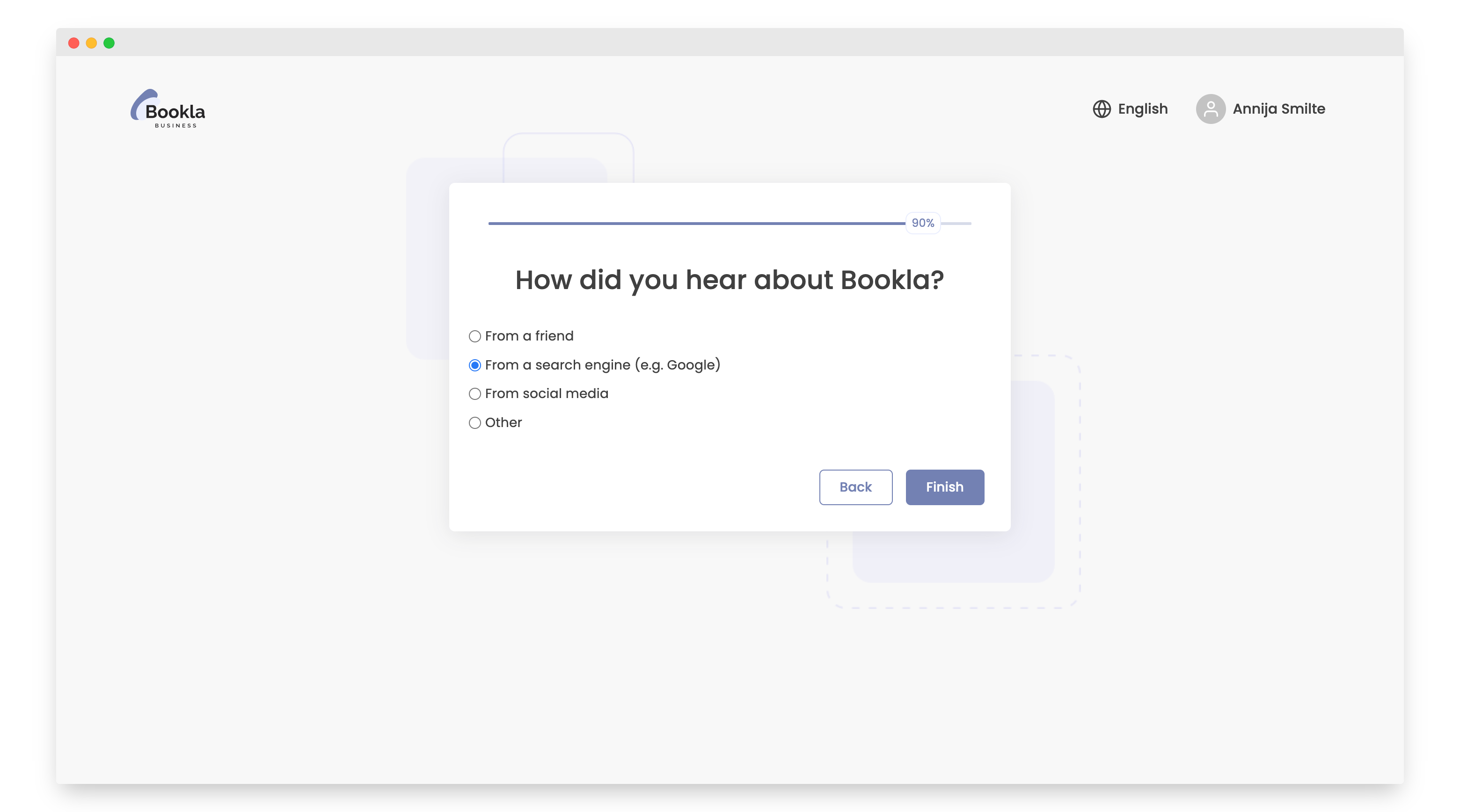
Indicate how you learned about Bookla.
-
Click the "Finish" button.
- The company is created. Click the "Go to the main page" button.
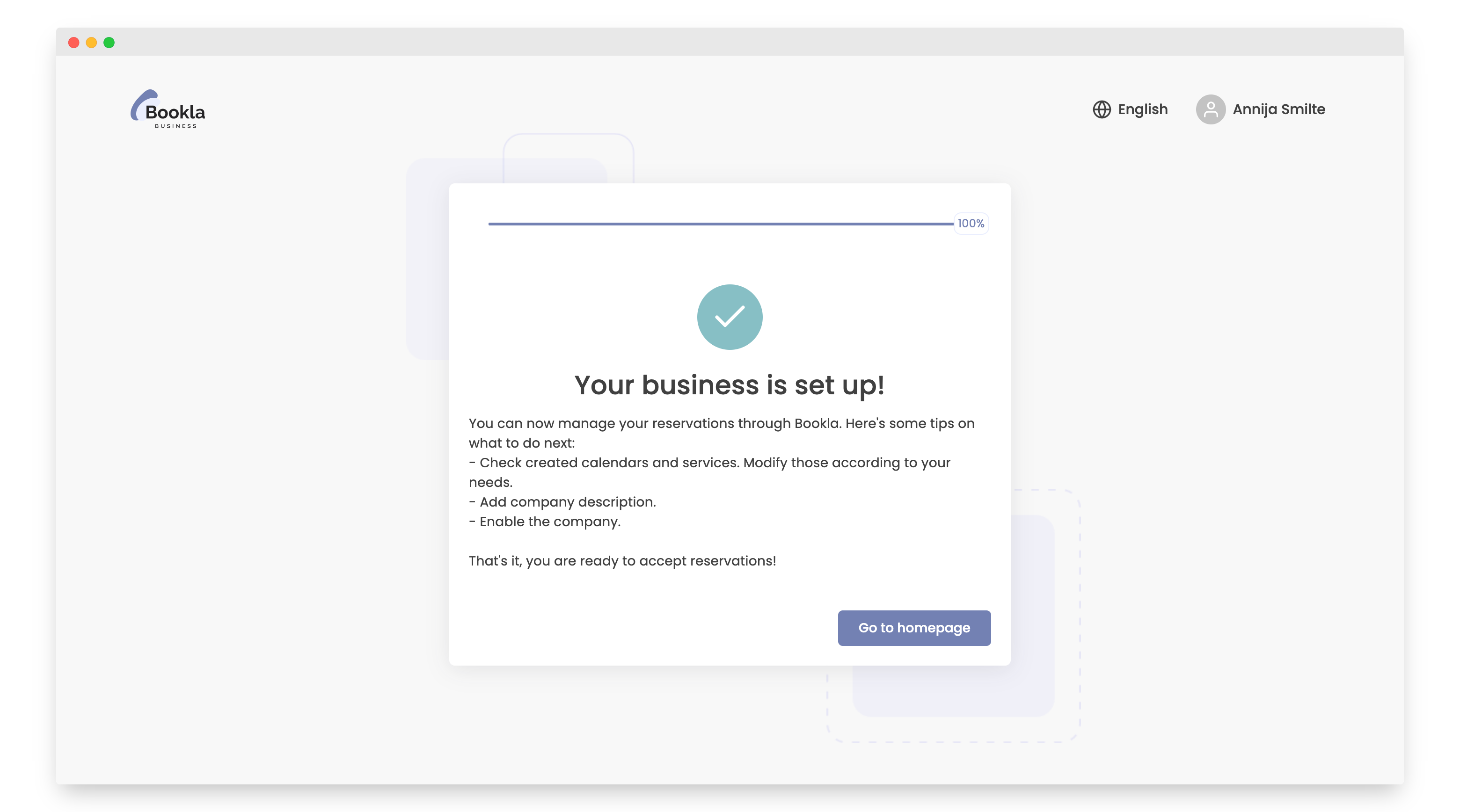
That's it, your company has been created and successfully onboarded on Bookla.