How to Make a Reservation for a Client by Scanning a Subscription
In this guide, you will see how to make a reservation for a client by scanning his/her subscription QR code. To do this, you will need to ask the client to show his/her subscription QR code.
-
Open the Bookla Business application.
-
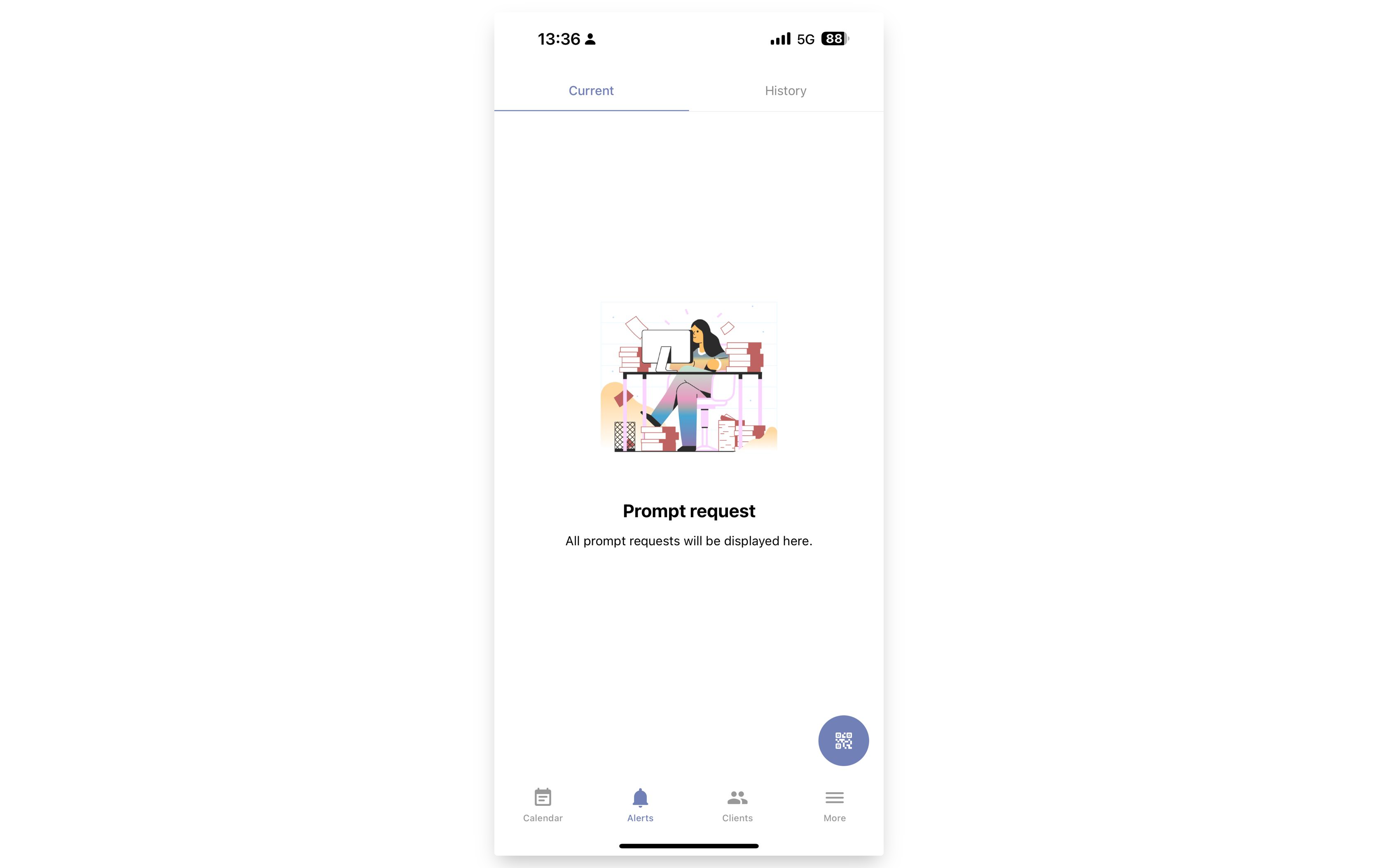
Go to the Alerts section and click the QR button.
-
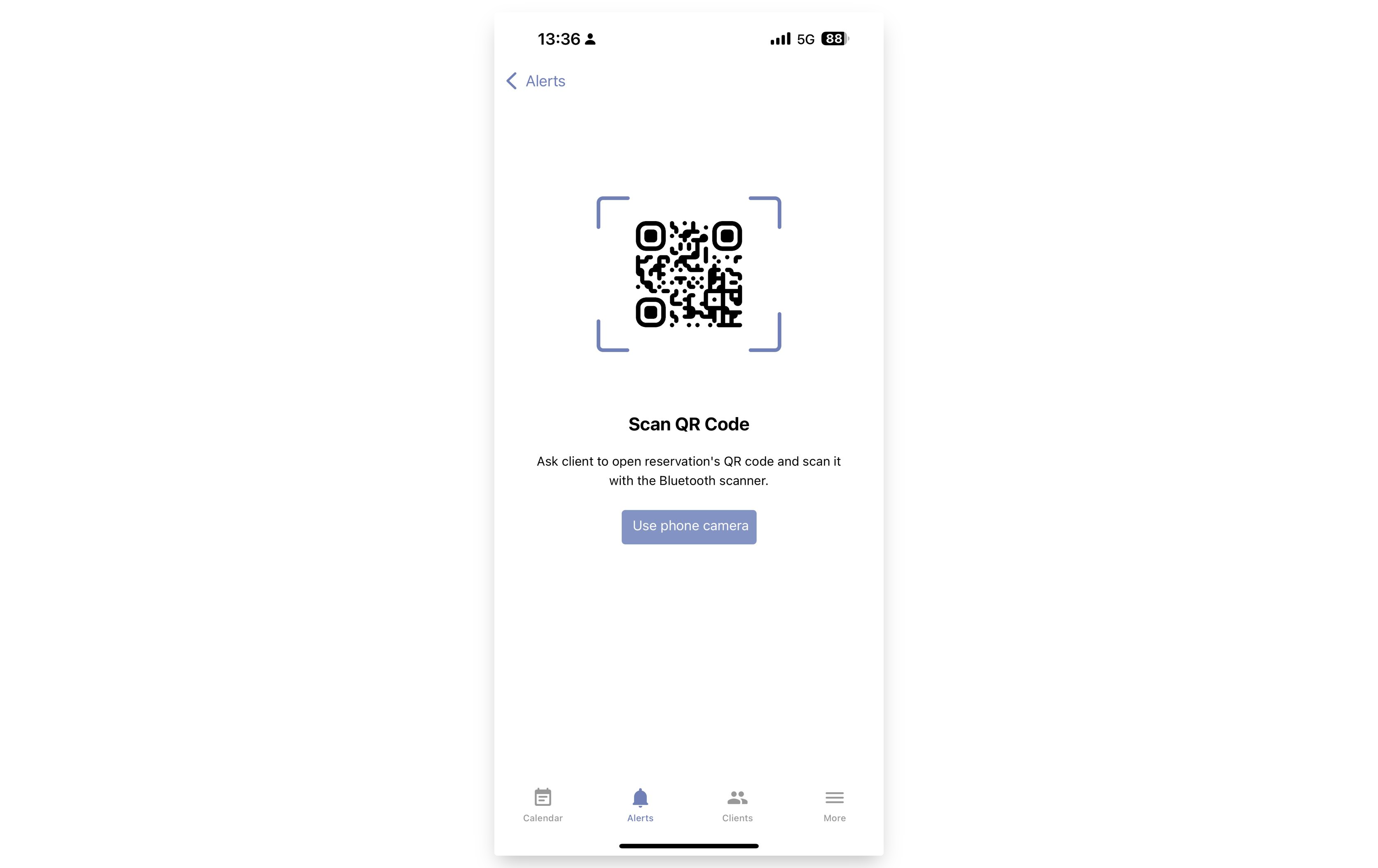
Click the "Use phone camera" button.
-
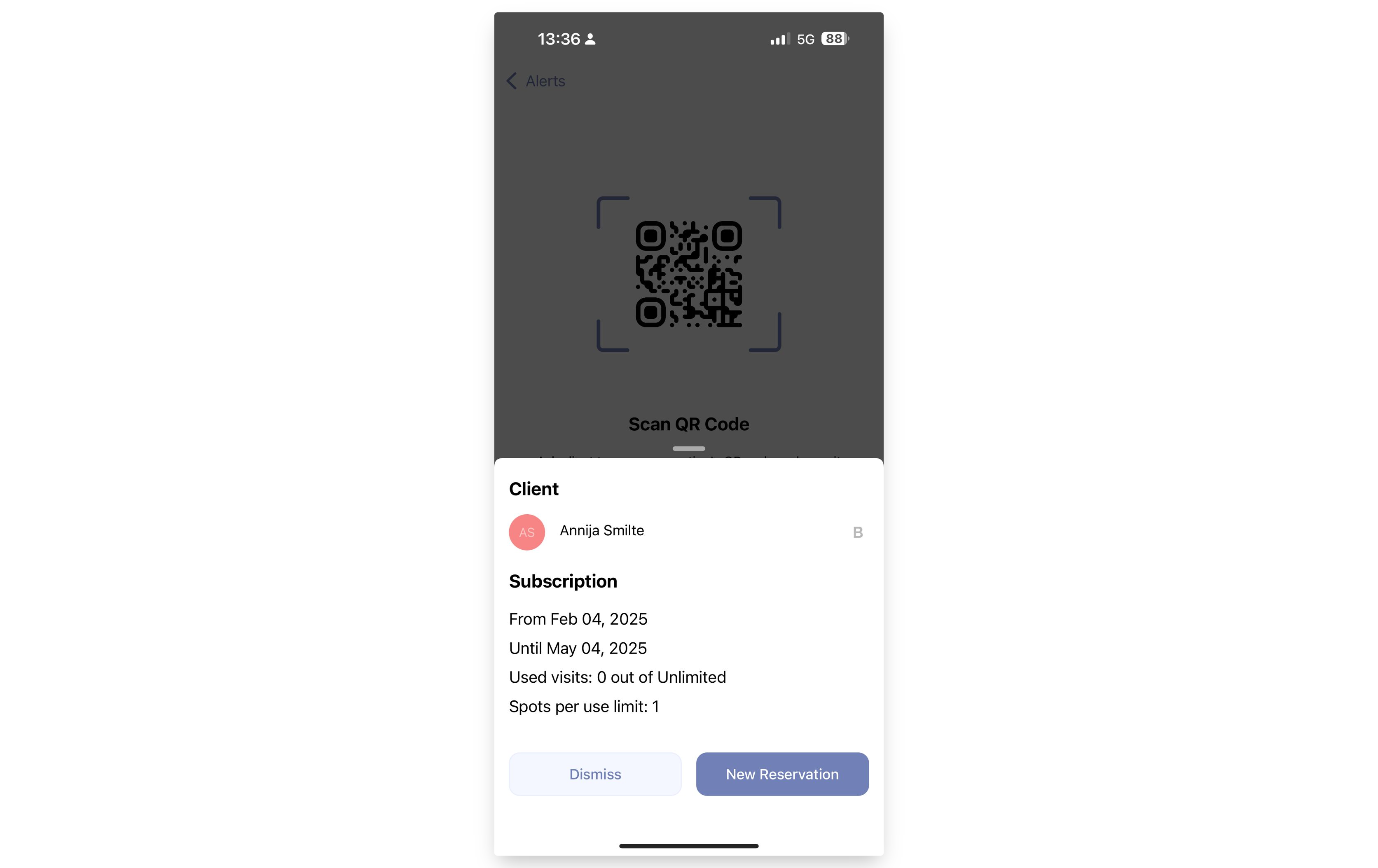
Scan the client's subscription QR code.
-
Click the "New Reservation" button.
-
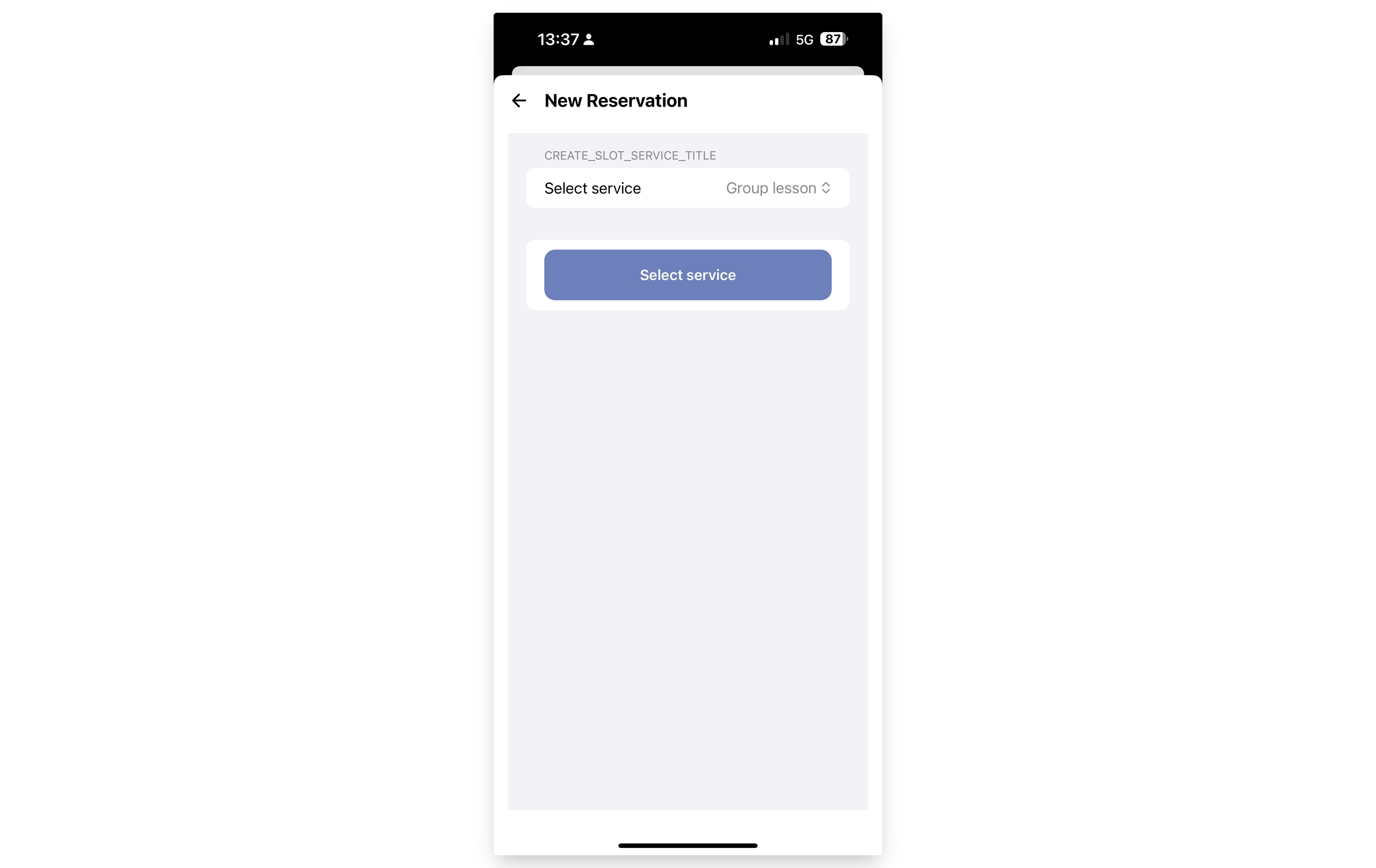
Select the service and click the "Select Service" button.
-
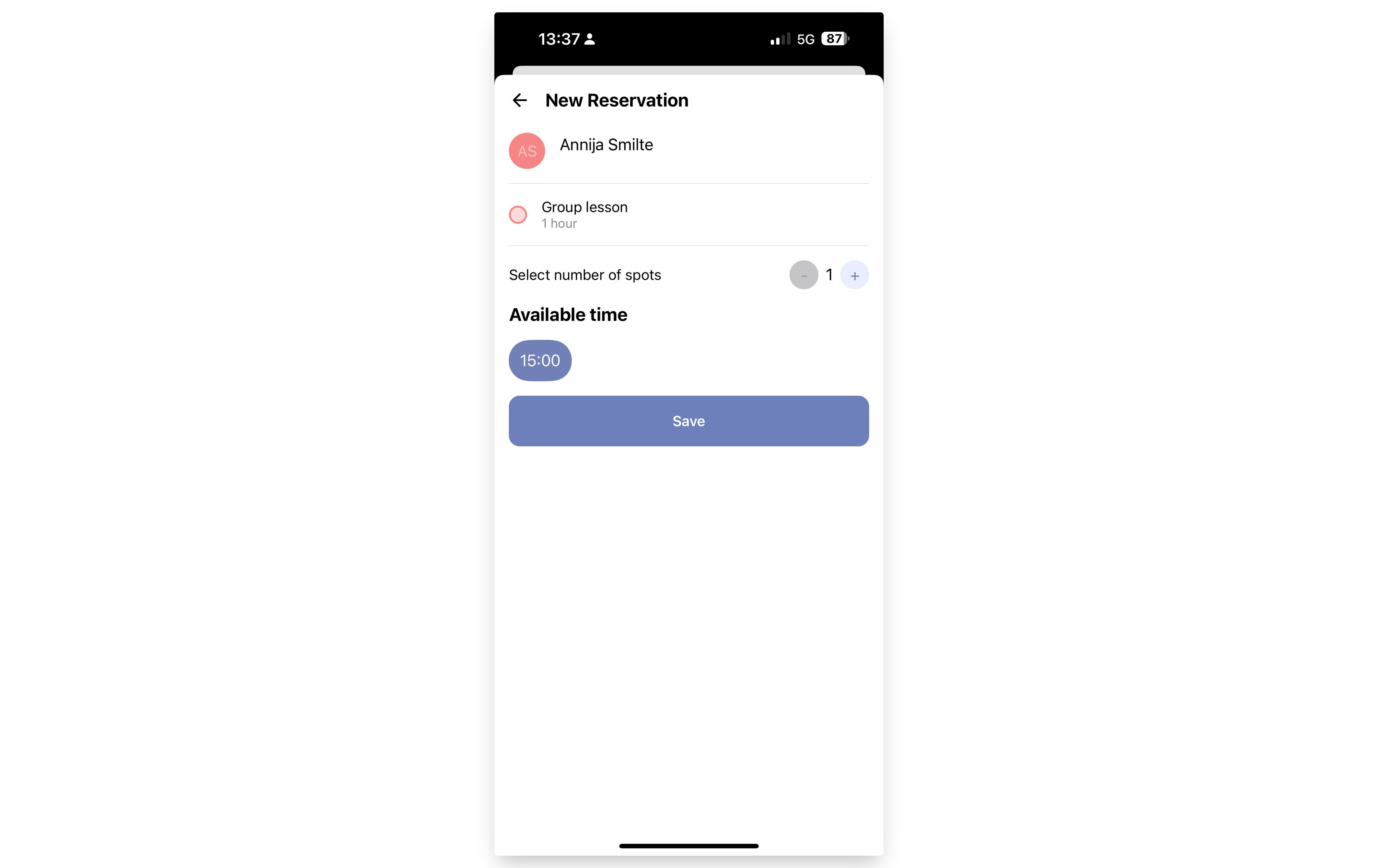
Select the number of spots and available time, then click the "Save" button.
-
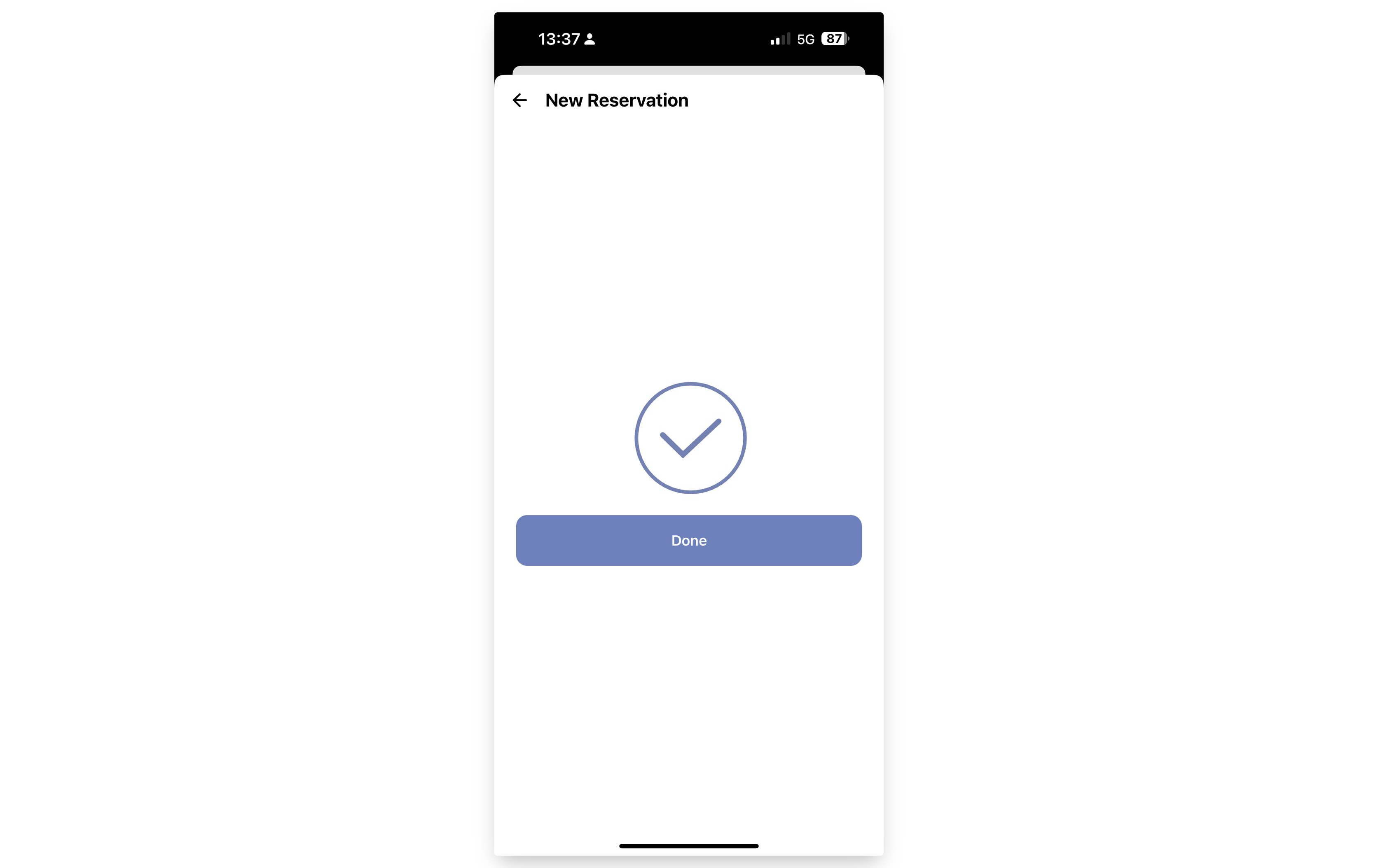
That's it! The reservation for this time is now made.