How to freeze a subscription (Extend the term)
subscriptions are a valuable tool used by businesses and activity organizers to offer regular services or activities to their customers. This feature simplifies the process, making it easier to meet customer needs and align with your business interests.
At the moment, freezing a subscription is not available, but there is a way to extend the subscription period.
How to do it:
- Open Bookla Portal
- Go to the "Clients" section.
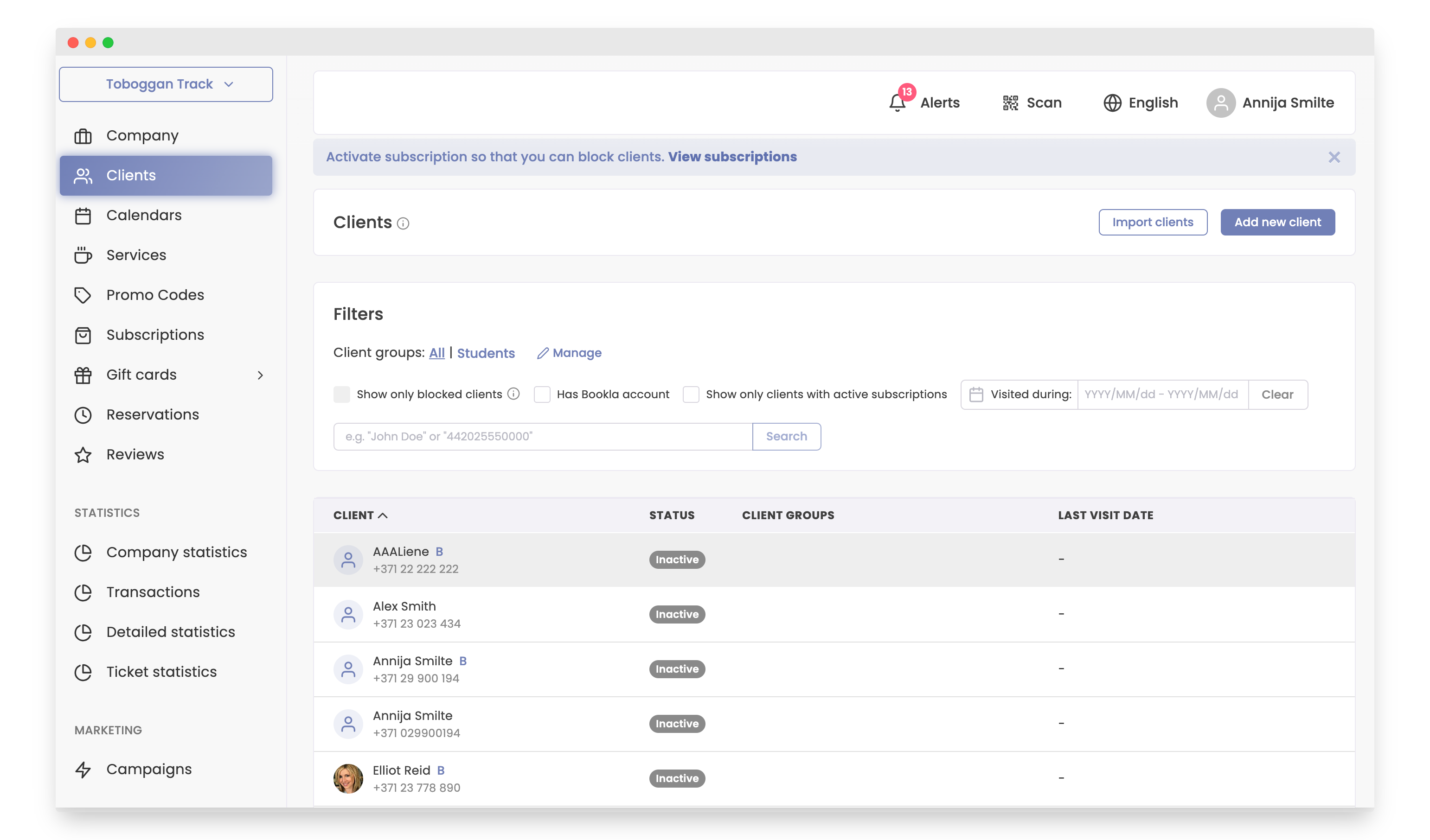
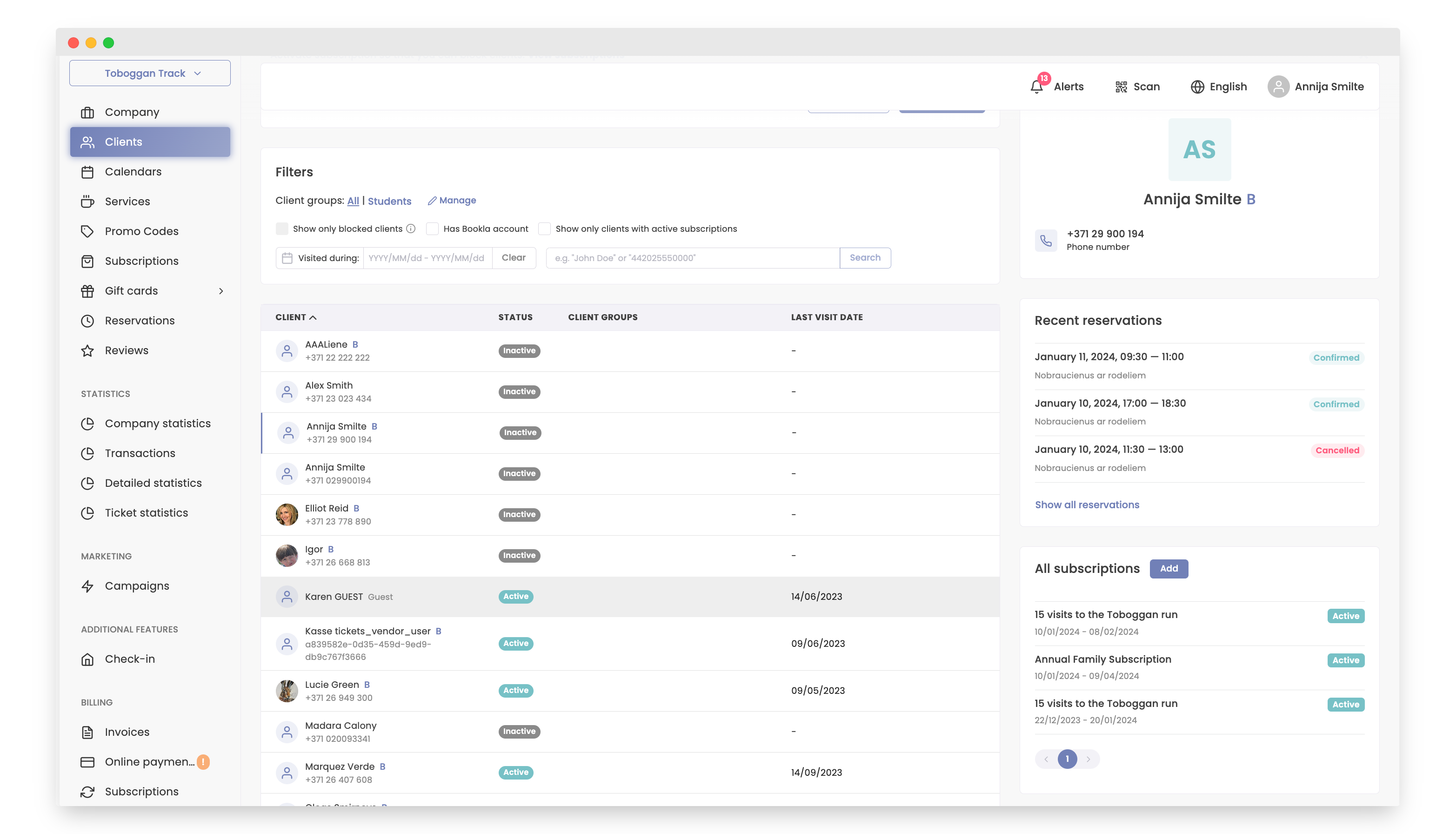
- Click on the client for whom you need to extend the subscription term.
- Scroll down to "All subscriptions".
- Click on the necessary subscription.
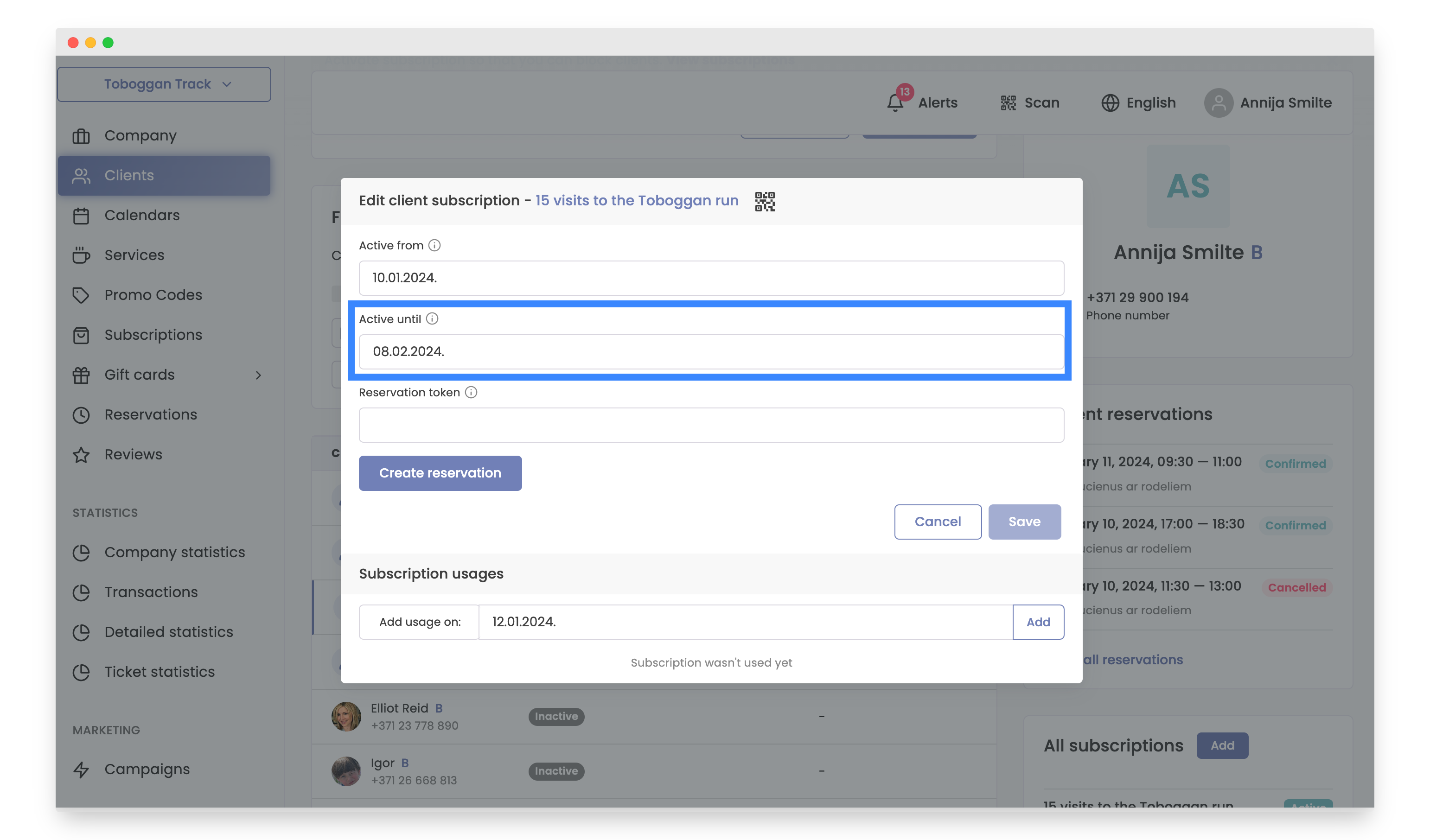
- Click on “Active until”.
- Here, choose the date until which you want to extend the subscription.
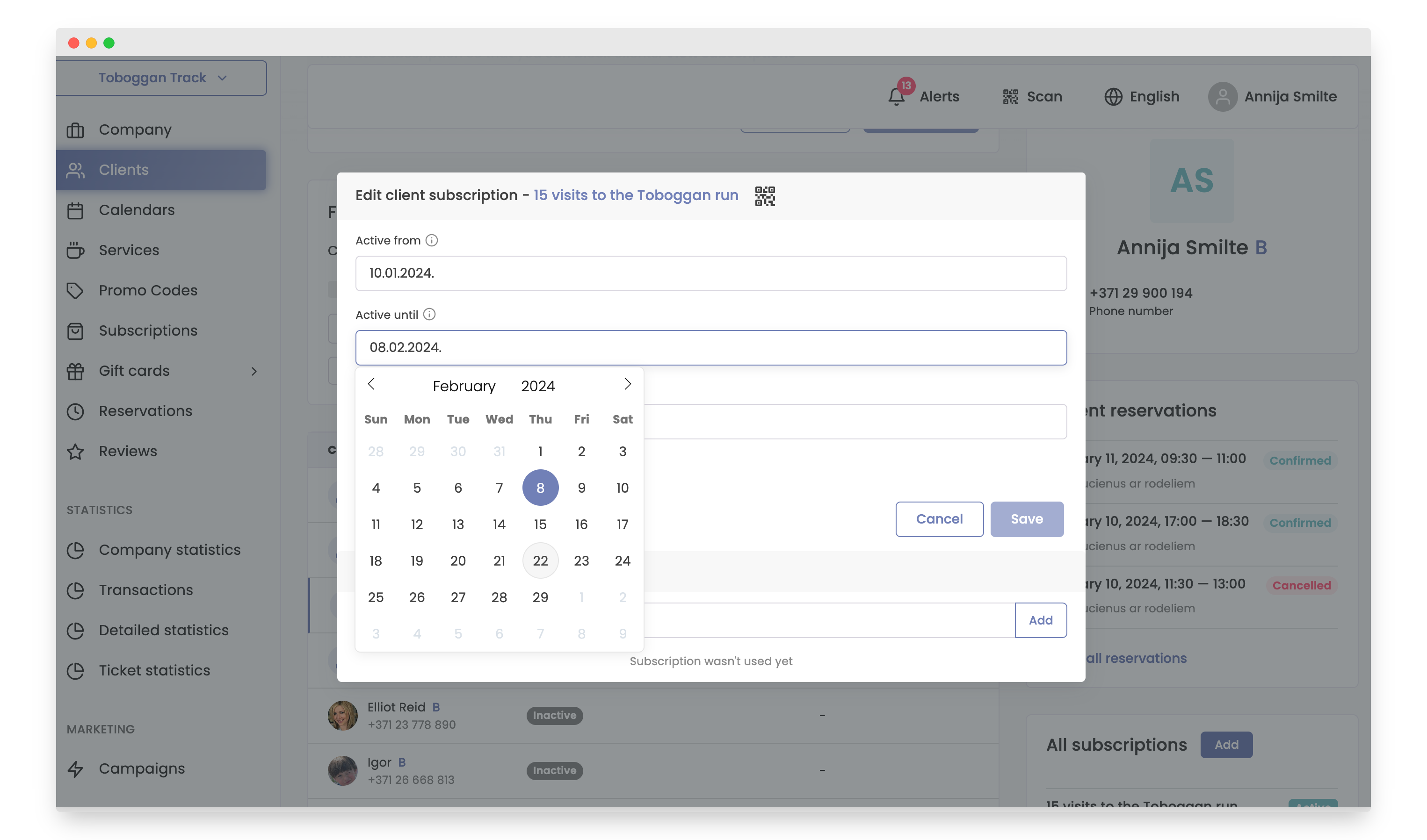
- Click button “Save”.
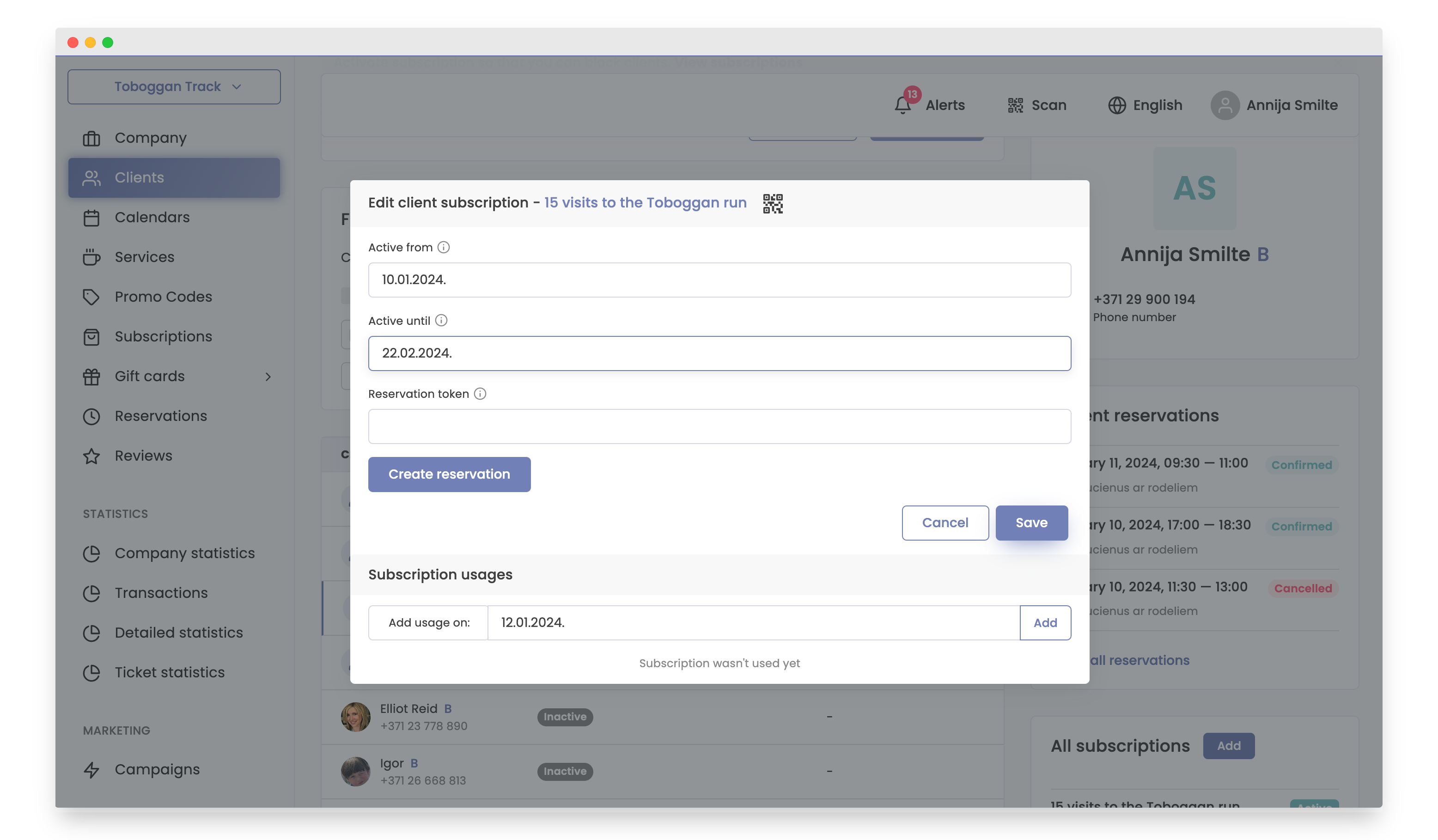
That's it! The subscription term has been extended successfully.