Where to see all active subscriptions
Subscriptions are a valuable tool used by businesses and activity organizers to offer regular services or activities to their customers. This feature simplifies the process, making it easier to meet customer needs and align with your business interests. To view the active subscriptions you will need to know for which subscription you want to do it.
How to do it:
- Open Bookla Portal
- Go to the "Subscriptions" section.
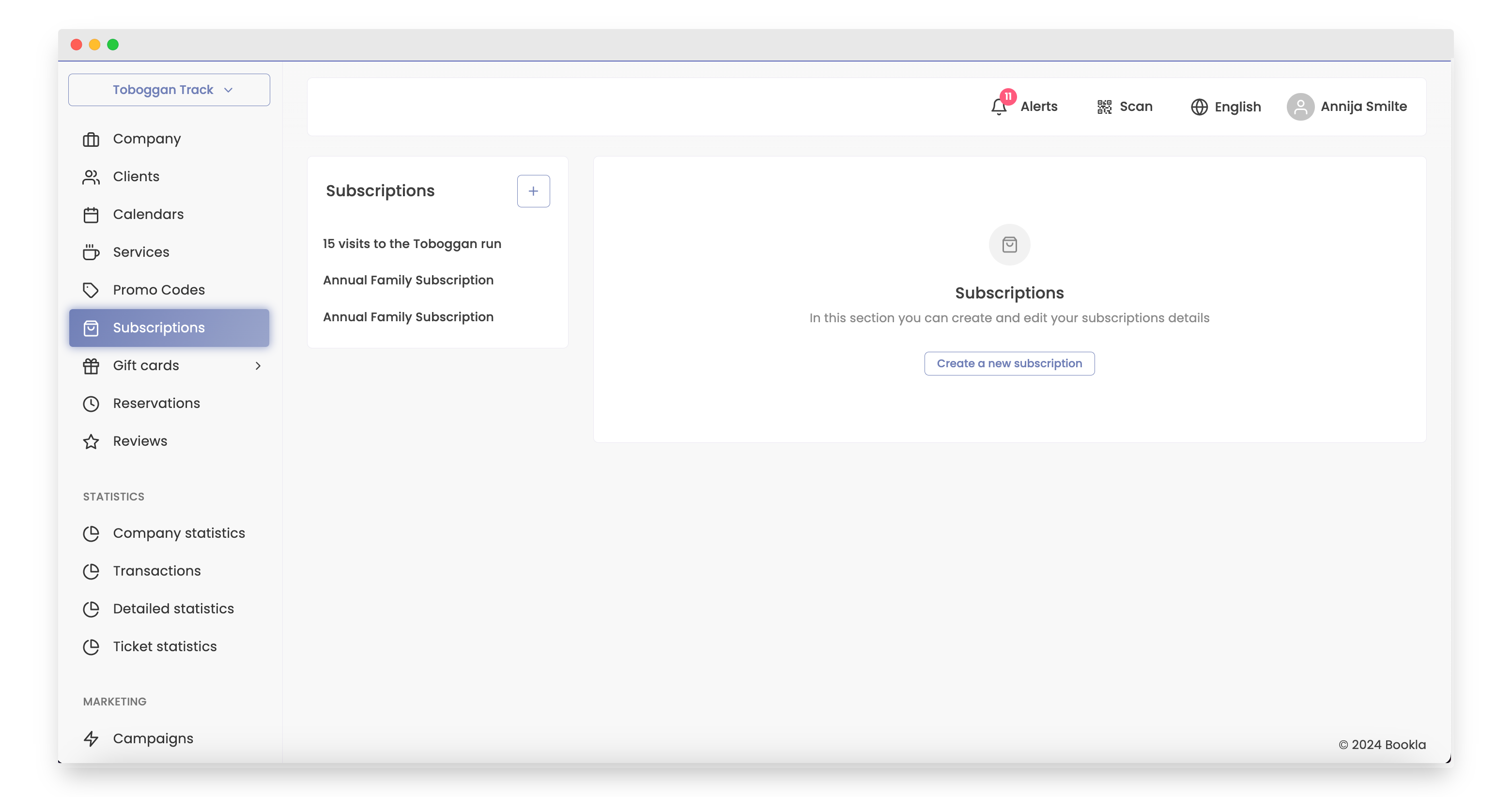
- Click on the subscription you need.
- Click on “Active subscriptions”.
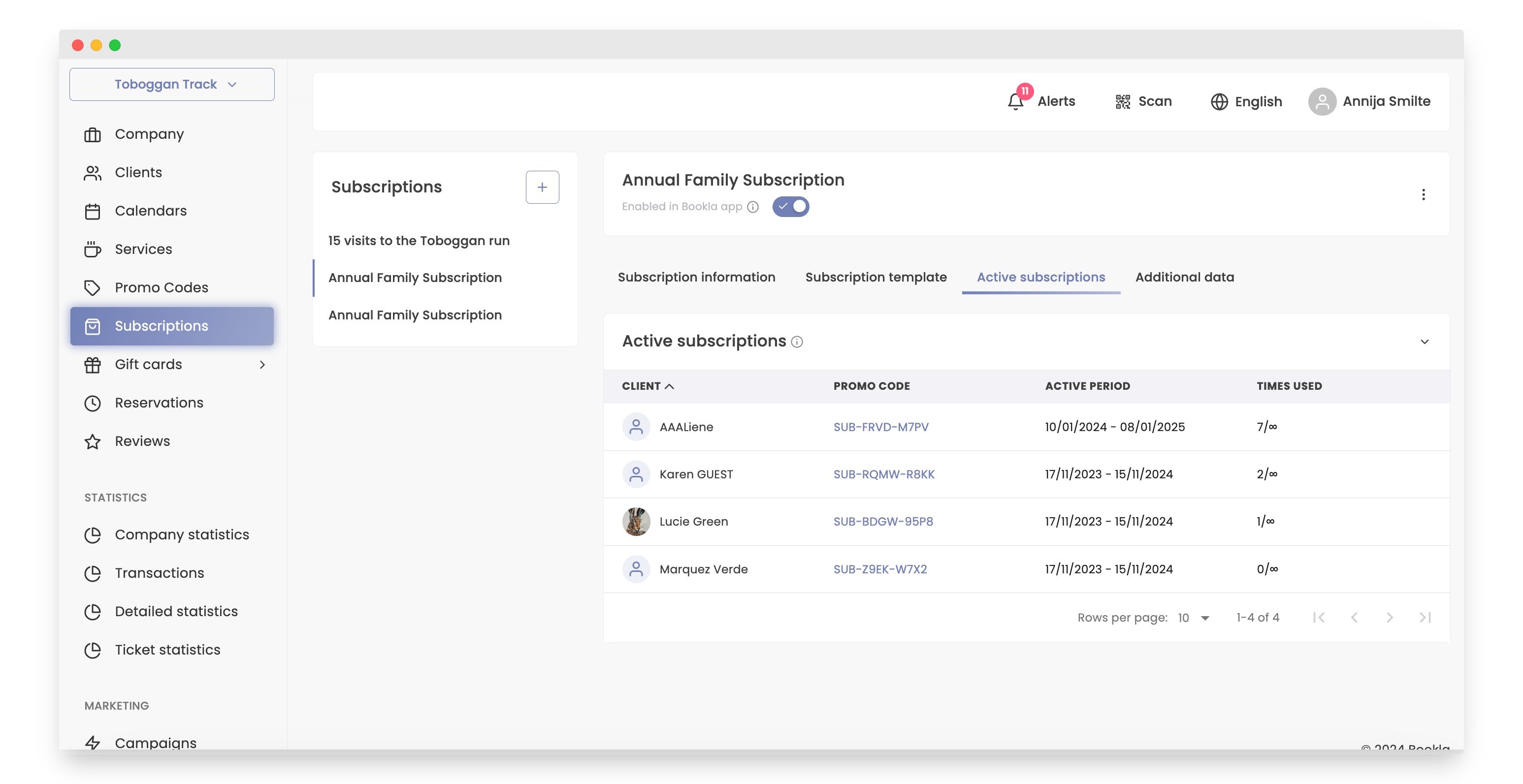
That's it! Here you can see all active subscriptions.