How to create tickets
Tickets are entry passes that your clients can purchase from you. All you will need to know are the names for these tickets and their prices.
Create tickets in Bookla:
-
Open Bookla Portal
-
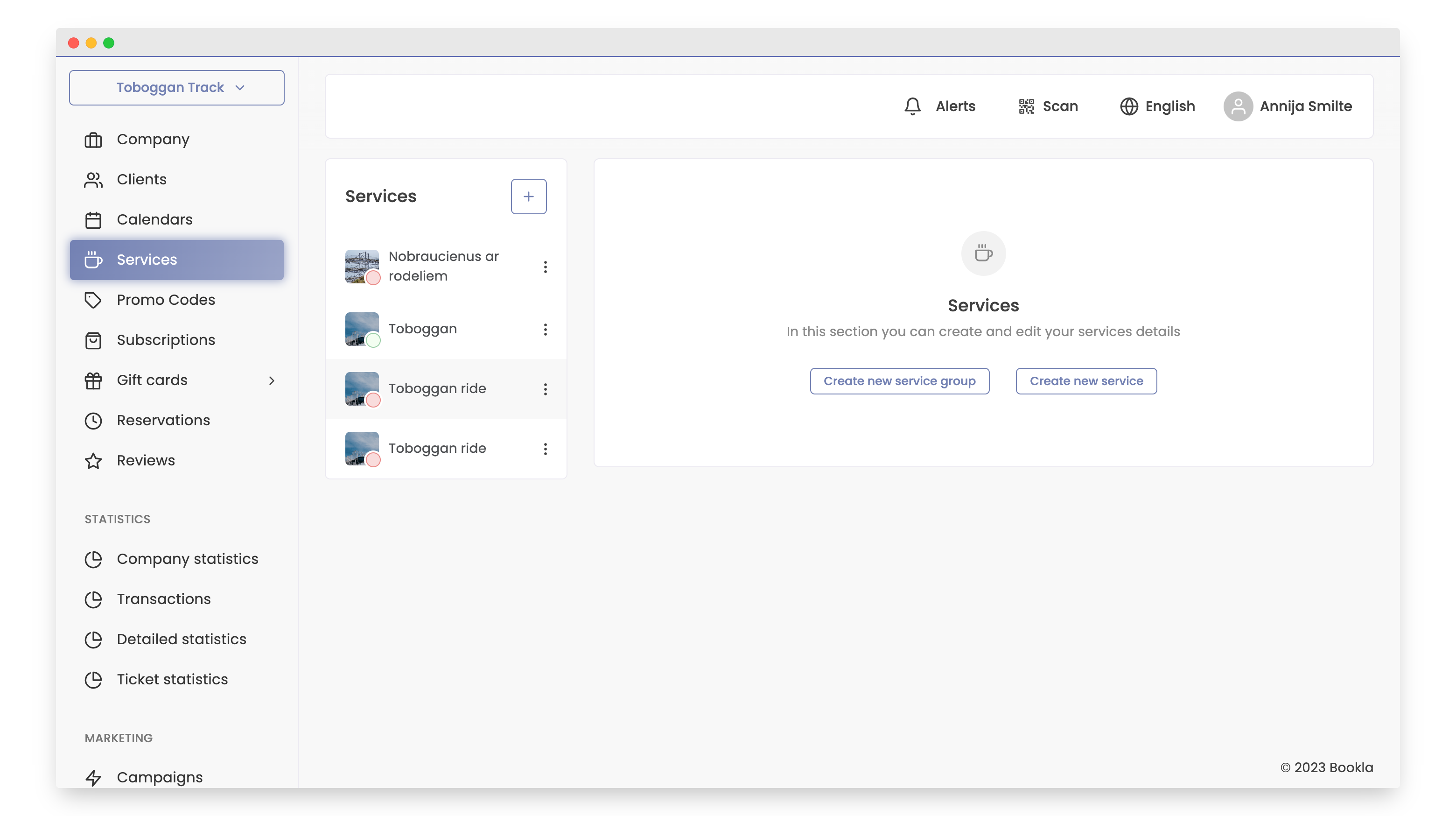
Go to the "Services" section.
-
Choose a service based on the created activities.
-
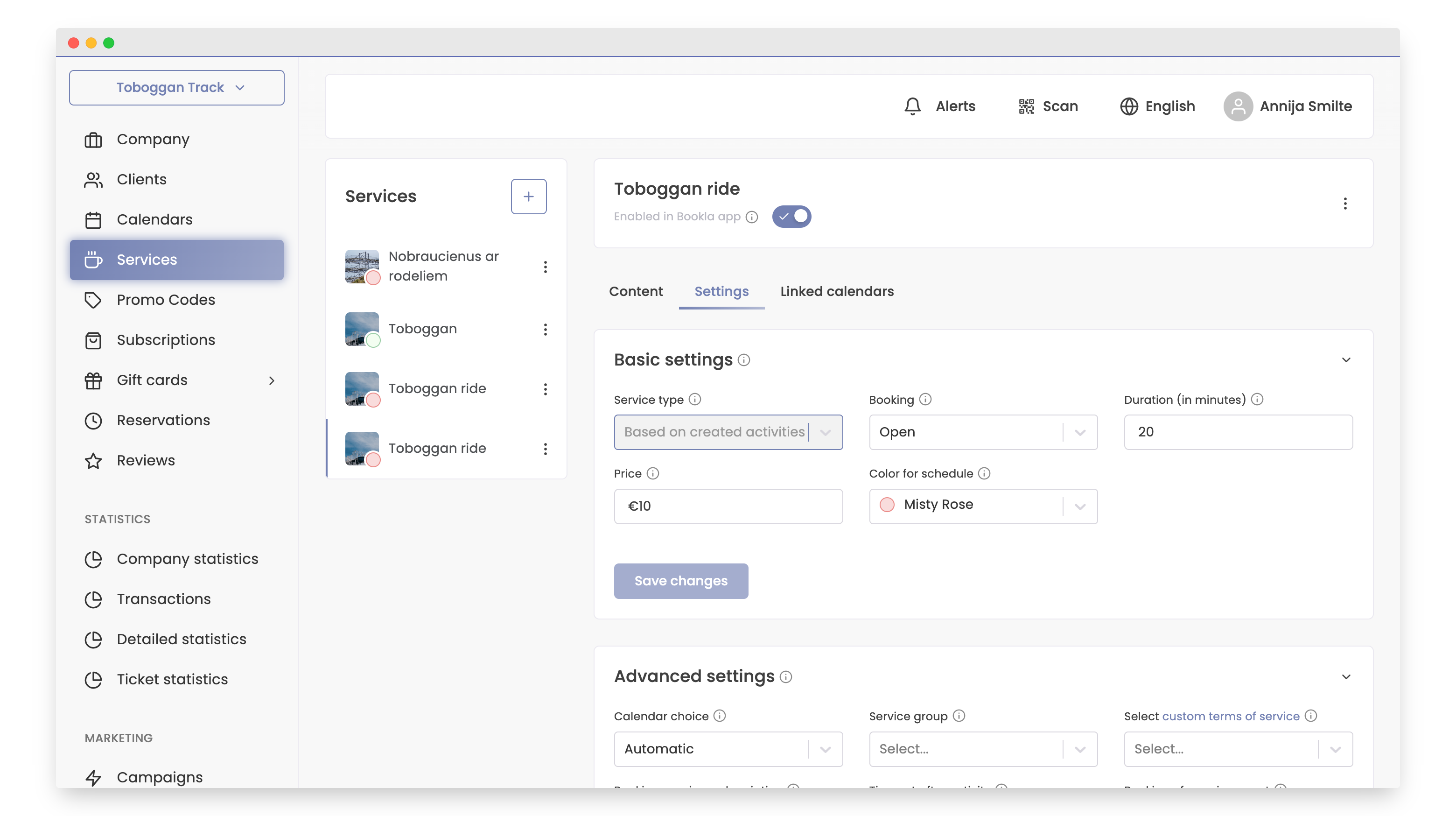
Access the "Settings" tab.
-
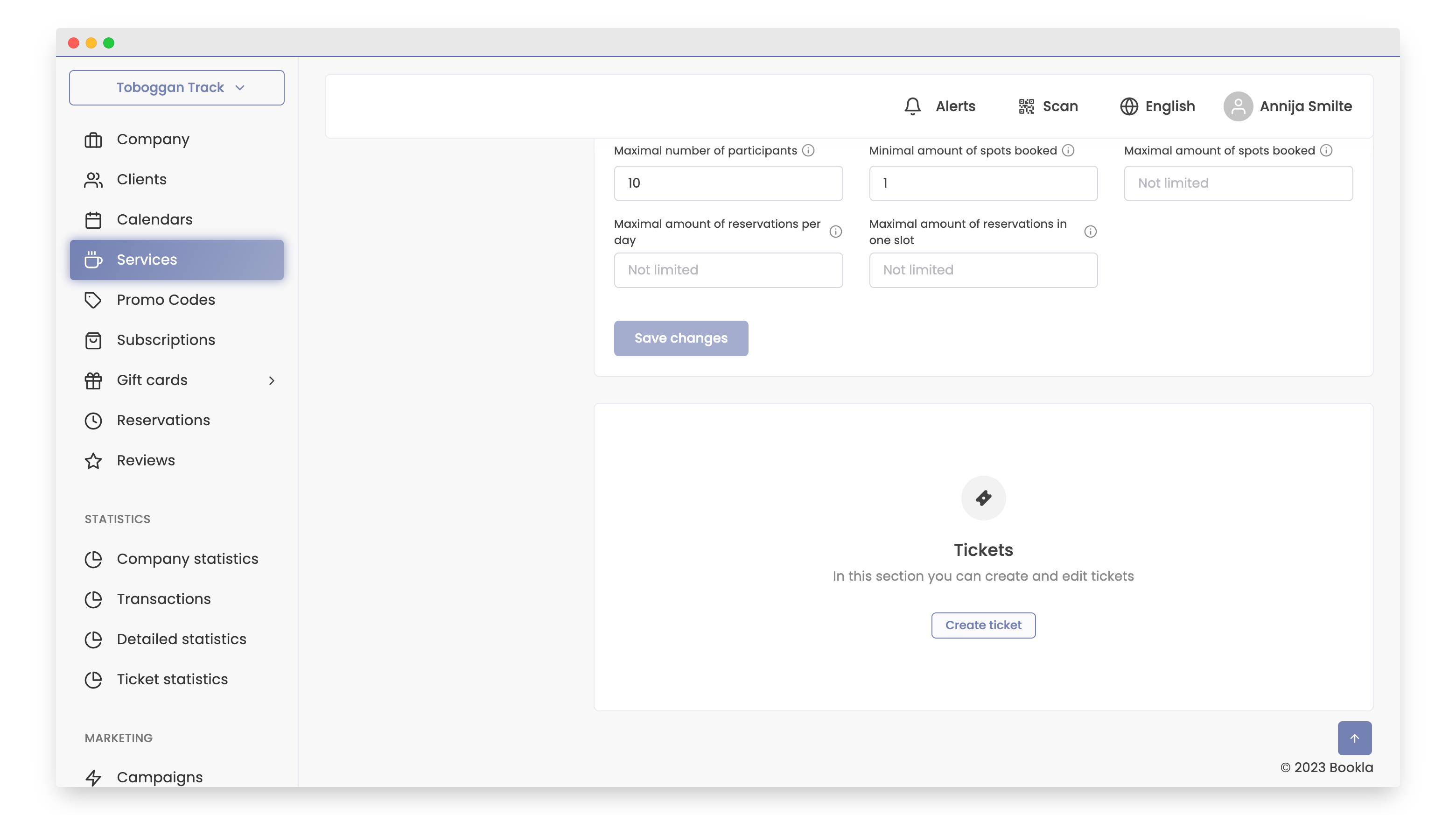
Scroll down to the "Tickets" section.
-
Click the "Create Ticket" button.
-
Enter the ticket name, ticket price, and click "Save".
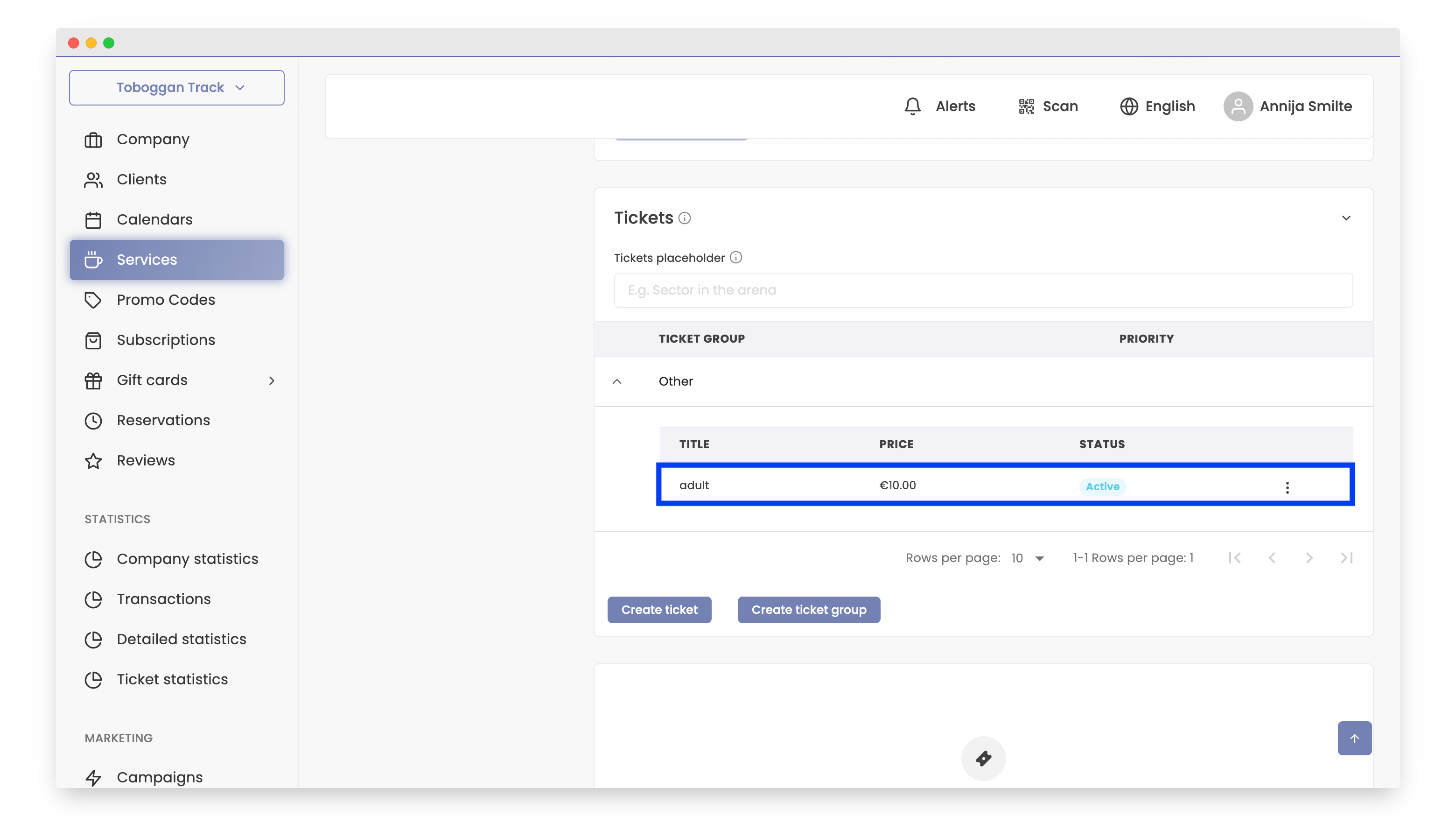
The ticket has been successfully created!
If you want to learn how to create tickets Click here.