How to Change Service Description
In this tutorial, we will look at how to change a service's description.
How to Do It:
-
Open the Bookla Portal.
-
Navigate to the Services section.
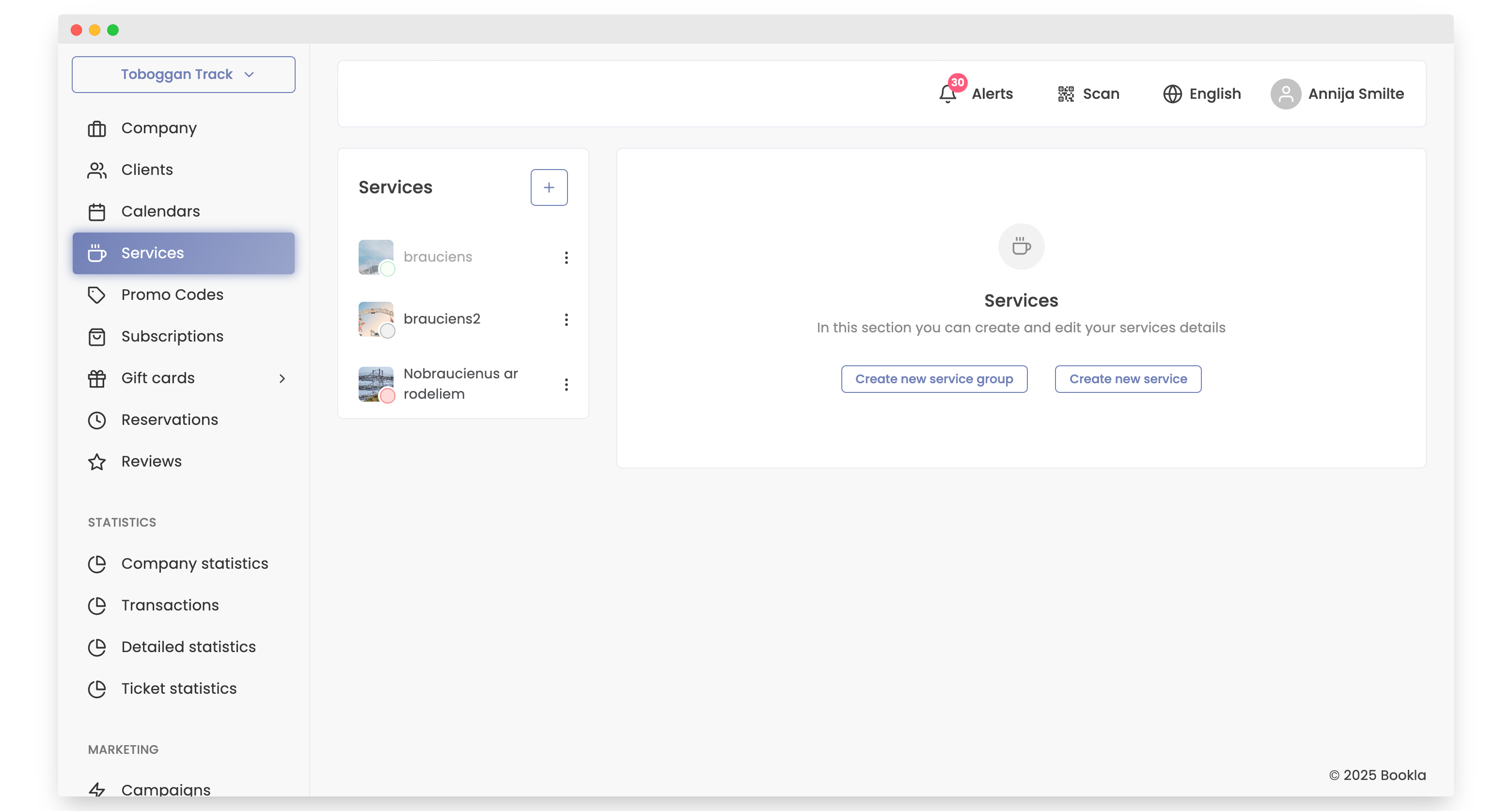
-
Click on the service for which you want to change the description.
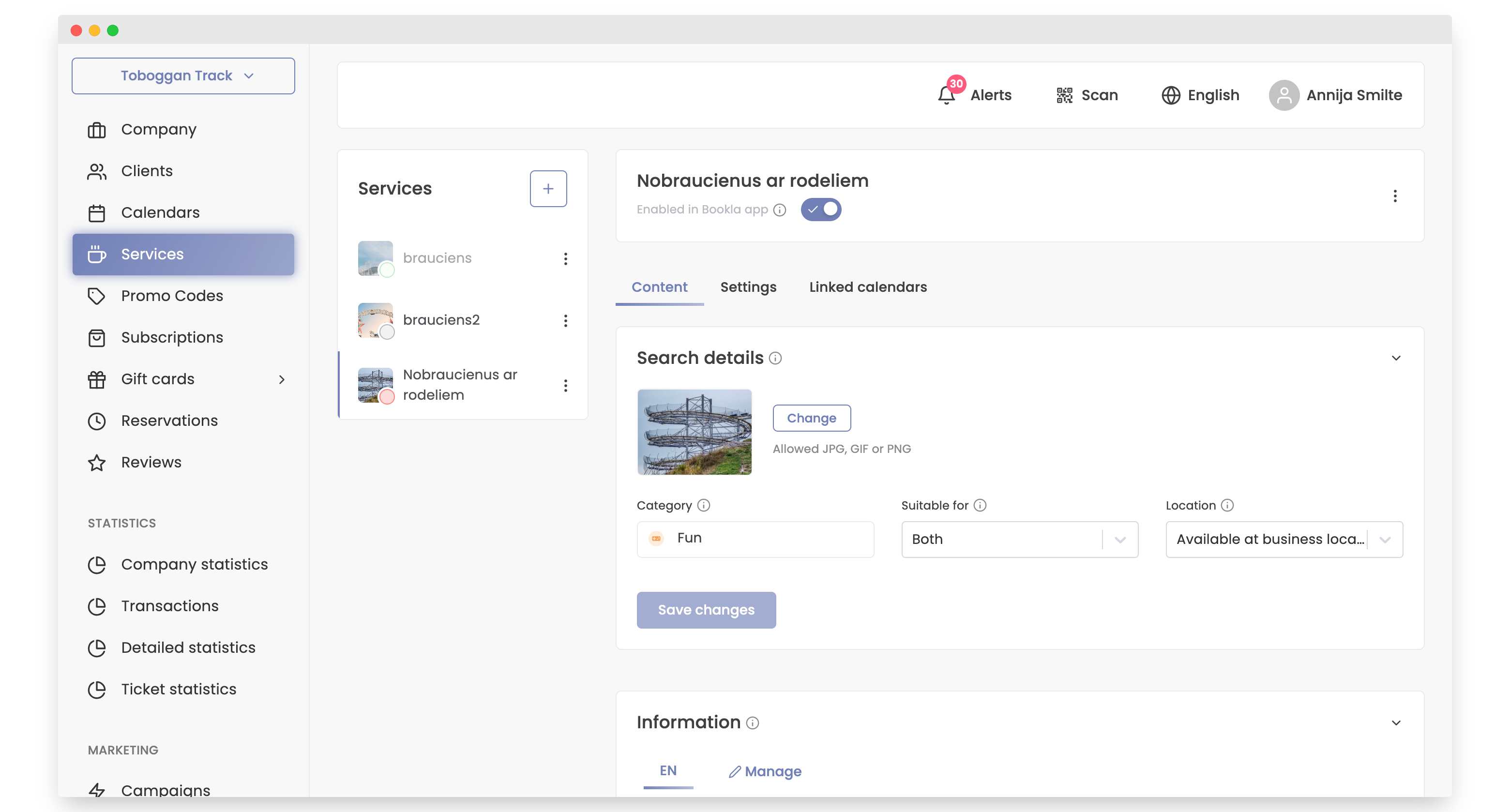
-
Scroll down to the "Information" section.
-
In the "Service Description" field, make the necessary changes.
-
Click the "Save Changes" button.
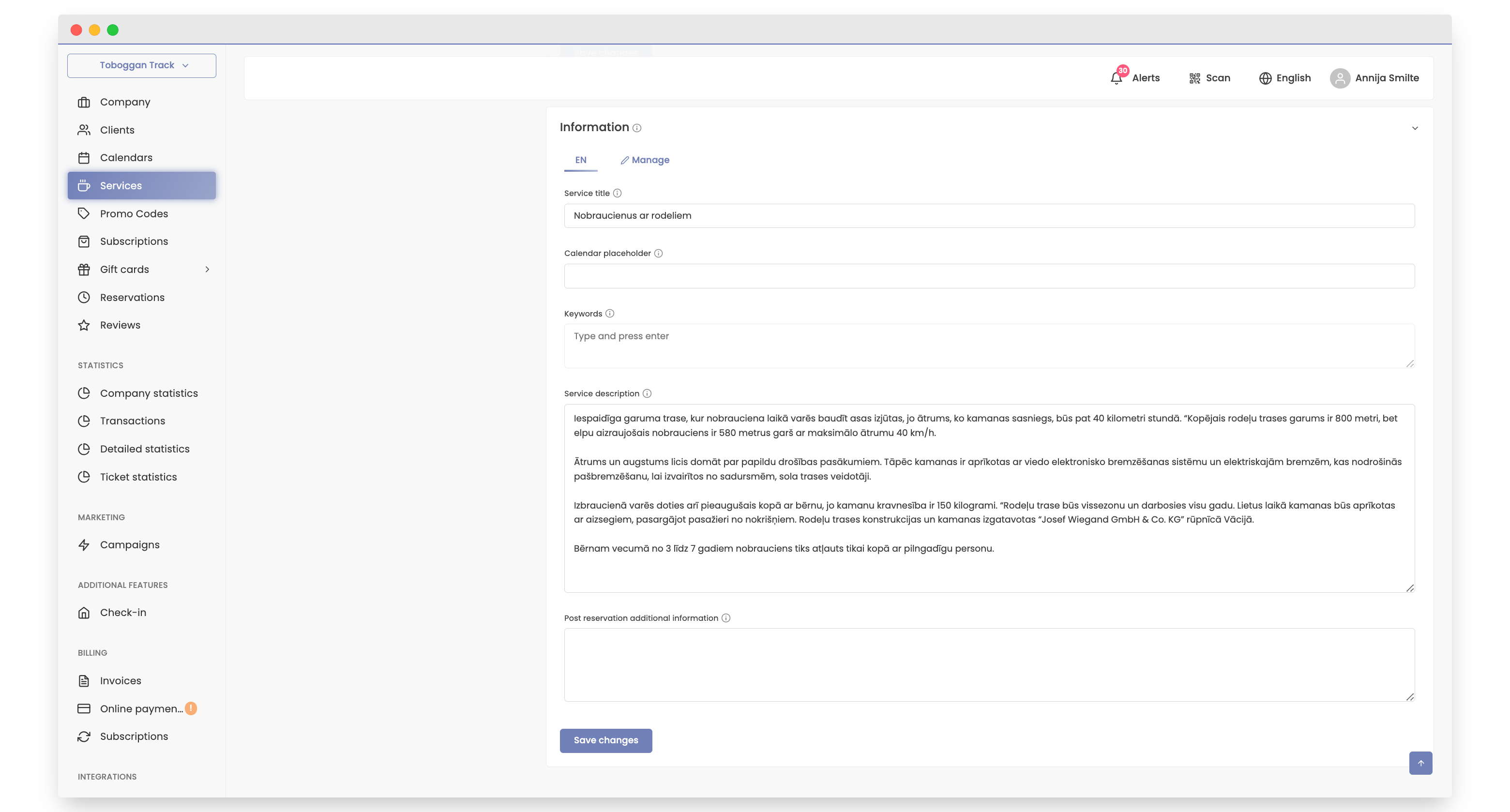
-
That's it! The changes are saved.