Client groups
Client groups are specific groups to whom you can offer particular services; other individuals and different groups won't see those services.
How to create client groups:
- Open Bookla Portal
- Go to the "Clients" section.
- Click on "Manage".
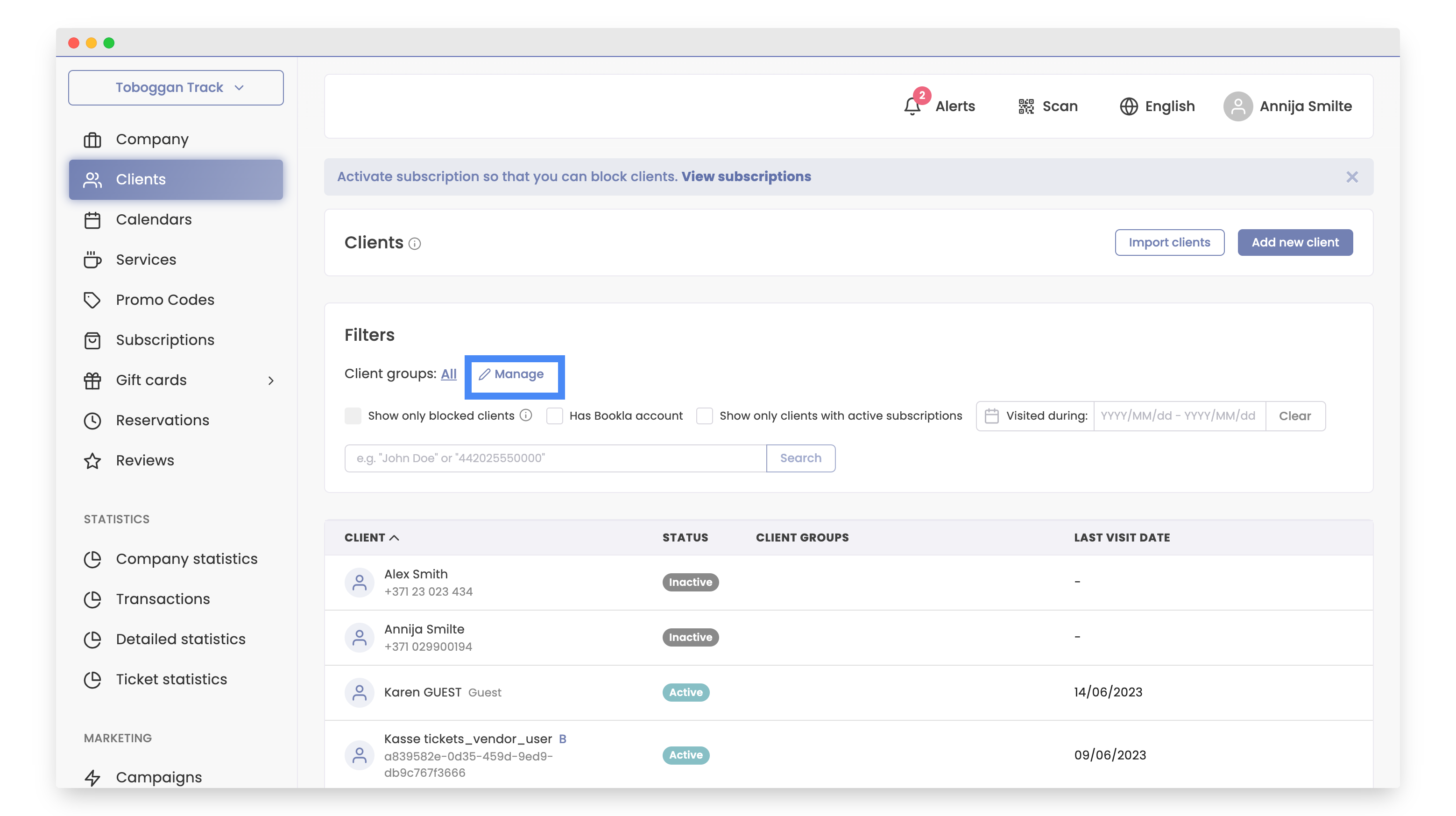
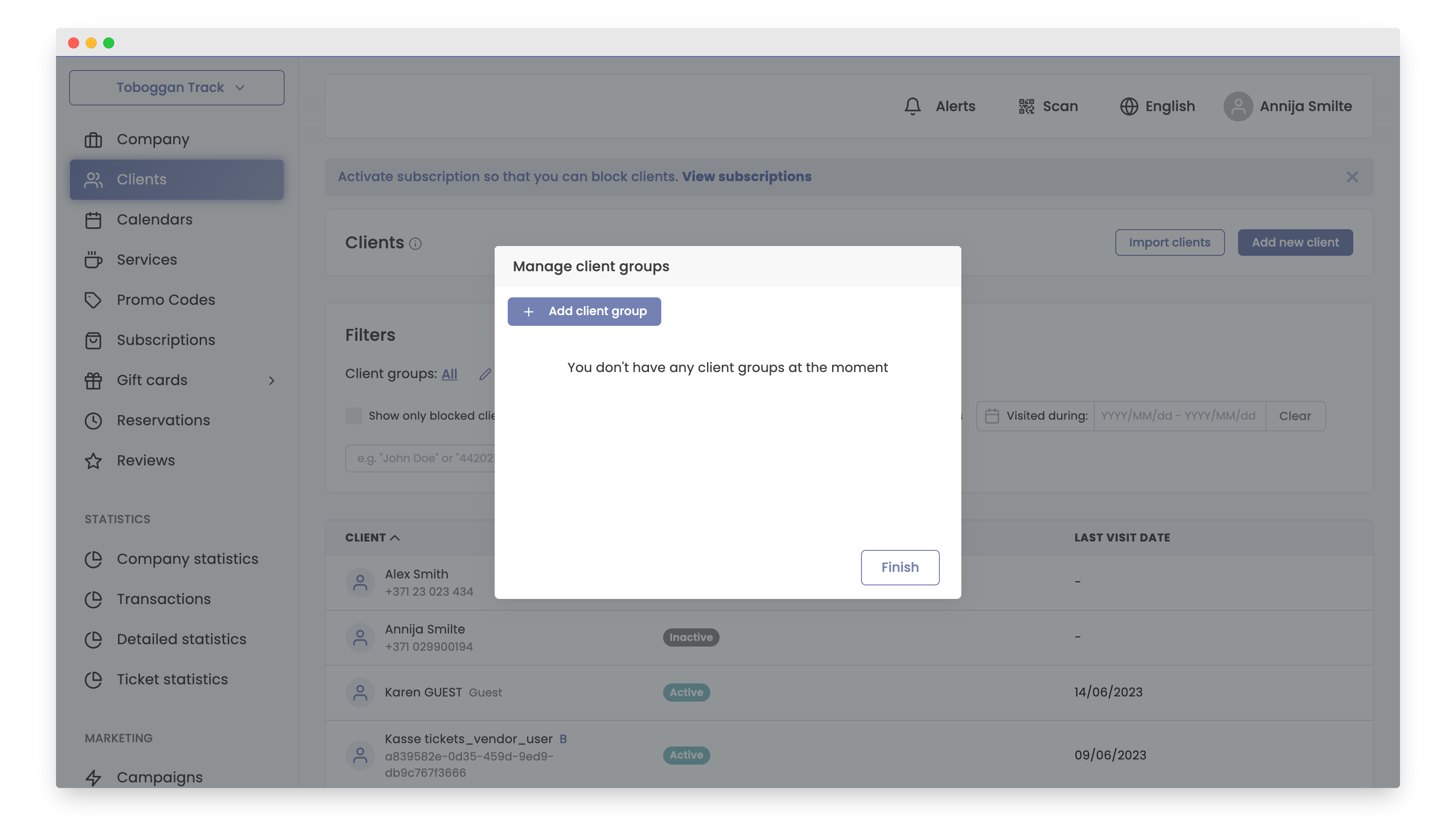
- Press "Add client group".
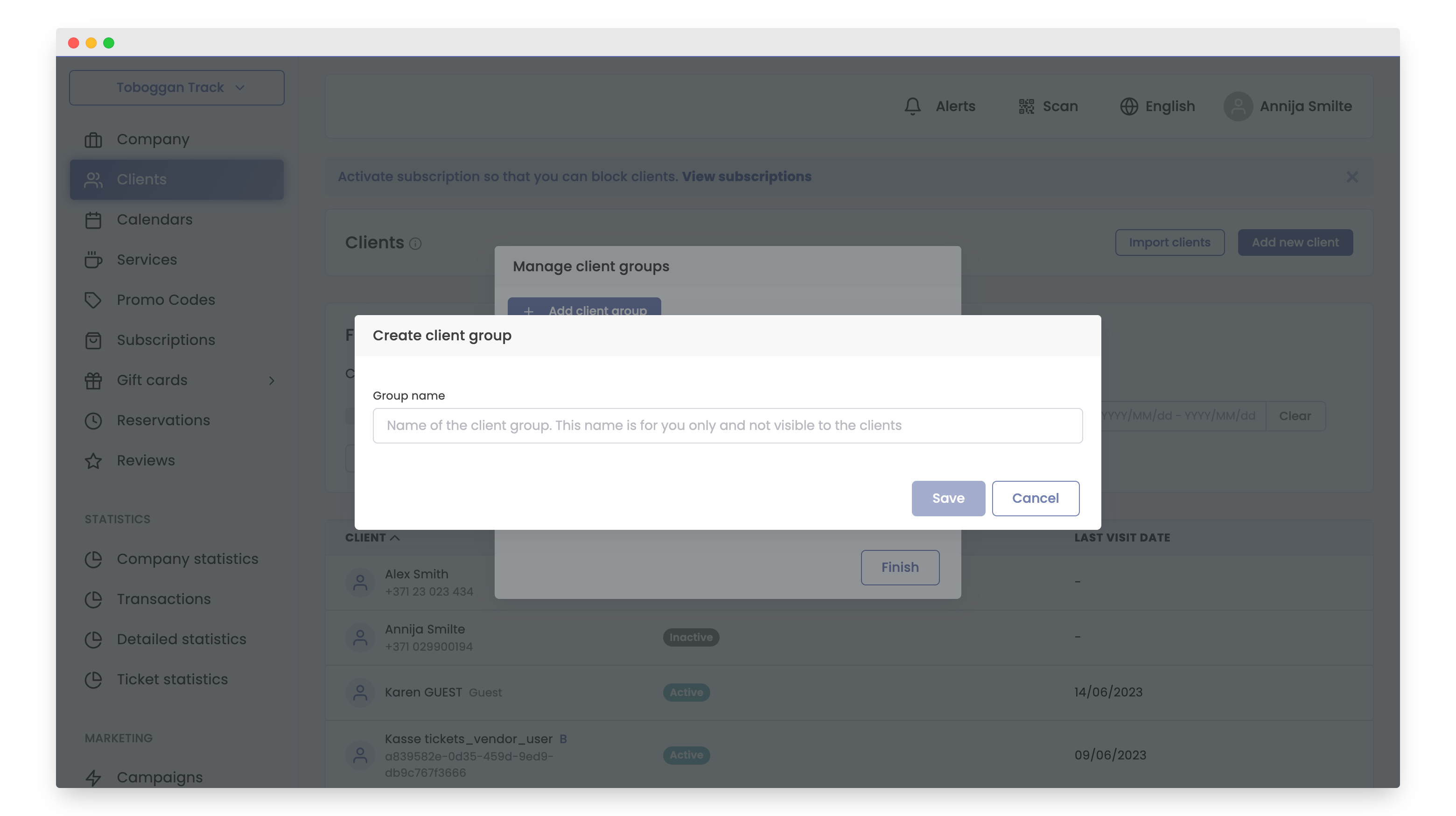
- Enter the "Group name" and click "Save".
- Click "Finish".
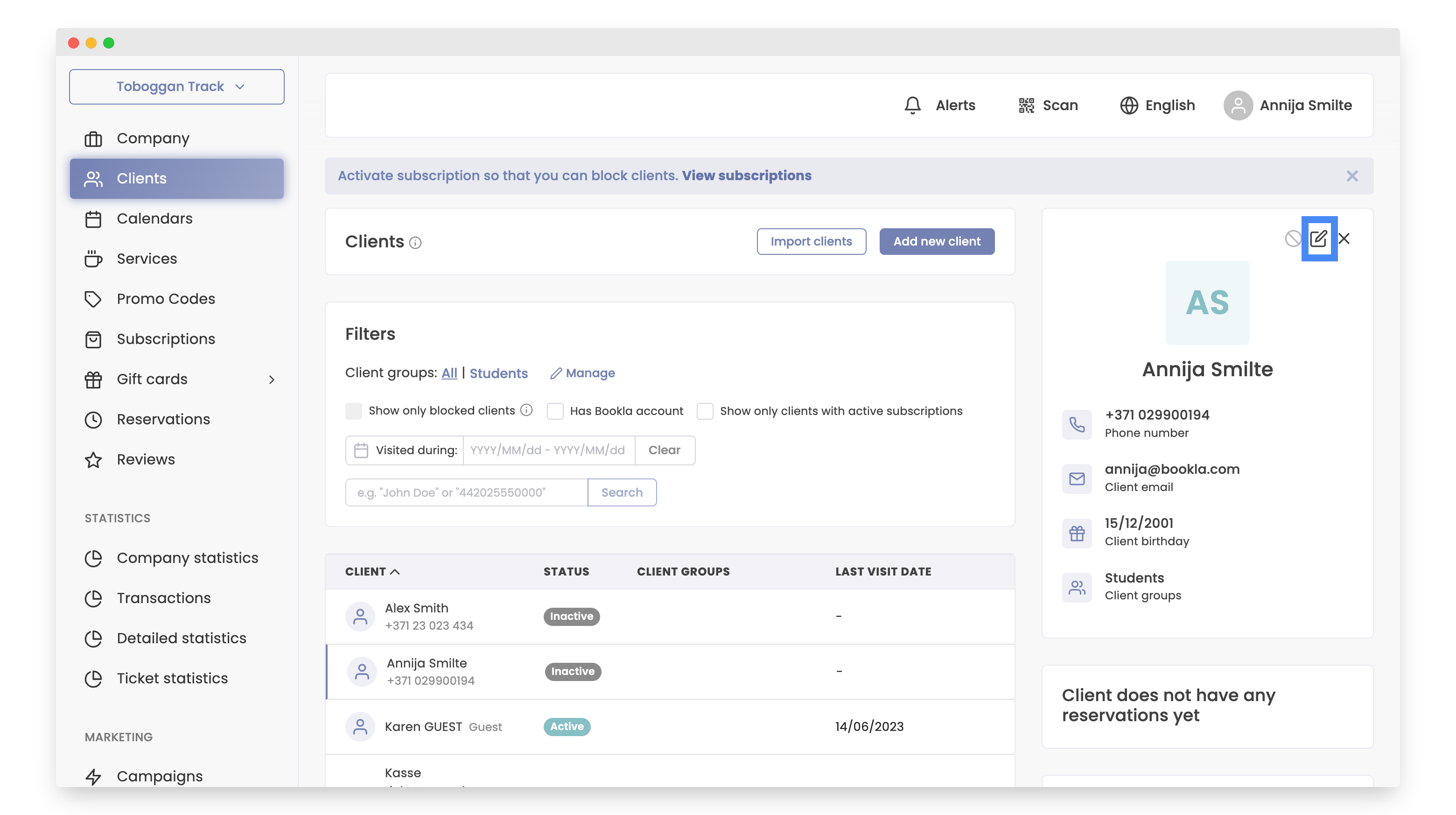
- To add a client to a group, click on the desired customer or create a new one. If you want to learn how to create a customer, Click here .
- Click "Edit customer information".
- Click "Add group".
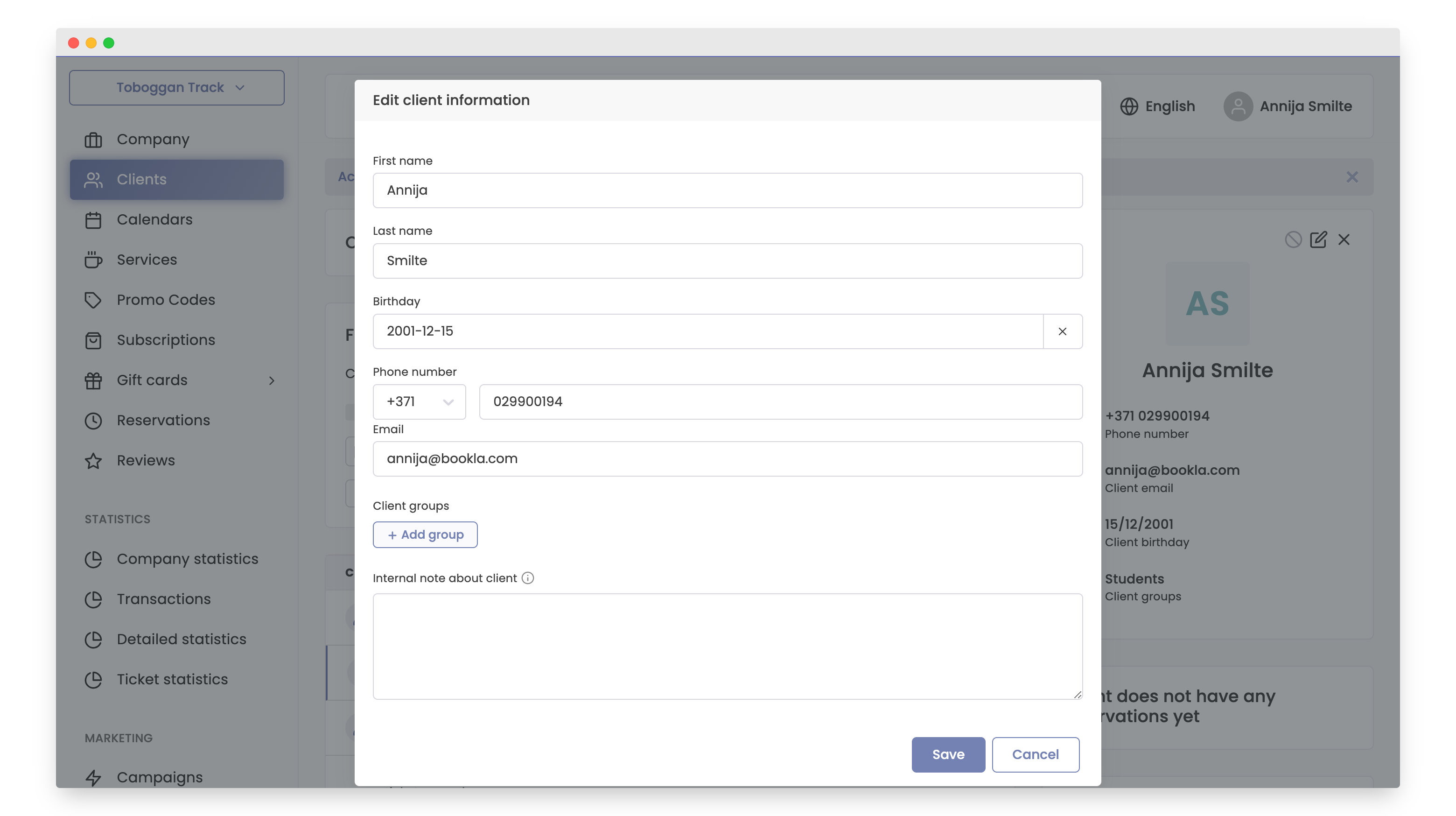
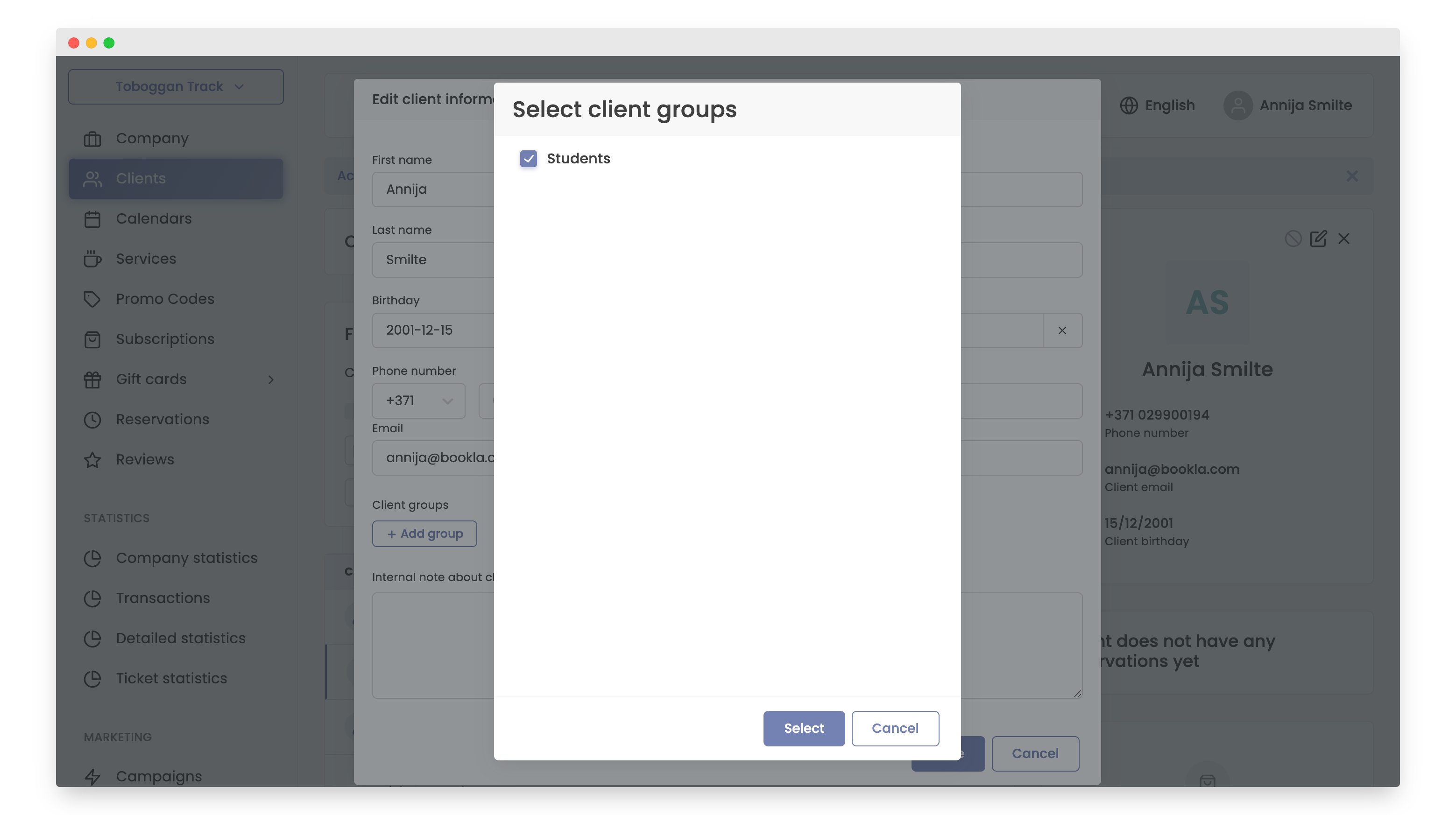
- Choose the desired customer group and click "Select".
- Click "Save".
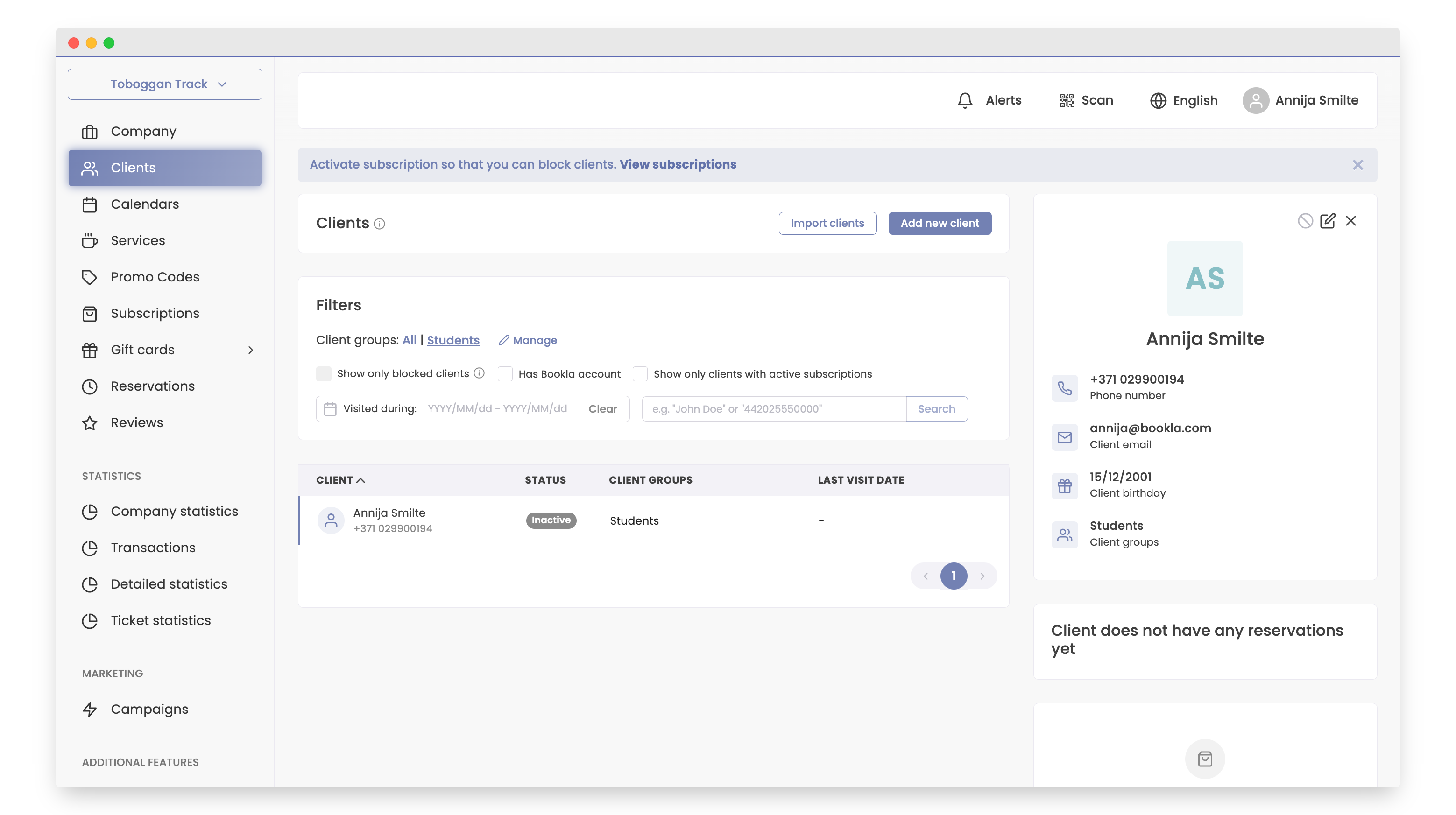
- The customer group has been successfully added. You can verify this by going to your created groups, as well as within the customer's information.
That's it! Creating customer groups on the Bookla platform is that simple.