Custom Post-Visit Email
Custom Post-Visit Email is a tool that maintains a personalized connection with clients post-appointment.
You can create custom email templates with HTML which may look like this:
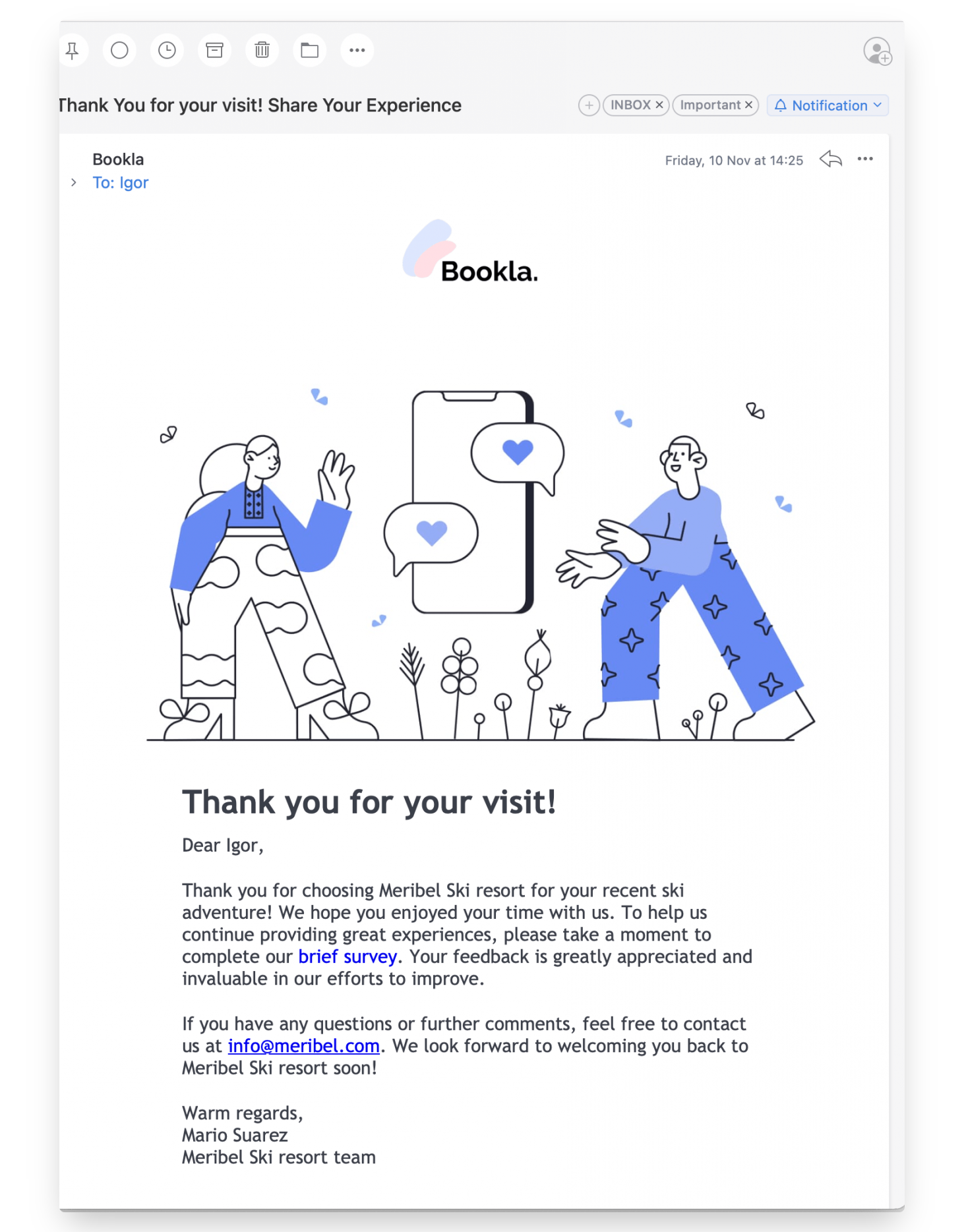
This new feature empowers businesses to craft and dispatch tailored email communications to clients after their visit. This personalized method guarantees that clients feel esteemed and not forgotten, greatly amplifying their overall service experience.
Here’s a quick guide on how you can set this up:
- Open Bookla Portal
- Go to the "Services" section.
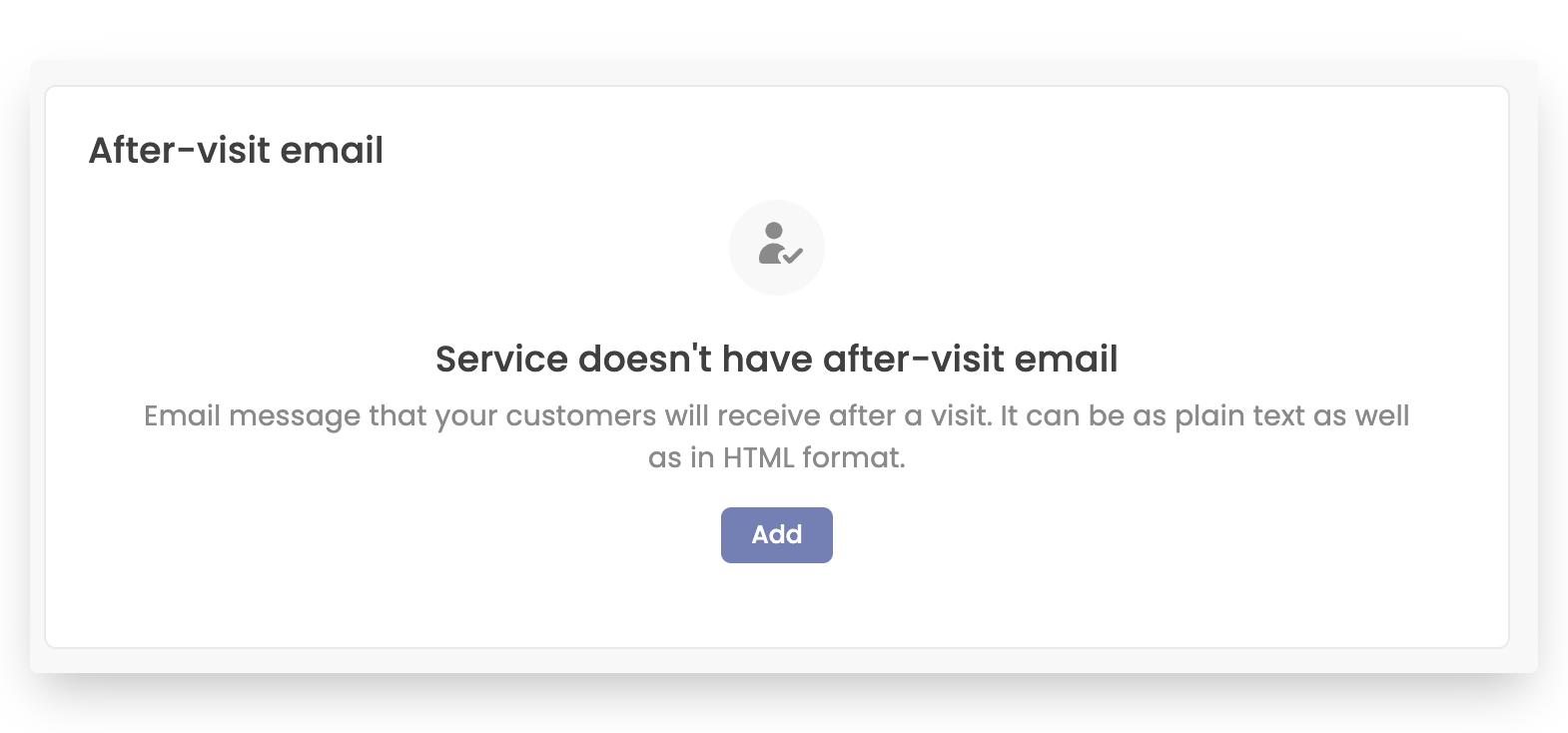
- Select the Service: Choose the specific service for which you want to set up a post-visit email. Click on ‘After-visit email’.
- Create Your Message: Hit the “Add” button to create your first custom email message.
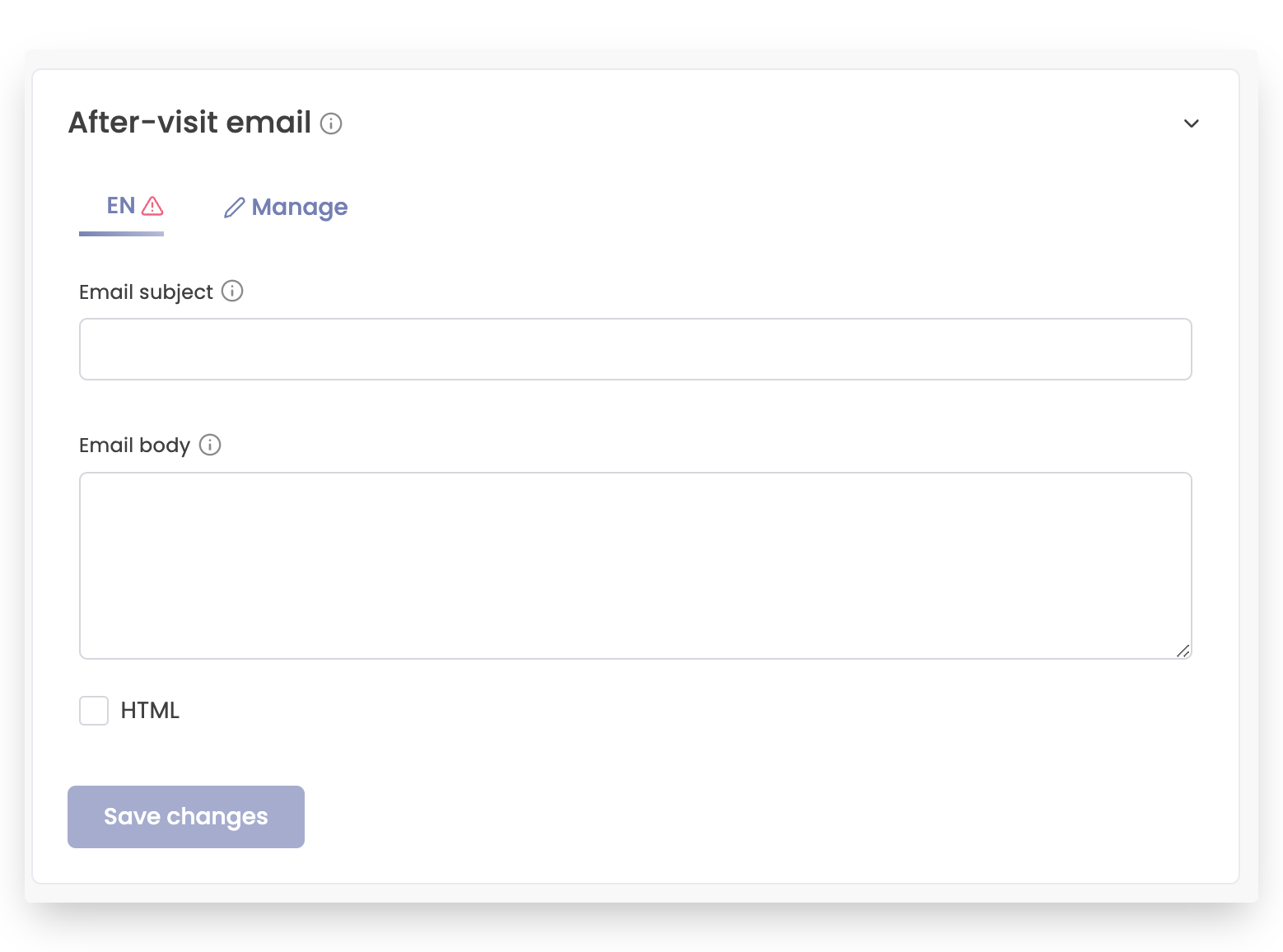
- Customize Your Email:
- Subject: Enter a compelling subject line for your email.
- Message: Craft your message, tailoring it to reflect your brand’s voice.
- HTML Format: If your email contains HTML formatting, make sure to check the ‘is HTML’ box.
Personalization at Its Best
To add a more personal touch, you can use special formatting tags that will automatically replace data from the reservation:
{{firstName}} – To include the client’s first name.
{{lastName}} – To include the client’s last name.
{{date}} – To mention the specific date of their visit.
Why Use Post-Visit Emails?
- Improved Client Relationship: Personalized emails make clients feel special and valued.
- Feedback Opportunity: It’s a great way to ask for feedback or reviews.
- Promotional Platform: You can inform clients about upcoming offers or services.
We believe this feature will be a game-changer in enhancing client relations and building a loyal customer base. Start using the Custom Post-Visit Email feature today and take your client engagement to the next level!/
Ready to get started? Log in or create a Bookla account now and set up your first custom post-visit email! As always, we’re here to help if you need any assistance.