Access managment
We understand that in larger companies, the roles of employees become increasingly crucial. To address this, the Bookla system has implemented access management. To grant access to your employees, you will need to provide their phone numbers and add additional notes, such as the employee's name.
To grant access to an employee to use the Bookla system, follow these steps:
- Open Bookla Portal
- Go to the "Access Management" section.
- Click on the “+” button.
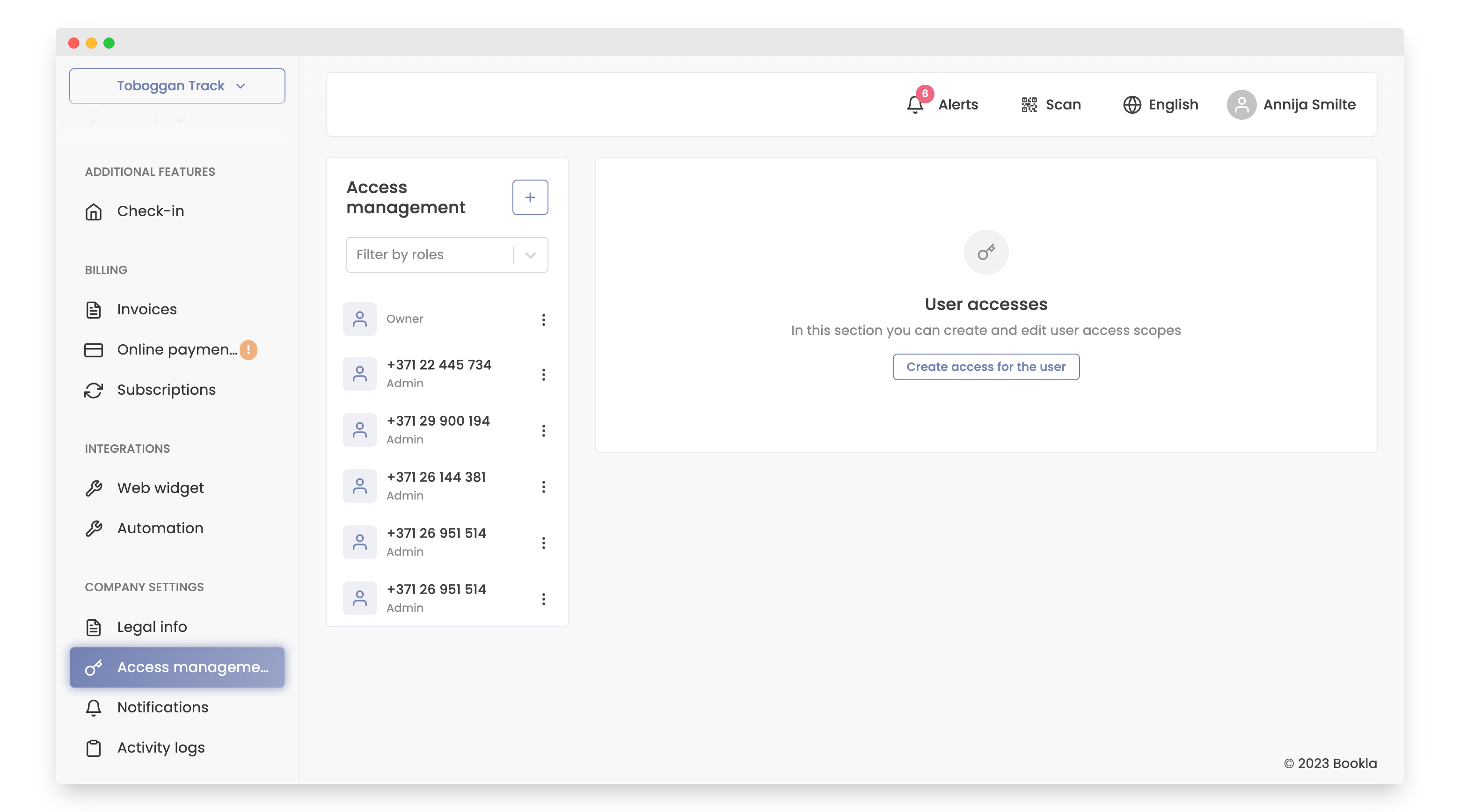
- Enter the employee’s phone number.
IMPORTANT! The user’s phone number must be registered as a Bookla user.
Note: If you experience any problems with registration, please contact Bookla support.
- Check the box to grant the employee full admin rights, or alternatively, choose one or more user access scopes.
- [Optional] To add access to a specific calendar, click on the “Add Calendars” button.
- Enter any necessary notes, such as the employee’s name.
- Click "Save changes"
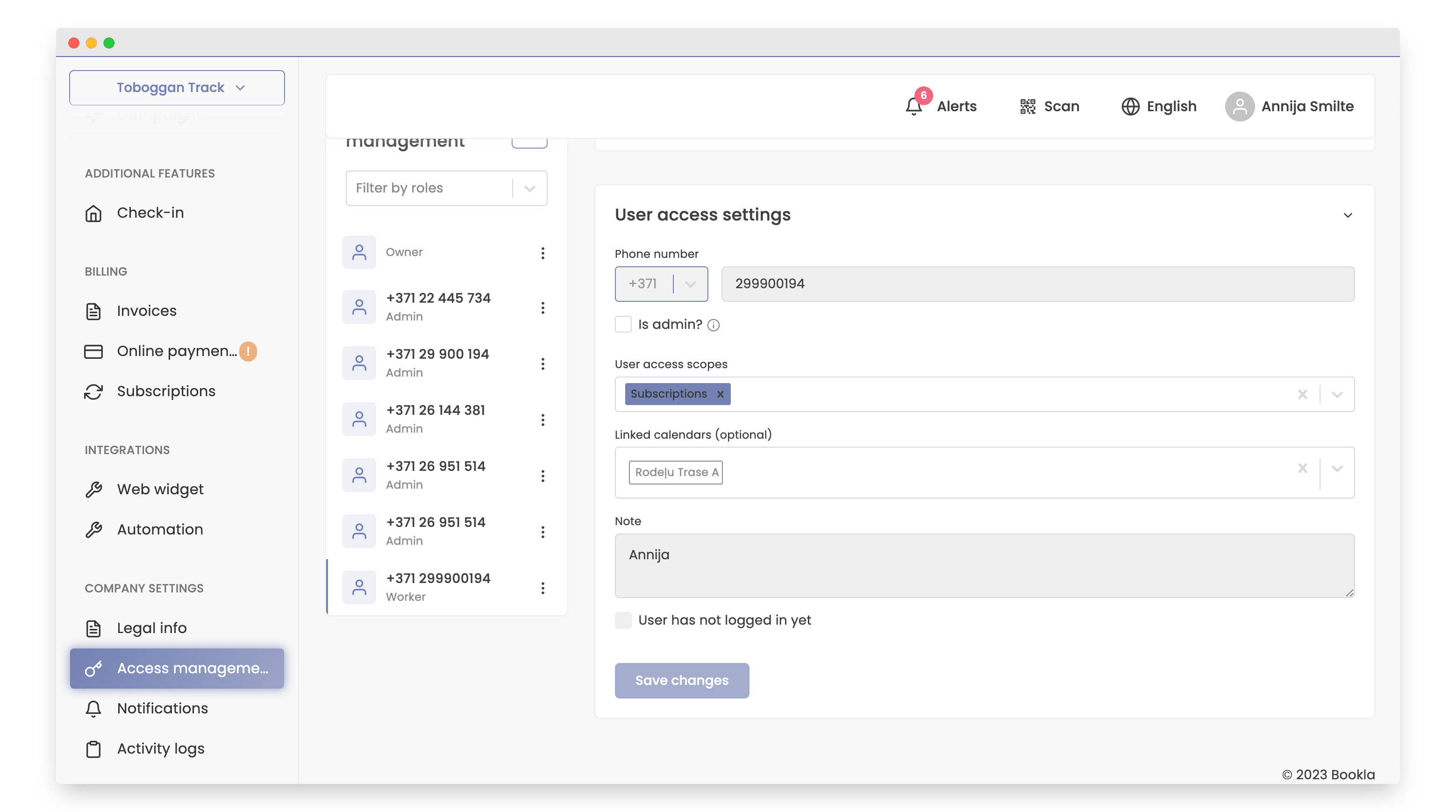
That's it! Your employee now has access to the Bookla platform.