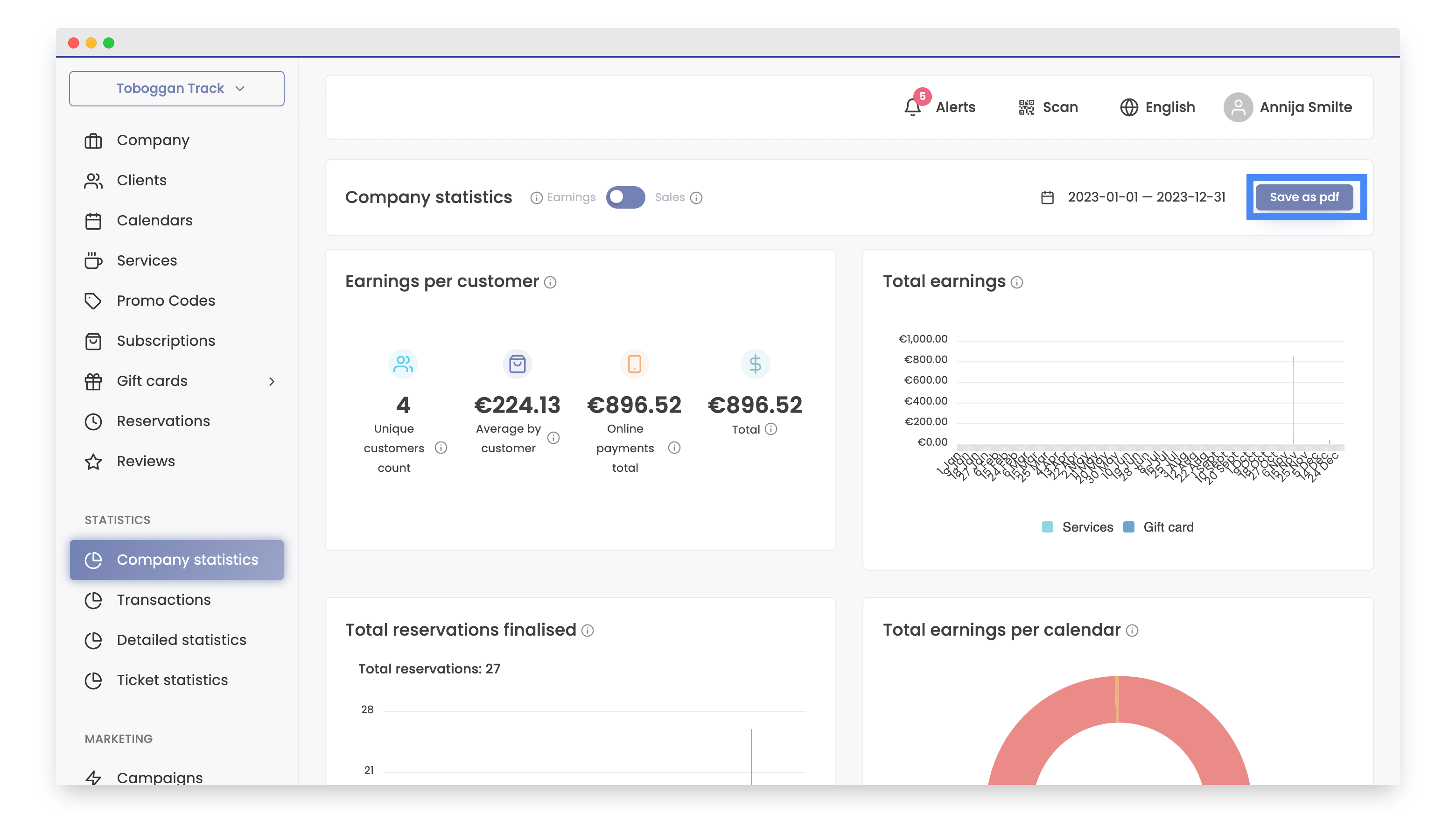
Company statistics
The 'Company Statistics' report in Bookla offers a detailed analysis of earnings and sales per customer. It includes insights such as unique customer counts, average earnings, online payments, total sales, reservations, and breakdowns by calendar, service, subscription, and gift cards. This report provides a clear overview of customer spending behavior and sales performance
- Open Bookla Portal
- Go to the "Company Statistics" section.
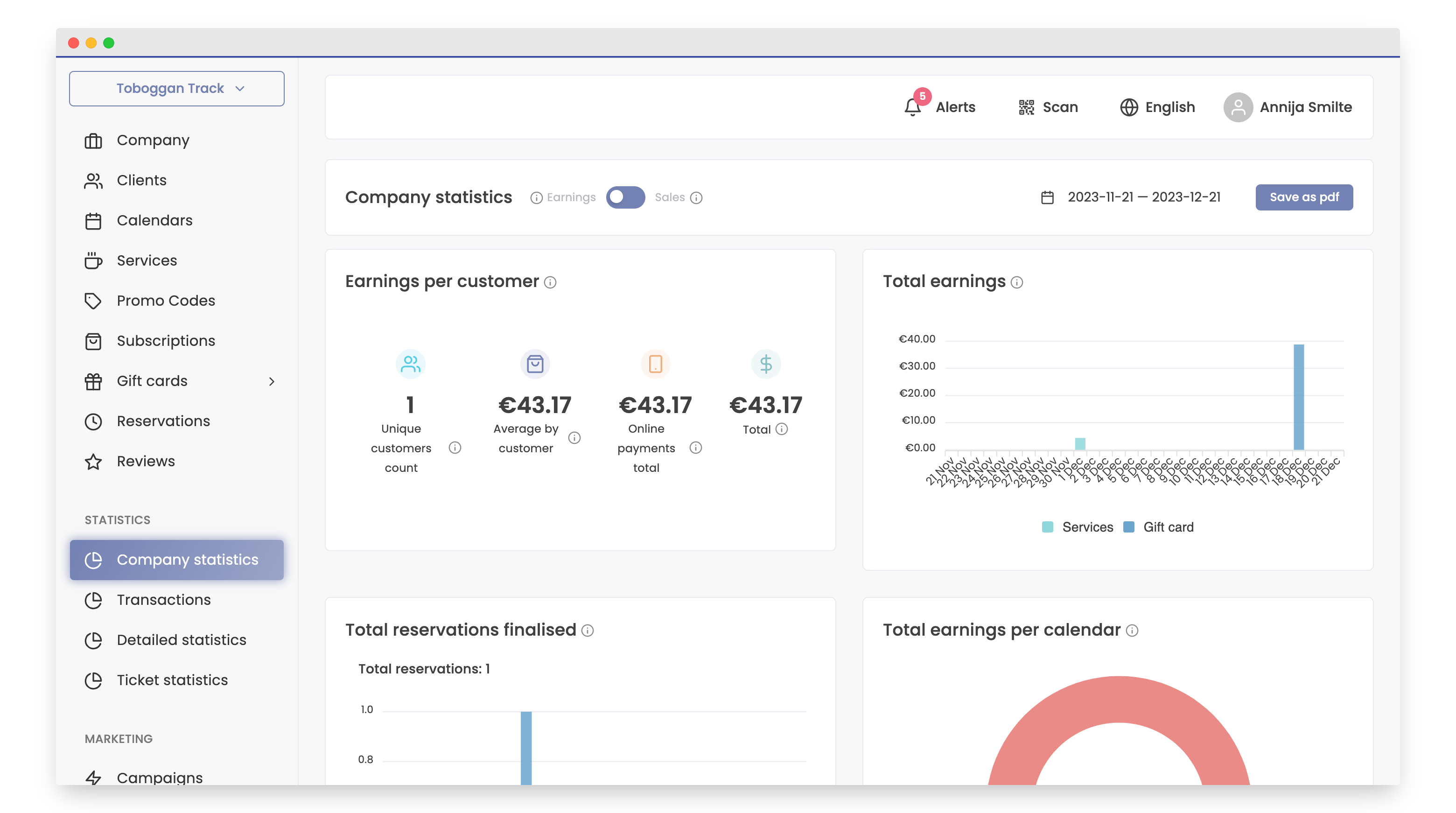
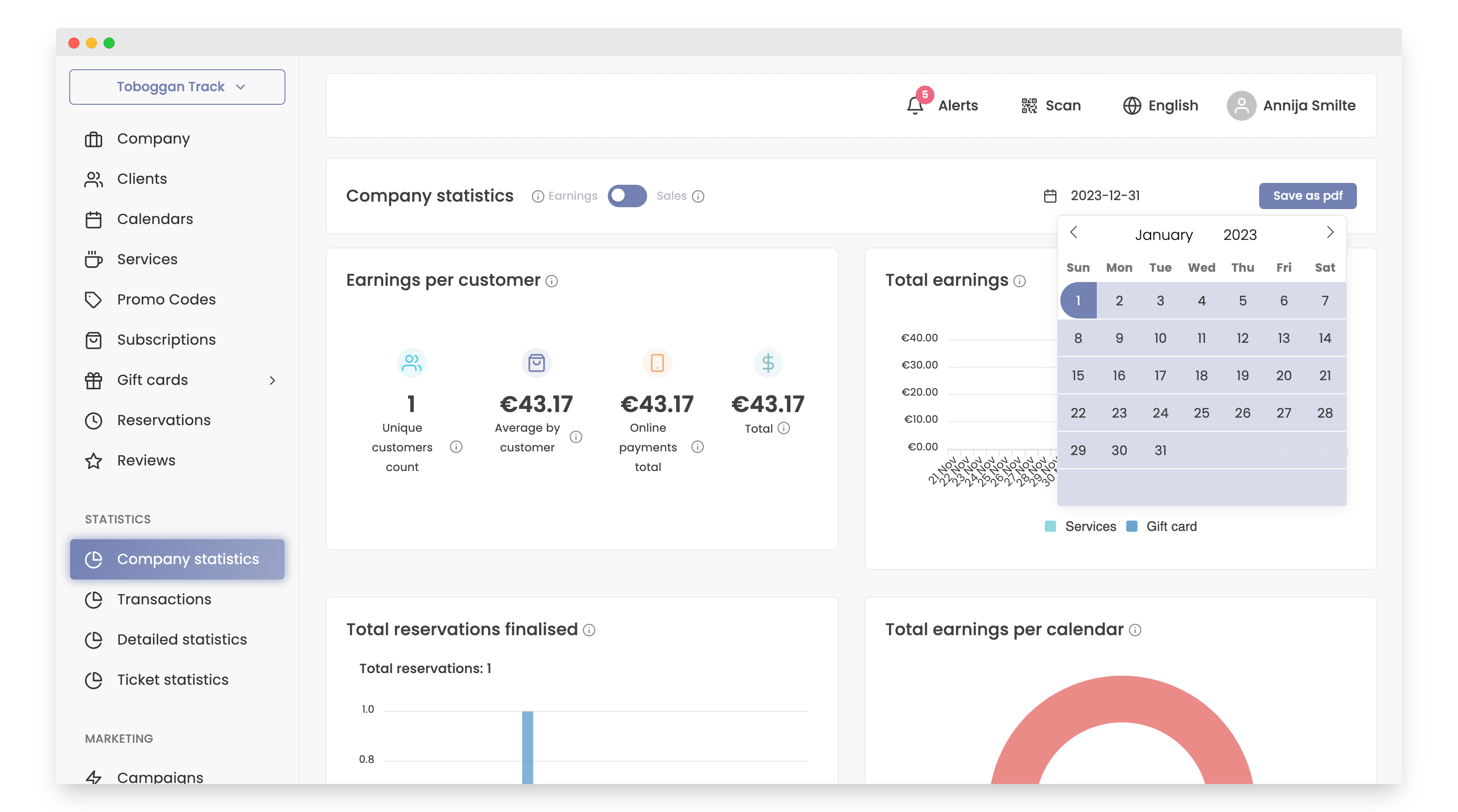
- Click the calendar button to modify the time period.
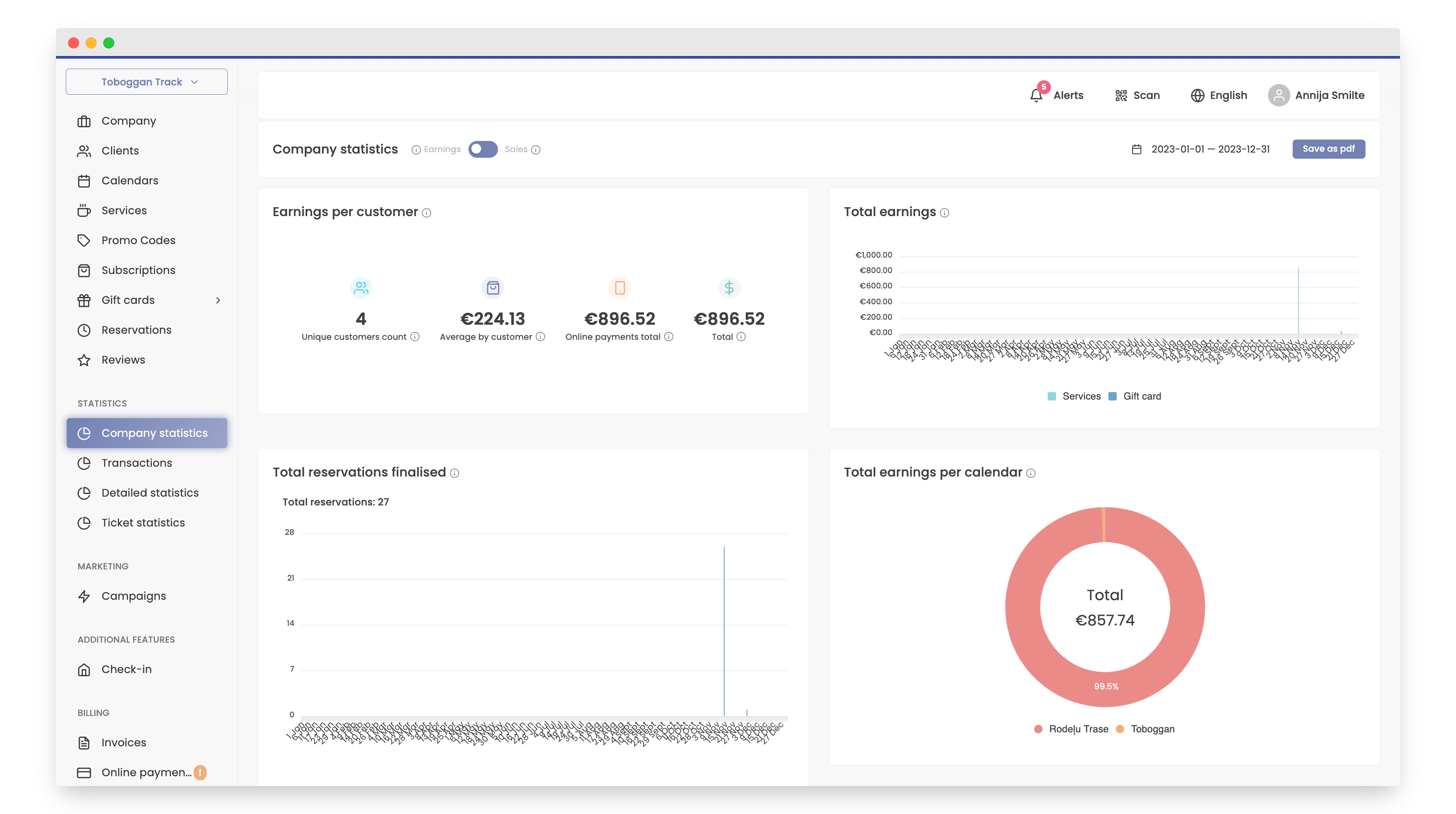
First, let's watch the 'earnings'.
- You can see Earnings per customer:
- Unique customers count - Number of customers that have made purchases in the company during a selected period.
- Average by customer - Counted as total earnings from customers divided by customer count.
- Online payments total - Amount customers have spent in total during selected period using online payment methods.
- Total - Amount customers have spent in total during the selected period.
- Next, you'll find the total earnings accrued during the selected period.
- Total reservations finalised - final number of reservations for selected period.
- Total earnings per calendar - Percent of earnings made by each calendar during the selected period.
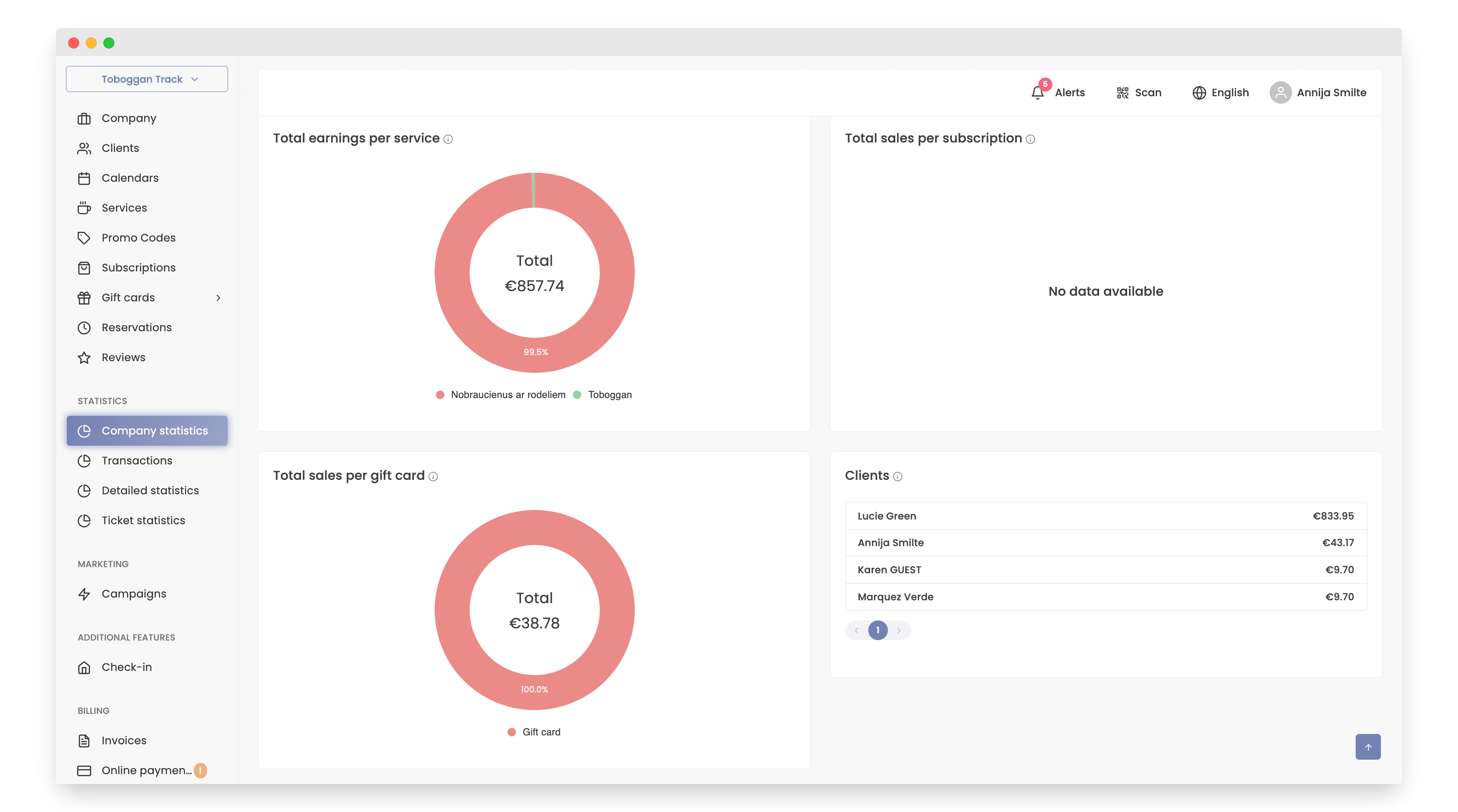
- Total earnings per service - Volume of earnings made in each service during the selected period.
- Total sales per subscription - Percent of sales made in each subscription during the selected period.
- Total sales per gift card - Percent of sales made in each gift card during the selected period.
- Clients - List of clients that made reservations during a selected period.
Now let's watch the 'sales'.
- Sales per customer:
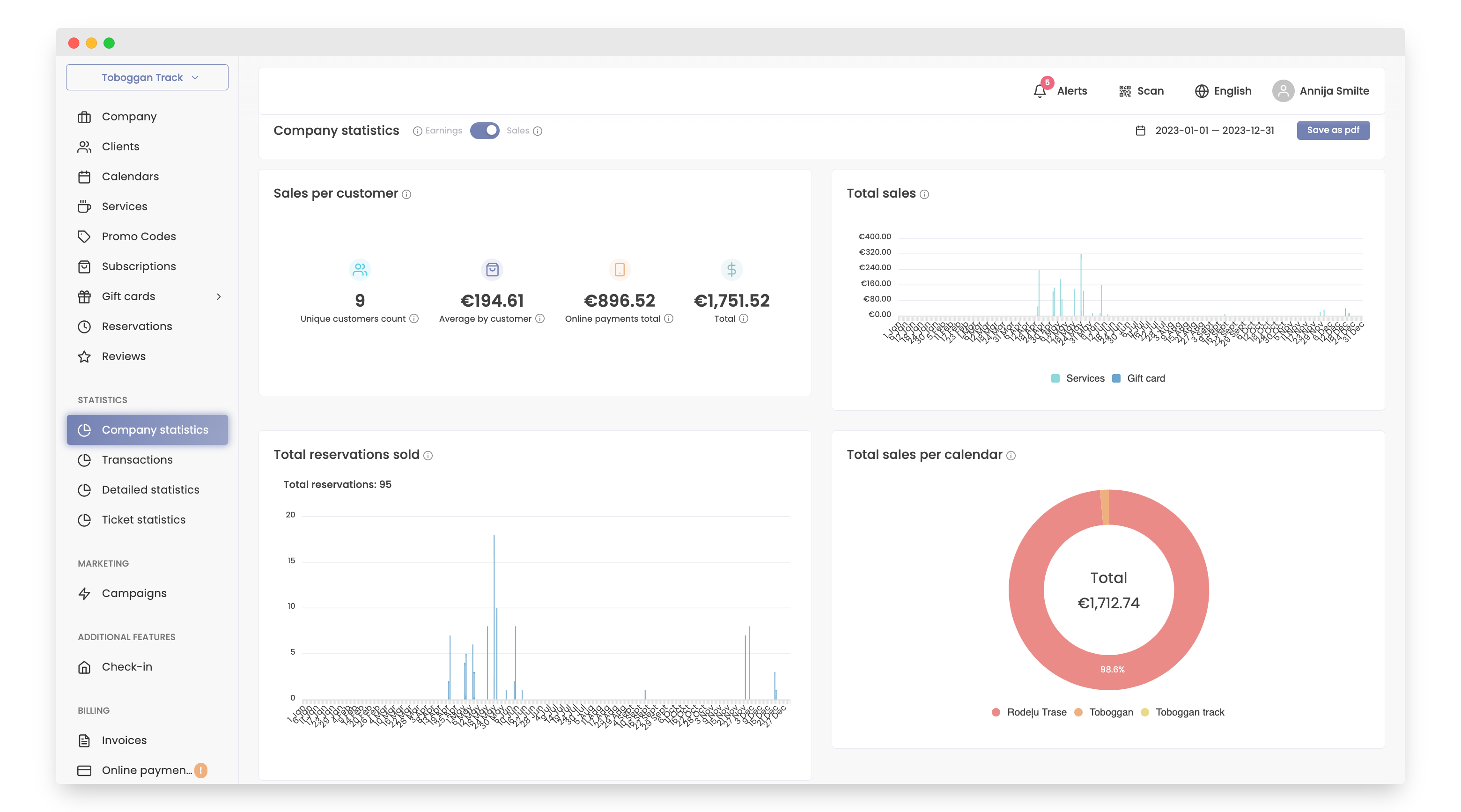
- Unique customers count - Number of customers that have made purchases in the company during a selected period.
- Average by customer - Counted as total earnings from customers divided by customer count.
- Online payments total - Amount customers have spent in total during selected period using online payment methods.
- Total - Amount customers have spent in total during the selected period.
- Total sales - Amount of sales during selected period on each day
- Total reservations sold - Number of reservations made during selected period on each day.
- Total sales per calendar - Percent of sales made by each calendar during selected period.
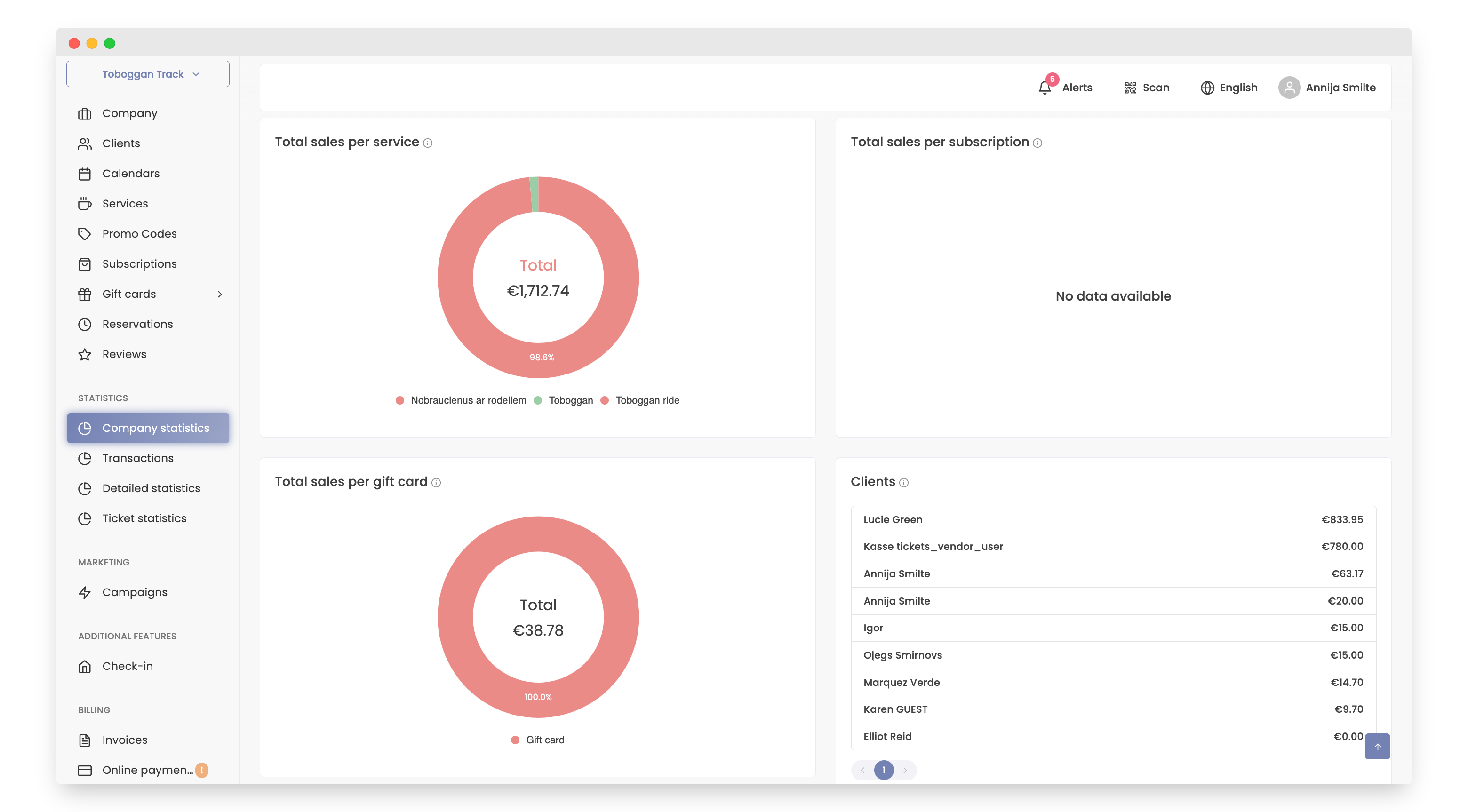
- Total sales per service - Volume of sales made in each service during selected period
- Total sales per subscription - Percent of sales made in each subscription during the selected period.
- Total sales per gift card - Percent of sales made in each gift card during the selected period.
- Clients - List of clients that made reservations during a selected period.
To save these statistics as PDF click "Save as pdf".