Payments
To add payments to Bookla, you'll navigate to Stripe. Once there, you'll provide essential company details like the legal business name and phone number. Additionally, information about a representative person is required. This includes their legal name, email, job title, phone number, date of birth, and address. Lastly, you'll input your bank account information, specifically the IBAN.
How to activate payments in Bookla
- Open Bookla Portal
- Go to the "Online Payments" section.
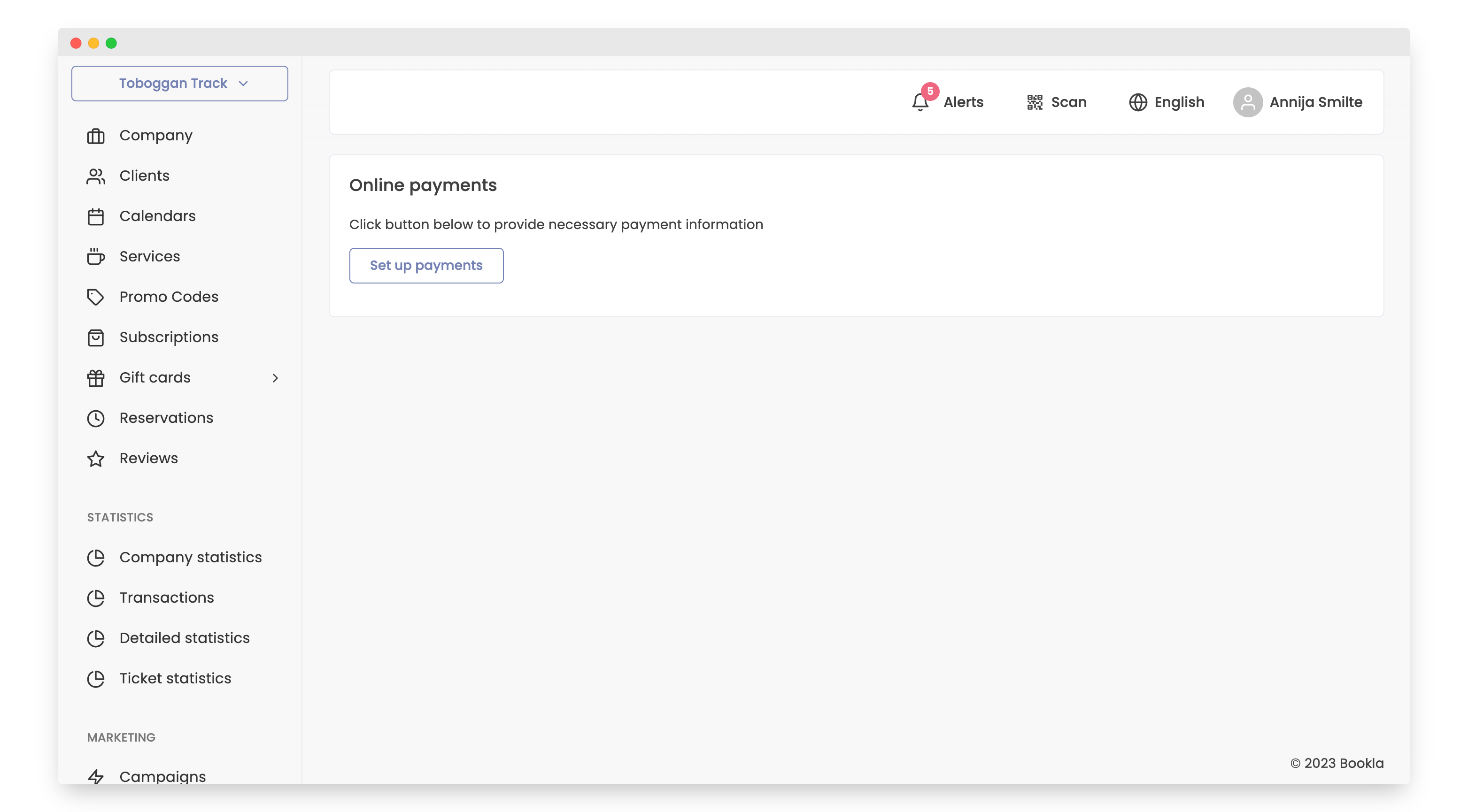
- Click the button “Set up payments”.
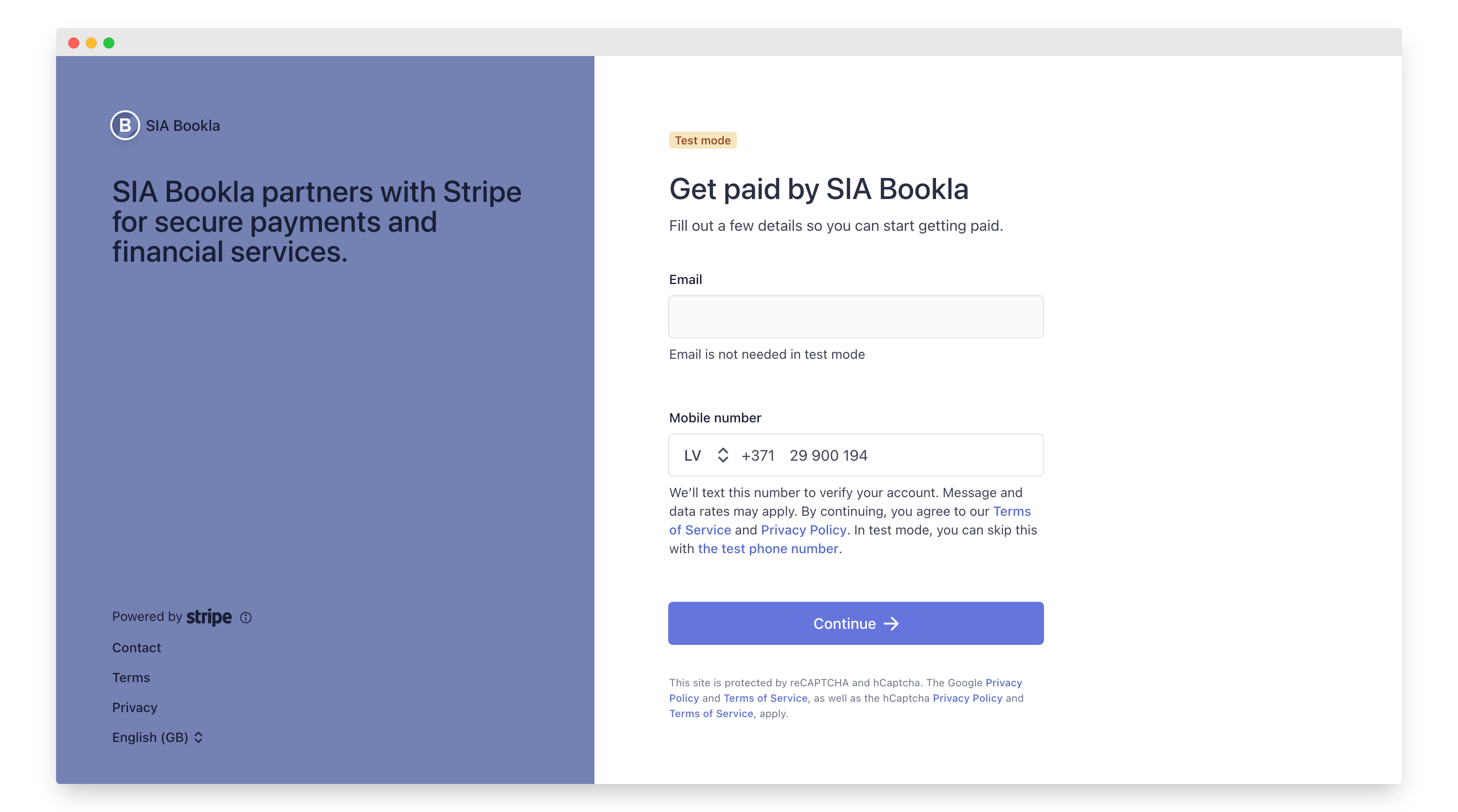
- After clicking the button, you will be redirected to the Stripe website. There, enter your email and phone number, then press the “Continue” button.
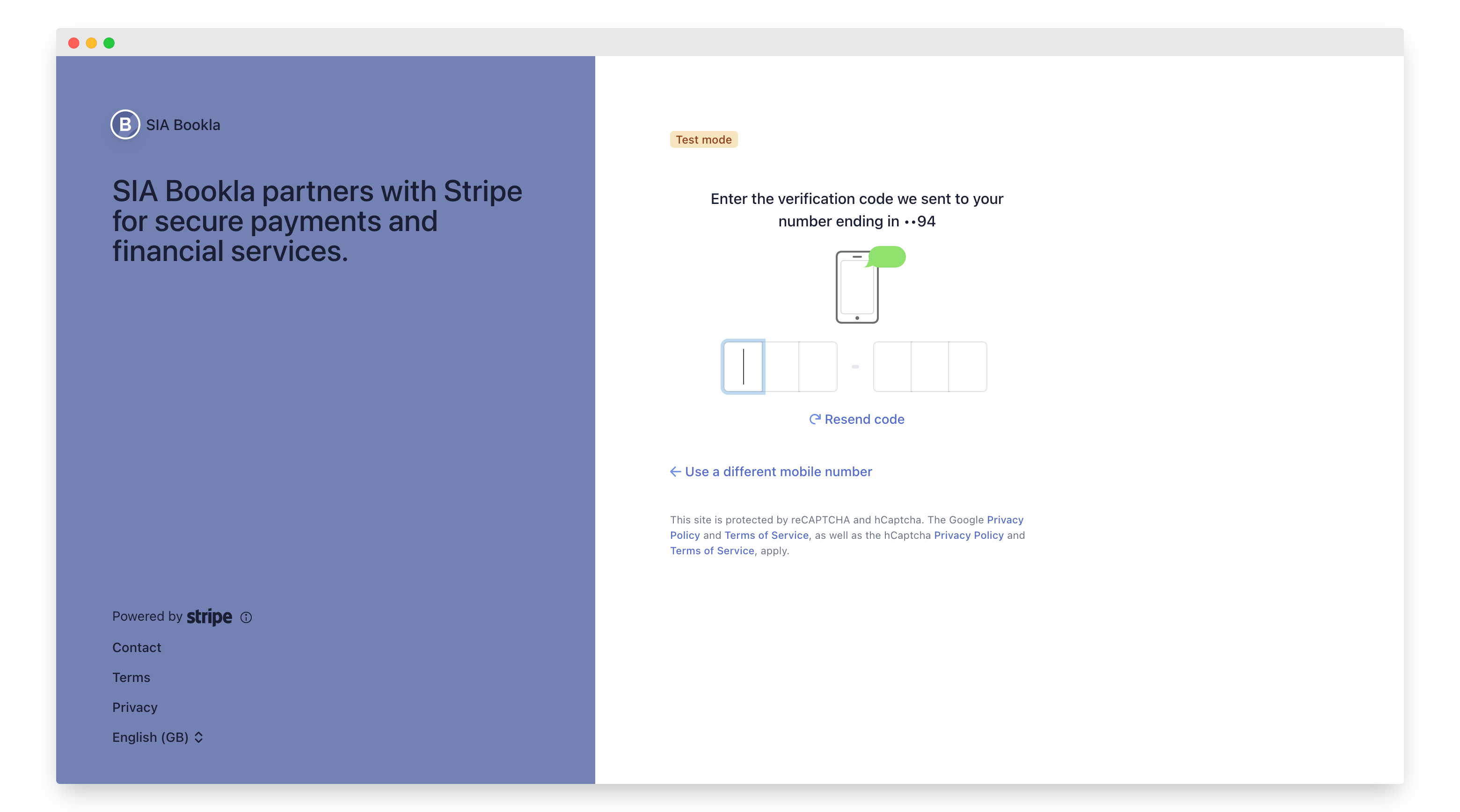
- A code will be sent to your phone number. Enter this code here.
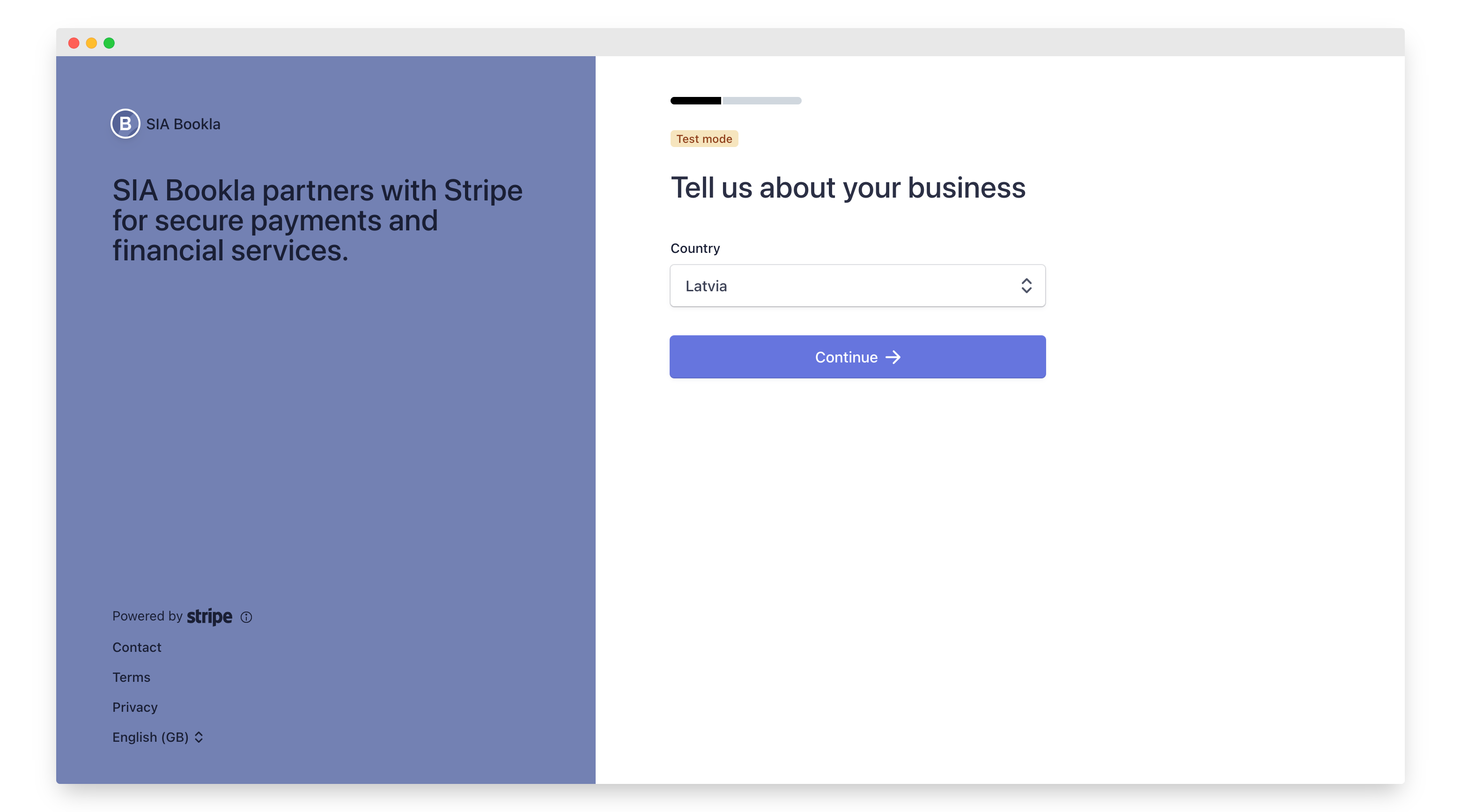
6.Select the country where your company is legally located.
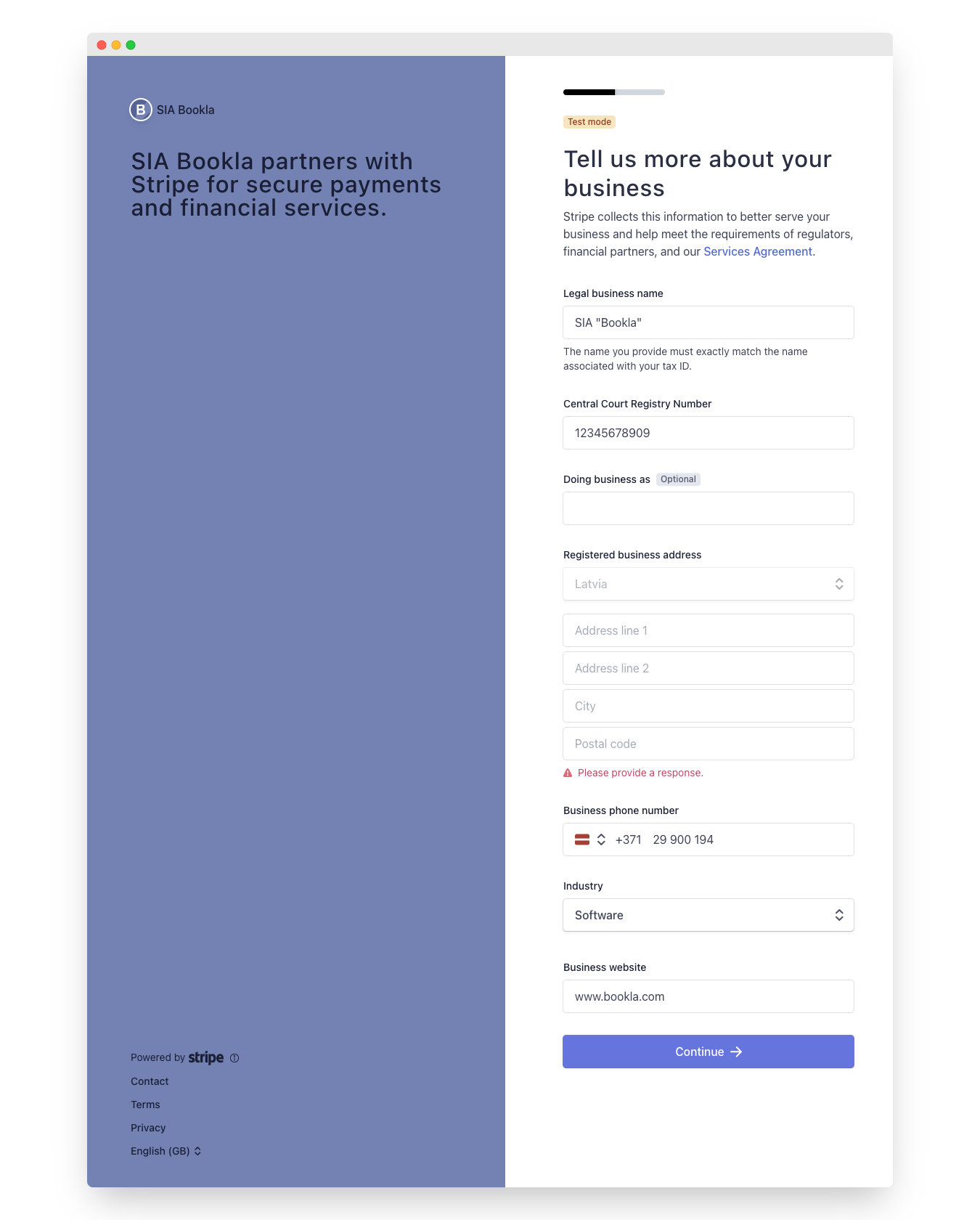
- Write information about your company:
- Legal business name
- Central Court Registry Number
- Doing business as (Optional)
- Registered business address
- Business phone number
- Industry
- Business website
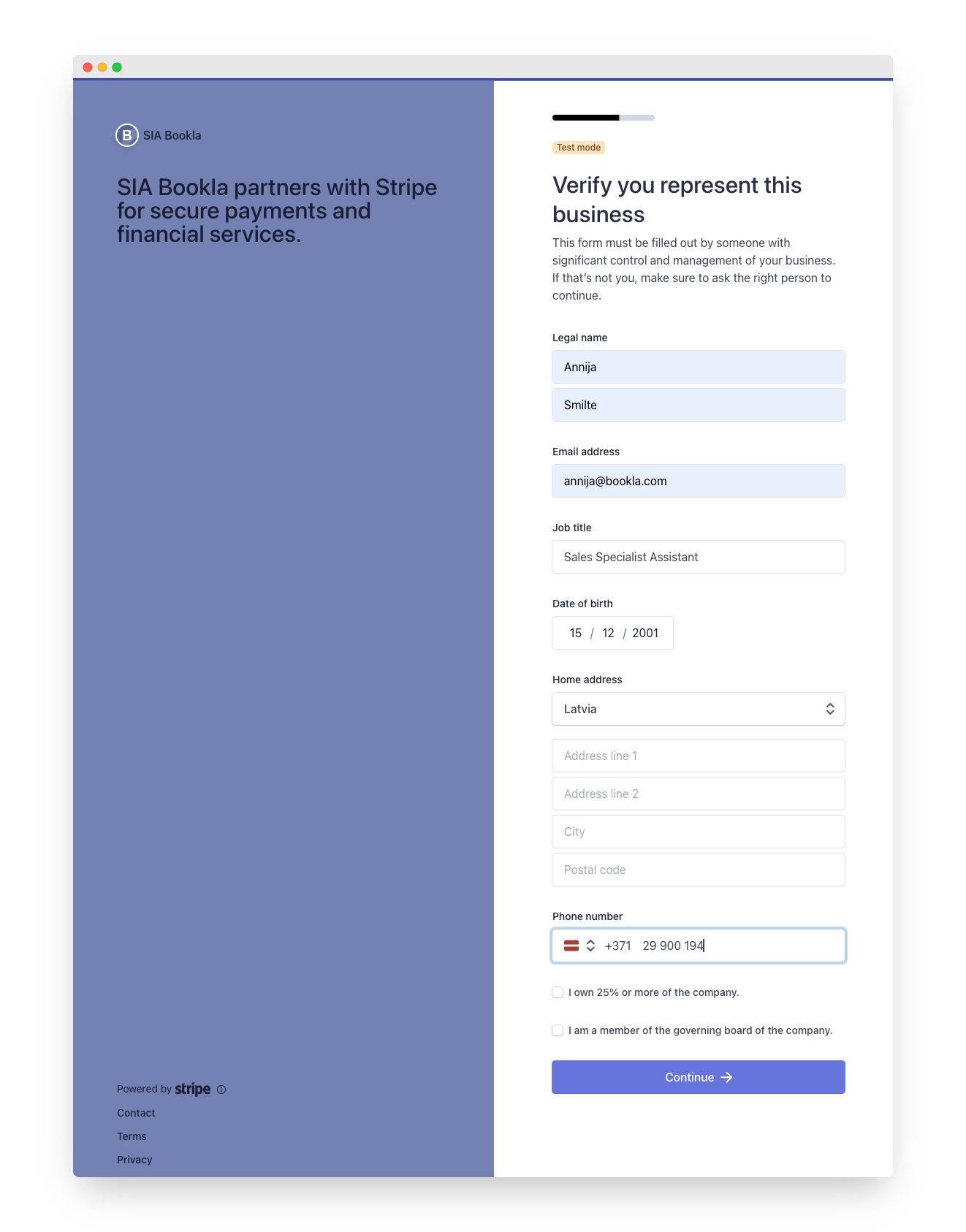
- Write information about representative person:
- Legal name
- Email address
- Job title
- Date of birth
- Home address
- Phone number
Check if you own 25% or more of the company.
Check if you are a member of the governing board of the company.
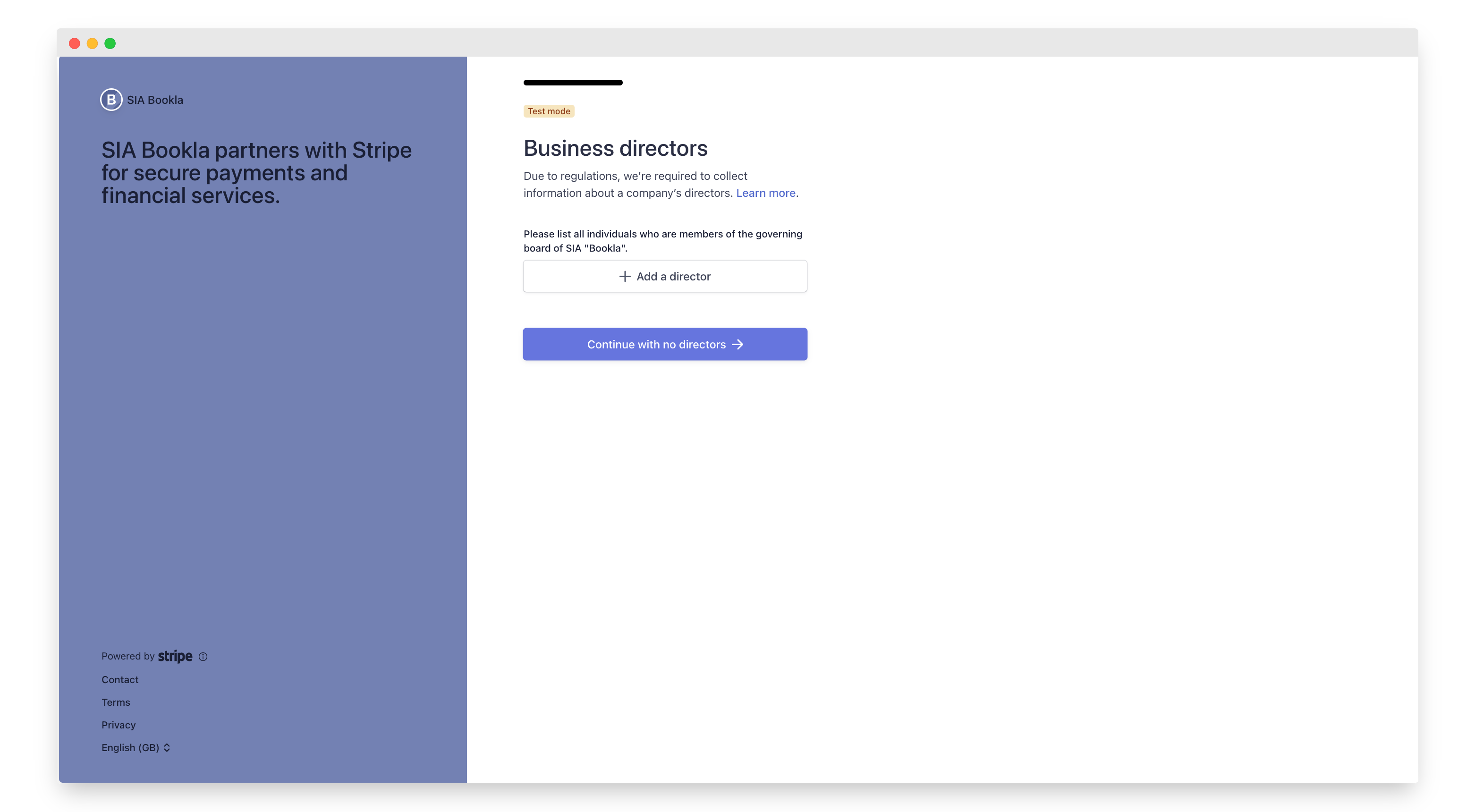
- Add a director or press button “Continue with no directors”.
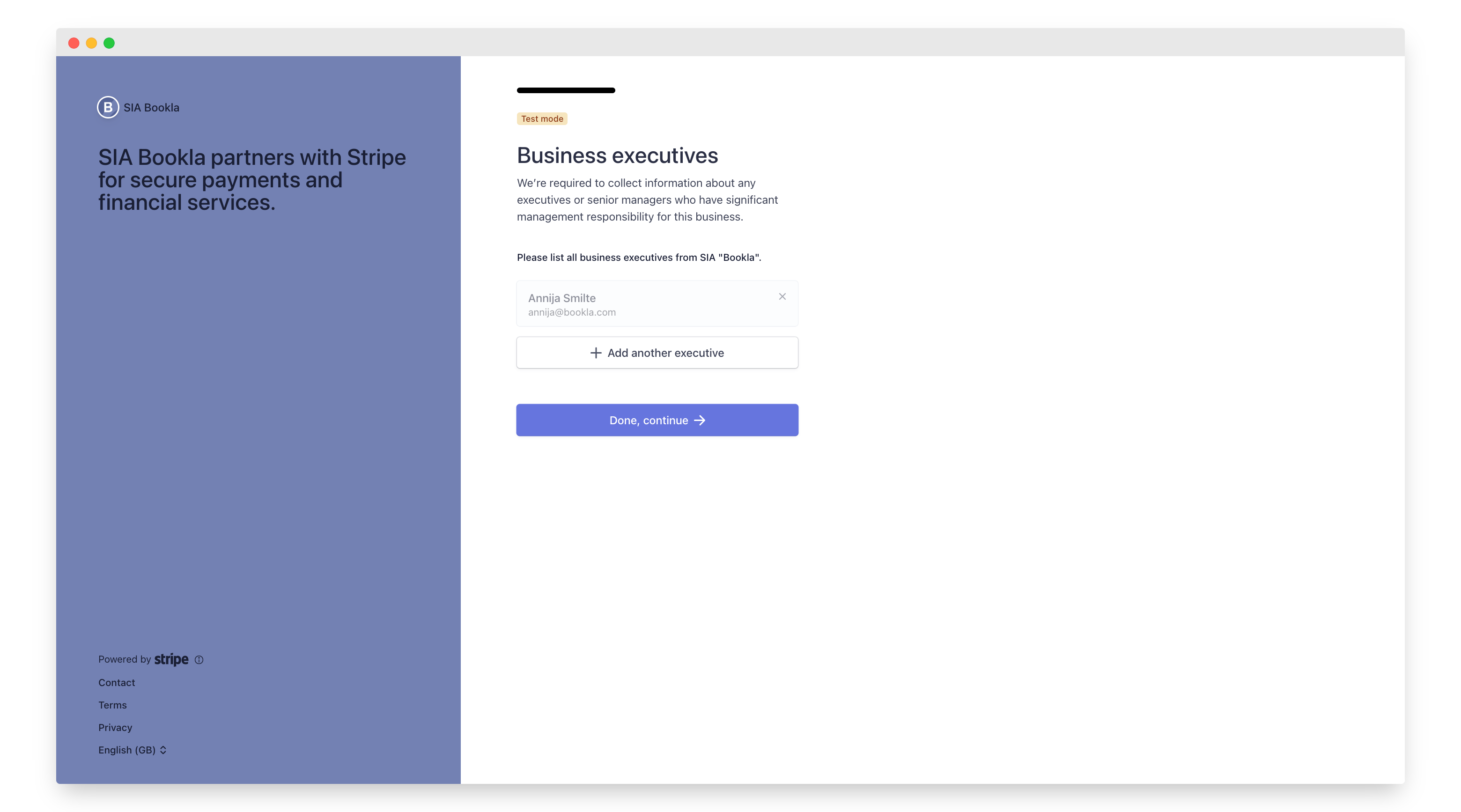
- Add Business executives or press the button “Done, continue”.
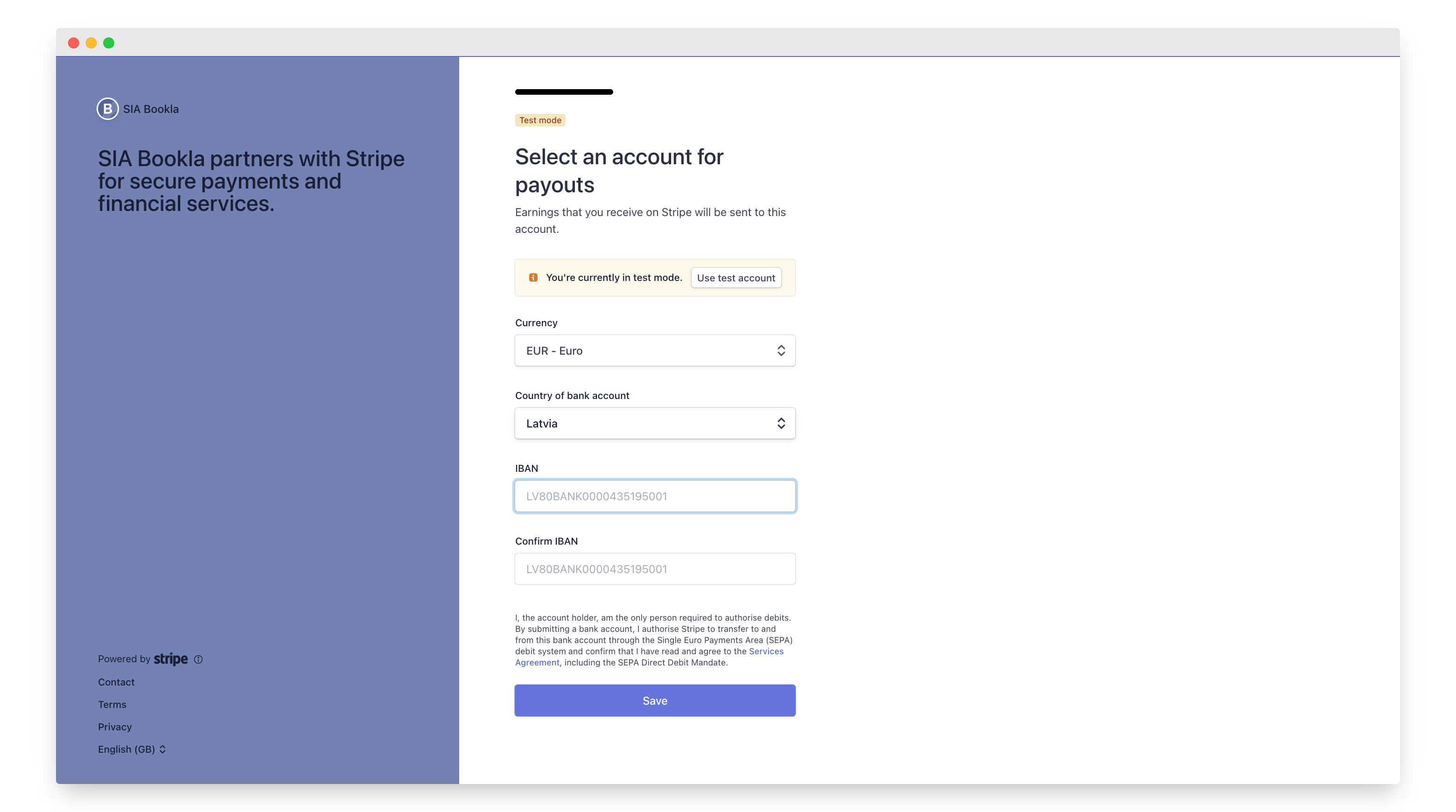
- Add bank account info:
- Currency
- Country of bank account
- IBAN
- Confirm IBAN
- Click the button “Save”.
- Review your details and click the button “Agree and submit”.
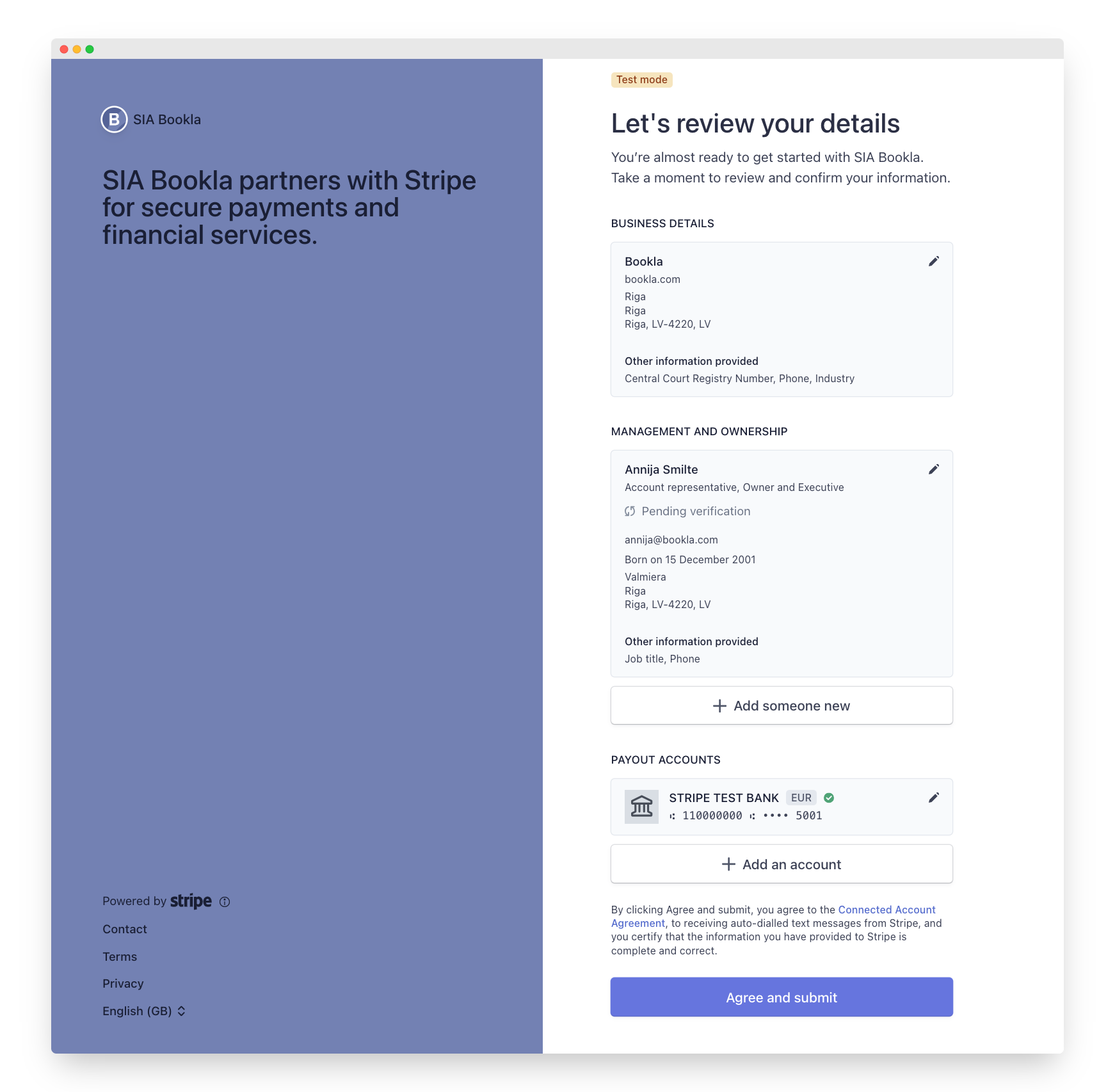
Your payments will be successfully added.