How to Delete a Calendar
In this guide, you will learn how to delete a calendar in Bookla.
How to Do It
-
Open the Bookla Portal.
-
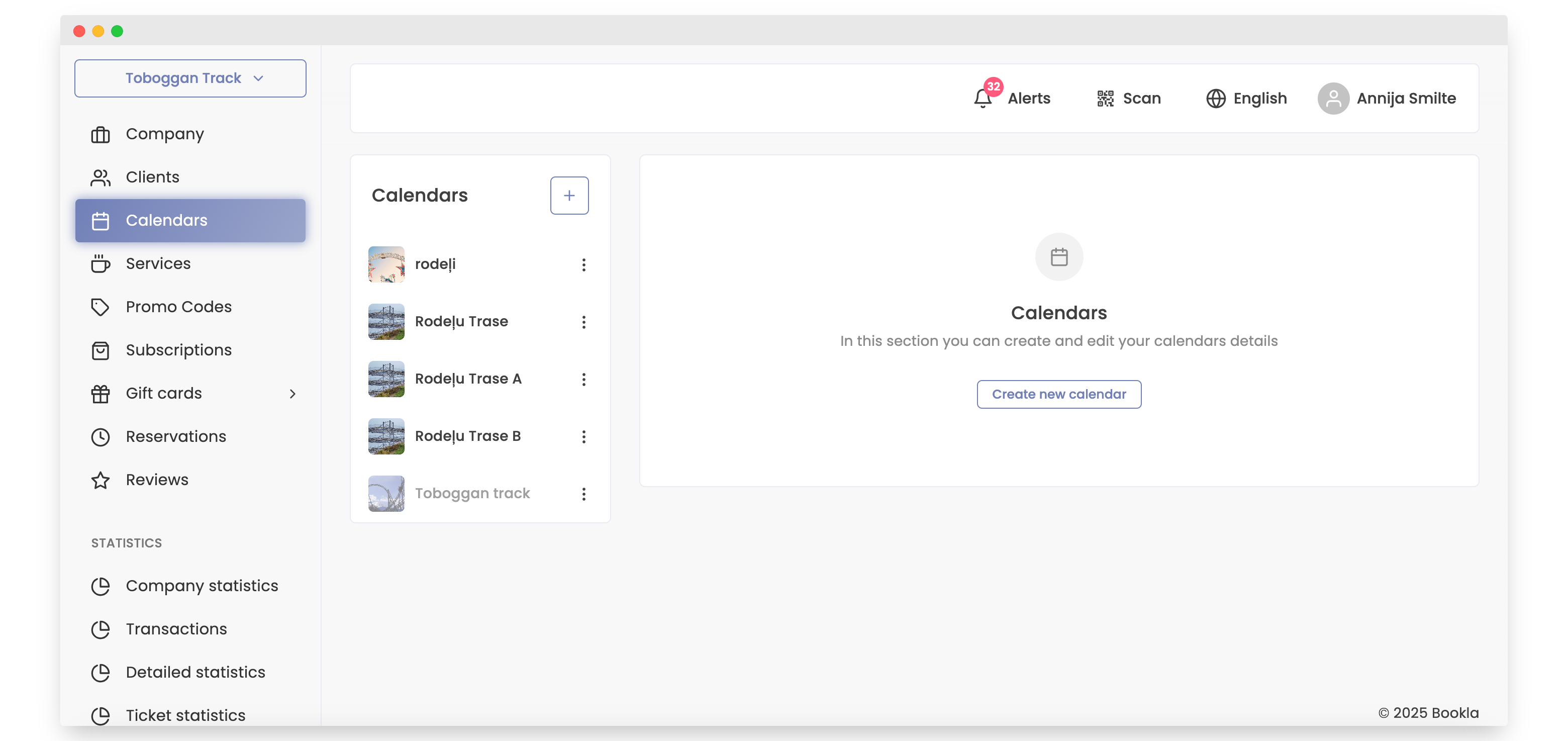
Navigate to the Calendars section.
-
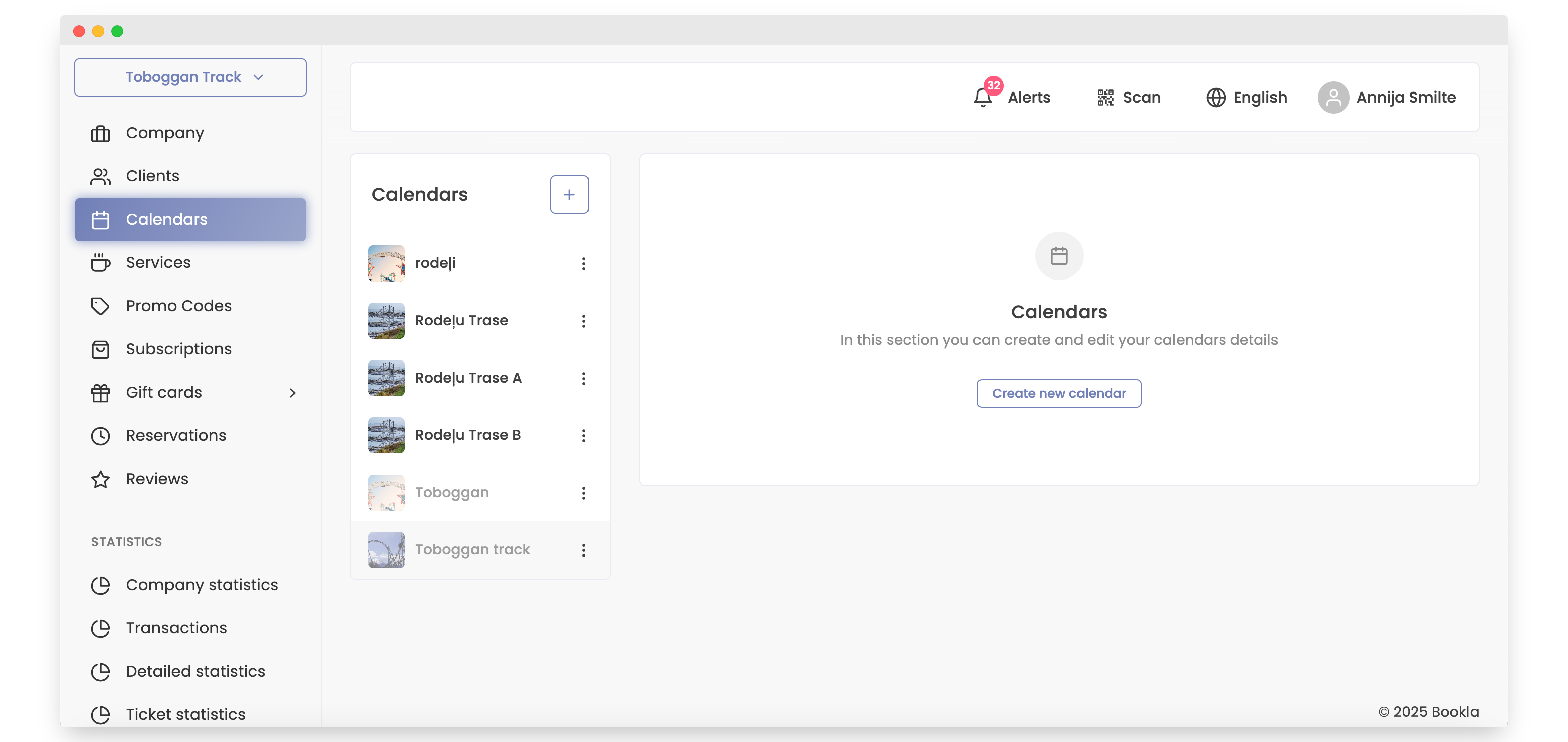
Click on the three dots next to the calendar you want to delete.
-
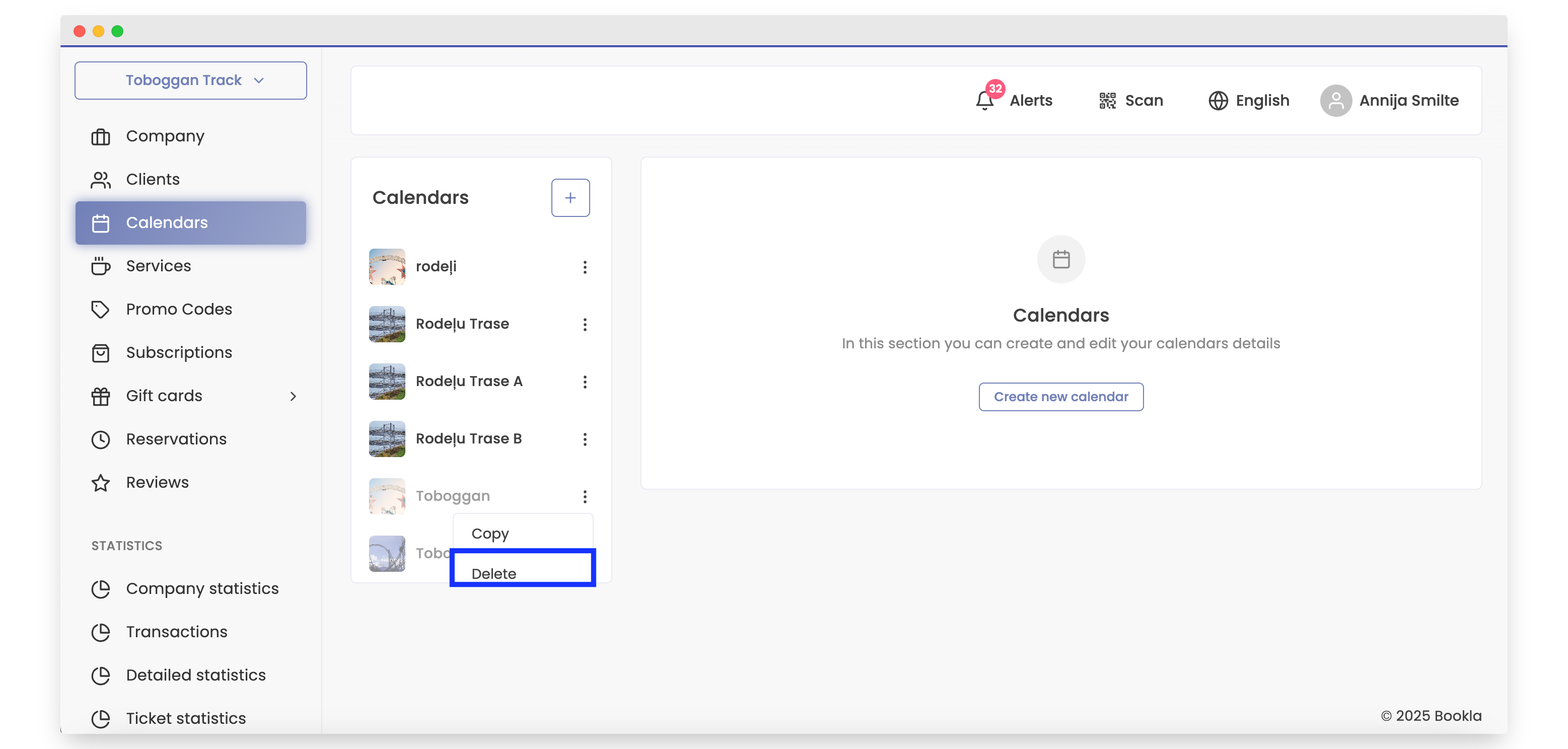
Click the "Delete" button.
-
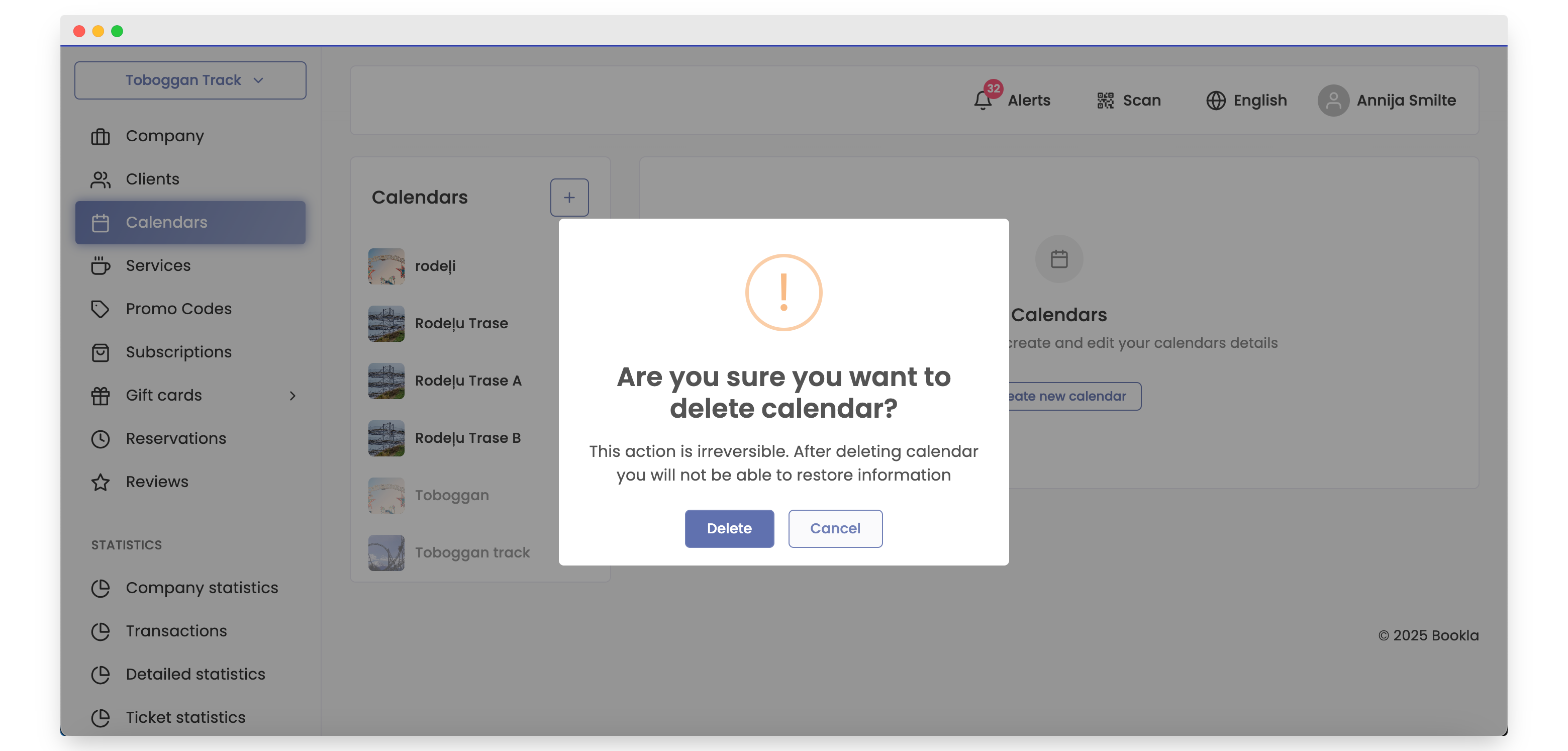
Confirm that you want to delete the calendar by clicking the "Delete" button.
-
The calendar is now deleted.