How to Download Invoices and Open Them in Google Drive
How to Download Invoices and Open Them in Google Drive
-
Open Bookla Portal.
-
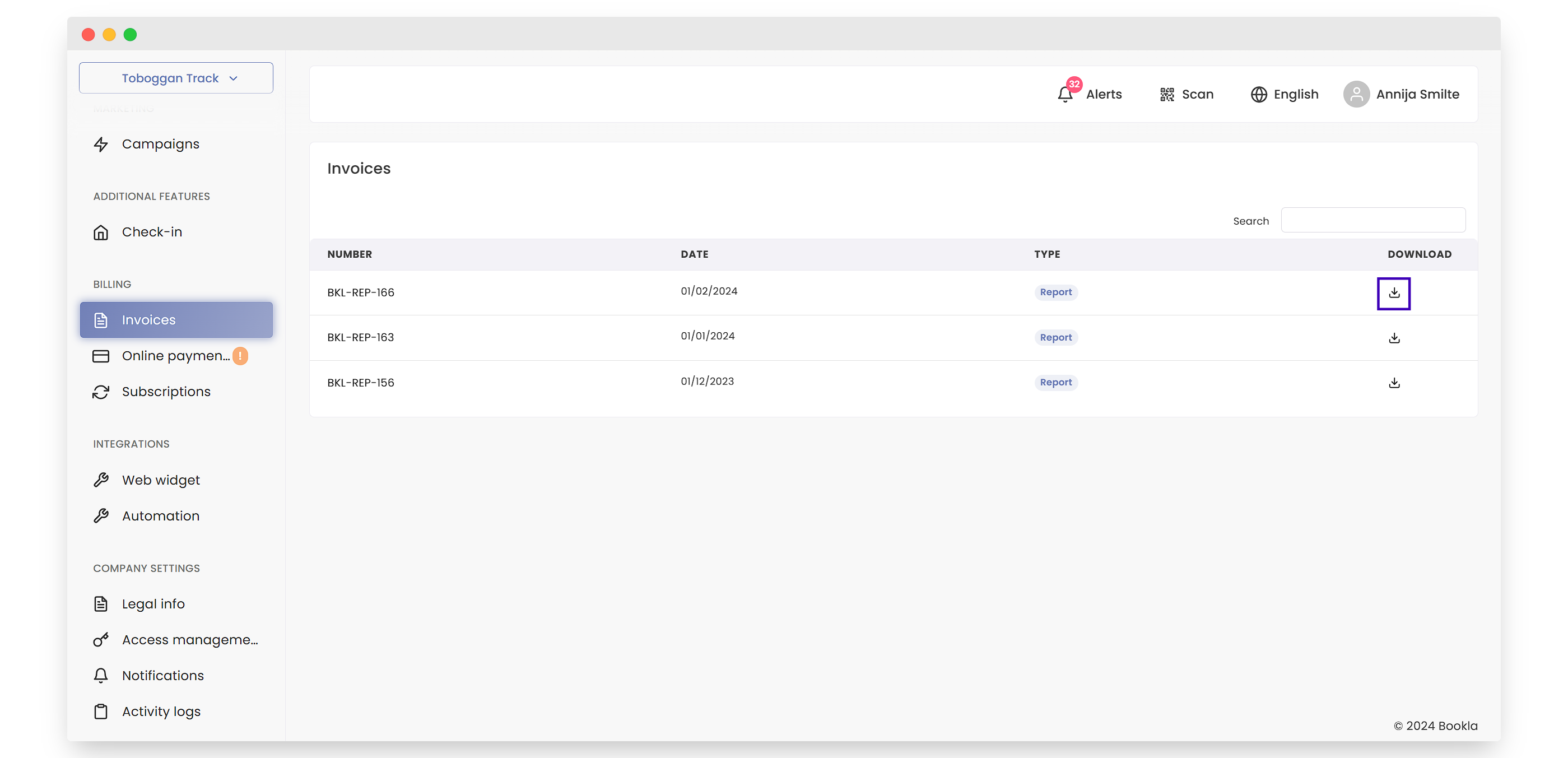
Go to the "Invoices" section.
-
Click the download button for the invoice you want to download.
-
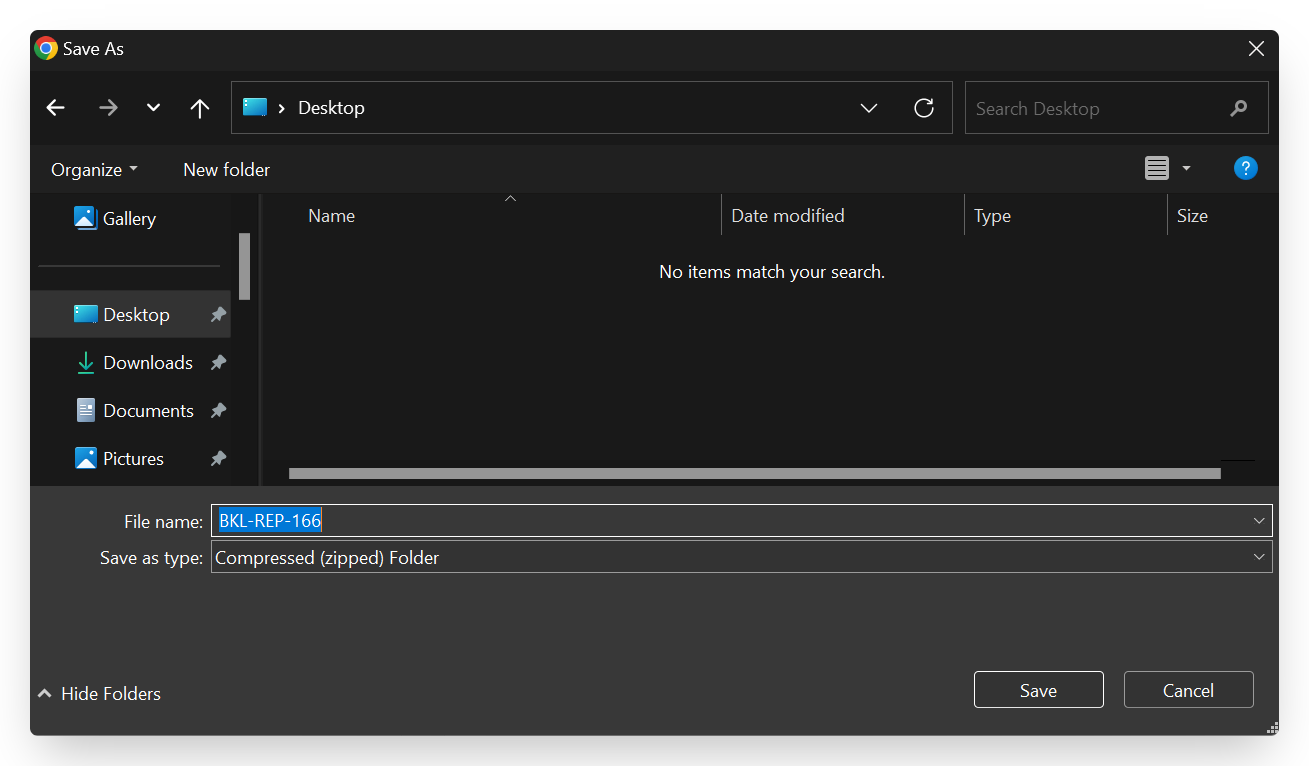
Save the invoice on your computer in the location you prefer.
-
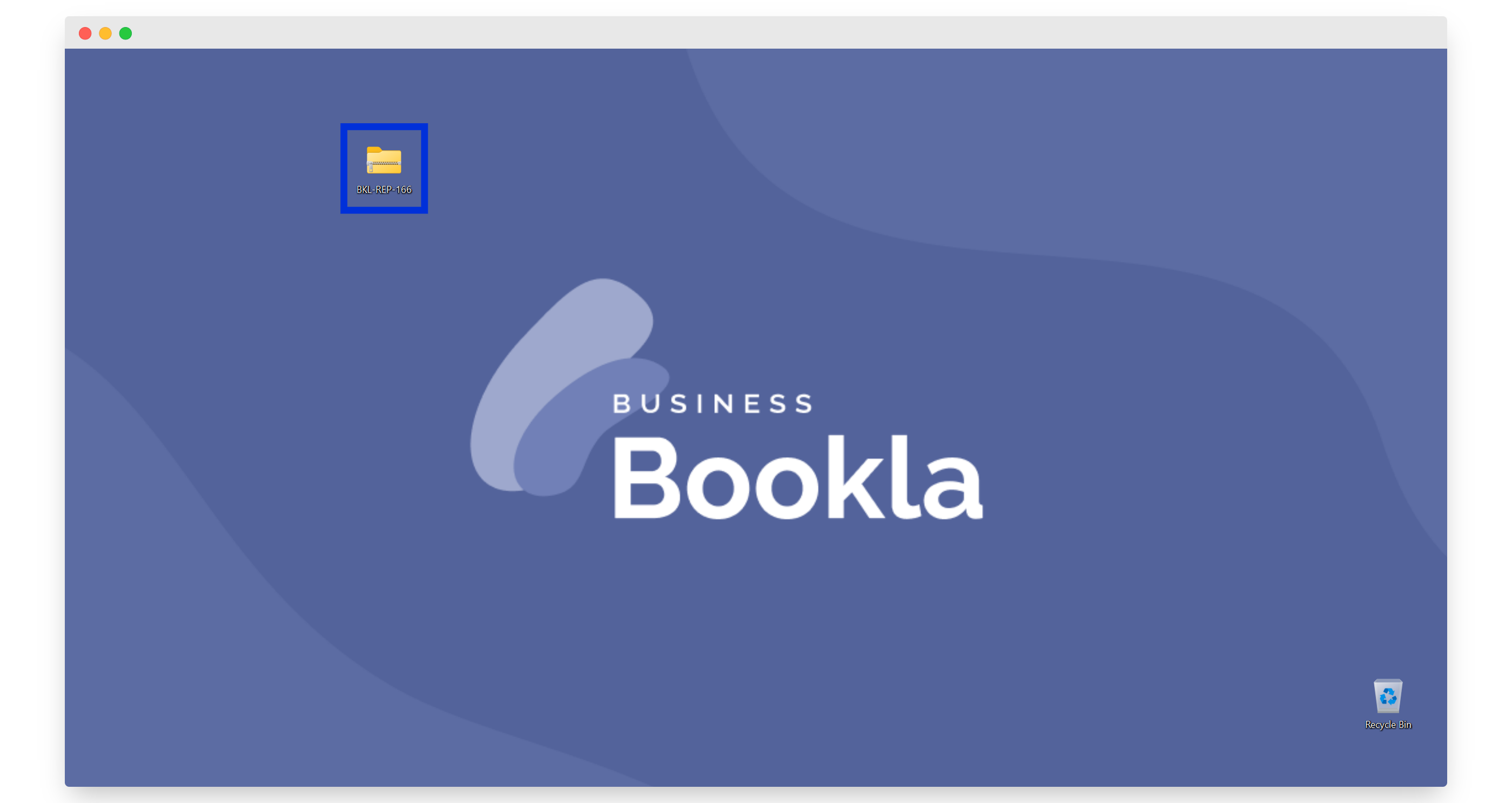
Here is the ZIP file that you need to unzip.
-
When you unzip the files, you will see all the contents.
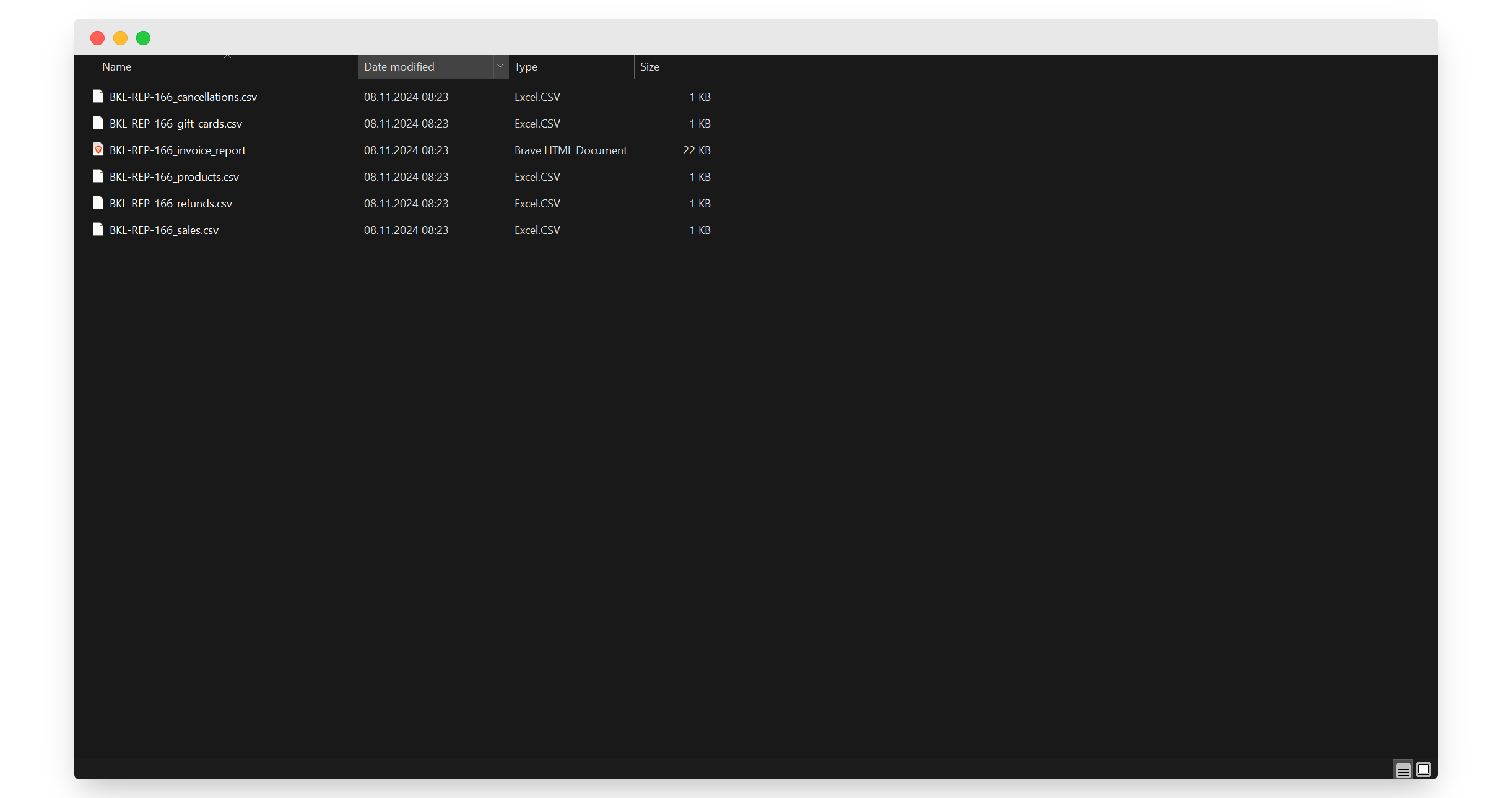
-
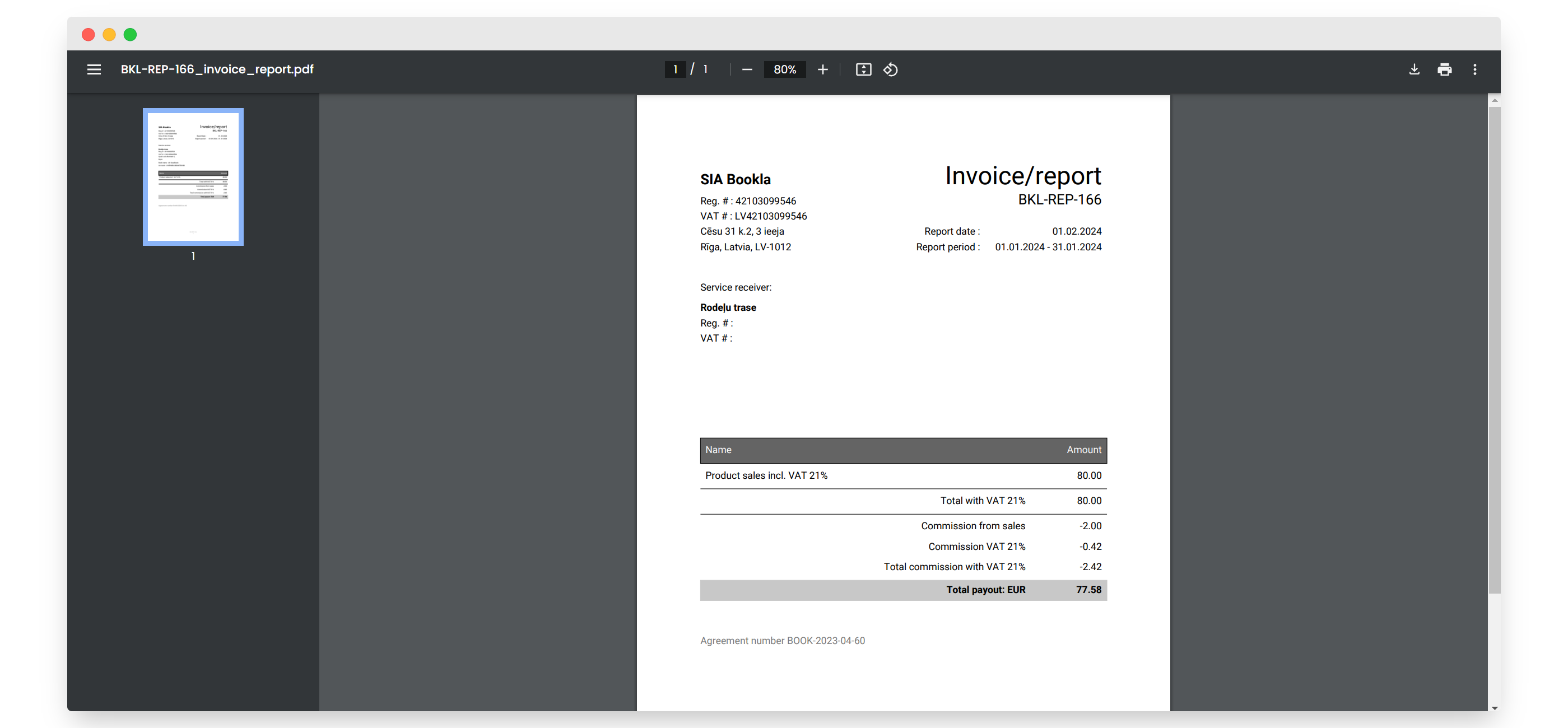
Click on the PDF file.
-
You will now see the invoice.
-
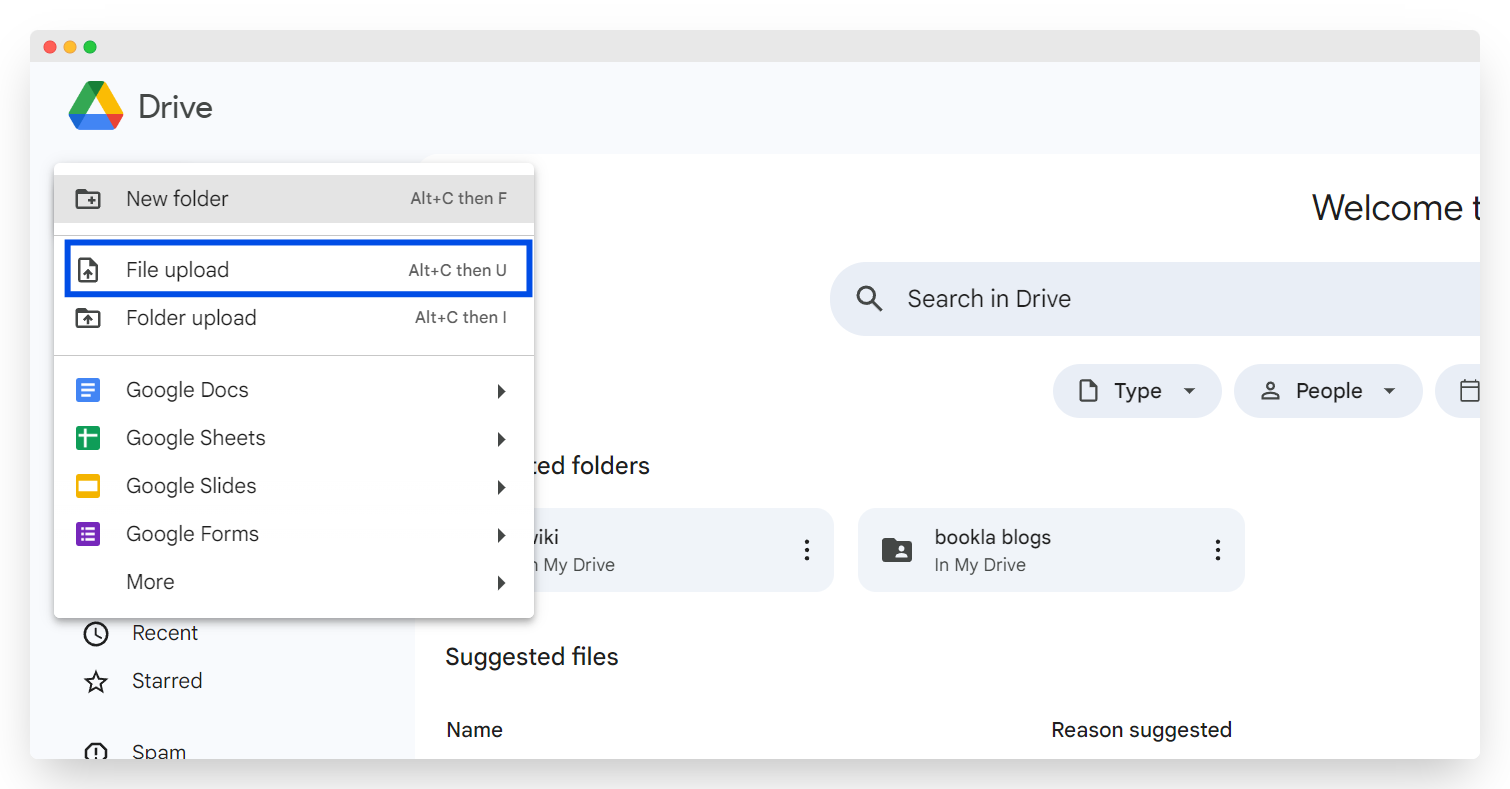
To upload the file to Google Drive, go to Google Drive.
-
Click the "File upload" button.
-
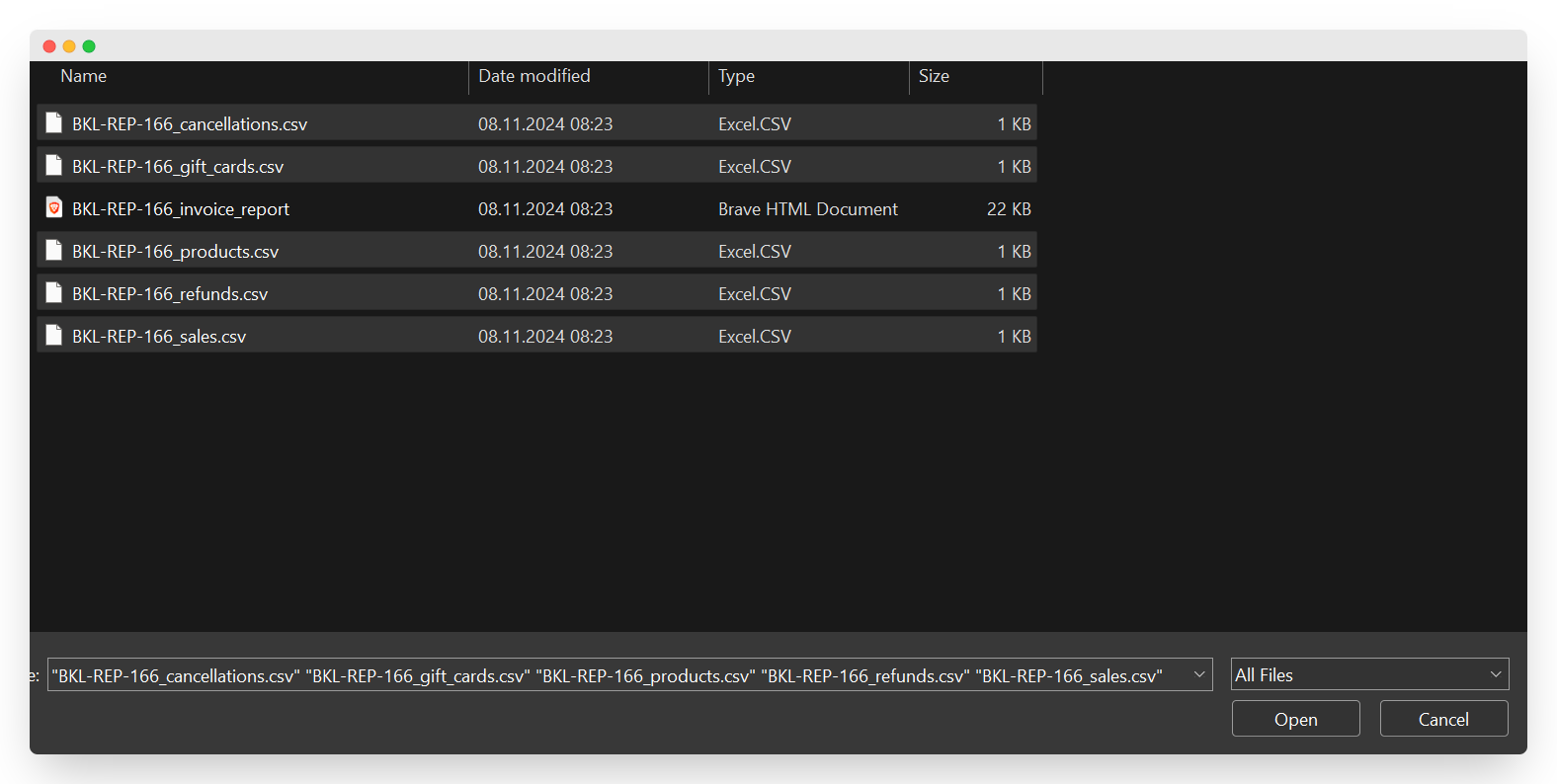
Select the CSV files you want to open.
-
Click "Open."
-
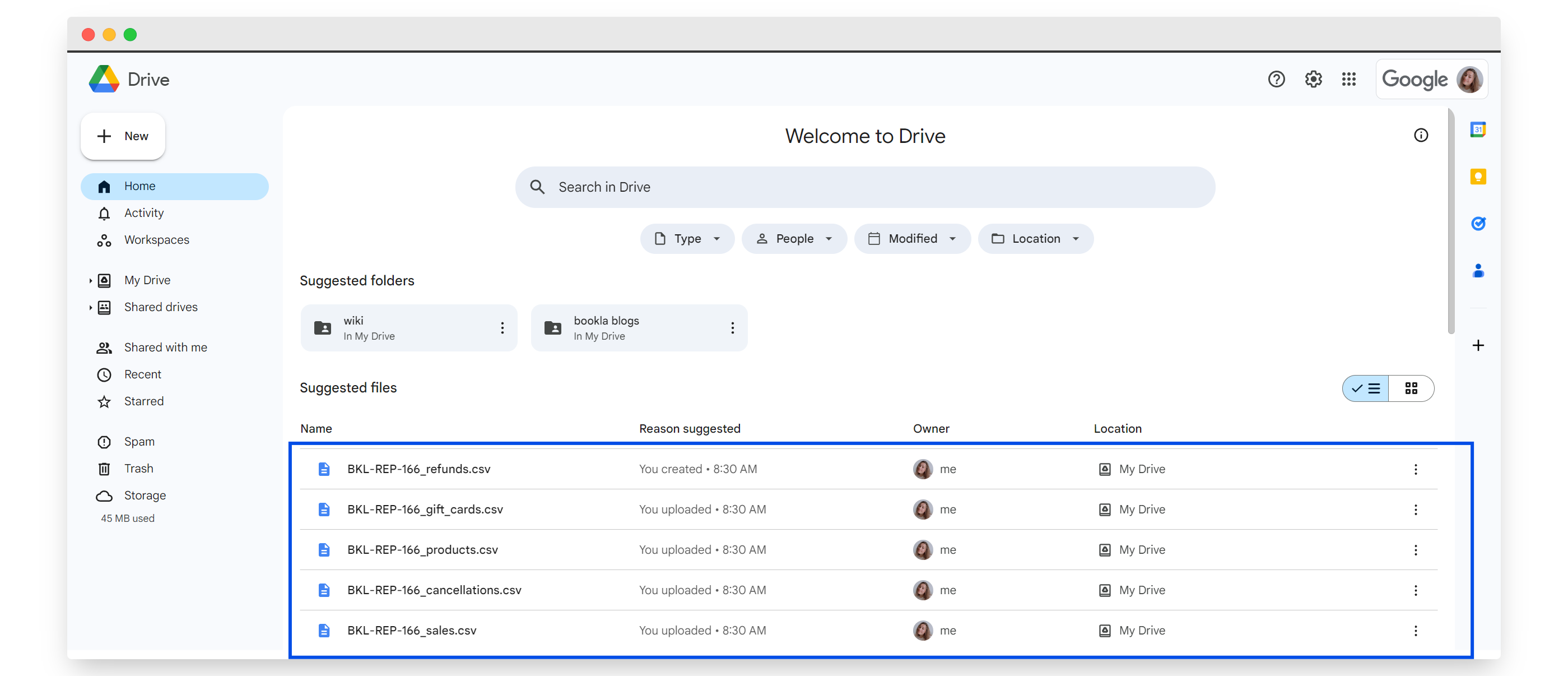
Here you will see the uploaded files.
-
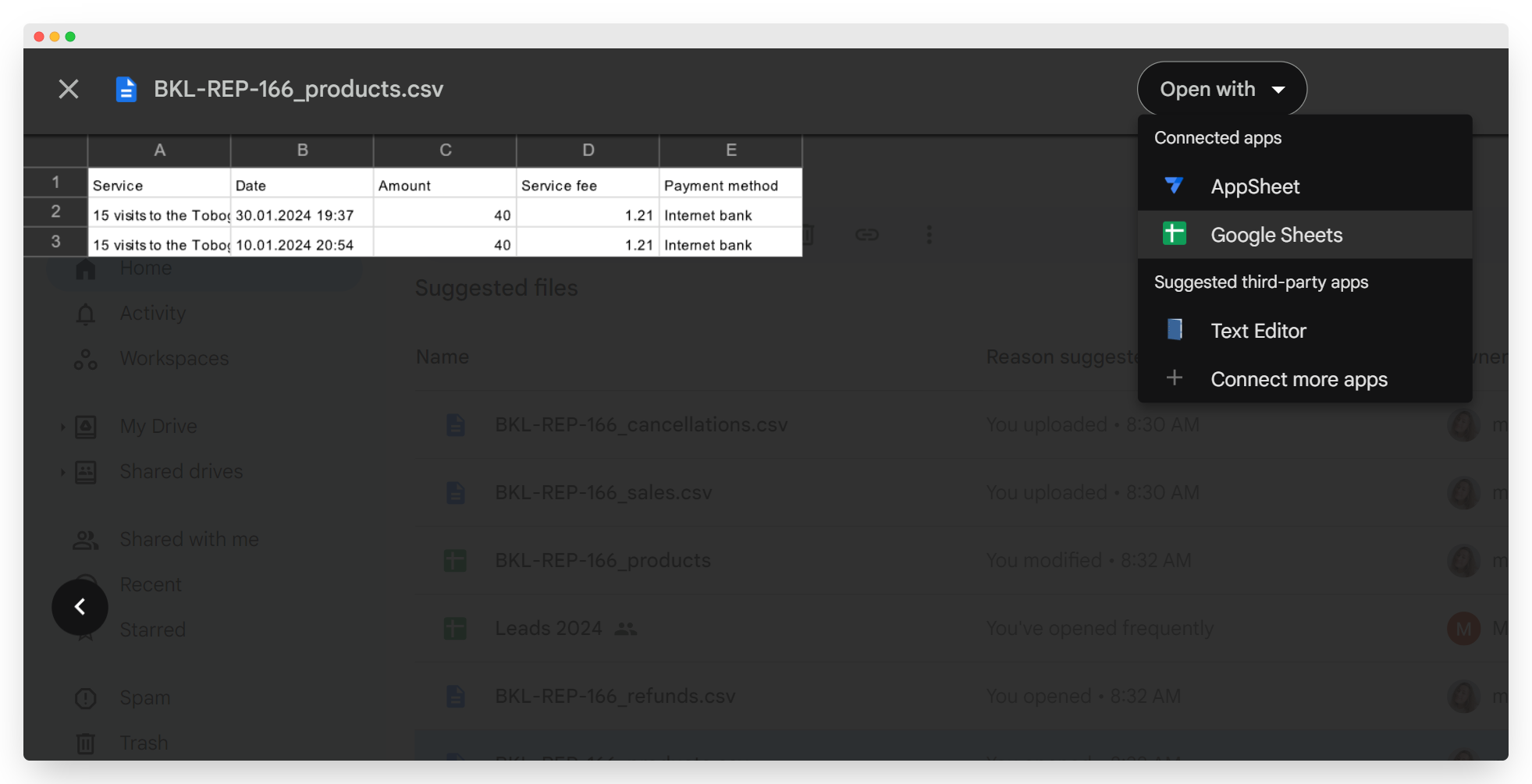
To open the files, click on the CSV file you want to open.
-
Click the "Open with" button.
-
Select Google Sheets.
-
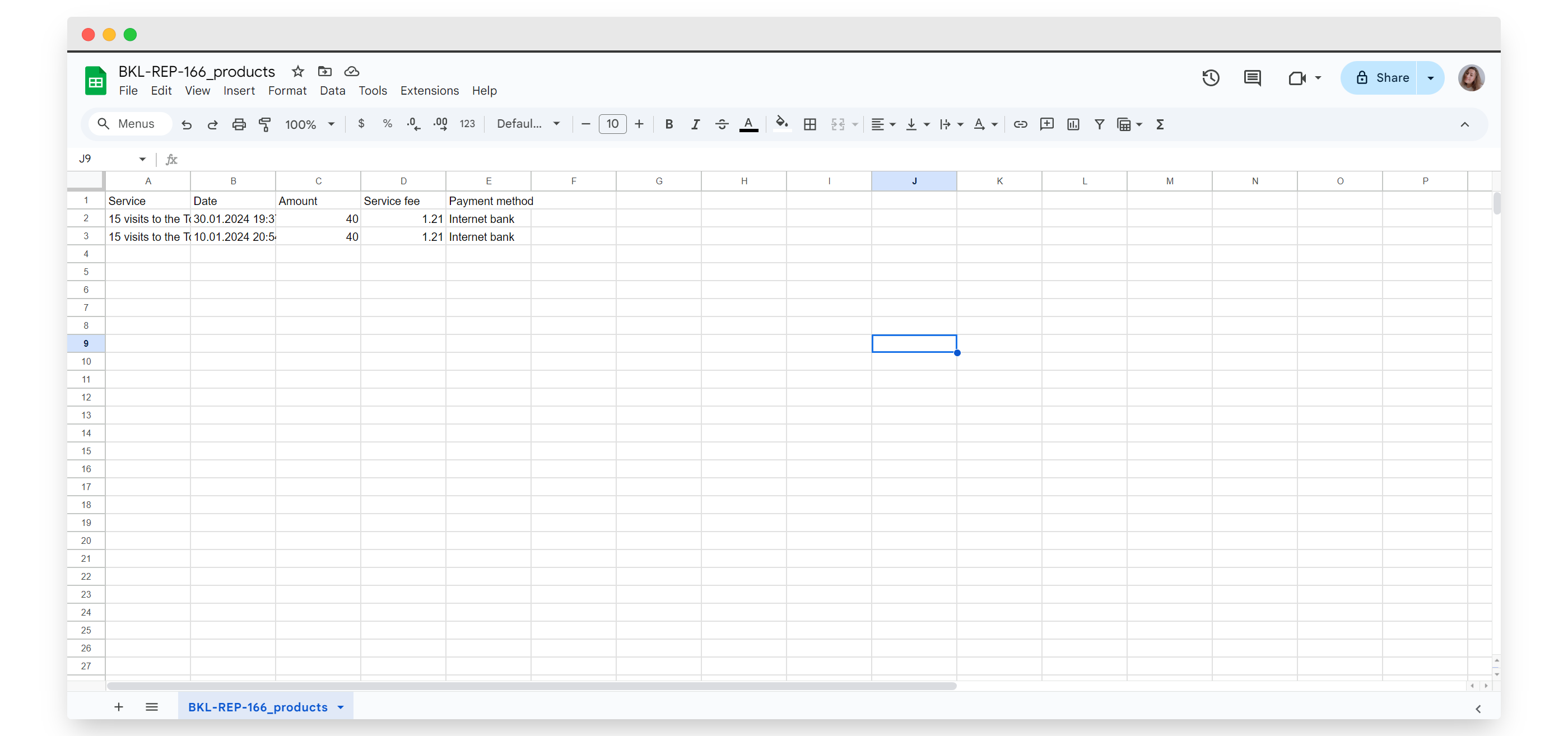
That's it! You have opened the files.